
You probably know the pattern already. A client says they sent the file. Your team can't find it. Someone uploaded the wrong version. A tax form arrives as a photo. An ID comes in by email, but the proof of address lands three days later through a shared drive link. Then someone asks, “Do we have everything yet?”
That mess is what many businesses call document collection. In practice, it's a fragile chain of inboxes, reminders, folder naming, and memory. It works until volume rises, staff changes, or the documents become sensitive enough that “please email it over” starts sounding risky.
A proper file request process fixes that. Not by adding one more upload button, but by turning a scattered task into a controlled workflow. Think less “attachment collector” and more “digital filing clerk” that asks for the right files, keeps them organized, limits access, and shows what's still missing.
Table of Contents
- The Hidden Costs of Chasing Documents
- What Is a Modern File Request System
- Key Benefits of an Automated Workflow
- Security and Compliance Essentials
- File Request Workflows in Action
- How to Implement a File Request System with Superdocu
The Hidden Costs of Chasing Documents
A small business owner often notices the problem in tiny moments. A receptionist forwards the same reminder twice. A manager opens five emails to piece together one application. A client asks whether their upload was received, and nobody can answer without checking three systems.
The hidden cost isn't just delay. It's the pileup of small admin tasks that steal attention from work that moves the business forward. Staff spend time sending nudges, renaming files, searching inboxes, checking whether a document is current, and asking for resubmissions because the first version was unreadable or incomplete.
That burden isn't imaginary. A survey highlighted that 81% of agencies reported the time and resources needed to complete records requests had increased in the past year, according to JustFOIA's review of rising records-request complexity. Even if your business doesn't handle public records, the same pattern feels familiar. As requests grow, informal methods break first.
Why email creates more work than it solves
Email feels easy because everyone already has it. That's exactly why it causes trouble. It wasn't designed to be a controlled intake system.
Common failure points show up fast:
- Files arrive out of order: one person sends ID today, proof of income tomorrow, and a signed form next week.
- Nothing is standardized: one client names a file clearly, another uploads “scan0001.pdf.”
- Status is unclear: your team doesn't know whether a case is complete, waiting, or abandoned.
- Sensitive documents spread: attachments get forwarded, downloaded, and copied into too many places.
Practical rule: If your team has to ask “Did we receive everything?” more than once per request, you don't have a collection process. You have a scavenger hunt.
The client feels the mess too
This isn't only an internal annoyance. Clients notice when they get repeated reminder emails, conflicting instructions, or requests to resend documents they already shared. It makes your business look improvised, even if your actual service is excellent.
A professional file request process changes that first impression. Instead of loose emails and folder links, the client gets one clear path: upload here, see what's required, submit, and move on.
What Is a Modern File Request System
A modern file request system is a secure intake process for collecting documents from other people. That can mean clients, job candidates, tenants, borrowers, vendors, or outside partners. The important part is that the request isn't just “send me a file.” It's a managed workflow with rules, visibility, and structure.
A digital front desk, not just an upload field
The easiest way to understand it is to picture a digital front desk with a smart filing clerk.
The front desk greets the person, tells them what to provide, and gives them a safe place to submit it. The filing clerk checks where each file belongs, keeps people from wandering into the wrong folders, and records what came in and when.
That's a very different experience from email or a plain shared folder.
Microsoft's file request feature in OneDrive and SharePoint shows one useful baseline. Recipients can upload files, but they can't view, edit, delete, or download the folder contents, and admins must explicitly enable the feature, as described in Microsoft's guide to creating a file request. That's good access control. But most businesses need more than a drop point.
They also need things like:
- Clear request templates for different use cases
- Branded request pages so clients trust what they're opening
- Automated reminders instead of manual follow-up emails
- Submission tracking so staff can see what's complete
- Validation workflows to review files before approval
- Organized storage tied to the right person, case, or transaction
A file request system should answer three questions without anyone searching their inbox: what was requested, what was received, and what is still missing?
Manual vs automated file requests
Here's the practical difference.
| Feature | Manual Process (Email & Folders) | Automated Platform (Superdocu) |
|---|---|---|
| Request setup | Team writes instructions manually each time | Reusable request templates |
| Client experience | Multiple emails, mixed instructions | One branded request flow |
| Follow-ups | Staff sends reminders by hand | Automated reminder schedules |
| File visibility | Status lives in inboxes and memory | Central dashboard shows submissions |
| Organization | Naming depends on sender habits | Files are sorted into a structured workflow |
| Access control | Forwarded attachments can spread | Upload access is scoped to the request |
| Review process | Staff checks files one by one in scattered places | Validation happens in one place |
A basic upload feature solves one problem. A modern file request system solves the whole process around it. That's the gap many businesses miss when they compare tools.
Key Benefits of an Automated Workflow
The biggest change isn't technical. It's operational. When file collection becomes automated, your team stops acting like a reminder service and starts acting like a review team.

If you've ever mapped the steps between “we need documents” and “the case is complete,” you've already seen that file collection is part of a larger process. This is why understanding what a workflow is in document operations matters. The upload itself is only one step. The core value comes from what happens before and after it.
Less chasing, more doing
Admin time disappears in fragments. One reminder here. One missing attachment there. One resubmission because the file was blurry. Automated workflows reduce those interruptions by standardizing the request and handling routine follow-ups automatically.
That changes the daily rhythm of the team. Instead of asking people to remember who needs what, the system handles the repetitive parts and leaves humans to review exceptions, answer real questions, and make decisions.
A few practical gains stand out:
- Fewer manual reminders: the system nudges people based on schedule, not memory.
- Cleaner intake: requesters see exactly which files are needed.
- Less sorting: uploads land in the right context instead of a general inbox.
- Better handoffs: staff can pick up a case without reconstructing history from email threads.
A smoother client experience
Clients don't enjoy document collection either. They want simple instructions, a trusted upload path, and confidence that the file arrived.
A polished file request flow gives them that. One request link feels calmer than a chain of emails. A branded portal looks more credible than an attachment sent to a generic mailbox. Clear required items reduce hesitation and back-and-forth.
When clients know exactly where to upload and what's still needed, they stop asking for clarification and start completing the task.
Better security and cleaner organization
Automation also improves discipline. Files aren't scattered across personal inboxes, desktop downloads, and ad hoc folders. They enter through a controlled path and stay connected to the right case or contact.
That creates a much cleaner record of who sent what, when it arrived, and whether it was reviewed. For small businesses, that can be the difference between “I think we have it” and “Yes, it's in the system.”
Security and Compliance Essentials
Many tools say they're secure. That word is too broad to be useful. In a file request workflow, security means specific controls that protect documents during submission, review, and storage.

For businesses handling employee records, legal files, financial statements, or identity documents, “secure enough” usually fails under pressure. The safer approach is to define what secure collection requires, then choose a system that supports it. A useful reference point is this overview of secure file sharing solutions for business documents.
What secure collection actually means
Start with access. The person uploading should only be able to submit what you asked for. They shouldn't be able to browse other files, see internal notes, or enter a shared repository.
Then look at control and traceability:
- Scoped access: each request link should expose only the upload task, not broader folder contents.
- Audit trails: your team should be able to see who submitted, opened, reviewed, or changed the status of a file.
- Role-based permissions: HR staff, legal reviewers, and operations teams shouldn't all have the same visibility.
- Retention discipline: files should stay available as long as needed and be managed according to policy, not personal habits.
- Data location and privacy controls: if your business has regional obligations, hosting and handling choices matter.
A lot of confusion comes from treating all uploads as equivalent. They aren't. Sending a marketing asset is one thing. Collecting identity records or legal evidence is something else entirely.
Compliance note: The more sensitive the document, the less acceptable it is to rely on inbox forwarding, desktop downloads, and manual folder management.
Why regulated industries need more than uploads
Generic tools often fall short. In regulated work, the challenge isn't only receiving a file. It's preserving the right format, context, and metadata.
The U.S. Federal Trade Commission's model second request shows how precise that can become. It specifies that certain electronically stored information must be produced in native formats such as Excel, Access, and PowerPoint, with extracted metadata and TIFF placeholders in some cases, while emails are produced in TIFF with extracted text and associated metadata, according to the FTC model second request PDF. That's a strong reminder that a professional file request is really a structured ingestion pipeline.
For a small business, you may never need that exact production standard. But the lesson still applies. If your team handles contracts, personnel records, due diligence files, case evidence, or regulated disclosures, the workflow must preserve integrity and reviewability. A random upload box can't guarantee that.
Large files create another practical problem
There's also a technical issue many business articles ignore. Large files don't always move cleanly in one go. Interrupted transfers, weak connections, and browser behavior can all affect the handoff.
Modern web systems can support partial and resumable transfer behavior through HTTP byte-range handling such as Range, Accept-Ranges, Content-Range, and 206 Partial Content, as explained in this guide to HTTP range requests. You don't need to memorize the protocol. You do need to understand the business meaning: serious file request systems should handle real-world transfer conditions better than a simple form attached to a web page.
File Request Workflows in Action
The easiest way to judge a file request system is to stop thinking about software and start thinking about jobs. What document package do you collect repeatedly? What usually goes missing? Where does the delay start?
HR and staffing
A new employee accepts an offer. Your team needs signed documents, proof of identity, banking details, certifications, and policy acknowledgments. In a manual process, those items often arrive through separate channels and over several days.
With a file request workflow, HR sends one link tied to the employee's onboarding packet. The new hire uploads each item into the same request, HR reviews what's complete, and missing items trigger reminders without someone writing another email.
That matters because onboarding is often the first operational experience an employee has with your company. If the process feels confused, trust drops early.
A staffing agency can use the same model for candidates. One request for right-to-work documents. Another for role-specific certifications. Another later for contract renewals. The workflow stays consistent even when the people change.
Legal and compliance-heavy work
Law firms and compliance teams don't just need documents. They need clean intake and clear boundaries.
A legal intake request might ask a client for correspondence, signed agreements, identity records, and supporting files for a dispute. The client doesn't need access to internal matter folders. They only need a controlled place to submit what the firm requested.
That distinction is important. In sensitive work, file collection is part of chain-of-custody discipline. The cleaner the intake process, the easier later review becomes.
A good legal file request process reduces two risks at once: missing documents and overexposed documents.
Immigration practices, employment counsel, and corporate legal departments all face versions of this problem. The details differ, but the need is the same. Gather sensitive files from outside parties without turning every matter into a custom email thread.
Real estate and finance
Real estate teams often collect the same groups of documents repeatedly: ID, proof of income, references, property records, insurance files, and signed disclosures. The challenge is timing. Tenants, buyers, and sellers rarely send everything together.
A file request workflow gives each transaction a single collection point. Staff can check one dashboard instead of several inboxes. Applicants can see what's still outstanding. Reviewers don't need to guess whether the file is complete enough to move forward.
Finance teams and mortgage brokers face an even stricter version of this. Bank statements, pay stubs, tax documents, and supporting letters must be gathered, reviewed, and kept organized under one client record. A structured request cuts confusion before it reaches underwriting or compliance review.
In every one of these examples, the pattern is the same. The software matters, but the main win comes from replacing scattered intake with a repeatable business process.
How to Implement a File Request System with Superdocu
The most practical way to implement a file request system is to start with one repetitive process. Don't begin with every document flow in the company. Start where the pain is obvious and the document list is stable.
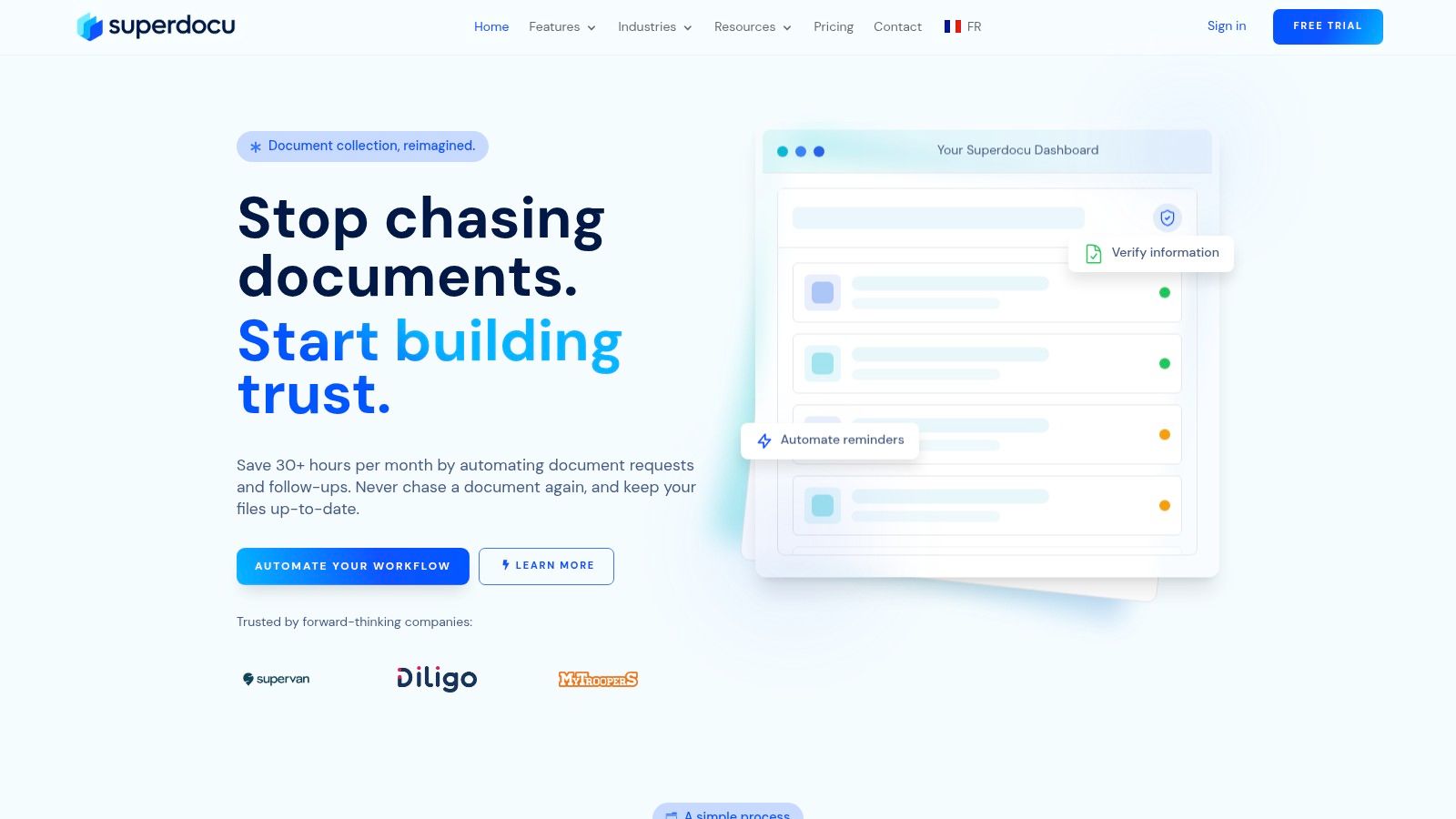
One option is Superdocu's guide to automated document request tools, which reflects the kind of workflow-based setup many small and medium-sized businesses need.
Start small and standardize fast
A good rollout usually follows a simple path:
- Pick one use case: employee onboarding, tenant applications, client intake, or loan documents are common starting points.
- List the exact files required: remove vague instructions like “send supporting documents.”
- Build a request template: define the request once so staff aren't rewriting it every time.
- Brand the request page and emails: this helps recipients trust the link and recognize the process.
- Set reminders and review rules: decide when nudges go out and who checks submissions.
This approach works because it replaces improvisation with a standard. Even a small team benefits when the same request is sent the same way every time.
Connect collection to the rest of the process
File collection shouldn't end at upload. In most businesses, the next step is review, approval, signature, or transfer to another system.
That's why integrations matter. A platform may connect to other tools through Zapier or include eSignature steps through DocuSign, so the workflow doesn't stop once the files arrive. Instead of collecting documents in one tool and manually restarting the process somewhere else, you connect the steps.
A final implementation check helps avoid disappointment:
- Ask who owns each request type: someone should maintain the template.
- Decide what “complete” means: don't leave review standards to interpretation.
- Limit access by role: only the right team should see sensitive files.
- Review reminder timing: too many reminders feel pushy, too few create drift.
- Test the process yourself: upload as if you were the client and note every confusion point.
Most businesses don't need a giant transformation project. They need one reliable intake process, then another, then another.
If your team is still collecting important documents through scattered email threads, Superdocu is one way to turn that into a structured file request workflow with branded portals, automated reminders, validation dashboards, and integrations for broader document handling. It's a practical next step when basic upload links no longer match the security, compliance, and organization your business needs.