
Let's be honest, chasing down documents from clients and partners is a huge pain. It's more than just a minor annoyance; it’s a genuine business bottleneck that kills productivity. Firing off a quick email to request files rarely cuts it and often leads to missed deadlines, the wrong document versions, and even security headaches.
Why Your File Request Process Is Probably Broken

If your team is wasting hours sending "just checking in" emails for documents you needed yesterday, you're in good company. So many businesses are stuck in a manual, unstructured loop for collecting files, which creates a frustrating experience for everyone involved. That constant back-and-forth drains your team’s energy and puts critical projects on hold.
The problem usually starts with a simple lack of clarity. A vague request almost guarantees you’ll get the wrong thing back. You end up with incorrect file formats, documents named final_draft_v2_final.docx, or missing information altogether. And just like that, the chase begins all over again.
Common Headaches in File Collection
A clunky system creates the same predictable problems, and they add up quickly. These aren't just minor time-wasters; they can seriously drag down your operations. The most common issues I see are:
- Security Risks: Relying on standard email for sensitive information is like sending a postcard. It exposes your business and your clients to risks you just don't need to take.
- Version Chaos: Trying to find the latest file in a long email chain is a recipe for disaster. It’s far too easy to work off an outdated document, leading to expensive mistakes.
- Bad Client Experience: A confusing, repetitive process makes your business look disorganized. It’s a surefire way to frustrate the very people you’re trying to serve.
A smooth file request workflow isn't a "nice-to-have"—it's essential for keeping projects moving forward. The key is to define exactly what you need upfront, from required file types to specific naming conventions. That's how you get the right files the first time.
Building a Branded and Secure Submission Portal
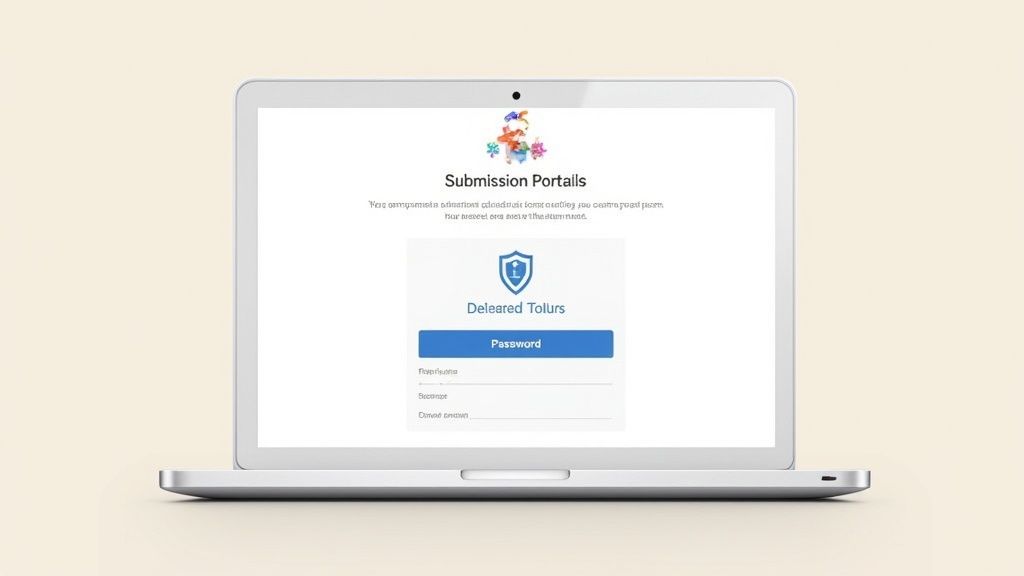
Think about it: when you send a generic, unbranded upload link, what does that say to your client? It's a missed opportunity. A professional, branded submission portal, on the other hand, immediately tells them you take their data seriously. It’s the difference between asking someone to slide a sensitive document under a random door versus welcoming them into a secure, professional office.
Start by adding your logo, company colors, and branding. This consistency reassures clients they’re in the right place and makes the whole experience feel seamless and trustworthy from the moment they click.
Prioritizing Security and Compliance
While branding builds trust, security is what maintains it. Your portal has to be a fortress for sensitive information. This is where a dedicated platform is worth its weight in gold, because it handles all the technical heavy lifting for you.
When you're evaluating options, make sure it has these core security features:
- End-to-end encryption to protect files while they're being uploaded and once they're stored.
- Password-protected links so only the right person can even see the upload page.
- Access controls that let you decide which team members can view submitted documents.
For industries like legal or immigration services, this isn't just a nice-to-have; it's a must. The green card application process, for instance, involves a mountain of personal data. With USCIS receiving over 473,000 adjustment of status applications in fiscal year 2024 and a 9% denial rate, getting the right documents securely is absolutely critical.
Pro-Tip: Set clear submission guidelines directly on the portal page. Specifying required file types (like PDF only) or naming conventions heads off a lot of user error and shows you're committed to an organized, secure process.
The good news is that building this doesn't require a team of developers. A good secure document intake platform gives you all the tools to create a branded, compliant, and user-friendly portal. It's an approach that not only protects client data but also makes your brand look more professional and reliable.
Getting Your Message Right the First Time
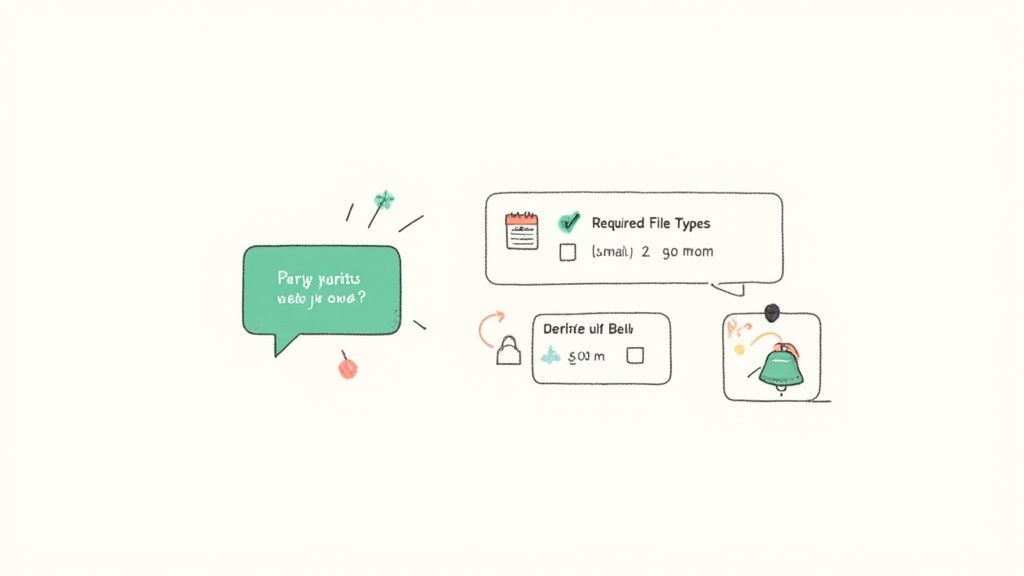
You can have the most sophisticated file collection system in the world, but it won't matter if your request is confusing. When you're asking someone for documents, clear communication is everything. Ambiguity is the enemy—it leads to endless back-and-forth emails, the wrong files being uploaded, and frustrating delays that stall your entire project.
The secret is to leave zero room for interpretation. Don't just ask for "financials." Get specific.
- Be explicit: List every single document you need by name.
- Define the format: Specify if you need a PDF, PNG, or CSV file.
- Provide a naming convention: Suggest a simple format like
ClientName_Invoice_May2024.pdfto keep everything organized on your end.
This simple bit of prep work on your end saves everyone a massive headache down the line.
Use Smart Reminders to Keep Things Moving
Once you've sent the initial request, let automation do the heavy lifting. A well-timed, automated reminder is the perfect way to nudge people without you having to manually chase them down. It’s a gentle push that keeps deadlines from slipping through the cracks.
This is non-negotiable for any time-sensitive process. Take the U.S. EB-5 Immigrant Investor program, which saw a staggering 9,878 petitions filed between April 2022 and January 2025. In a high-stakes scenario like that, where one missing document can derail an entire application, crystal-clear instructions and automated follow-ups are absolutely essential. You can dig into more on these filing trends with these official USCIS data insights.
My rule of thumb is this: a good request message is so clear it anticipates and answers questions before they're even asked. It saves you time, it saves your client time, and it lets you focus on the real work.
Example Automated Reminder Schedule
Here is a simple but effective schedule you can adapt for your own automated reminders. The goal is to be helpful, not annoying.
| Timing | Message Type | Key Content |
|---|---|---|
| 3 Days Before Deadline | Gentle Nudge | "Just a friendly reminder that the documents are due in 3 days. Let us know if you have any questions!" |
| On Due Date | Final Reminder | "Today's the day! Please upload your files by end of day. Here's the link again just in case." |
| 1 Day After Deadline | Urgent Follow-Up | "We noticed your documents are overdue. Please submit them as soon as possible to avoid any delays." |
Setting up a simple sequence like this ensures that nothing gets forgotten and shows your clients or partners that you have a professional process in place.
How to Handle and Double-Check Incoming Files
Once documents start rolling in, your job shifts from requesting to managing. Without a solid system, submitted files can easily get lost in the shuffle, creating a digital black hole that slows everything down.
First things first: set up instant notifications. Your team needs to know the second a file arrives so they can jump on it right away. This simple step is key to keeping the process moving.
The Art of Validation
Next up is the most critical part: validating every single submission. This isn't just about ticking a box; it's your quality control checkpoint. Is the file named correctly? Did they send a PDF like you asked, or a blurry JPEG? Catching these little mistakes early saves you from massive headaches later on.
We've got a whole guide on how to effectively collect and validate documents if you want to dive deeper into creating a foolproof system.
Don't Forget Expiration Dates
Here's a pro-level tip that many people miss: always set an expiration date on your request links. Leaving a link open indefinitely is just asking for trouble—it's a security risk and can mess with your project timelines. By setting a firm deadline, you close the submission window, which keeps things organized and secure.
A Quick Reality Check: Not all file requests are created equal. A high-stakes process like a patent filing needs an obsessive level of validation. With around 273,900 international applications filed in 2024, there's zero room for error. You can see more on this in these WIPO patent filing insights.
Putting a structured validation and management system in place will completely change how you handle incoming files. It makes the whole process smoother, faster, and way more secure for everyone.
Automating Your Workflow with Key Integrations
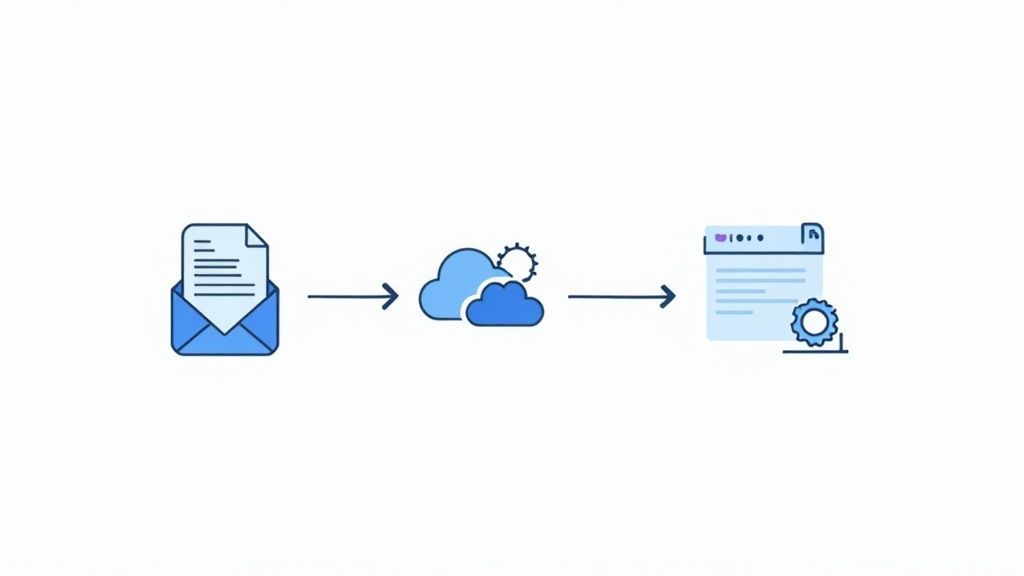
Let’s be honest, nobody wants to spend their day manually downloading files, renaming them, and moving them into the right folder. It’s a massive time drain. The real magic happens when you connect your file request process to the other tools your team already relies on.
This is where you can reclaim hours of your week. Imagine a client uploads a document, and it automatically gets saved to their dedicated folder in Google Drive or Dropbox. Your cloud storage stays perfectly organized, and you didn't have to do a thing.
Connecting to Your Project Management Tools
But why stop there? The real power comes from integrating with your project management and CRM software. When a new file comes in, it can kick off a whole chain of events automatically.
For example, a new submission could:
- Pop a new task into Asana or Trello for a teammate to review the document.
- Instantly update the client's record in your CRM to log that the file was received.
- Ping a specific Slack channel to let the whole team know.
These connections transform a simple file drop into a smart, self-running workflow. By linking your tools, you build a seamless process where one step triggers the next, making sure nothing ever slips through the cracks.
For an even more robust setup, look into a dedicated automated document request tool. Many of these can integrate directly with e-signature platforms like DocuSign, giving you a complete, end-to-end system for handling contracts and other critical paperwork.
Got Questions About Requesting Files? We've Got Answers.
When it comes to requesting files, it’s easy to get tangled up in the details. Over the years, I've seen teams run into the same handful of problems again and again, especially when it comes to keeping things secure and efficient. Let’s tackle the big ones.
"How do I make sure sensitive files are sent securely?"
This is probably the most critical question, and for good reason. Emailing sensitive documents like financial records, contracts, or personal ID is a huge gamble you just don't need to take.
The only real answer here is to use a dedicated platform that offers end-to-end encryption. Look for features like password-protected links and compliance with data protection laws like GDPR. It’s a non-negotiable for handling anything confidential.
"What's the best way to stop people from sending the wrong files?"
We’ve all been there. You ask for a high-res PDF and get a blurry photo of a crumpled document taken from a weird angle. It’s a massive time-waster.
Thankfully, the fix is surprisingly simple. Use a tool that lets you define exactly which file types you'll accept before anyone can upload. When you set up the request, just tick the boxes for PDF, DOCX, or whatever you need. This one small step shuts down the problem at the source.
The trick is to remove the guesswork. By setting clear rules upfront with a tool that actually enforces them, you get the right files on the first try, every time.
Don't forget to add a crystal-clear instruction right on the upload page itself. A simple note like, "Please upload PDF files only, named LastName_Invoice.pdf," works wonders. It's these little tweaks that turn a chaotic, back-and-forth process into a smooth, professional exchange that saves everyone a headache.
Ready to stop chasing documents and start automating your workflow? Superdocu makes it easy to create secure, branded portals and request files with just a few clicks. Get started with your free trial.