
If you want to get documents from clients without a headache, you need a system. Firing off random emails whenever you remember something is a recipe for frustration—for you and your client. It looks unprofessional and wastes everyone's time.
The goal is to build a repeatable, crystal-clear process. It's about getting the right files on the first try, which not only speeds things up but also makes your business look sharp and organized.
Build a System to Simplify Document Requests
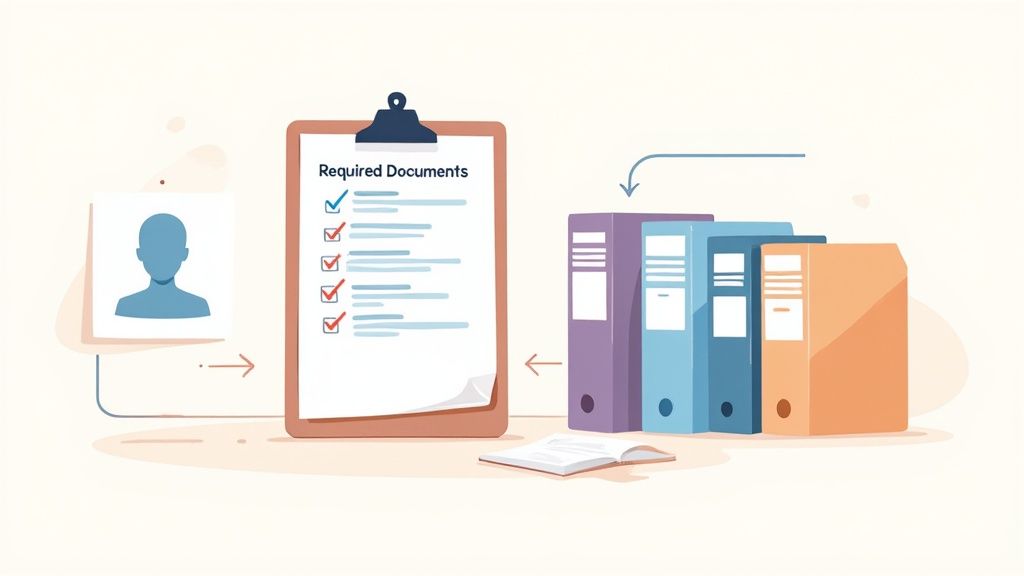
Before you even think about sending that first request, you need a solid blueprint. The whole process hinges on one thing: clarity. Ambiguous requests are the number one reason for delays and getting the wrong files back. Forgetting to specify what you’ll accept is a guaranteed way to start a long, painful email chain.
Get Specific With Your Document Requirements
Let's be honest, asking for "proof of address" is asking for trouble. What does that even mean? A utility bill? A bank statement? A driver's license? Specificity is your best friend here. A well-defined request leaves zero room for guesswork.
Think through every little detail a client needs to know to get it right.
- Document Type: Name the exact document you need. Don't say "ID," say "Valid Driver's License" or "Passport."
- Format: Tell them what file types you can work with. "Please upload a PDF or JPG." This simple instruction prevents a lot of technical issues down the line.
- Quality: Be clear about how the document should look. Instructions like "a clear, high-resolution color scan" or "make sure all four corners are visible" are incredibly helpful.
- Validity: If dates matter, say so. For a utility bill, you might need it "dated within the last 90 days." For a photo ID, you’d specify that it "cannot be expired."
A vague request invites a vague response. When you define exactly what a 'good' document looks like, you set your clients up for success and cut way down on the time your team spends chasing corrections.
This might feel like over-explaining, but trust me, it’s what makes the process smooth. It turns a confusing task into a simple, follow-the-directions exercise for your client.
Create Checklists for Every Scenario
Once you know what to ask for, organize those requirements into checklists for your most common workflows. A new employee will need a different set of documents than a client applying for a mortgage. Creating these tailored checklists is a total game-changer.
To get started, a simple table can help you map out exactly what's needed for different situations. It ensures you're asking for the right things and explaining why they're important.
Sample Document Request Checklist
Here's a quick template showing how you might define your requirements. This kind of clarity is what separates a frustrating process from a smooth one.
| Scenario | Document Needed | Specific Requirement (Format, Expiry) | Purpose |
|---|---|---|---|
| New Client Onboarding | Government-Issued ID | Color scan, not expired, PDF/JPG format | Identity verification (KYC) |
| New Client Onboarding | Proof of Address | Utility bill dated within last 3 months | Confirming residency |
| Employee Hiring | Signed Employment Offer | PDF with digital signature, returned in 48 hrs | Formal acceptance of the position |
| Project Kickoff | Signed SOW | PDF with e-signature | Agreement on project scope and terms |
This small bit of upfront planning makes a massive difference, ensuring everyone on your team asks for the right documents, the same way, every single time.
This systematic approach is the foundation of an efficient operation. It's no wonder the market for Intelligent Document Processing is projected to hit $6.78 billion by 2025. Businesses are quickly realizing how much value there is in structured, automated collection systems. You can read more about the growth of document processing automation and see just how big this trend is becoming.
By investing a little time now to build a clear system, you create a professional experience that tells clients you respect their time. This groundwork is what makes a smooth, automated process possible, saving you countless hours and speeding up your entire workflow.
Build an Automated Document Collection Workflow
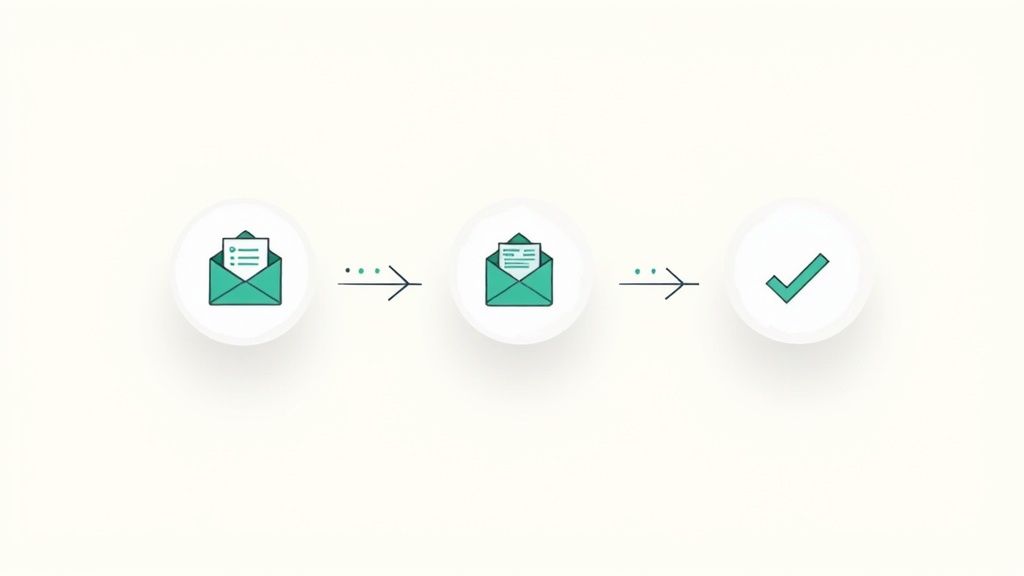
Once you've nailed down exactly which documents you need, it's time to build the engine that actually goes out and gets them. Moving away from manual email follow-ups and messy spreadsheets isn't just a nice-to-have; it's about creating a professional, hands-off system that runs itself.
Think about it. A new client signs your proposal. Instead of you having to remember to create a new folder, draft a welcome email, and attach a checklist, that single signature can kick off the entire process automatically. This is the heart of business process automation—a specific trigger starts a chain reaction of tasks, making sure no request ever slips through the cracks.
Designing Your Workflow Triggers
The first piece of the puzzle is deciding what kicks everything off. This "trigger" is the first domino to fall, and it needs to be a distinct, reliable action that signals the exact moment you need to request documents.
Common triggers I’ve seen work really well include:
- A new deal is marked "Closed-Won" in your CRM. This is a classic for sales teams handing off a new client to the onboarding or project management team.
- A client signs a contract using an e-signature tool. The moment a proposal is signed in a tool like DocuSign is the perfect, logical time to start gathering the necessary paperwork.
- A new client is added to your project management software. If your work is project-based, creating a new card or project in Asana or Trello can be your trigger.
- A new employee record is created in your HR system. For HR teams, this is a non-negotiable. Setting up a new hire in your HRIS can immediately start the process for collecting I-9s, tax forms, and direct deposit info.
Choosing the right trigger means your workflow starts at the perfect moment, every time, without anyone on your team having to lift a finger. That consistency is what lets you scale. If you're new to this concept, it’s worth understanding what business process automation is and its benefits to see how it can apply to so much more than just collecting files.
Mapping the Stages of Collection
Okay, so the trigger fires. What happens next? A great automated workflow doesn't just send an email and hope for the best. It guides both your client and your team through a clear sequence of stages, from the initial request to the final "all set!"
The goal here is to make the right action happen at the right time, without anyone having to think about it. You’re building a reliable system that guides clients effortlessly from the initial ask to the final approval.
Let's walk through a typical workflow for onboarding a new client:
-
The Initial Request: The trigger (e.g., signed contract) automatically sends a personalized welcome email. This email includes a secure link to a client portal where they can see a simple checklist of exactly what’s needed.
-
Submission & Review: The client uploads their files right into the portal. The moment they do, your team gets a notification that documents are ready for review. No more "did you get my email?" questions.
-
Automated Reminders: If a few days pass with no action—say, three days—the system can send a gentle, pre-written reminder. You could even set up a second one to go out on day seven. This is a game-changer for getting what you need without being the bad guy.
-
Quick Validation: Your team reviews the submitted files. They can approve or reject them with a single click. If a file is rejected (maybe a blurry photo of a driver's license), the client gets an instant notification explaining what needs to be fixed.
-
Confirmation & Kickoff: Once every document is approved, the system sends a final "Thank you, we're all set!" email to the client. At the same time, it can create a task in your project management tool to let the delivery team know the client is officially ready to go.
This entire sequence runs on autopilot. To see how these stages fit together inside a real platform, check out how an automated document request tool works in practice. This hands-off approach frees your team to focus on the actual work they were hired to do, not chasing paperwork.
Crafting Client Communication That Gets a Response
You can build the most brilliant workflow in the world, but it won’t matter if your communication falls flat. The way you ask for documents directly impacts how quickly and accurately your clients respond. It’s often the difference between getting everything you need in one go and getting stuck in a frustrating loop of follow-up emails.
A great request is clear, concise, and makes your client’s life as easy as possible. Following proven client communication best practices is the foundation for getting this right. When you start treating the request itself as a key part of the client experience, you'll see your response rates climb.
This isn’t just about being polite; it’s about strategic clarity that removes all friction from the process.
The Anatomy of a Perfect Request Email
Your initial request email sets the tone for everything that follows. A poorly worded message creates confusion and delays, but a well-crafted one gets you what you need on the first try. From my experience, every successful request has four key ingredients.
-
A Clear Subject Line: Don't be vague. Instead of "Documents needed," try something like, "Action Required: Please Upload Documents for [Project/Account Name]." This tells the client exactly what the email is about and what they need to do before they even open it.
-
A Simple Checklist: List out the required documents using bullet points. Use the specific names from your master checklist, like "Color scan of your valid driver's license," so there's no guesswork.
-
A Direct Upload Link: Never, ever ask clients to attach sensitive files to an email. Provide one clear, direct link to your secure portal where they can upload everything safely.
-
A Firm Deadline: Give a specific date. "Please upload these by Friday, October 25th" creates a healthy sense of urgency that a vague request like "as soon as possible" just can't match.
Structuring your message this way makes the task feel manageable and straightforward for your client. If you're looking for more inspiration, check out this guide on a sample email requesting information for templates you can adapt.
The Small Detail That Changes Everything
Here’s a simple psychological tip I’ve seen work wonders: briefly explain why you need each document. Adding a short reason removes the mystery and makes clients feel like they're partners in the process, not just people being told to do things. This small act of transparency can dramatically increase cooperation.
When a client understands the purpose behind a request, it no longer feels like arbitrary administrative work. It becomes a necessary step toward their goal, making them far more motivated to act quickly.
For example, instead of just asking for a bank statement, try this:
- Bank Statement (dated within 30 days): We need this to verify your proof of funds for the mortgage pre-approval process.
This one small tweak reframes the entire request, connecting the task directly to the outcome the client wants.
Crafting Reminders That Nudge, Not Nag
Even with a perfect initial request, people get busy. You're going to have to follow up. Your automated reminder schedule should be persistent but always professional—the goal is to be a helpful guide, not a nuisance.
Comparing Automated Reminder Schedules
Finding the right cadence for reminders is a balancing act. You need to stay on your client's radar without overwhelming them. Here’s a look at a few common approaches I’ve seen work well.
| Cadence Type | Schedule (Day 3, 7, 14) | Tone | Best For |
|---|---|---|---|
| The Gentle Nudge | Day 3, Day 10 | Friendly & helpful | Standard client relationships, non-urgent deadlines. |
| The Standard | Day 3, Day 7, Day 14 | Polite & firm | Most business processes; balances persistence with client experience. |
| The Urgent Push | Day 2, Day 5, 24 hrs before deadline | Direct & urgent | Time-sensitive projects like real estate closings or legal deadlines. |
The real trick is to slightly alter the messaging in each follow-up. The first reminder can be a gentle, "Just in case this slipped through," while the final one before a deadline should clearly state the urgency and the potential impact of a delay. This graduated approach keeps the relationship positive while still driving the process forward.
Keeping Client Data Safe and Staying Compliant
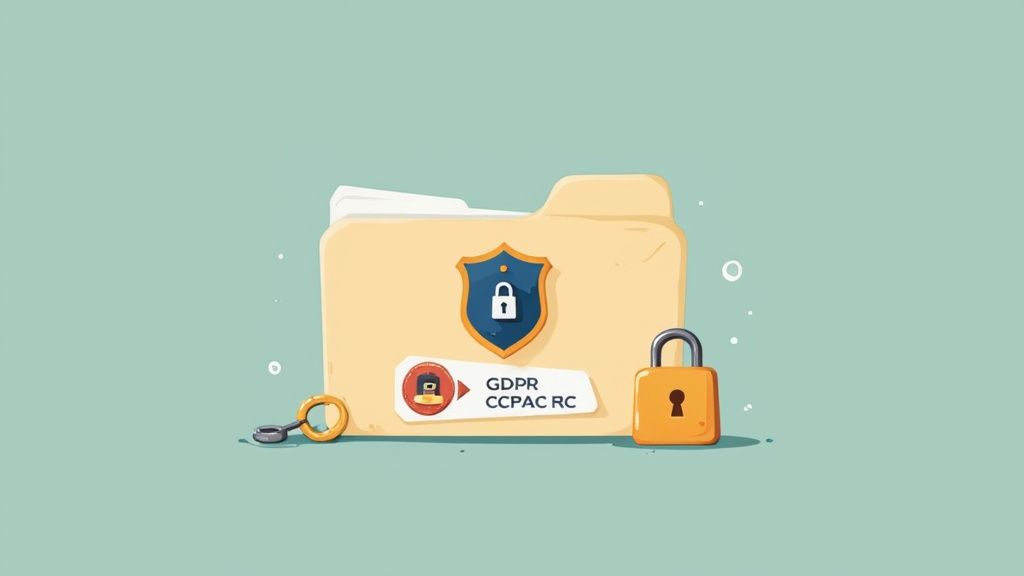
When a client hands over their sensitive information, they're giving you their trust. Handling documents like financial statements, IDs, or contracts is a massive responsibility. How you manage that data can either build lasting client relationships or create a huge risk for your business.
Let's be honest: email is usually the default, but it's a terrible way to exchange sensitive files. Attachments can be intercepted, accidentally forwarded to the wrong person, or just sit unprotected in someone's inbox for years. That's why switching to an encrypted, dedicated client portal isn't just a nice-to-have—it's a must.
A secure portal protects every file from upload to storage. Think of it as the difference between leaving important papers on a public counter and putting them in a locked safe. To really dig into what makes a platform effective, it's worth exploring the key features of a secure document intake platform and how they safeguard client data.
Making Sense of Data Privacy Rules
You don't have to be a Fortune 500 company to worry about compliance. Regulations like Europe's GDPR and California's CCPA have raised the bar for everyone. If you request documents with personal information, you need to know the basics.
- GDPR (General Data Protection Regulation): This one's for you if you work with anyone in the EU. It gives people powerful rights over their data, including the right to see it, fix it, or have it deleted. The fines for getting it wrong are no joke.
- CCPA (California Consumer Privacy Act): This law gives California residents similar controls. If you have clients in California, you're on the hook for being transparent about how you use their data.
Both of these boil down to a couple of core ideas: data minimization (only collect what you absolutely need) and purpose limitation (only use it for the reason you said you would).
Storing client data you no longer need is not just a bad habit; it's a liability. Every extra file you keep is another potential risk in the event of a data breach and can put you on the wrong side of compliance regulations.
This shift has a very real impact on day-to-day operations, especially when clients start asking to see the data you have on them.
Handling Data Subject Access Requests (DSARs)
One of the biggest operational hurdles from these laws is the "Data Subject Access Request," or DSAR. This is when someone formally asks to see every piece of personal information you have on them. By law, you typically have to respond within 30 days.
And these requests are becoming much more common. Between 2022 and 2024, the number of DSARs filed through just one compliance service more than tripled. That's a huge operational headache for businesses that aren't prepared.
Without a central place for your client files, fulfilling a DSAR becomes a frantic treasure hunt through old emails, random cloud folders, and local hard drives. A secure portal where everything is organized by client makes this process a breeze, letting you find and export what you need well within the legal deadline.
Setting Up Smart Data Retention Policies
A core principle of both GDPR and CCPA is that you can't keep personal data forever. Hoarding old client files "just in case" is a risky strategy that only increases your liability.
The best solution is an automated data retention policy. This is where you set the rules for how long you keep certain types of documents based on legal or business needs.
For instance, your policy might be to:
- Archive a client’s files one year after their project is finished.
- Permanently delete those archived files after seven years to align with tax and financial record-keeping laws.
Automating this takes human error out of the equation and ensures you’re consistently following your own rules. It shows you’re serious about data privacy, helps you stay compliant, and proves to your clients that you handle their information responsibly from start to finish.
Track and Validate Every Document You Receive
Getting a file from a client isn't the finish line—it's just the start of the next crucial phase. Once a client hits 'upload,' your team needs a rock-solid process to check that the document is correct, valid, and actually usable. If you skip this, you’re gambling with bad information, which almost always leads to costly mistakes and painful delays down the road.
The whole point is to build a simple, repeatable validation system. This way, you know every single document meets your standards before it gets filed away as "complete." It’s all about catching problems early, whether it's an expired ID or a missing signature on a contract.
Setting Up a Simple Document Tracking System
Before you can validate anything, you need to see what's going on. You have to know, at a glance, exactly where each document is in your process. Trying to track files in a chaotic mess of email threads or spreadsheets is a recipe for disaster, especially as your business grows.
Honestly, a simple tracking board in a tool you already use—like Asana, Trello, or Monday.com—is often all you need. Just create a dedicated board or list for collecting client documents and use columns or tags to show the status of each file you've requested.
Your system should track a few key statuses for every single document:
- Not Submitted: The default state before the client has uploaded a thing.
- Pending Review: The client has sent the file, and the ball is now in your court.
- Approved: Your team has checked the document and confirmed it’s good to go.
- Rejected: There’s an issue with the document that the client needs to fix.
This dashboard becomes your team’s single source of truth. It instantly answers the question, "Where are we with the documents for Client X?" This cuts out all the internal back-and-forth and gives your team a clear, actionable overview of what needs to be done.
The Art of Document Validation
Once a document lands in the "Pending Review" stage, your team can get to work. And this isn't just a quick glance; it's a methodical check to make sure the file is exactly what you asked for.
Your validation checklist should confirm that the document is:
- Correct: Is it the right type of document? If you asked for a utility bill, you didn’t get a cell phone bill.
- Legible: Can you actually read it? Blurry, out-of-focus, or cropped images should be rejected on the spot.
- Current: Does it meet your date requirements? For example, is the ID unexpired? Is the proof of address from the last 90 days?
- Complete: Are all the pages there? Is the form signed in the right place?
Having these clear criteria empowers your team to make consistent, objective calls. It turns what could be a subjective task into a simple, repeatable process.
Handling Rejected Documents with Clarity and Grace
So, what happens when a document doesn't pass the check? How you handle a rejection is a make-or-break moment for the client experience. A vague, unhelpful message just creates frustration and more delays. The key is to be incredibly specific and genuinely helpful.
Instead of a generic "This is wrong," give them clear, actionable feedback.
- Vague: "Your ID was rejected."
- Clear & Actionable: "The driver's license you uploaded expired last month. Could you please provide a current, valid ID? Here's the upload link again to make it easy."
This simple shift does two things: it tells the client exactly what’s wrong and shows them exactly how to fix it. This small change in communication prevents a ton of back-and-forth and helps you get the right document on the second try.
The need for this kind of organized process is only growing. Global data creation is exploding, projected to hit 149 zettabytes in 2024. A huge chunk of that is unstructured data like scanned documents, which makes organized handling essential. You can dig into more stats about the explosive growth of worldwide data creation on Statista. A solid validation and tracking system ensures you can manage this flood of information without getting completely overwhelmed.
Got Questions About Requesting Documents? We’ve Got Answers.
Even with the best system in place, you’re bound to run into a few questions when you start to request documents from clients. Figuring out how to handle these common situations is the key to keeping things moving and ensuring your clients have a great experience.
Here are some of the most frequent questions we see, along with practical, straightforward answers.
What’s the Most Secure Way to Ask for Documents?
Hands down, the most secure method is a dedicated client portal built with end-to-end encryption. A lot of businesses still rely on email, but that’s like sending sensitive information on a postcard. Email simply isn’t secure—messages can be intercepted, exposed in a data breach, or even just sent to the wrong person by mistake.
A professional client portal is designed to eliminate these risks. It protects every file while it's being uploaded and after it’s stored on the server.
But it’s not just about encryption. A solid portal gives you other critical security layers:
- An Audit Trail: You get a complete log of every action, showing you exactly who viewed a document and when. This is non-negotiable for compliance and internal security.
- Role-Based Access Control: You can set permissions to ensure only authorized team members can see specific documents. This keeps sensitive financial or personal info away from prying eyes within your own company.
- Automatic Virus Scanning: The best systems automatically scan every single uploaded file for malware, protecting your entire network from nasty surprises.
Moving away from email isn't just a technical upgrade; it's a statement. It shows your clients you respect their privacy and take your responsibility to protect their data seriously, which goes a long way in building trust.
How Can I Get Clients to Send Their Documents Faster?
Getting clients to submit documents on time really boils down to three things: clarity, convenience, and communication. Delays are rarely on purpose. More often than not, it’s because the client is confused about what you need, the process is a pain, or your request simply got buried in their inbox.
First, be incredibly clear about what you need. A simple checklist works wonders. It also helps to briefly explain why you need each document—a little context helps people understand the urgency.
Second, make it ridiculously easy to submit the files. Give them one link that takes them directly to a mobile-friendly upload page. If you force someone to create a new account with a complex password just to send you a couple of files, you’re practically asking for delays. Fewer clicks are always better.
Finally, lean on automated reminders. A friendly nudge sent three to five days after your initial request, and maybe one more a few days before the deadline, can make a huge difference without you having to play bad cop.
Can I Hook This Up to Tools Like Zapier?
Absolutely. Integration platforms like Zapier or Make are perfect for automating your document request workflow. Think of them as the glue that connects all the different software you’re already using, creating a process that runs itself.
For example, you can set up an automation (called a "Zap" in Zapier) that kicks off whenever something happens in another tool.
Here's a real-world scenario:
- The Trigger: A deal gets marked as "Closed-Won" in your CRM, like Salesforce or HubSpot.
- Action 1: This instantly triggers a personalized welcome email that includes the secure link to your document portal.
- Action 2: At the same time, a new task is created in your project management tool (Asana, Trello, etc.) and assigned to your onboarding team, letting them know new documents are on the way.
This kind of setup connects your sales, communication, and project management, ensuring that the second a client is ready, the process to request documents starts automatically. No manual work required.
What if a Client Sends the Wrong Document?
When this happens—and it will—the goal is to handle it quickly and professionally to keep things on track. The trick is to give clear, specific feedback that helps the client get it right the first time.
First, immediately update the document's status in your system to something like "Rejected" or "Needs Attention." This keeps your internal dashboard accurate.
Then, send the client a polite and very specific email. Vague feedback is your enemy. Instead of just saying "the ID is wrong," tell them exactly what the problem is and how to fix it.
Vague and Ineffective: "The proof of address you sent is incorrect. Please upload a new one."
Clear and Effective: "Thanks for sending that over! The utility bill you submitted is from six months ago, but for verification, we need one dated within the last 90 days. Could you please upload a more recent one? Here is the secure upload link again for your convenience."
This approach takes all the guesswork out of it for your client. By explaining the issue and giving them the link again, you make it as easy as possible to send the correct file, which avoids frustration on both sides.
Ready to stop chasing documents and start building a smooth, automated workflow? With Superdocu, you can create secure client portals, send automated reminders, and track everything in one place. See how easy it is to transform your document collection process by visiting https://www.superdocu.com/en.