
Let’s be honest, chasing clients for missing documents is a huge time suck. That endless loop of follow-up emails and phone calls can bring your entire workflow to a grinding halt. This is where automated reminders to collect documents come in. It’s not just about saving a few minutes; it’s about fundamentally changing how you work, moving from a reactive scramble to a proactive, reliable system that just works.
Why Manual Follow-Ups Are Holding You Back
If you’ve ever felt like a professional nag, you know the pain. Constantly pinging clients for paperwork is one of the most common bottlenecks I see in almost every industry. It’s a frustrating cycle of sending another email, leaving another voicemail, and still ending up with the wrong file—or worse, total silence.
This isn’t just a minor annoyance. All that manual effort introduces real operational risks and creates a clunky, frustrating experience for your clients. Your team has more important things to do than play document detective. For businesses ready to get serious about this, exploring Robotic Process Automation for Document Management Systems can completely reshape these outdated, manual chores into a smooth, hands-off process.
The Real Cost of Chasing Paperwork
When you're stuck doing things by hand, the little costs add up fast. It’s not just about the hours your team is logging; it’s about the ripple effect across the entire business.
- Delayed Timelines: Deals and projects get stuck in limbo. You can't move forward without the right info, and that directly impacts your revenue and deadlines.
- Increased Human Error: Juggling dozens of requests manually is a recipe for mistakes. Files get lost, follow-ups are forgotten, and crucial compliance deadlines can be missed. It’s inevitable.
- Poor Client Experience: Let's face it, getting bombarded with disorganized requests feels unprofessional. Clients get annoyed when they’re not sure what they need to send or why they’re being chased again.
- Reduced Team Morale: Nobody gets into their career dreaming of chasing paperwork. It's repetitive, thankless work that burns out even the best employees.
An automated document request tool flips the script entirely. Instead of your team constantly pushing clients for documents, a smart system gently pulls the information it needs, guiding clients with clear, timely, and helpful nudges.
Here's a quick comparison showing the real-world differences between sticking with manual follow-ups and moving to an automated system.
| Aspect | Manual Collection | Automated Collection |
|---|---|---|
| Team Focus | Chasing documents, administrative tasks | High-value client work, strategic goals |
| Efficiency | Slow, prone to bottlenecks and delays | Fast, consistent, runs 24/7 |
| Accuracy | High risk of human error, lost files | Standardized, low error rate, centralized tracking |
| Client Experience | Inconsistent, often frustrating for clients | Professional, clear, and convenient |
| Scalability | Difficult to scale; more clients = more chasing | Easily handles growth without adding headcount |
The difference is night and day. Automation isn't just about going faster; it’s about building a better, more reliable process from the ground up.
Switching to an automated system is a strategic decision. It standardizes your intake process and makes your business look sharp and organized. By using a dedicated automated document request tool, you can design workflows that run on their own, making sure absolutely nothing falls through the cracks.
Designing Your Ideal Reminder Workflow
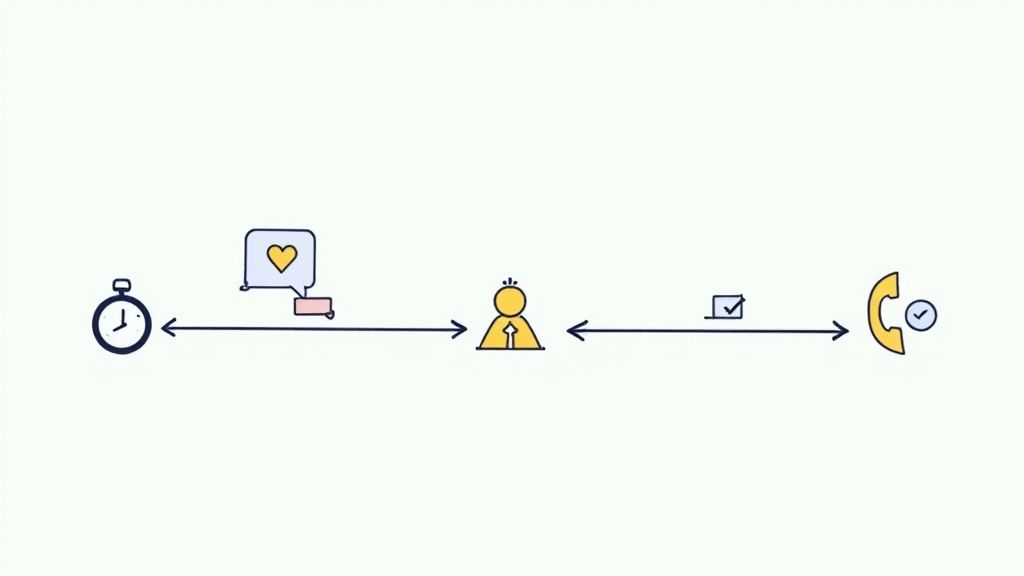
A good automation strategy lives and dies by its workflow. When you're using automated reminders to collect documents, you need more than just a sequence of emails. You’re building a journey that guides your clients toward completion without causing them headaches. The whole point is to make it easy for them to give you what you need.
It all starts with mapping out a logical, repeatable sequence. Your first question should be about timing. How quickly do you actually need this document? A routine onboarding form doesn't carry the same weight as a time-sensitive contract, and that simple distinction should dictate your entire follow-up schedule.
Setting the Right Timing and Frequency
Finding the right cadence for your reminders is a bit of an art. You have to be persistent enough to get a response, but not so aggressive that you end up in their spam folder. It’s a balancing act.
I've found it helps to think in stages. Your initial request should be crystal clear and go out the moment the document is needed. If you hear crickets, the first follow-up usually works best after three to five business days. This gives people plenty of time to act without feeling pressured.
Still no response? A second reminder about a week later is a good way to keep your request on their radar. After that, you might need a final, more direct message before the system flags it for a human to step in.
The goal is to build a predictable rhythm. Your client should know what to expect, and your team should trust that the system is handling the follow-ups reliably. This consistency is what turns a chaotic process into a streamlined one.
Customizing Sequences for Different Scenarios
Let's be honest, not all document requests are the same. Your workflow needs to be flexible enough to handle different levels of urgency and types of documents. This is where having a few different workflow templates saved can be a lifesaver.
- Standard Priority: Perfect for routine paperwork like updated contact forms or non-urgent compliance docs. This workflow can have a more relaxed schedule, maybe with a friendly nudge once a week.
- High Priority: Save this for the critical stuff—signed contracts, time-sensitive financial statements, you name it. The timeline here should be much shorter, with reminders going out every one or two days to really underscore the urgency.
- Onboarding Sequence: This is often a multi-step process involving several documents over a few days. You can set up the workflow so that each step triggers only after the previous one is done, guiding new clients smoothly through the whole process.
Building these distinct paths is simple with a dedicated workflow builder, which lets you tweak the triggers, timing, and messaging for any situation you can think of.
The Power of Multi-Channel Reminders
Email is the default, but it’s definitely not the only game in town. Adding SMS to your workflow can make a huge difference in your response rates. I've seen it time and again.
Statistics show that text message reminders just get more attention. SMS open rates can be as high as 90% within minutes, which is incredible. It's a powerful way to prompt immediate action.
A smart workflow could start with an email, then follow up with an SMS a few days later for anyone who hasn't responded. This multi-channel approach meets people on the platform they're most likely to see, making it far more likely you’ll get what you need without a long, drawn-out chase.
How to Write Reminder Messages That Actually Get a Response
Let's be honest: the most sophisticated workflow on the planet is useless if your messages get ignored. When you’re using automated reminders to collect documents, the copy you write is your direct line to the client. It’s far too easy for people to dismiss a generic, demanding, or unclear message, but a thoughtfully crafted note can get you exactly what you need in minutes.
The secret is to be clear, concise, and genuinely helpful. Your client is juggling a dozen other things, so your message needs to respect their time. It must tell them exactly what you need, why you need it, and how they can get it to you with the least amount of friction.
Nailing the Subject Line
Think of your own inbox. What makes you open an email? Vague subject lines like "Important Document" or "Follow Up" are practically begging to be archived. They create more questions than answers and are easy to ignore.
Your subject line needs to do the heavy lifting by providing instant context.
- A decent start: Action Required: Please Upload Your Signed Agreement for [Project Name]
- Even better: [Your Company Name] Document Request for [Client Name] – Due [Date]
- For SMS: Hi [Client Name], friendly reminder from [Your Company Name] that we still need your proof of address. Please upload here: [Link]
This level of detail immediately signals that your message is legitimate and important, making it far more likely to be opened and acted on. If you're looking for more ideas, we have a whole guide on writing effective automated email reminders that don't get lost in the noise.
The Anatomy of a Perfect Reminder Message
Once your email is open, the message itself has to seal the deal. This is not the place for long-winded paragraphs. Get straight to the point. A great reminder should feel less like a cold, automated demand and more like a helpful nudge from a real person on your team.
I’ve found that the best messages always include these four things:
- A Personal Touch: Start with the client’s name. It’s simple, but it makes a world of difference.
- Clear Context: Quickly remind them which document you need and what it’s for (e.g., "your signed W-9 for the Q3 marketing project").
- A Can't-Miss Call-to-Action (CTA): This is critical. Give them one—and only one—clear, secure link to upload the file. Use an obvious button or link text like "Upload Your Document Here," not just a raw URL.
- A Helpful Closing: End politely and let them know how to get in touch if they’re stuck.
A quick tip from my experience: tone is everything. You want to be professional but approachable. Phrases like "Just a friendly reminder…" or "To keep your application moving forward…" position the request as a collaborative step, not a chore.
Let's put it all together.
Email Template Example
-
Objet : Reminder: Document Needed for Your [Service Name] Application
-
Corps du mail
Hi [Client Name],Hope you’re having a great week.
This is just a friendly reminder that we’re still waiting for your signed [Document Name] to complete your application for [Service Name].
You can upload it securely by clicking the link below:
[Secure Upload Link]If you have any questions at all, just reply to this email, and we’ll be happy to help.
Thanks,
The [Your Company Name] Team
Integrating Your Tools for a Truly Hands-Off Process
An automated reminder system is a great start, but its real magic happens when you connect it with the other software you use every day. When you use automated reminders to collect documents, the goal is to create a system where information flows freely between your tools. This creates a genuinely hands-off process from the moment a request is sent until the document is safely filed away.
This kind of interconnected workflow is why the automation market is booming. The demand for these services is set to grow at a compound annual growth rate of about 15% through 2033, with some analysts predicting it could become a $7 billion industry. This growth is all about cloud-based tools making it easier than ever to link systems together. You can dig into the numbers in this detailed market report from Data Insights Market.
Connecting to Your Core Tools
To really cut out the busywork, your reminder platform has to talk to your other systems. Think about it: no more downloading a signed contract from one place just to re-upload it to another.
Here are the key integrations I always recommend:
- E-Signature Platforms: Hooking into services like DocuSign or Adobe Sign is a must. You can automatically fire off a document for signature, and the moment it’s signed, your workflow can mark the task as complete. You don't have to do a thing.
- Cloud Storage: Link your system to Google Drive, Dropbox, or OneDrive. When a client uploads their document, it can be automatically named, sorted into the correct client folder, and securely stored.
- CRM and Project Management: Integrating with your CRM (like Salesforce) or a project tool (like Asana) keeps the whole team on the same page. A submitted document can instantly update a client's record or push a project to the next stage.
The Power of Connectors Like Zapier
But what happens when a direct integration isn't available? That’s where tools like Zapier or Make save the day. They act like a universal translator, connecting thousands of different apps without you needing to write a single line of code.
This screenshot from Zapier’s app directory gives you a little taste of what’s possible—connecting everything from Slack and Google Sheets to QuickBooks and Mailchimp.
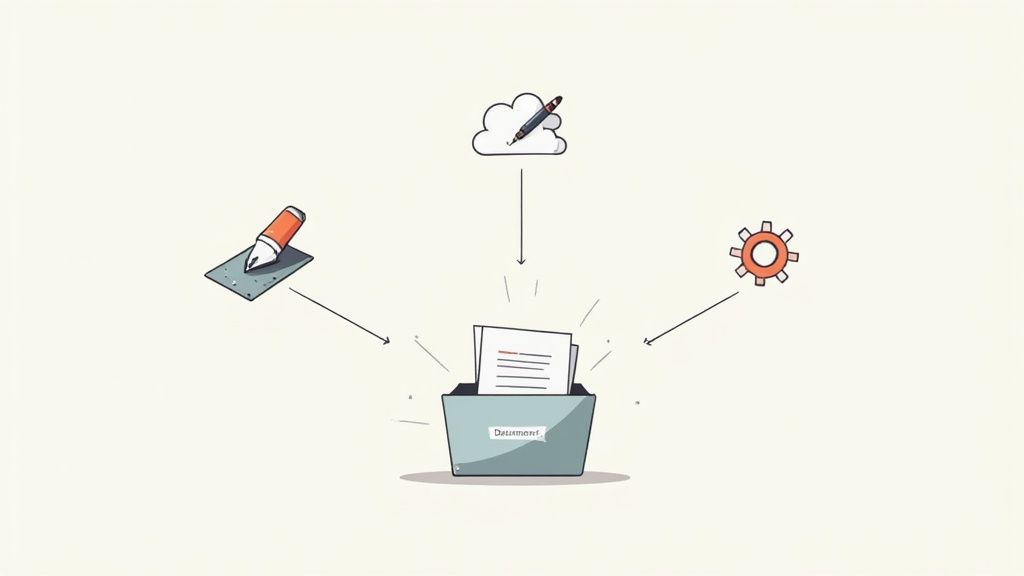
You can build custom workflows, or "Zaps," that are tailored perfectly to how you work.
For instance, you could set up a Zap that:
- Triggers when a new client is added to your CRM.
- Tells your document platform to send out a welcome packet request.
- Notifies your team in a specific Slack channel as soon as the documents are uploaded.
By linking your tools, you’re not just sending reminders anymore. You're building an intelligent system that takes care of the administrative grunt work, freeing up your team for the work that actually matters.
Watching Performance and Knowing When to Step In
Automation is a powerful tool, but it’s never a “set it and forget it” deal. Once your automated reminder system is live and collecting documents, the real work begins: a cycle of monitoring and refining. This is the only way to know if your workflow is actually making life easier or just creating new headaches.
The whole point is to let the system handle the routine nagging while flagging the exceptions that truly need a human brain. It’s a hybrid approach that keeps things moving efficiently without losing the personal touch required to solve tricky problems. Think of it as giving your team superpowers—they only jump in when their expertise is genuinely needed.
Key Metrics to Keep an Eye On
To figure out what’s working and what’s not, you need to track a few key numbers. These metrics tell a story about your client’s experience and how well your reminders are performing.
- Open and Click-Through Rates: Are people actually opening your emails and clicking the upload link? If these numbers are low, your subject lines might be falling flat or your messages could be getting caught in spam filters.
- Average Submission Time: How long is it taking clients to get you their documents after the first request? If this timeline is dragging on, you might need to increase the frequency of your reminders or clarify your instructions.
- Drop-Off Points: Where in the sequence do you lose people? Pinpointing the exact stage—whether it's after the first nudge or the third—tells you precisely where to tweak your messaging or timing.
A classic mistake is fixating only on the final submission rate. The real gold is in understanding the journey. If 90% of your clients only submit after the second reminder, your first message probably needs a rewrite.
This kind of data-driven thinking isn't new. In healthcare, for example, nearly 90% of organizations use automated reminders to cut down on no-shows and help patients stick to their care plans. By tracking engagement, they can fine-tune their outreach for the best results—a lesson that applies perfectly to collecting documents. You can see more on these healthcare findings at MGMA.com.
Building Smart Escalation Rules
The best automated systems are smart enough to know when they’re beat. They’re built with clear rules that tell them when it’s time to pass the baton to a person. This is crucial for preventing client frustration and making sure complex issues get the attention they deserve.
An escalation rule is just a simple "if-then" trigger. For example: if a document hasn't been submitted after three automated reminders over ten days, then the system automatically creates a task for a team member to follow up personally.
This task should pop up with all the necessary context, like the client's contact info and a log of the reminders already sent. That way, your team isn't starting cold. They're stepping in at just the right moment to solve a specific problem, making the whole process feel much more responsive and human.
Common Questions About Automating Document Collection
Switching to an automated system for collecting documents is a game-changer, but it's natural to have a few questions. Thinking through the practical details now helps you build a process you can actually trust and avoids those "I wish I'd known that sooner" moments.
Let's walk through some of the most common questions we hear when businesses start using automated reminders to collect documents. Getting these details right from the start really does make all the difference.
What’s the Best Timing for Automated Reminders?
Honestly, there's no single magic formula. The right cadence always comes down to how urgent the document is.
For most standard requests, a good starting point is an initial message, then a follow-up reminder in 3-5 business days. If you still don't hear back, another nudge a week later and a final "last chance" notice after two weeks is a solid strategy.
Of course, for something super time-sensitive—like a signed offer that expires tomorrow—you’ll want to tighten that up to daily or even twice-daily reminders.
The real key is to watch your response rates. If most people are sending in their documents after the second reminder, you’ve found a good rhythm. On the other hand, if you see a spike in unsubscribes, you're probably being a little too aggressive.
And here’s a pro tip: always give people an easy way to say, "I already sent it!" or "I need help." This one little feature saves everyone a ton of frustration.
How Do I Keep My Automated Reminders Compliant?
This is a big one. When you're dealing with sensitive information, compliance isn't just a suggestion—it's essential. The bedrock of any compliant process is having clear consent from people to contact them via email or text for this specific reason.
Your messages also need to clearly state who they're from (your business) and how to get in touch.
- SMS Rules: You absolutely must include a simple way to opt-out, like replying 'STOP'. This is non-negotiable.
- Secure Uploads: The link you provide for someone to upload their document must be secure (look for the HTTPS at the beginning of the URL). It should also lead to a platform that meets data protection laws for your industry, like RGPD or HIPAA.
- Be Transparent: A quick sentence explaining why you need the document goes a long way in building trust.
Getting this wrong can lead to some pretty hefty fines, so it’s worth taking the time to get it right.
Can I Customize Reminders for Different Kinds of Documents?
Not only can you, but you absolutely should. A generic "please upload your document" email is easy to ignore. A specific, personalized request feels important and is much more likely to get a response.
Think about it: a reminder for a signed contract should probably have a more formal, direct tone. But a request to upload a photo ID? That could be more casual. You could even include a quick tip on how to take a clear picture with a smartphone.
This is where templates and dynamic fields (like [Client Name] or [Document Name]) in your automation software become your best friend. This bit of personalization makes your automated messages feel less like a robot and more like a helpful note from your team, which can have a huge impact on how quickly you get what you need.
Stop chasing paperwork and start getting results. Superdocu gives you the tools to build smart, automated workflows that collect documents on time, every time. Start your free trial today and see how easy it can be.