
Your downloads folder is crowded, your shared drive has five versions of the same file, and nobody knows whether “Final,” “Final 2,” or “Final Approved” is the one to send. That usually means the problem isn't effort. It's structure. Many teams and solo operators don't need more storage. They need templates for folders that remove guesswork before the first file is saved.
The most useful folder template isn't just a list of subfolders. It includes naming rules, who can access what, and what gets automated so the system keeps working after the first week. That's the difference between a neat-looking directory and an actual operating system for projects, paperwork, marketing assets, and client handoffs.
I've seen the same mistake across small firms, internal ops teams, and growing agencies. They build folders once, then let everyone improvise. The result is predictable. Search gets messy, permissions drift, and repeat work creeps in. A better setup gives every project the same spine, whether you're collecting compliance documents, sending branded print folders, or organizing campaign assets.
Below are ten strong options. Some are digital workflow tools. Others are print template providers for physical folders. Used well, each one can anchor a complete system you can implement right away.
Table of Contents
- 1. Superdocu
- 2. Company Folders
- 3. Presentation Folder, Inc.
- 4. UPrinting
- 5. PrintRunner
- 6. PrintPlace
- 7. Vistaprint
- 8. Modern Postcard
- 9. Primoprint
- 10. CatPrint
- Top 10 Folder Template Providers Comparison
- Final Thoughts
1. Superdocu
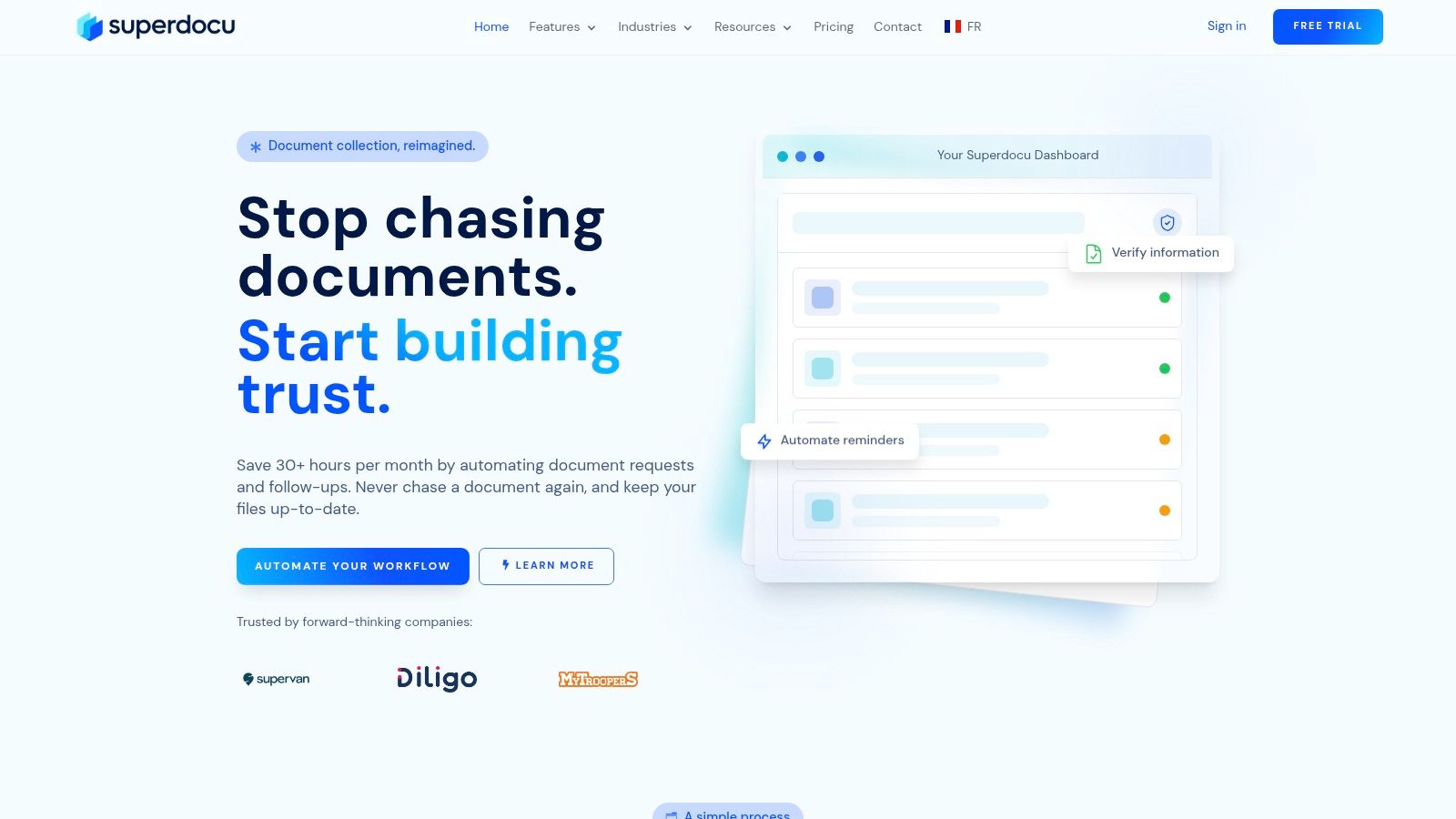
A team starts with a shared drive and a clean folder tree. Three months later, HR is chasing expired IDs, operations is reviewing the wrong version of a file, and clients are still emailing attachments with missing fields. That is the problem Superdocu is built to solve.
Superdocu is the fastest way to turn folder chaos into a working system. Its templates cover document intake, validation, storage, renewal tracking, and approval steps, so the structure does more than hold files. It controls how files arrive, how they are named, who can review them, and what happens next.
That distinction matters in regulated work. Legal teams, HR departments, real estate firms, mortgage providers, immigration practices, and construction companies usually do not struggle because they lack folders. They struggle because document collection is inconsistent. Superdocu fixes that at the intake stage with branded portals, guided forms, reminders, review paths, and expiration handling.
Why it works as a folder template system
The practical advantage is implementation speed. Instead of building a folder standard from scratch, teams can start with industry-specific workflows from the Superdocu templates library and adapt them to their own naming rules and approval process. That makes this more than a template download. It is a framework you can put into production quickly.
I recommend one naming pattern across every workflow: primary record, document type, status, date. That could be client name, ID Proof, Approved, 2026-07, or employee ID, contract, pending review, 2026-07. The exact format matters less than consistency. If staff have to guess between five naming styles, search quality drops and duplicate uploads increase.
Permissions need the same discipline. Requesters should upload only. Reviewers should validate, reject, or request changes. Admins should control workflow logic, retention rules, and template edits. That separation keeps intake fast without giving every user the ability to break the process.
Practical rule: If users have to remember the next step on their own, the folder template is incomplete.
Teams that also use folders as part of their effective marketing strategies should note the trade-off here. Superdocu is strongest for controlled document operations, not for creative asset collaboration or print design storage.
What to standardize first
For a clean rollout, set three rules before inviting users into the system:
- Naming convention: Pick one format for every workflow, such as record name, document category, status, and date.
- Permission model: Separate upload rights from approval rights so speed does not weaken control.
- Automation triggers: Configure reminders, renewal requests, and approval actions at the start, not after users are already active.
Security is another reason Superdocu stands out. It uses encryption, GDPR-compliant processing, and European hosting, with data stored in France and replicated for availability. That is a better fit for sensitive records than relying on email attachments and a loosely managed shared drive.
There is a trade-off. Higher-volume teams can outgrow lower-tier limits on contacts and storage, and advanced automation sits on higher plans. Still, the pricing structure is clear, the free trial lowers rollout risk, and the system solves the root problem. If your folder issue is really a document collection issue, Superdocu is one of the few options here that addresses it directly.
2. Company Folders
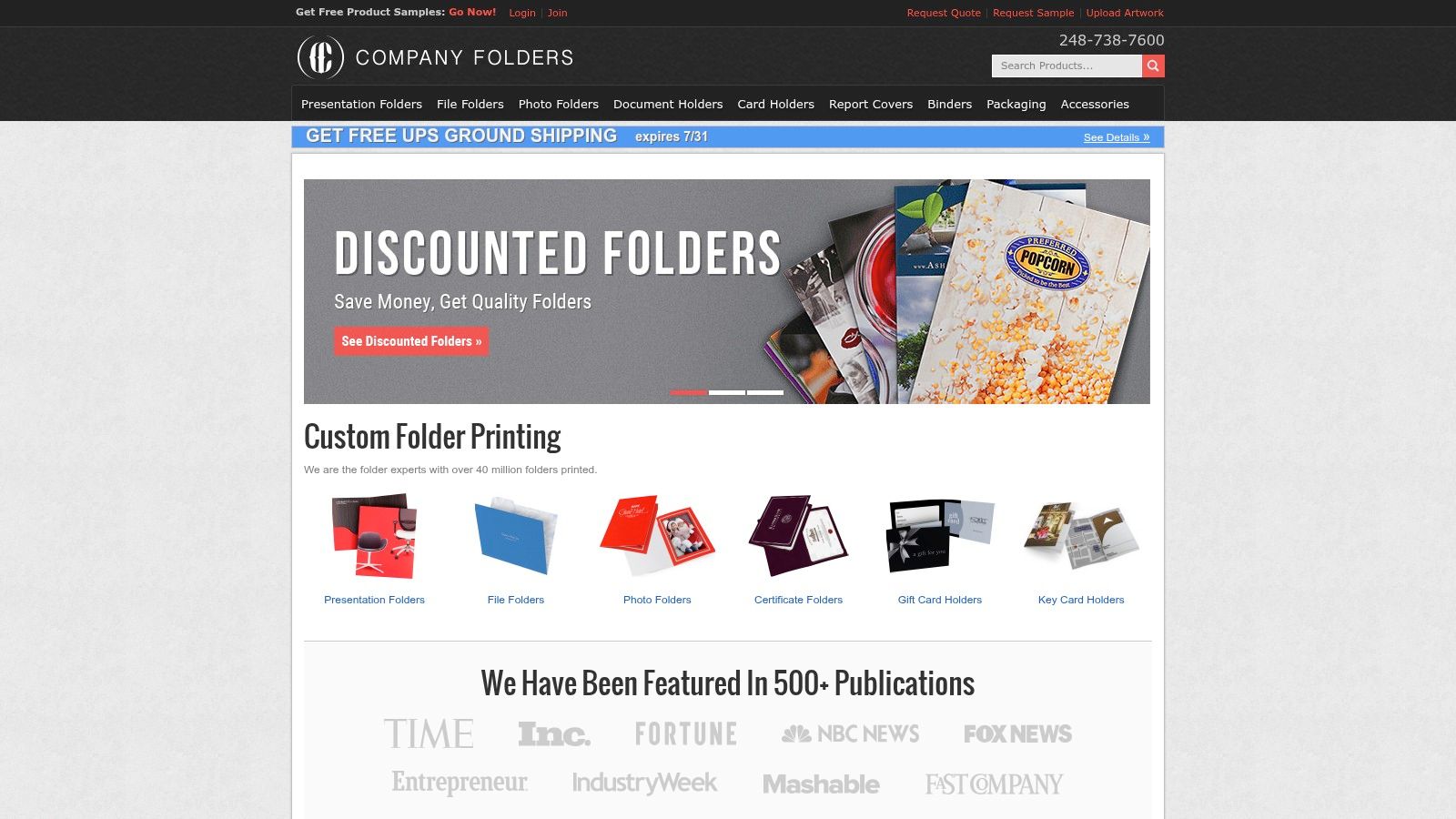
Company Folders is a specialist choice for teams that need physical presentation folders with a lot more control than a basic online printer gives. If your workflow ends with handouts for sales meetings, onboarding packets, leave-behinds, or event kits, its template library saves time because you're working from production-ready files instead of guessing pocket sizes and panel layouts.
It offers free editable templates and mockups in formats designers already use, plus a deep catalog of folder styles and finishes. That makes it useful for marketing teams that care about how the folder looks on a conference table, not just whether it prints.
Best fit
This is the option I'd use when brand presentation matters and someone on the team can handle design files confidently. The practical system is straightforward. Keep a “Print Collateral” master folder, then split it into “Active Designs,” “Approved Artwork,” “Vendor Files,” and “Past Orders.” Store the Company Folders template file in “Vendor Files,” and never let working edits happen in the approved folder.
A lot of teams underestimate how much file confusion comes from print projects. One clean rule helps. Keep the editable source file separate from the final export submitted to the printer.
- Use it for branded consistency: It's strong when folders need to match brochures, inserts, and other effective marketing strategies.
- Use it for premium finishes: Specialty options are broader than what most self-serve print sites offer.
- Skip it for quick one-off jobs: The deeper customization can slow things down if you only need something basic.
The downside is that advanced configurations can push you into a guided quote process. That's normal for premium print work, but it's slower than a simple upload-and-order flow. You can explore the platform at Company Folders.
3. Presentation Folder, Inc.
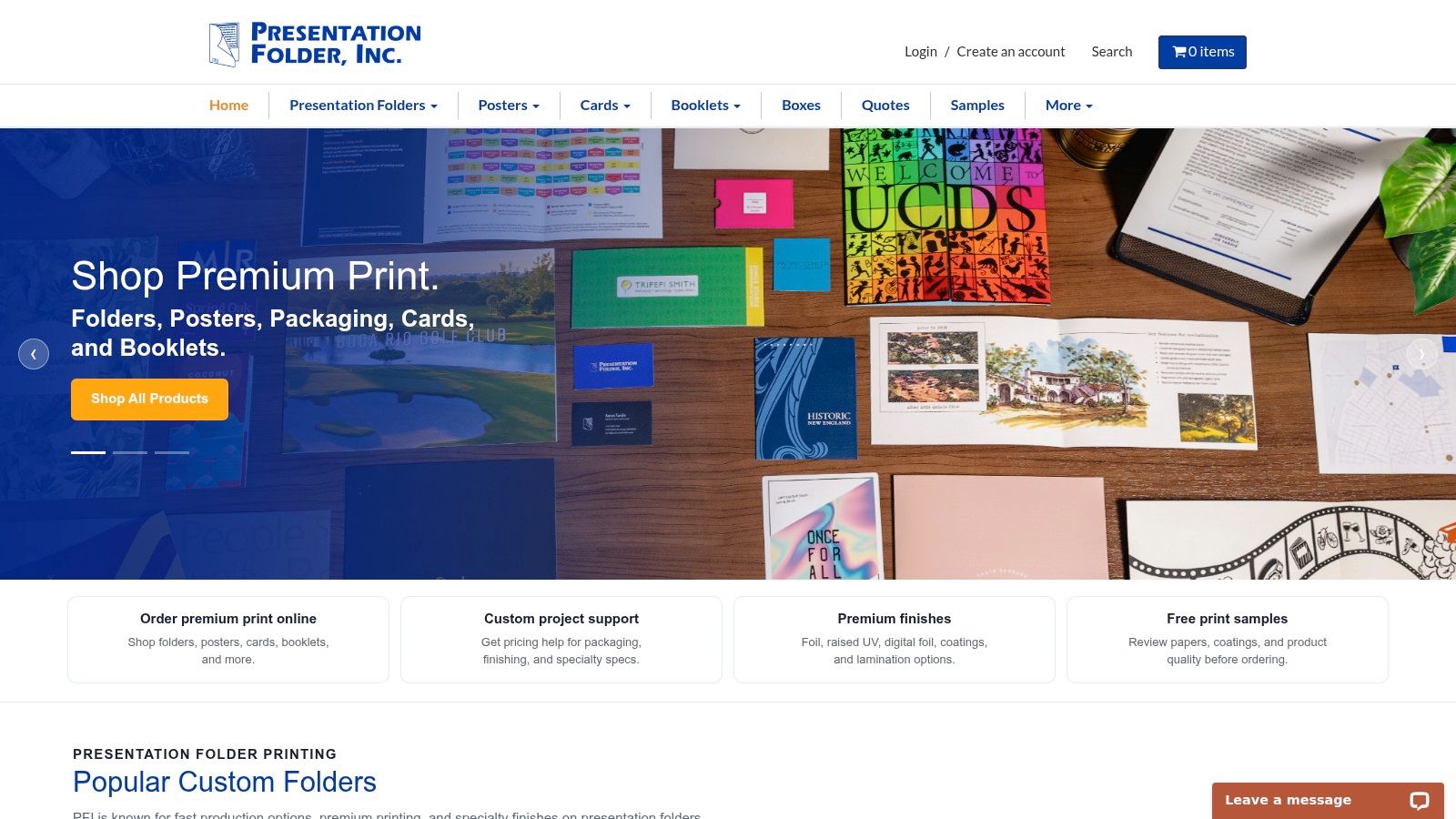
Presentation Folder, Inc. is a solid choice when you want standard dielines from a manufacturer that lives in this category. That focus matters. General print shops often offer folders as one product among many. Presentation Folder, Inc. treats them like a core production line, and that usually leads to fewer setup surprises.
Its downloadable templates cover common folder formats, including standard business use cases like letter and legal sizes, along with different pocket orientations. If your designer wants exact production boundaries before artwork starts, that's the right way to work.
Where it fits best
This service works best for teams that already know their folder purpose. Sales packets, legal handoffs, school enrollment materials, and polished proposal kits all benefit from consistent dielines and a manufacturer that supports digital and offset printing.
When the folder layout is stable, approvals move faster because people review content and branding instead of debating dimensions.
The folder system I recommend here is simple:
- Template Files: Store original dielines untouched.
- Working Artwork: Put in-progress designs here only.
- Approved for Print: Export final print files with version lock.
- Reorder Archive: Keep previous production-ready files for reuse.
That structure reduces the usual mistake of editing the only approved file after signoff. The trade-off is that Presentation Folder, Inc. is stronger on production templates than on broad design inspiration. If you need lots of ready-made visual themes, a design-heavy marketplace may feel easier. If you need dependable print setup, Presentation Folder, Inc. is the better fit.
4. UPrinting
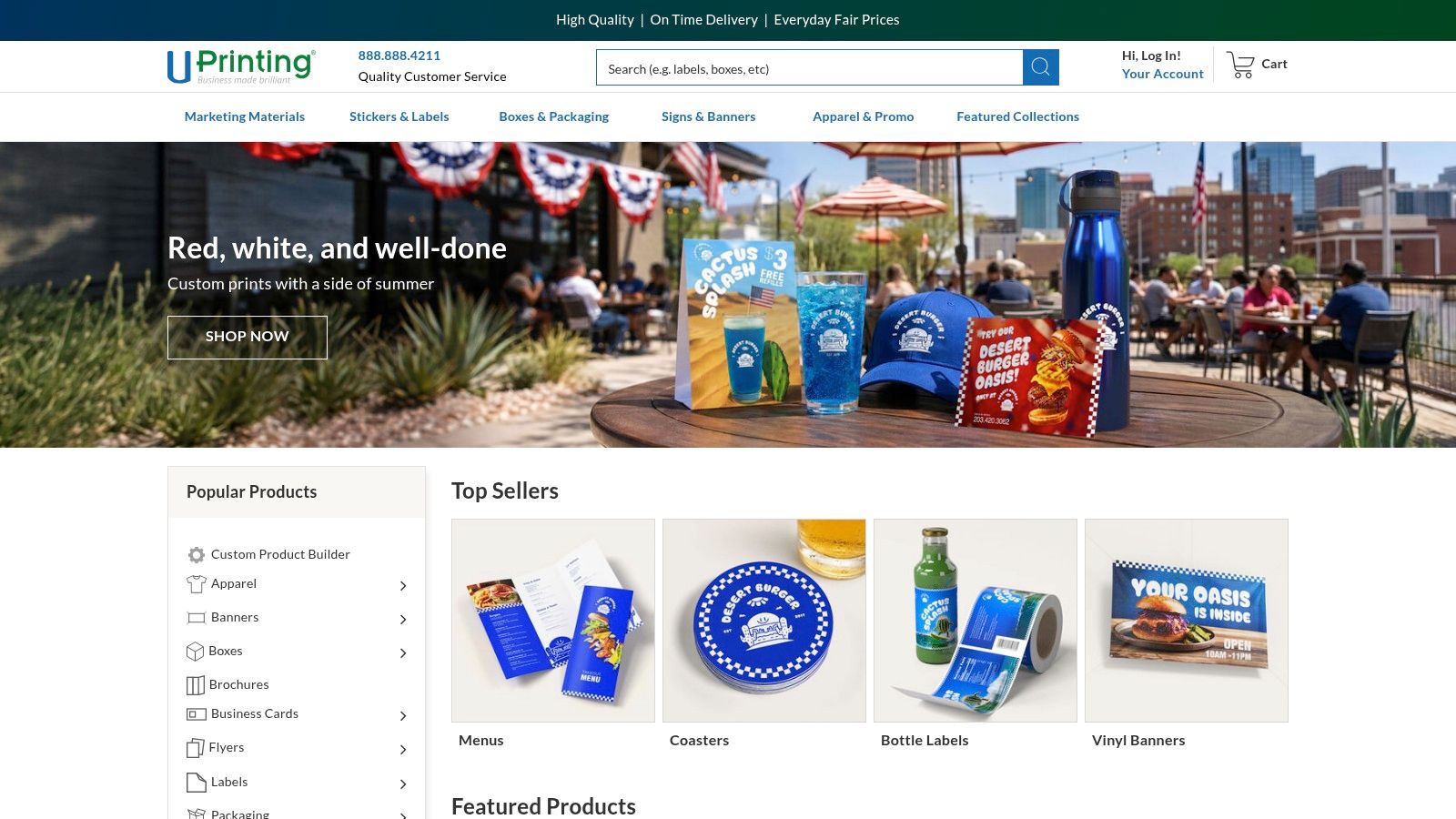
UPrinting is a practical middle ground. It gives you free folder templates attached to product pages, plus an online design tool if you don't want to work entirely in desktop design software. That mix works well for small businesses that need templates for folders without building a full print production workflow from scratch.
The useful part isn't just the template file. It's the fact that the file setup, product selection, and ordering path live in one place. That cuts down on handoff mistakes.
What works well
For operational use, I'd set up one shared folder structure around UPrinting jobs:
- Product Specs: Save the selected folder type and options.
- Template Downloads: Keep original dielines untouched.
- Design Exports: Store upload-ready files only.
- Proofs and Approvals: Keep proof PDFs and signoff notes together.
That model works because UPrinting supports common decisions teams make late in the process, such as card slits, inside or outside printing, and laminations. When those variables aren't documented in the same folder as the art files, reorders become messy.
Its online editor is convenient, especially for non-designers. But convenience has limits. If color is critical, you'll want proofing and tighter review discipline than the average quick-order job. For highly specialized embellishments, boutique folder printers still have the edge. For balanced ease and flexibility, UPrinting is a sensible pick.
5. PrintRunner

PrintRunner is the kind of option I like for teams that want straightforward file prep guidance. That sounds minor until you've watched a designer miss a UV layer requirement or align artwork incorrectly around a fold. Clear setup instructions reduce those avoidable errors.
Its folder templates are practical, and the support materials are strong enough for standard jobs where you want a good balance between price, finish options, and file-prep clarity. It also supports compact and standard folder formats, which helps when you're building different kits for different contexts.
Strong point
The best use of PrintRunner is operational discipline. Don't just download a template and start designing. Build a mini system around it.
- Keep one folder for blank templates: Never overwrite the original.
- Create a separate folder for finish-specific files: Spot UV versions need their own controlled assets.
- Archive final upload packages: Include artwork, notes, and any production instructions together.
Field note: Print jobs fail less often when the finish instructions live beside the art file, not in someone's inbox.
PrintRunner isn't the most exotic option for specialty folder formats, and some premium effects still require manual prep that casual users may find annoying. But if your team values documented setup over flashy storefront design, PrintRunner is dependable.
6. PrintPlace
PrintPlace is a good fit for teams that want a no-drama workflow. Its folder templates are functional, the bleed and safety guidance is clear, and the handoff into actual ordering is smooth. That combination matters when your priority is getting clean files to press without a lot of back-and-forth.
This isn't the option I'd choose for highly expressive design work. It is the option I'd choose for repeatable business collateral where consistency matters more than experimentation.
Good operational use
A clean folder template for PrintPlace jobs looks like this in practice: “Brand Assets,” “Layout Template,” “Working Version,” “Approved Export,” and “Order Records.” That's enough structure to keep jobs moving without building a huge internal process.
The main advantage is predictability. Teams with junior designers, office managers, or admin staff can follow the setup without getting lost in prepress details.
- Good for repeat orders: The same approved layout can be reused with fewer surprises.
- Good for standard collateral: Sales folders, info packets, and event handouts fit well.
- Less ideal for premium experimentation: Specialist finish options are more limited than niche providers.
If your team needs functional templates for folders and wants fewer production questions, PrintPlace is easy to work into a standard operating procedure.
7. Vistaprint
Vistaprint is for teams that don't want to start from a blank dieline. If that's your situation, its pre-designed folder templates are the appeal. You can customize branding in the online editor and keep moving, which is often the right call for small businesses without an in-house designer.
That ease changes the type of folder system you need. Instead of managing raw production files, you're managing brand consistency, final exports, and reorder discipline.
Where teams get value
The best setup with Vistaprint is a brand-controlled folder structure:
- Approved Logos
- Brand Colors and Fonts
- Current Folder Design
- Matching Collateral
- Order History
That last folder matters more than often realized. Vistaprint works well when you want your presentation folders to line up with business cards, brochures, postcards, and related materials in one ecosystem. If you don't save the exact final assets and order context, future edits often drift away from the original look.
Vistaprint's weakness is control. Designers who want precise dieline-level handling may find the platform restrictive. But for speed, accessibility, and broad small-business usability, Vistaprint is still one of the easiest options to deploy.
8. Modern Postcard
Modern Postcard is the option I'd keep in mind when folders are part of a larger campaign, not a standalone print job. Its downloadable templates are useful, but the bigger value is consultative support and quality control across collateral types.
That makes it a good choice for brands that care about consistency across mail pieces, inserts, brochures, and folders. A fragmented vendor setup often leads to slight mismatches that weaken the final presentation.
Best use case
If you use Modern Postcard, treat the folder template as part of a campaign asset library. Build folders around campaign name first, then split by asset type. Keep one shared “Print Standards” folder that holds paper notes, coating choices, and approval references for the entire campaign.
Good print organization starts at the campaign level, not the individual file level.
That approach keeps your folder from becoming an isolated object with its own disconnected specs. The trade-off is cost and pace. Consultative printing is rarely the cheapest path, but it usually makes sense when quality review matters. For polished, coordinated collateral, Modern Postcard earns its place.
9. Primoprint
Primoprint is a practical pick for teams that want setup guidance written in plain terms. Its folder templates come with useful notes about inside and outside printing, pocket orientation, and file-prep basics. That's exactly the kind of detail that prevents production errors before they start.
I like tools like this because they support disciplined work without forcing a heavy process. You get enough instruction to avoid common mistakes, and you can still move quickly.
Practical advantage
The best way to use Primoprint is to pair its template with a very simple approval path. Keep one folder for the downloaded template, one for your working layout, one for a final print-ready package, and one for proof or support correspondence. That's enough to keep the job auditable.
Its support library also helps teams that don't do print work every week. Someone can step in, follow the setup notes, and get the file prepared without depending on tribal knowledge from the one person who “usually handles print.”
The downside is that Primoprint isn't built around unusual formats or high-end embellishment. It's better for standard presentation folder needs than for ultra-custom jobs. For clear file guidance and standard production flow, Primoprint is a good operational choice.
10. CatPrint
CatPrint is a good short-run option when you need simplicity and you're fine with its constraints. Its pocket folder template is easy to understand, and the production limitations are clear. That transparency is useful. Teams waste a lot of time when a vendor's hidden constraints only show up after design is finished.
This is not the platform for highly elaborate folder concepts. It is the platform for getting a small run scoped correctly and produced without drama.
When to choose it
Use CatPrint when the job is modest, timelines are tight, and you don't want to overengineer the process. Set up a folder structure with “Specs,” “Template,” “Artwork,” and “Final Upload.” Keep the structure lean because the product itself is lean.
- Choose it for small runs: It suits quick, focused jobs.
- Choose it for clear boundaries: The specs make it easy to define what is and isn't possible.
- Skip it for complex creative concepts: Outside-only printing limits design flexibility.
That outside-only limitation is the main trade-off. If your folder concept depends on interior messaging or layered presentation, another vendor will fit better. If you want a clean short-run workflow with few surprises, CatPrint does the job.
Top 10 Folder Template Providers Comparison
| Product | Core offering | UX / Quality | Value & Pricing | Target audience | Unique selling points |
|---|---|---|---|---|---|
| Superdocu 🏆 | Cloud-first document-collection & workflow automation (templates, branded portals) | ★★★★★ | 💰 From €27/mo; 7‑day trial; Enterprise pricing | 👥 SMBs & verticals (legal, HR, real estate, immigration, construction) | ✨ Automated reminders, validation dashboard, GDPR + EU hosting, Zapier & DocuSign |
| Company Folders | Presentation-folder templates + custom printing (150+ styles) | ★★★★ | 💰 Free templates; custom print quotes | 👥 Designers, agencies, print buyers | ✨ Large template library, premium finishes, AI/PSD artwork |
| Presentation Folder, Inc. | Manufacturer with downloadable dielines; digital & offset printing | ★★★★ | 💰 Variable (config-based pricing) | 👥 Businesses needing national manufacturing & consistency | ✨ Ready-to-use dielines, premium coatings & embellishments |
| UPrinting | Online printer with free dielines & online editor; proofs available | ★★★★ | 💰 Affordable, quick turnaround; paid proofs available | 👥 DIY teams & small marketing teams | ✨ Online designer, many finishing options, hard-copy proofing |
| PrintRunner | Printer with clear artwork setup & silk lamination options | ★★★★ | 💰 Balanced pricing; documented file-prep guidance | 👥 Budget-conscious teams needing clear specs | ✨ Spot UV capability + step-by-step setup docs |
| PrintPlace | Downloadable folder layouts integrated with ordering workflow | ★★★★ | 💰 Competitive pricing & promotions | 👥 Marketers seeking smooth ordering | ✨ Clear bleed/safety guidance, order integration |
| Vistaprint | Pre-designed, brandable folder templates + online editor | ★★★★ | 💰 Low–mid pricing; ecosystem discounts | 👥 Non-designers & small businesses | ✨ Easy online editor, matching collateral ecosystem |
| Modern Postcard | Marketing printer with dielines and consultative color management | ★★★★ | 💰 Typically higher (premium production) | 👥 Brand-focused teams & campaign managers | ✨ High-quality offset/digital printing, consultative support |
| Primoprint | Folder templates with detailed setup notes and prepress library | ★★★★ | 💰 Competitive for standard configs | 👥 Users needing precise file-setup guidance | ✨ Practical prepress guidance to avoid production errors |
| CatPrint | Short-run pocket folders with downloadable templates & specs | ★★★★ | 💰 Good for short runs; transparent constraints | 👥 Small-quantity projects & quick turn jobs | ✨ Short-run friendly, clear spec limits and business card slit option |
Final Thoughts
Templates for folders work best when they do more than create empty containers. The useful ones establish a naming convention, define ownership, reduce file ambiguity, and make repeat work easier. That applies whether you're organizing digital document intake or preparing printed presentation folders for sales and client delivery.
The biggest mistake I see is treating folder templates as a one-time cleanup project. People build a neat structure, share it once, and assume the problem is solved. It isn't. The template needs rules behind it. Who creates new folders. How files are named. Which folder holds source files versus approved exports. When archived material gets locked. Without those rules, the structure decays fast.
For digital operations, I'd separate active work from approved records and from archived material every time. That single decision prevents most version confusion. Add permission logic next. Upload access should not automatically mean edit or delete access. Then add automation wherever a task repeats, especially reminders, validation, expiration tracking, or handoffs into another tool.
For print workflows, keep original templates untouched, working files isolated, and final print-ready exports locked after approval. Most print errors don't come from bad design. They come from messy handoffs, overwritten source files, and vague naming.
A practical naming system usually beats a clever one. Use the project or client name first, then asset or document type, then status if needed. If dates matter, use a sortable format and keep it consistent. Don't mix naming styles across departments if the folders live in the same environment.
The right choice in this list depends on what kind of “folder” problem you have. If the issue is document collection, approvals, and renewals, Superdocu is the strongest operational system because it combines structure, permissions, and automation. If the issue is physical folder design and print production, the specialist printers and template libraries here each fit different levels of control, support, and finish quality.
The test is simple. A good folder template should help a new team member understand where something goes without asking for help. A great one should also make it harder to put things in the wrong place. That's the standard worth aiming for.
If you're tired of chasing documents across inboxes, shared drives, and half-finished folders, Superdocu is the fastest way to turn folder chaos into a working system. Its templates, branded request flows, validation steps, and automation tools make document collection structured from the start, not cleaned up after the fact.