
If you've ever spent an afternoon chasing down a missing file through a tangled mess of email threads, you know the pain all too well. It's a frustrating cycle: send the initial request, follow up a few days later, and then dig through your inbox hoping you find the right attachment.
This disorganized approach doesn't just waste time; it introduces real business risks and makes everyone's life harder.
Moving Beyond Endless Email Chains
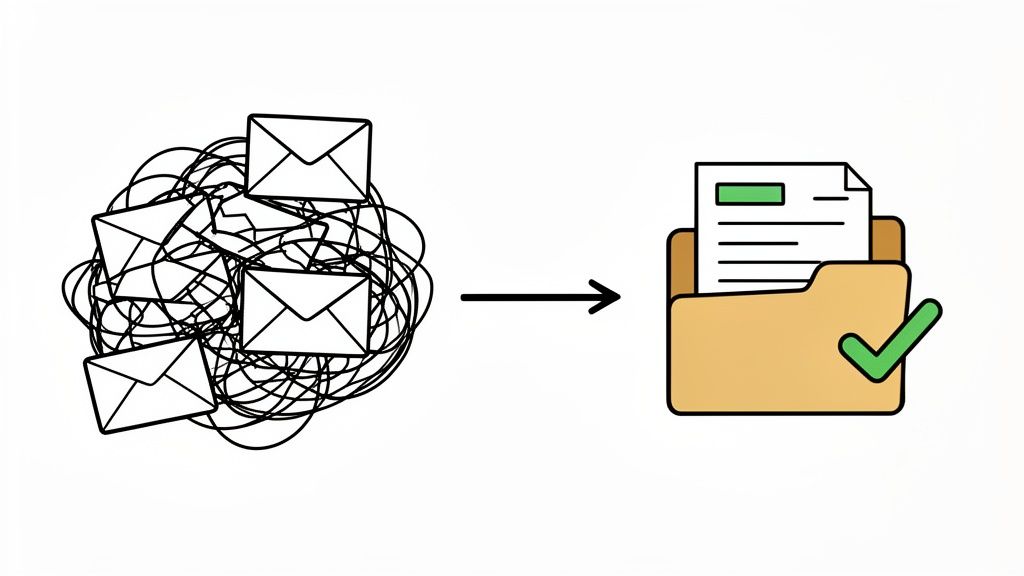
The manual process is riddled with inefficiencies that quietly drain your team's energy and resources. Every minute spent searching for an old email or re-explaining what you need is a minute you're not spending on meaningful work. Plus, the constant back-and-forth creates a clunky, unprofessional experience for your clients, turning a simple task into a chore.
The Hidden Costs of Manual Collection
The problems run much deeper than just frustration. Relying on email to request important documents opens the door to significant issues that can impact your entire operation.
Security is a major concern. Standard email often lacks the robust, end-to-end encryption required for handling sensitive information, putting confidential client data at risk of exposure.
Then there's version control—or the lack thereof. Did the client send the final version of the contract, or was it the draft from last Tuesday? Without a single source of truth, it’s frighteningly easy to work with outdated information, which can lead to costly and embarrassing mistakes. On top of that, the absence of a clear audit trail makes it nearly impossible to prove when a document was requested, received, or approved.
Key Takeaway: The old-school manual process isn't just slow—it's insecure, unreliable, and prone to human error. Shifting to an automated system is about more than convenience; it's about creating a secure, trackable, and organized environment for every single document you handle.
A Better Way to Request Documents
Making the switch to a modern workflow completely changes the game. Instead of chaotic email chains, you create a clean, automated system that does the heavy lifting for you. By putting a structured process in place, you bring consistency and clarity to every single request.
This shift means using tools designed for the job, which automate the most tedious steps:
- Centralized Requests: You send one single, secure link where clients can see exactly what you need and upload their files directly. No more confusion.
- Automated Follow-ups: Gentle nudges are sent out automatically, so you don't have to personally track deadlines and chase people down. You can learn more about how to simplify your workflow with automated email reminders.
- Clear Visibility: A central dashboard gives you an at-a-glance view of what's been submitted and what's still outstanding across all your requests.
The difference between the old way and the new way is stark. Let’s break it down.
From Manual Headaches to Automated Wins
The table below paints a clear picture of the evolution from a frustrating, manual process to an efficient, automated one. It's a shift that saves time, reduces stress, and presents a much more professional face to your clients.
| Process Stage | The Old Way (Manual Hassle) | The New Way (Automated Workflow) |
|---|---|---|
| Sending Requests | Crafting individual emails for each client, often forgetting attachments or key details. | Using a pre-built, branded template to send a clear, professional request in seconds. |
| Tracking Progress | Juggling spreadsheets, sticky notes, and a cluttered inbox to remember who owes what. | A centralized dashboard shows the real-time status of every document from every client. |
| Following Up | Manually sending "just checking in" emails, hoping for a response. | Automated, polite reminders are sent at preset intervals until the file is submitted. |
| Receiving Files | Documents arrive as a mix of insecure email attachments, often with confusing file names. | All files are uploaded to a secure, organized portal with consistent naming conventions. |
| Ensuring Security | Relying on basic email security, leaving sensitive client data vulnerable to breaches. | Documents are protected with end-to-end encryption and secure, permission-based access. |
Moving to an automated workflow isn't just about getting files faster. It's about reclaiming your time, eliminating critical errors, and giving your clients a seamless, modern experience they'll appreciate.
Laying the Groundwork for a Flawless Document Request
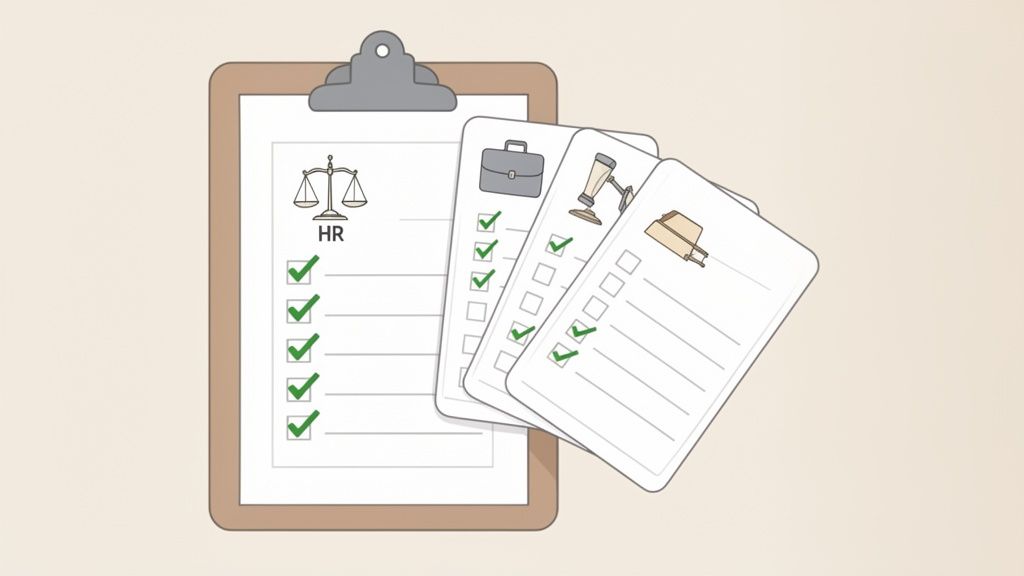
If you want to get the right documents back on the first try, a little prep work up front goes a very long way. Before you even think about hitting "send," taking a moment to build out clear checklists and reusable templates is the secret to a smooth process.
Think of it this way: a well-planned request answers questions before they're even asked. It cuts down on the confusing back-and-forth and stops incorrect submissions in their tracks, saving you a ton of administrative headaches.
Build Checklists That Leave No Room for Doubt
The heart of any good document request is a precise, easy-to-follow checklist. A vague ask like "send over your financial info" is a recipe for disaster. You'll get a mix of everything you didn't need and miss half of what you did.
Instead, break it down into crystal-clear, actionable items. Put yourself in the shoes of someone who has no idea what you need.
For example, an HR team onboarding a new hire needs very specific documents. A solid checklist can be the difference between a smooth first day and a paperwork nightmare.
Sample HR Onboarding Checklist
- Proof of Identity: A clear, color copy of your driver's license or passport.
- Form I-9: Please complete and sign the attached I-9 employment eligibility form.
- Direct Deposit Info: A voided check or a direct deposit authorization form from your bank.
- Signed Offer Letter: The fully executed copy of your official offer letter.
See the difference? This level of detail makes it simple for the sender. They can literally tick off each item, ensuring nothing gets missed.
A detailed checklist is your first line of defense against incomplete submissions. By clearly defining every required item, you empower your clients to succeed and save your team from the administrative burden of chasing missing files.
Turn Your Best Checklists into Time-Saving Templates
Once you’ve perfected a checklist, don't let that effort go to waste. Save it as a reusable template. This is a game-changer for efficiency and consistency. Typing the same list and instructions over and over is a drain on your time and a perfect opportunity for typos and mistakes to creep in.
A great template is more than just a list of files. It should also include a clear due date, any specific file requirements (like PDF only, no JPEGs), and a brief, friendly message that sets the right tone.
Tailor Your Templates for Different Scenarios
Of course, one size doesn't fit all. The documents a law firm needs are completely different from what a real estate agent requires. This is where building a library of specific templates comes in handy.
- For Legal Professionals: A client intake template might ask for the signed engagement letter, all relevant contracts, and a detailed timeline of events. Each request should have a quick note explaining what to include.
- For Real Estate Agents: A rental application template is a classic. You'd build in requests for proof of income (like the last two pay stubs), a recent credit report, and a list of references.
- For Mortgage Brokers: The loan application template would be the workhorse, listing things like tax returns for the past two years, recent bank statements, and employment verification letters.
Creating these industry-specific templates makes it faster for you to request documents and infinitely easier for your clients to give you exactly what you need. That initial investment in getting organized pays for itself almost immediately.
Putting Your Document Collection on Autopilot
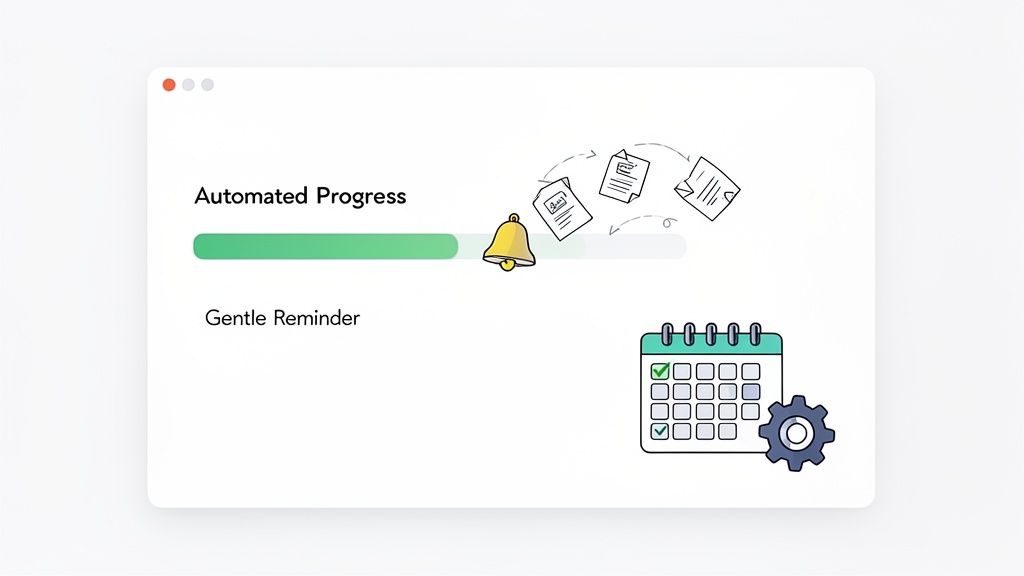
Once your templates and checklists are dialed in, it's time to get your most valuable asset back: your time. This is where automation really changes the game, shifting you from a professional document chaser to a system manager. Forget manually sending emails and tracking everything in a messy spreadsheet. It's time to let a system handle the grunt work for you.
The magic starts with a secure, branded client portal. Instead of a bland email, your client gets a unique link. When they click it, they land on a professional, easy-to-navigate interface that features your logo and brand colors. This builds immediate trust and makes the whole experience feel buttoned-up and secure—a huge step up from asking for sensitive files as email attachments.
This isn’t just a nice-to-have feature for small businesses; it’s becoming the standard. By the mid-2020s, over 65% of Fortune 500 companies were already using document automation. What's more, over 80% of enterprises planned to invest more in it to slash costs and tighten up compliance. It's a massive shift.
Crafting the Perfect Reminder Cadence
Let's be honest, the best part of an automated system is sending reminders without having to think about it. But there's a fine line between persistent and annoying. Nailing your follow-up cadence is the secret to getting what you need without driving your clients crazy.
A gentle, systematic approach always wins. Bombarding someone's inbox is the fastest way to get ignored. The trick is to map out a logical sequence that gives people a reasonable amount of time to act before the next nudge.
Here’s a proven reminder schedule that just works:
- The Gentle Nudge (3 Days In): This is a friendly, automated check-in. A simple "Hey, just wanted to see if you had a chance to look at this."
- The Mid-Point Reminder (7 Days In): Time to be a little more direct. This message can gently point out the approaching deadline.
- The Final Alert (24 Hours Before Deadline): A firm but still polite final reminder that makes it clear the due date is tomorrow.
This spaced-out timing feels helpful, not hostile. You can even customize each message to shift the tone from a soft prompt to a more urgent alert as the deadline gets closer. For a deeper dive, you can explore our guide on how to collect documents from clients easily.
Pro Tip: Always give clients an easy way out. Include a simple way for them to reply if they're struggling to find a document or just need an extension. This small gesture can prevent a lot of frustration and keeps communication flowing.
By setting up these automated workflows, you're essentially building a system that runs itself. You set the rules once, and the software executes them perfectly every single time. This frees you from the mental burden of remembering who owes you what, letting you focus on the high-value work that actually moves the needle. The result? A faster, more reliable collection process and happier, less-stressed clients.
Keeping Sensitive Client Data Safe
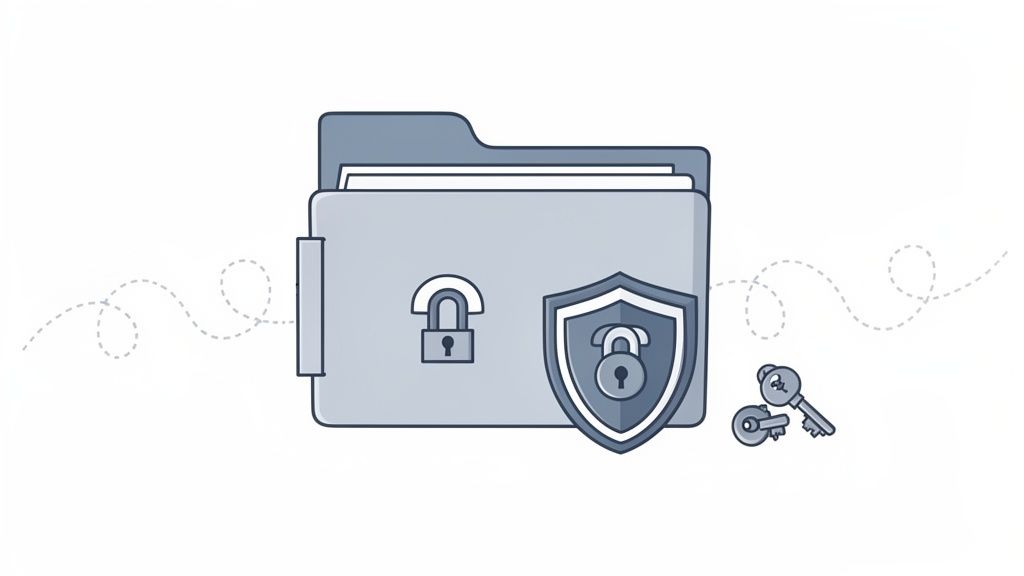
The moment you ask a client for a document, you become the custodian of their sensitive information. Let's be clear: this is a huge responsibility. We're not just talking about professional courtesy; mishandling data can have serious legal and reputational fallout. That's why moving away from insecure methods like email is the first, most critical step you can take.
Every single file needs to be shielded from prying eyes. This is where end-to-end encryption isn't just a nice-to-have, it's a must-have. It works by scrambling the data the second your client uploads it, keeping it unreadable until you securely access it. Think of it like a digital locked briefcase where only you and your client have the keys.
Understanding Compliance and Building Trust
Encryption is the foundation, but you also need a crystal-clear record of every interaction. A detailed audit trail is your best friend here. It tracks who touched a document, when they did it, and what they did with it. This kind of accountability is invaluable for clearing up any confusion or proving you've done everything by the book.
And speaking of "the book," regulations like GDPR in Europe and HIPAA in the U.S. healthcare world aren't suggestions—they're the law.
- GDPR (General Data Protection Regulation): This framework demands a legitimate reason for collecting data and gives people significant rights over their personal information. The fines for getting this wrong are no joke.
- HIPAA (Health Insurance Portability and Accountability Act): For anyone in healthcare, this act sets the gold standard for protecting patient health information. Any software you use must meet these tough security requirements.
The smart move is to use a platform built specifically with these standards in mind. Look for a service that is transparent about its compliance and stores data in secure, appropriate locations. If you want to dig deeper, it's worth learning more about what makes a secure document intake platform.
Ultimately, showing that you have rock-solid security isn't just about dodging fines. It's one of the most powerful ways to build and keep your clients' trust. When they see you're serious about protecting them, it strengthens the entire relationship.
Security Is a Feature, Not an Afterthought
Your process for requesting documents has to be secure from the ground up. It’s not something you can just bolt on at the end. Every link you send and every file you receive must travel through a secure, verifiable channel.
Here's a simple way to think about it: you'd never ask a client to mail you their passport in a plain, unsealed envelope. Using standard email for sensitive files is pretty much the digital equivalent of that. By committing to a secure, dedicated system, you’re not just making your own life easier—you're sending a powerful message that you take their privacy seriously. That’s what being a true professional is all about.
Making Sense of Submissions and Integrating Your Tools
Getting all the files back is a huge relief, but the work isn’t over. Now comes the part where you quickly validate what you've received and actually put those documents to use. This is where a smooth, connected process really shows its value, linking your document collection efforts to the rest of your business.
A solid review process actually begins before anyone uploads a single file. By setting clear rules from the start—like only accepting PDFs or requiring a specific naming convention like "LastName_Contract_Date"—you take care of quality control upfront. It’s a simple step, but it dramatically cuts down on the time you’d otherwise spend sifting through a mess of poorly named, random files.
The Art of a Quick Review: Approving and Rejecting Files
Once the documents start rolling in, your goal is to make a quick, clear decision on each one. Is it the right document? Can you actually read it? Is it the final version? A good platform gives you a central dashboard where you can see everything at once, letting you approve good submissions with a single click.
But what if a document is wrong? It's tempting to just hit "reject" and move on, but that just creates more back-and-forth. Instead, give clear, simple feedback that explains exactly what the problem is.
- Be specific: Don't just say "wrong file." Try something like, "This looks like a draft. Can you please upload the final, signed copy?"
- Be helpful: If a scan is blurry, a quick note like, "The text here is unreadable. Could you please rescan it at a higher resolution?" works wonders.
This kind of feedback helps the other person get it right the first time on their next attempt, which keeps the whole process from grinding to a halt.
A fast and clear review cycle is everything. In document-heavy fields like immigration law, small delays pile up fast. Doing this all by hand adds a ton of work and can seriously slow down timelines, affecting everyone's outcome.
Think about the mountain of paperwork involved in U.S. immigration. In fiscal year 2024, there were roughly 473,464 applications for adjustment of status, and the average processing time was about nine months. For anyone involved, every single delay in reviewing a document adds to that wait. It’s a perfect example of why moving away from manual work is so important. You can find more on the impact of document processing on U.S. immigration statistics.
Connecting Document Collection to Your Day-to-Day Workflow
The real magic happens when you connect your document collection system to the other tools you rely on every day. An approved document shouldn't just sit in a digital folder—it should automatically kick off the next step in your process. This is where integrations become a game-changer.
Picture how smoothly this could work:
- eSignature on Autopilot: A client uploads a signed contract. As soon as you approve it, the system can automatically send it over to DocuSign for your countersignature. No manual forwarding needed.
- Instant CRM Updates: An approved client intake form could instantly create a new contact in your CRM or update an existing one, saving you from tedious data entry.
- Automatic Cloud Sync: All validated documents get sent straight to your company’s Google Drive or Dropbox, already organized into the right client folders.
And tools like Zapier can take this even further, letting you connect your platform to thousands of other apps. You could set up a "Zap" that pings a team member on Slack the moment a critical file gets your stamp of approval. This kind of connectivity turns document requests from a standalone chore into a powerful, integrated engine for your business.
Got Questions About Requesting Documents?
Switching to a modern system for collecting documents always brings up a few questions. I get it—adopting new tech can feel like a big leap. But based on my experience, the most common hurdles are surprisingly easy to clear once you have the right info.
Let’s walk through some of the questions I hear most often.
How Can I Request Documents Securely?
The best way, hands down, is to use a dedicated document collection portal with end-to-end encryption. Sending sensitive files back and forth over standard email is just asking for trouble; it's notoriously easy for things to get intercepted.
A professional platform gives your client their own unique, secure link. They upload files directly into a protected space, which means their private information never even touches your inbox. This also gives you a full audit trail, so you can see exactly who submitted what and when.
How Do I Automate Reminders Without Being Annoying?
The trick is to make your automation feel helpful, not pushy. You want a system where you can customize the timing and the message. This lets you keep things professional and courteous.
A good cadence I've seen work well is:
- Gentle Nudge: A quick reminder about 3 days after the first request goes out.
- Midway Follow-Up: A slightly more direct message about 7 days later, or halfway to the deadline.
- Final Heads-Up: A polite but firm alert 24 hours before everything is due.
This way, the follow-up feels like it's coming from the system, not from you personally nagging them. Clients really do appreciate the difference.
The whole point is to give people helpful, low-pressure prompts that keep things moving. A well-timed, automated reminder respects everyone's time while making sure you get what you need without all the manual follow-up.
Can This Connect with My Other Software?
Absolutely. Any good document collection tool is built to play nicely with the software you’re already using—think Google Drive, Dropbox, or eSignature platforms like DocuSign. That connection is what makes your entire workflow feel seamless.
For a real power-up, look for platforms with Zapier or Make integrations. This opens the door to connecting with thousands of other apps. You could, for example, set up a workflow that automatically updates your CRM the second a client's documents are approved or pings a team member on Slack.
What are the Common Mistakes I Should Avoid?
The single biggest mistake I see is sending a vague request in a long, confusing email. It’s a surefire way to get the wrong files back. You have to be specific—use a clear, itemized checklist for every single request.
Another classic error is not setting file requirements, like "PDF only" or asking for a specific file name. If you don't, you'll end up with a messy pile of files you can't even use.
And finally, not giving a firm deadline and a single, obvious place to upload just creates chaos. A well-structured template solves all of these problems in one go.
Ready to stop chasing files and start getting your work done? Superdocu gives you a secure, branded portal to request documents, send automated reminders, and integrate with the tools you already love. Start your free trial today and see how easy it can be.