
If you’re still chasing down documents through endless email chains, you know how frustrating and inefficient it is. It’s a time sink for everyone involved. The modern way to handle this is to ditch the manual follow-ups and use an automated system to request documents securely and efficiently. This lets you build smooth, repeatable workflows for everything from onboarding a new client to running compliance checks.
Why Your Manual Document Request Process Is Broken
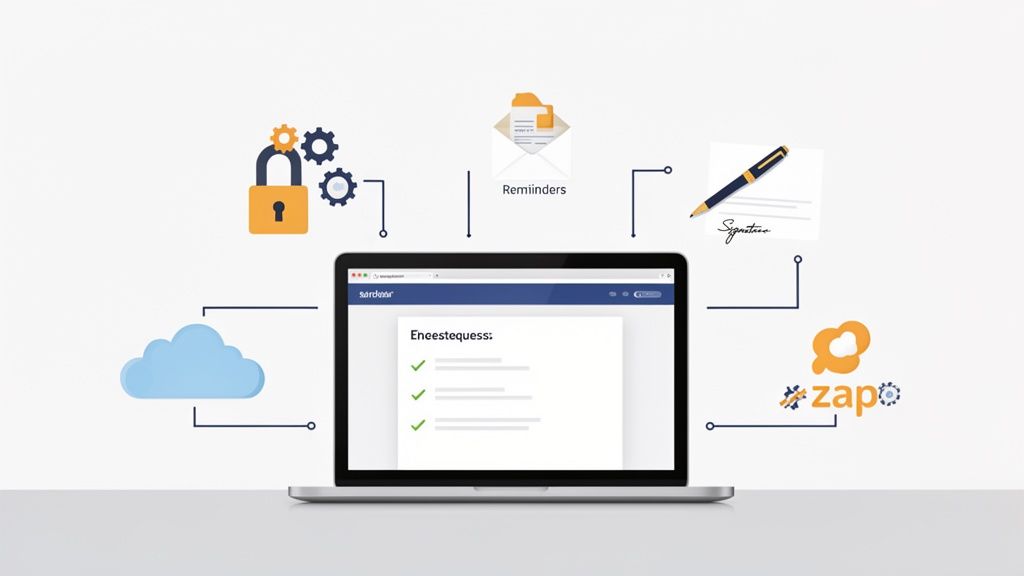
Let’s be honest: if your process to request documents is built on back-and-forth emails and a tracking spreadsheet, you're dealing with massive hidden costs. This old-school method isn't just slow—it's risky and creates a terrible experience for your clients, vendors, and even new hires. That administrative slog piles up fast, eating away at time you could be using for more important work.
This outdated approach almost always causes the same nagging problems:
- Lack of Clarity: A vague request like "please send over your paperwork" is an invitation for mistakes. You get the wrong files, incomplete forms, and the back-and-forth begins.
- Security Vulnerabilities: Email was never designed for sending sensitive information. Tossing financial statements or personal IDs back and forth over email exposes both your business and your clients to unnecessary risk.
- No Centralized Tracking: Without a proper system, getting a quick status update on all outstanding requests is a nightmare. This inevitably leads to missed deadlines and disorganized, chaotic follow-ups.
- Poor Client Experience: A clunky, confusing process doesn't just waste time; it makes your business look bad and can frustrate the very people you're trying to impress.
The Big Picture: Manual vs. Automated
The difference between sticking with email and adopting a real system is stark. One drains resources, while the other builds efficiency and trust.
Here's a quick side-by-side look:
| Feature | Manual Email Process | Automated Workflow |
|---|---|---|
| Time Investment | Hours spent on manual follow-ups & organization | Minutes to set up; system handles reminders |
| Accuracy & Errors | High risk of incorrect or incomplete files | Validation rules ensure you get the right docs |
| Security | Low; relies on insecure email attachments | High; encrypted, compliant, and secure portal |
| Client Experience | Confusing and frustrating | Simple, professional, and user-friendly |
| Tracking | Messy spreadsheets or forgotten email threads | Centralized dashboard with real-time status updates |
Seeing it laid out like that, the choice becomes pretty clear. The old way just can’t compete.
The Shift Toward Intelligent Automation
The move toward automated systems is a direct answer to these all-too-common frustrations. Businesses are catching on and adopting intelligent platforms to manage the entire document collection process.
This isn't just a niche trend. The Intelligent Document Processing (IDP) market is expected to hit $6.78 billion by 2025, and over 80% of companies are planning to invest more in this area. Why? The results speak for themselves, with some industries seeing up to 50% faster processing times.
By replacing manual email chains with a structured, automated workflow, you create a professional and frictionless experience. It ensures you receive the correct documents on time, every time, while safeguarding sensitive information.
Ultimately, modernizing how you request documents is about building a system that is predictable, secure, and easy for everyone to use. It turns a painful administrative chore into a smooth, reliable part of your operations. If you're ready to make that happen, our guide on how to collect documents easily offers more practical advice. This guide will walk you through building that system, covering everything from workflow design to security best practices.
How to Design a Document Request Workflow That Actually Works
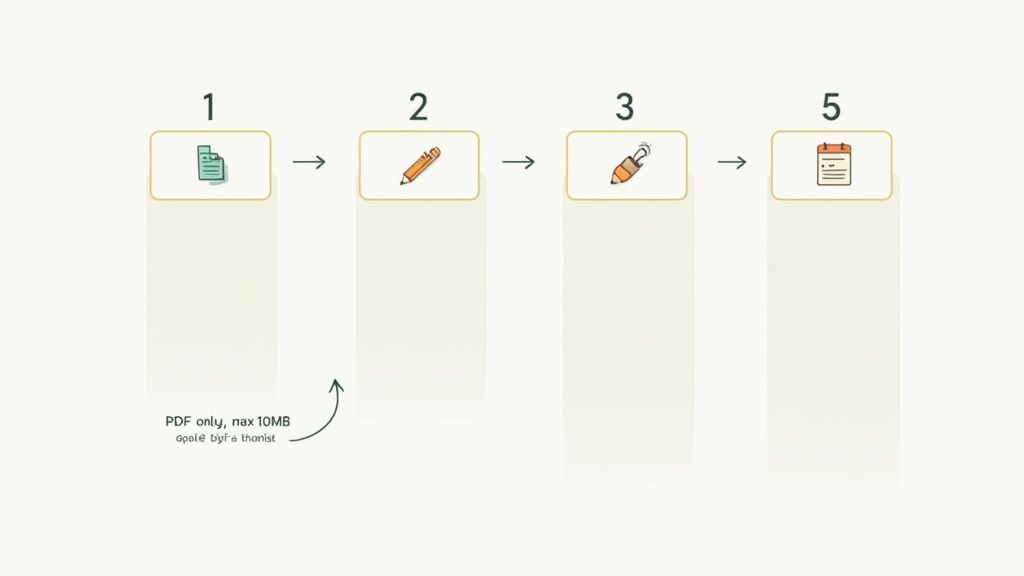
Let's be honest: messy email chains are where document requests go to die. The real key to moving past that chaos isn't just buying new software—it's about designing a smarter process from the ground up. A truly effective workflow anticipates what the other person needs, making it dead simple for them to give you exactly what you’re asking for.
When you remove the guesswork, you eliminate the constant back-and-forth and the flood of incorrect files. The idea is to build a repeatable system that works every time you request documents. Let’s walk through how to build one that's clear, efficient, and professional.
Start With a Real-World Scenario
Before you touch any software, think through a common situation. Let's say you're onboarding a new freelance designer. Instead of firing off a vague email asking for "their info," a solid workflow begins with a precise checklist. You already know what you need to get them started.
Your list would be the foundation of the entire request:
- A signed independent contractor agreement
- A completed W-9 form for taxes
- A voided check or direct deposit form for payroll
- Proof of professional liability insurance
By simply defining this list upfront, you've turned a potential ten-email headache into a single, straightforward task for the freelancer. You're setting them up to succeed from your very first interaction.
This same logic applies everywhere. Your legal team might need a signed NDA and a certificate of incorporation from a new partner. HR, on the other hand, would need an I-9, photo ID, and signed policy acknowledgments for a new hire. The documents change, but the principle of defining them first never does.
Build a Better Digital Front Door
Once you know exactly what you need, it's time to build the digital entry point for those files. This is where you finally ditch the "just reply to this email" approach and create a simple, user-friendly form or portal. The goal here is pure simplicity.
A good request form should include:
- Plain English Instructions: Don't just label a field "W-9." Add a quick note like, "Please upload your completed and signed W-9. This is required for all U.S.-based vendors before we can issue payment."
- File Guardrails: Get specific about formats and sizes. For instance, you can restrict uploads to PDF only and set a maximum file size of 10MB. This small step prevents you from getting blurry photos of documents or massive, uncompressed image files.
- Clear Deadlines: Always state when the documents are due. It creates a sense of priority and helps you manage your own timelines.
A well-designed request form is more than just a place to upload files; it’s a guide. It walks the person through the process, answering their questions before they even think to ask.
This structure not only ensures you get what you need the first time but also makes your business look sharp and organized. It shows you respect the other person's time.
Make It Repeatable with Templates
After a while, you’ll notice you're asking for the same things over and over. Onboarding a client, hiring an employee, or bringing on a new vendor always requires the same set of documents. This is where templates become your secret weapon.
Instead of building a new request from scratch every time, you create a standardized template for each of these recurring events. A "New Vendor Onboarding" template, for example, would always have the fields for the contract, W-9, and insurance certificate ready to go.
This isn’t just about saving a few minutes. It delivers two huge wins:
- Speed: You can launch a new, complete request in seconds.
- Consistency: It guarantees every person goes through the exact same process, which is crucial for compliance and avoiding costly oversights.
Suddenly, your workflow isn't just foolproof for one person—it's a scalable, consistent system you can rely on across the entire company. You’ve successfully transformed how you request documents, turning a frustrating administrative chore into a smooth, predictable part of your operations.
Putting Your Follow-Ups on Autopilot

Let’s be honest: after you send a document request, the real headache begins. The constant checking, the manual follow-ups, the calendar alerts—it’s a time sink that drains your team's energy. This is exactly where you can get a huge win by letting automation take over the nagging for you.
The trick is to ditch the random, manual pokes and set up a smart, scheduled system instead. When done right, an automated follow-up sequence comes across as helpful and professional, not pushy. It’s all about keeping the process moving forward without annoying the person on the other end.
Crafting the Perfect Reminder Schedule
One of the biggest mistakes I see is people either sending way too many reminders or using a generic, demanding tone that just puts people off. Think of your reminders as a helpful service, making it super easy for the other person to remember what you need and get it done.
A simple, effective schedule that works for almost any situation has three main touchpoints:
- The Gentle Nudge: A polite reminder sent three days before the deadline is perfect. It’s a low-pressure check-in for those who genuinely just forgot.
- The Due Date Alert: On the day it’s due, send a clear, direct reminder. The tone here is professional but firm, creating a sense of importance.
- The Final Notification: Send one last follow-up one day after the deadline has passed. This signals that the request is officially overdue and needs their immediate attention.
This tiered approach respects everyone’s time while making sure your request doesn't get buried. It’s a set-it-and-forget-it system that works around the clock, freeing your team up for more important work. If you want to get really granular on this, we've got a whole guide on setting up automated reminders to collect documents.
Using Link Expirations for Urgency and Security
Here's another powerful tool: setting an expiration date on your document request links. This simple feature does two really important things. First, it creates a natural sense of urgency that gets people to act faster.
Second, and far more critical, it’s a security must-have. Think about it—an open link to a secure portal sitting in an old email is a huge potential vulnerability.
Setting a request link to automatically deactivate after a set period—like 48 or 72 hours—prevents old, forgotten requests from becoming backdoors to your system. This closes a common security loop that many businesses overlook.
For example, imagine your HR team sends a new hire a link to upload sensitive onboarding documents. By making that link expire, they limit access to a very specific window, drastically cutting the risk of someone stumbling upon it months later.
Writing Reminders That Actually Get a Response
The words you choose for your automated messages really matter. A clunky, robotic reminder can feel cold or even passive-aggressive, which is the last thing you want. The best follow-ups are always clear, short, and genuinely helpful.
Here are a few tips to make your reminder copy shine:
- Make It Personable: Always use the recipient's name and mention the specific documents you're waiting on.
- Include the Link. Every Time. Don't make them dig through their inbox for the original email. Put the direct upload link right there in the reminder.
- Keep the Tone Positive: Frame it as a friendly check-in, not a demand. Phrases like, "Just a friendly reminder…" or "Following up on our request for…" work wonders.
A great "due date" reminder might be something like: "Hi Jane, this is a reminder that the signed contract and W-9 form are due today. You can securely upload them right here: [Link]." It’s direct, helpful, and gets them exactly where they need to go.
6. Make Security and Compliance Your Top Priority
When you request documents from anyone—a client, a vendor, a new employee—you're not just collecting files. You're taking on the responsibility of protecting their sensitive information. This simple fact transforms document collection from a basic admin task into a critical security function.
This is exactly why relying on standard email is a massive, and unnecessary, risk.
Why Email Just Doesn't Cut It
Think of email as sending a postcard. Sure, it'll probably get there, but you have no idea who might read it along the way. That’s a terrifying thought when you’re handling financial statements, government IDs, or signed contracts.
Email is notoriously insecure. Attachments often sit unencrypted on servers and can be easily intercepted. A dedicated, secure portal isn't a "nice-to-have" anymore; it's the professional standard. It's the only way to guarantee a document is protected from the moment it's uploaded to the moment it’s stored.
A proper platform acts more like an armored car. It uses end-to-end encryption to scramble data in transit and keep it locked down while it's "at rest" on a server. This is the same security used by banks, and it's the standard you should hold your process to. To see what this looks like in practice, you can learn more about the features of a truly secure document intake platform.
The moment you ask for a document containing personal or financial data, you become its custodian. Your process must be built on a foundation of security that protects both your business and your clients from data breaches and compliance failures.
Getting this right is fundamental to building a trustworthy and legally defensible workflow.
Create an Unshakeable Audit Trail
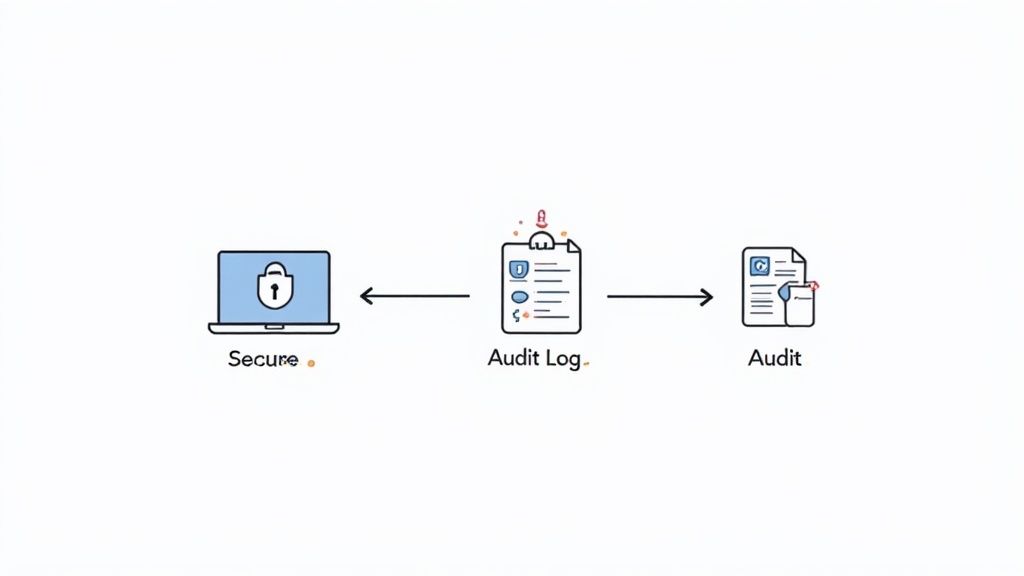
Compliance isn't just about having security measures in place; it's about being able to prove you have them and that they're working. This is where a detailed audit trail becomes your best friend. It’s an unchangeable, chronological log that records every single action related to a document request.
A good system will automatically log all the key events, giving you a complete picture:
- When a request was created and sent.
- The exact time a recipient viewed the request.
- Every single time a document was uploaded or downloaded.
- Who accessed the files and when they did it.
This isn't just for covering yourself in a worst-case scenario. An audit trail is incredibly useful for day-to-day operations. It helps you instantly resolve common disputes like, "I never got that request" or "When did you look at my file?" It provides cold, hard evidence, turning a potential conflict into a simple clarification.
Navigating Rules for Your Specific Industry
If you operate in a regulated industry, compliance isn't optional—it's woven into everything you do. Your process to request documents must be built from the ground up to meet strict standards where one slip-up can result in massive penalties.
Here’s a quick look at what this means for a few key sectors:
-
Healthcare (HIPAA): The Health Insurance Portability and Accountability Act (HIPAA) has iron-clad rules for protecting patient health information (PHI). Any system you use for medical records or insurance forms has to be fully HIPAA-compliant, with heavy-duty encryption and strict access controls.
-
Finance (FINRA & SEC): Financial firms answer to bodies like FINRA and the SEC. These regulations demand secure data handling and meticulous record-keeping for audits. Your workflow has to ensure every piece of client financial data is transmitted and stored securely, without exception.
-
Higher Education (FERPA): The Family Educational Rights and Privacy Act (FERPA) guards the privacy of student records. With international enrollment nearing 1.2 million students, the stakes are high. Universities need a secure, efficient way to request documents like I-20 forms and visa applications. As we've seen recently, delays in processing can cause huge enrollment drops, hurting both the schools and the broader economy.
By baking security and compliance into the DNA of your document request process, you're doing more than just ticking boxes. You're building trust with your clients, shielding your business from risk, and creating a system that's as reliable as it is efficient.
Connecting Document Requests to Your Business Tools
Getting a document back from a client is never the last step. A signed contract, an approved application, or a completed W-9 form is really just the starting line for what comes next. If those files just land in a folder and sit there, you're leaving a massive opportunity on the table to make your business run smoother.
The real goal is to stop thinking of document collection as a standalone task. Instead, see it as the trigger for all your other critical workflows. When you request documents, that simple action should kick off a whole chain reaction across your other systems, from your CRM to your cloud storage.
Bridge the Gap Between Collection and Action
A submitted document should immediately launch the next stage of your process. Think about it: when a new client uploads their signed service agreement, that’s your green light to officially start the onboarding process. Having to manually check a folder, download the file, and then hop over to your CRM to update their status is not just slow—it's practically begging for something to fall through the cracks.
This is where integrations change the game. The moment that document hits your system, an automated sequence can take over:
- Your CRM updates itself: The client's status flips from "Pending" to "Active."
- An onboarding task appears: Your project management tool assigns a "Schedule Kickoff Call" task to the right account manager.
- The finance team gets a heads-up: An alert goes out to accounting to generate the first invoice.
What was once a clunky, multi-step chore becomes a single, seamless event. The document’s arrival is the first domino that pushes all the others into place, all without anyone lifting a finger.
Popular Integrations That Save Time
The right connections will always depend on your specific business, but a few integrations are pretty much universally helpful for anyone who needs to request documents. These tend to focus on organizing your files, handling signatures, and keeping your team in the loop.
A truly efficient system doesn’t just collect files; it intelligently routes them to the right places and triggers the right actions. This transforms your document request process from a simple intake form into the command center for your operational workflows.
Here are a few of the most powerful connections you should consider setting up:
- Cloud Storage (Google Drive, Dropbox, OneDrive): This is the foundation. Automatically save and sort submitted files into specific folders based on the client's name, project, or date. It completely eliminates the need to manually download and re-upload anything.
- eSignature Platforms (DocuSign, Dropbox Sign): Why handle collection and signing separately? Combine them. Send a contract out for signature and have the completed, legally binding document automatically filed back into your system the moment it’s signed.
- Customer Relationship Management (CRM): Link document submissions directly to client records in your CRM. This gives your sales and support teams a complete 360-degree view of every client, including all their paperwork, all in one place.
Create Custom Automations with Zapier
So, what happens when you need to connect your document system to a tool that doesn't have a direct, out-of-the-box integration? This is where a platform like Zapier becomes your best friend. Zapier works like a universal adapter, letting thousands of different apps communicate with each other.
Using a tool like this, you can build custom recipes—they call them "Zaps"—that trigger an action in one app based on something that happens in another. The possibilities here are practically endless.
For instance, you could build a workflow where a new document submission automatically does all of this:
- Sends a Slack Notification: A message instantly pops up in your team's channel: "New contract just came in from [Client Name]!"
- Creates a Trello Card: A new card is added to your "Onboarding" board, complete with the client's details and a link to their file.
- Adds a Row to Google Sheets: The client’s name, submission date, and document type get logged in a master spreadsheet for easy tracking and reporting.
By piecing together these custom connections, you can build an incredibly powerful and specific automation network. It ensures that every time you request documents, the information flows exactly where it needs to go, making your entire operation faster, smarter, and far more reliable.
Got Questions About Requesting Documents? We've Got Answers.
Switching up how you collect documents from clients is a big move. It’s totally normal to have a few questions before you dive in. After all, this is a core part of your business, and you want to do it right. Here are the most common questions we hear, with straight-to-the-point answers from our experience.
What's the Safest Way to Ask for Sensitive Documents?
Hands down, the most secure way is to stop using email for this. Instead, use a dedicated document collection platform or a secure client portal. These tools are built from the ground up for security, using end-to-end encryption to protect files when they're being sent and when they're sitting on a server.
Think about it: email can leave sensitive information vulnerable. A secure portal, on the other hand, creates a locked-down environment.
Look for a system that gives you:
- Password-Protected Access: This ensures only the right person can see the request and upload their files.
- Automatic Link Expiration: Access to the upload page vanishes after a set time, so you don’t have old, forgotten links floating around that could become a security risk.
- Detailed Audit Trails: You get a clear log of every single action—who accessed what, and when.
This isn't just a "nice-to-have"; it's the professional standard for handling confidential information and dramatically cuts your risk of a data breach.
How Can I Get Documents from People Who Aren't Tech-Savvy?
Keep it simple. Seriously. Your goal is to make the experience feel even easier than attaching a file to an email. The best tool for the job will have a clean, ridiculously straightforward user interface.
The "magic link" approach is a winner here. You send an email with a single link that takes your client directly to a simple upload page. No accounts to create, no passwords to remember, no confusing dashboard to navigate. Just one click, and they’re looking at a big, friendly "Upload File" button.
Here’s a pro tip: write crystal-clear instructions. Instead of a generic "Upload files here," be specific. Try something like, "Click the button below to securely upload your signed Form 1099." A simple interface combined with clear directions will always win with less technical users.
Can I Automatically Check if Someone Sent the Right Document?
Yep, and this is where modern platforms really shine. You can set up layers of automated validation to catch common mistakes right away, which saves you the headache of chasing people down for the correct file.
Even basic validation rules can make a huge difference. For instance, you can:
- Require a specific file type (like only allowing PDFs and rejecting JPEGs).
- Enforce a file naming convention to keep everything organized from the start.
- Set a maximum file size so you don't get hit with massive, unneeded files.
Some advanced systems even use Intelligent Document Processing (IDP) to scan the content of a file. For example, it could check that a document actually contains the phrase "Certificate of Insurance" to confirm it's the right one. While you'll probably still want a human to do a final review on critical documents, these automated checks stop the most common errors before they even happen.
How Do I Set Up Reminders Without Annoying My Clients?
The secret is to be helpful, not a nag. An automated reminder should feel like a gentle, supportive nudge, not a stern demand. The first step is to be upfront about the deadline in your very first request—no surprises.
From there, a simple, respectful reminder schedule is all you need. We've found that a maximum of three automated follow-ups works best:
- A friendly nudge sent a few days before the deadline.
- A direct reminder sent on the actual due date.
- A final notice the day after it was due.
Make sure you can customize the tone of each message. And most importantly, include the direct upload link every single time. It saves your client from having to dig through their inbox to find the original email. A good system will also be smart enough to stop the reminders the moment the files are uploaded. This simple bit of thoughtfulness keeps the process moving and your client relationships strong.
Ready to see what a better document request process looks like? With Superdocu, you can build secure, automated workflows in just a few minutes. Stop the manual follow-ups and give your clients a professional experience they'll appreciate. Start your free trial today and see just how easy it is to get the documents you need, on time, every time. Learn more about Superdocu.