
You probably know the pattern. A buyer emails a pre-approval letter. The seller texts a question about timing. The title company sends a revised document. Someone signs the wrong version. Then a client asks, “Can you resend that file from last Tuesday?” and nobody is fully sure which file they mean.
That mess doesn't happen because people are careless. It happens because too many real estate teams still run high-stakes transactions through inboxes, shared folders, scattered PDFs, and memory. That setup breaks down fast once more than two parties touch the deal.
A proper real estate client portal fixes that. Not a glorified folder. Not a download page with a logo on it. A real transaction hub with controlled access, clear ownership, tracked actions, and a usable audit trail.
That shift is getting harder to postpone. The adoption rate of client portals in the property sector is projected to reach 76% by 2030, driven by virtual closings and digital transaction workflows, according to the National Association of Realtors as cited in this client portal statistics roundup. If your process still depends on forwarding attachments, you're not just behind on convenience. You're exposed on speed, clarity, and compliance.
Table of Contents
- What Is a Real Estate Client Portal Really
- The Undeniable ROI of a Centralized Client Experience
- Essential Features Your Real Estate Portal Must Have
- How to Select the Right Portal A Decision Checklist
- From Rollout to Rave Reviews Driving Portal Adoption
- Ensuring Security and Compliance in Your Client Portal
- Example Workflows From Listing to Closing
What Is a Real Estate Client Portal Really
The simplest way to think about a real estate client portal is this. It's the operating room for a transaction. Everyone who needs access gets the right access. Every document has a place. Every task has an owner. Every update has context.

A portal is a workspace, not a folder
A folder stores files. A portal manages a process.
That difference sounds small until a deal gets busy. In a folder, clients see a pile of names like “Disclosure-final-v3-signed-updated.” In a portal, they see the current disclosure, its status, who still needs to review it, and what comes next. That's a different client experience and a different operational standard.
A real estate client portal also gives each party a controlled view. Buyers don't need internal coordinator notes. Sellers don't need access to lender-specific paperwork. Attorneys may need legal disclosures without seeing every client message. If your system can't separate those views cleanly, it's not really supporting the transaction.
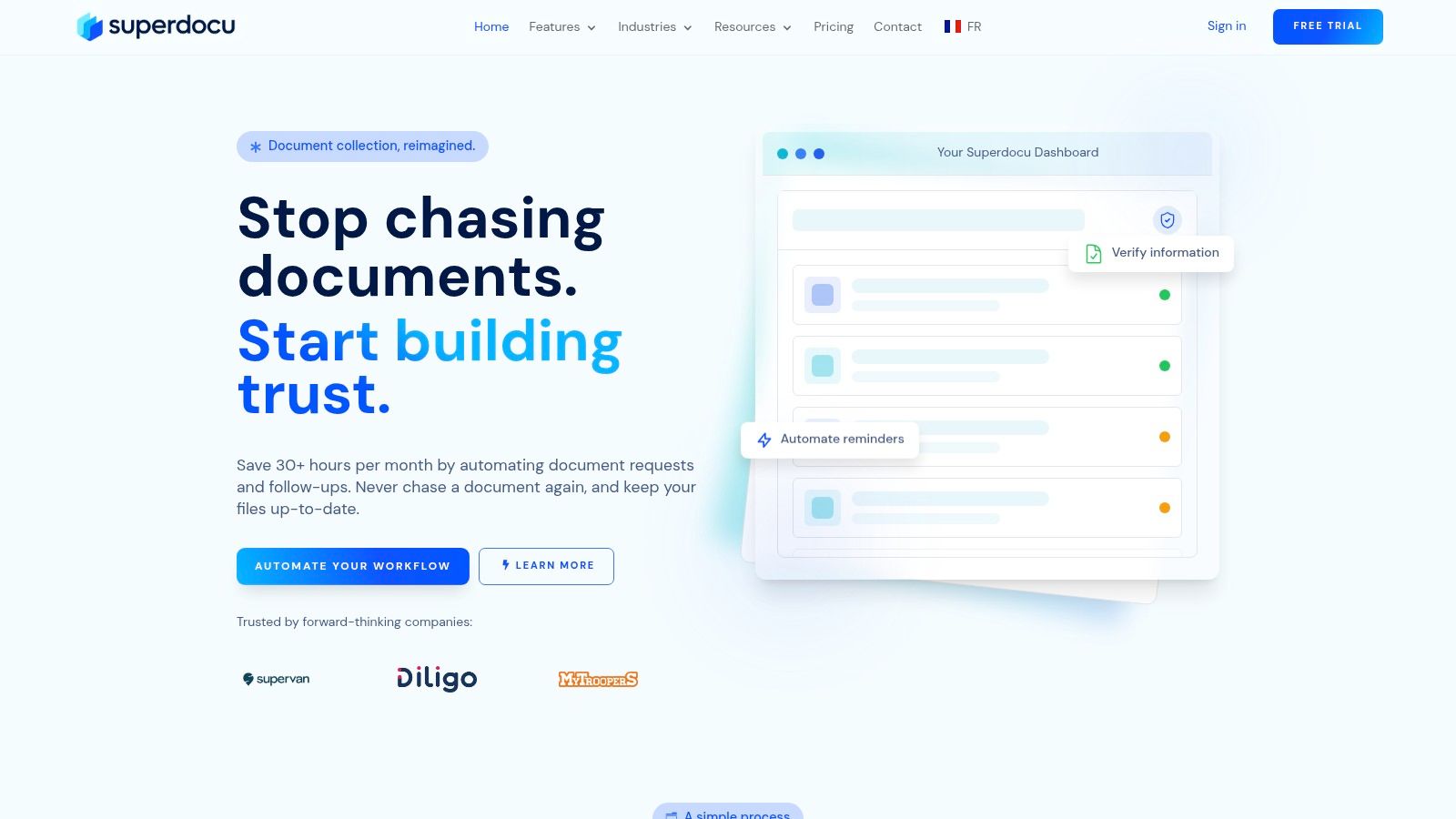
For teams trying to move beyond ad hoc file sharing, this overview of a client portal for document collection workflows is useful because it frames the portal as a process layer, not just a storage layer.
A portal becomes valuable when it answers three questions without an email: what's here, what's missing, and who's responsible.
Why the distinction matters in a live transaction
In practice, the portal acts like an airport hub for the deal. People arrive from different directions. Documents come in at different times. Approvals happen on separate schedules. But the transaction still has to move in an ordered way.
That's why basic “shared access” isn't enough. You need one place where the latest version is visible, tasks are current, and clients aren't guessing whether silence means delay or completion.
Here's what a true portal usually handles better than email threads:
- Central status visibility: Clients can check progress without asking for an update.
- Document collection: Missing items are requested inside the same workflow instead of through separate messages.
- Permission control: Each invited person sees only the parts of the transaction they should see.
- Activity history: Teams can review what was uploaded, reviewed, signed, or changed.
When agencies adopt that model, they stop treating transaction management as clerical cleanup. They start treating it like client service infrastructure.
The Undeniable ROI of a Centralized Client Experience
Brokerages often hesitate on portals because they frame them as software overhead. That's the wrong lens. The better question is how much productive time your team loses every week to chasing files, clarifying versions, and repeating status updates.
The financial case gets strong quickly. Real estate agents who consistently use CRM systems with integrated client portals report closing 47% more deals per year and seeing an average $8.71 return for every $1 spent on the technology, according to real estate CRM and lead nurturing statistics.
More selling time, less chasing
The gain isn't magic. It comes from operational cleanup.
When agents stop acting as human routers for every PDF, they get time back for prospecting, negotiations, and client conversations that move revenue. Coordinators spend less time asking for the same missing file twice. Clients stop sending screenshots just to confirm whether something was received.
A centralized portal also changes how the client perceives the agency. The process feels managed. The transaction feels visible. That matters because buyers and sellers often judge professionalism by responsiveness and clarity long before they judge results.
Practical rule: If an agent spends part of every day resending attachments or checking whether a file was opened, the workflow is costing deals even before anyone measures it.
The hidden cost of staying manual
Manual systems have a way of hiding waste inside routine work. No single email feels expensive. No single reminder feels serious. But the pileup is what drags the team down.
A manual process usually creates these recurring losses:
- Follow-up drag: Agents and staff chase signatures, IDs, disclosures, and approvals one by one.
- Version confusion: Different parties work from different files, which creates avoidable friction.
- Client uncertainty: When people can't see progress, they ask for updates more often.
- Inconsistent handoffs: Lenders, attorneys, coordinators, and agents work from different records.
The competitive issue is straightforward. If one team gives clients a clean, branded, easy-to-follow transaction hub and another sends scattered attachments, clients notice the difference immediately. One experience feels current. The other feels patched together.
Essential Features Your Real Estate Portal Must Have
Most real estate portals are described with generic feature language. Secure sharing. Messaging. Document storage. That sounds fine until you try to run an actual transaction with buyers, sellers, coordinators, lenders, and legal parties all touching the same workspace.
The gap is structural. Most guides miss the need for role-based structural design. They also miss the fact that documents should be handled as structured objects with owners and versions, not as loose attachments. That's the core issue highlighted in this analysis of real estate client portal design.
Role-based access has to be built in
A serious real estate client portal starts with access rules.
If the platform only offers “can view” or “can edit,” that's too shallow for real transaction work. You need permissions tied to role and context. Buyer, seller, tenant, attorney, lender, transaction coordinator. Each should see the records and fields relevant to their role, and nothing else.
That's not just tidiness. It prevents exposure of financials, internal notes, and transaction details that should never be visible to the wrong party.
Look for these permission behaviors:
- Role-specific views: The buyer sees financing requests and contract tasks. The attorney sees legal documents only.
- Transaction-level isolation: A client can access only their deal, not a broader account workspace.
- Field-level restriction: Sensitive fields can be hidden even inside otherwise visible records.
- Expiration rules: Access should end when the transaction no longer requires active client entry.
Documents need structure, not just storage
Many portals falter at this point. They upload files well enough, but they don't model the transaction.
Each document should carry context: owner, document type, version history, review state, expiration date if relevant, and signature requirement if relevant. That turns the portal into a single source of truth rather than a pile of files.
A structured document model solves common escrow pain points:
| Need | Weak setup | Strong setup |
|---|---|---|
| Current version | Users guess from filename | Portal marks active version |
| Responsibility | Nobody knows who owes what | Document owner is assigned |
| Status | Buried in emails | Status is visible in the workspace |
| Review history | Hard to reconstruct | Version trail is preserved |
That same mindset shows up outside residential sales too. In operations-heavy contexts, good property management automation for owners follows the same principle: structure the workflow, define who acts next, and make the record easy to follow.
Automation should reduce follow-up work
Automation matters most in boring places. Reminders for missing uploads. Notifications when a document changes status. Alerts when a file is about to expire. Signature requests tied to the correct record.
A portal should remove repetitive admin work without creating a black box. People still need to understand what happened and why.
The best setups usually include:
- Branded intake requests so clients know the upload request is legitimate.
- Automated reminders that nudge without staff manually chasing.
- Validation steps so incomplete or wrong submissions are caught early.
- Integrated signing steps attached to the actual transaction record.
- Archived completion history so post-close retrieval is simple.
If a platform gives you storage without workflow, you'll still spend the day managing exceptions manually.
How to Select the Right Portal A Decision Checklist
Portal demos can be misleading because almost every system looks polished for five minutes. The ultimate test is whether it can support a transaction when the wrong version is uploaded, a lender joins late, the client uses only mobile, and access needs to be revoked right after closing.
A better evaluation process starts with concrete questions, not feature slogans. If you want a broader buyer-oriented view before demos, this guide to best client portal software considerations is a useful reference point.
Questions that expose weak platforms fast
Use the checklist below during evaluation. If a vendor can't answer these directly, the product probably isn't built for transaction-grade use.
| Evaluation Criteria | What to Ask/Look For |
|---|---|
| Role-based access | Can different parties see different documents, fields, and tasks inside the same transaction? |
| Audit visibility | Can the system export a clean record of uploads, approvals, signatures, and changes per document? |
| Document structure | Does each file have status, owner, version history, and required actions, or is it just stored in folders? |
| Client usability | Can a client log in on mobile, upload a file quickly, and understand what's pending without training? |
| Workflow automation | Are reminders, review steps, and expiration notices configurable inside the process? |
| Branding | Can the portal reflect your agency's identity so clients feel they're in your workspace, not a generic tool? |
| Integration readiness | Can the portal connect to your CRM, e-signature workflow, and transaction systems without manual copying? |
| Post-closing control | Can access expire, workspaces archive cleanly, and records remain retrievable for internal needs? |
| Admin simplicity | Can staff update templates, permissions, and requests without technical support every time? |
| Security basics | Is access controlled, sharing protected, and document handling designed for sensitive financial and legal data? |
A few practical demo questions cut through marketing quickly:
- Show me a buyer view and an attorney view for the same deal.
- Show me where the active version is identified.
- Show me what happens after closing when access should end.
- Show me the audit record for one signed file.
If the demo focuses on uploading files but avoids permissions, versioning, and audit output, keep looking.
From Rollout to Rave Reviews Driving Portal Adoption
The hardest part of portal implementation usually isn't the software. It's changing habits. Agents fall back to email because it feels fast. Clients ignore new systems if they think the portal adds steps instead of removing them.
The fix is simple in principle. Don't launch a portal as “new technology.” Launch it as the easiest way to keep the deal moving.

Start with one workflow, not everything at once
Teams get better adoption when they begin with one repeatable workflow, such as listing intake, buyer onboarding, or escrow document collection. That gives agents a contained process to learn and gives leadership a way to catch confusion before the portal touches every transaction.
A rollout plan that works in the field usually looks like this:
- Pick one use case first. Don't migrate every process in week one.
- Train internal users by role. Agents, coordinators, and admins don't need the same instructions.
- Use a standard client script. Every client should hear the same explanation of where documents and updates will live.
- Keep email as backup, not default. If the portal is optional, many users will ignore it.
- Review friction quickly. The first few deals will show where requests, labels, or permissions need cleanup.
Clients use portals when the value is obvious
Clients don't adopt portals because the brokerage likes systems. They adopt them because the benefit is visible immediately.
Good onboarding explains the portal in plain language:
- One login for deal documents
- A clear list of what's still needed
- Fewer email attachments
- A record they can revisit later
That message works better than a feature tour.
Tell clients, “This is where you'll always find the latest document and your next step.” That sentence lands better than any software description.
Branding also matters more than teams expect. When the portal looks like part of the agency experience, clients trust it faster. When it feels generic, some hesitate to upload sensitive information.
The best sign of healthy adoption isn't praise for the software. It's fewer status-check emails, fewer missing files, and smoother handoffs between people involved in the transaction.
Ensuring Security and Compliance in Your Client Portal
Security failures in real estate rarely begin with dramatic hacks. More often, someone sees something they shouldn't, accesses a file too long after closing, or can't prove which signed version was officially executed.
That's why security and compliance have to be designed into the portal itself, not layered on as an afterthought.
Security controls need to match the transaction
A real estate transaction includes personal identity documents, financial records, signed contracts, disclosures, and internal coordination. That mix demands more than password protection.
A technically sound setup uses role-based access control so invited parties see only the specific transaction data relevant to them. It also benefits from API-driven architecture, current synced data, and access policies that expire after closing rather than lingering indefinitely. The architectural benchmark described in this overview of secure portal design and sharing controls aligns with what practitioners need: current records, granular permissions, and controlled post-transaction access.
The practical standard should include:
- Restricted visibility by role
- Controlled access to specific transactions
- Encrypted handling of sensitive files
- Time-bound client access after closing
- Archived internal records without leaving client doors open
An audit trail must stand on its own
This is the compliance issue many teams underestimate. A portal can feel secure and still fail an audit.
General portals often lack the specific e-signature logs capturing signer identity, IP address, and document hash required by state real estate commissions for formal audits, and a portal needs to produce a clean audit PDF per document to support formal closure and investigations, as noted in this discussion of client portal compliance gaps.
That means “secure messaging” is not enough. A polished dashboard is not enough. Even encrypted storage is not enough if the system can't prove what happened to a given document.
Here's the distinction that matters:
| Portal behavior | Why it matters |
|---|---|
| Tracks signer identity | Confirms who executed the document |
| Records IP address | Adds context for signing activity |
| Preserves document hash | Helps verify document integrity |
| Exports audit PDF | Gives regulators and internal reviewers a usable record |
| Maintains version history | Prevents disputes over which file was final |
If your portal can't answer, “Can we produce a document-by-document audit record today?” then it isn't compliance-ready.
Example Workflows From Listing to Closing
A real estate client portal makes the most sense when you walk through an actual transaction. The value isn't abstract. It shows up in the handoffs.
Seller-side listing setup
A seller signs the listing agreement through the portal and uploads property disclosures into the same workspace. The coordinator reviews for completeness, flags one missing item, and the seller gets a notification to upload it. The seller can log in later and see exactly what was submitted and what remains open.
The portal also keeps listing-related records together. Appointment notes intended for internal staff stay internal. Seller-facing documents stay visible to the seller only. That separation avoids awkward exposure and cuts down on clarification emails.
Buyer-side escrow coordination
Once an offer is accepted, the buyer receives access to a transaction workspace. Their pre-approval letter, executed agreement, disclosure package, and task list sit in one place. If a revised document replaces an earlier one, the current version is obvious. Nobody has to decode filenames.
A lender or attorney can be invited with a narrower view tied to their role. They get what they need without opening the rest of the file. Closing documents can then be delivered into the same workspace, giving the client one final location for the completed record instead of a last burst of email attachments.
That's what separates a portal from a folder. The folder holds files. The portal supports the deal.
If your team is still collecting transaction documents through scattered emails and manual reminders, Superdocu is worth a look. It gives real estate businesses a way to build branded document request workflows, automate follow-ups, collect files securely, and keep the process organized for both staff and clients without turning the transaction into an admin project.