
You've probably had this moment already. A client wants to reuse portraits from a quick brand shoot for ads, a model asks where the images might appear six months from now, or a parent says, “Can't my teenager just sign it?” That's when model release paperwork stops being admin and starts being part of the job.
For photographers, release problems usually don't show up at the shoot. They show up later, when a client wants broader usage, a platform rejects an upload, or a subject objects to a commercial use they never clearly approved. Good model release forms for photographers prevent that mess. Better ones make the whole workflow easier, faster, and easier to prove.
Table of Contents
- Understanding Model Release Fundamentals
- Preparing a Custom Model Release Form
- Collecting Signatures With Digital Tools
- Handling Editorial Use and Minor Releases
- Best Practices for Client Communication
- Implementing a Seamless Release Workflow
Understanding Model Release Fundamentals
A photographer shoots lifestyle portraits for a local business. The images look harmless enough, and everyone's happy on shoot day. Weeks later, the business wants to run the photos in paid promotion. The photographer owns the copyright, but that alone doesn't solve the problem. Without a proper release, the subject's likeness may not be cleared for commercial use.
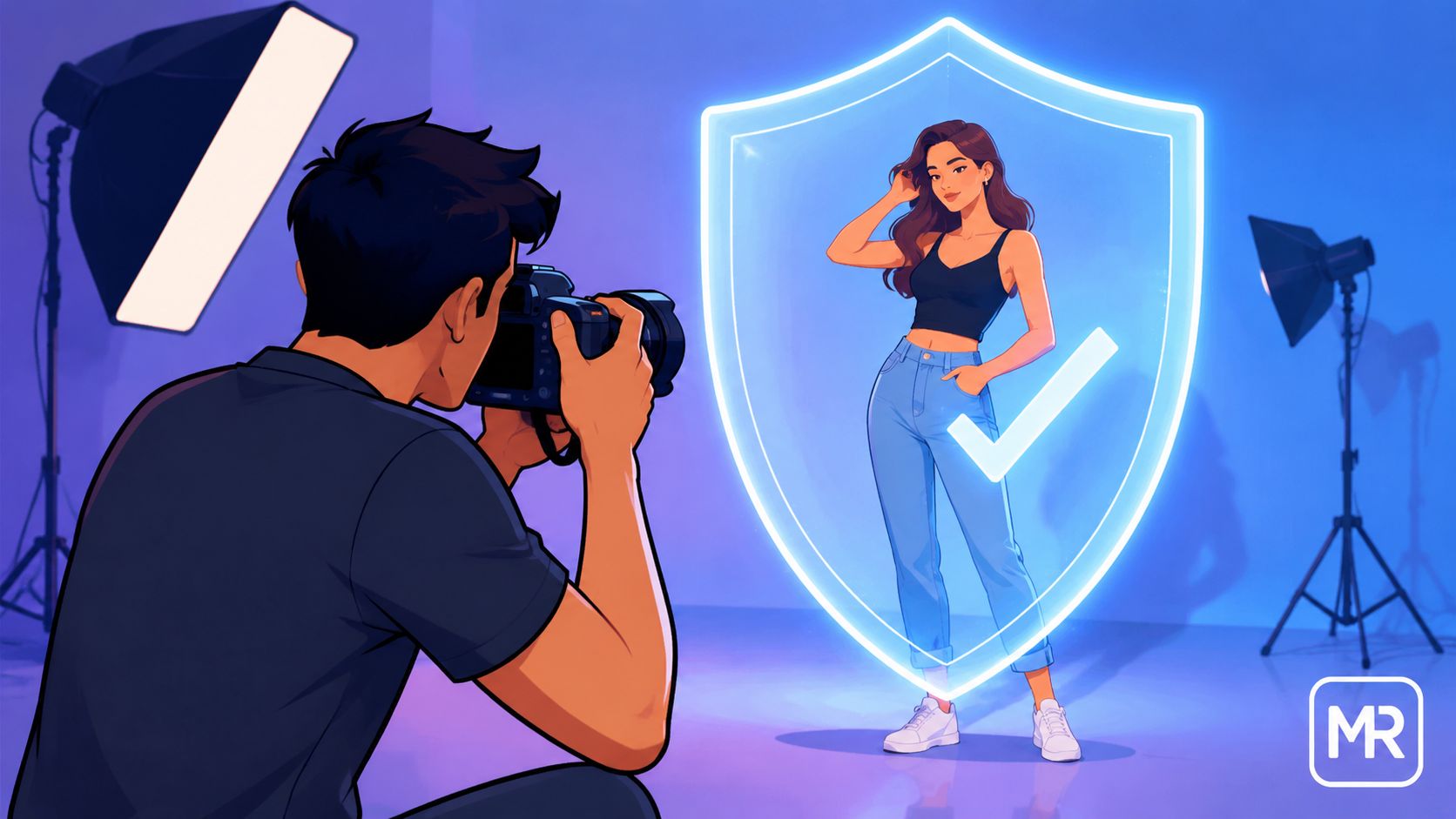
That's the core issue. A model release form is a legally binding contract that grants the photographer or client explicit permission to use a subject's likeness for specific commercial, promotional, or advertising purposes, effectively waiving the subject's rights to privacy and publicity infringement claims regarding those images. Without this written consent, photographers in major markets like the United States and the European Union risk significant legal liability, as explained in this guide to model releases in photography.
A release isn't just a signature box. It defines what the images can be used for, where, for how long, and in which media. If any of that is vague, you create room for disagreement.
Why vague language causes real problems
The most common weak forms are short, generic, and too broad in the wrong places. They say “I permit use of my image” but don't spell out whether that means social media, printed ads, trade show displays, packaging, or stock licensing.
A workable release should make these boundaries clear:
- Territory: Is the use local, regional, or global?
- Duration: Does permission last for a campaign period or continue indefinitely?
- Media: Are the images approved for print, digital, broadcast, or all of them?
- Compensation: Was the subject paid, working on a trade basis, or providing consent under another agreed consideration?
Practical rule: If a client can imagine a use that isn't clearly written into the form, the release is probably too loose.
Another practical issue is platform review. A technically signed form can still fail in practice if it doesn't include enough identifying detail or if the scope of use is muddy. That's why strong model release forms for photographers read more like precise project documents than simple waivers.
What makes a release enforceable
At minimum, the form has to connect the right person, the right shoot, and the right permissions. If the release can't be tied back to a specific subject and a specific session, it becomes hard to rely on later.
A solid release should leave no confusion about who signed, what they approved, and when they approved it.
Preparing a Custom Model Release Form
Templates are useful starting points. They're not finished documents. A wedding second shooter, a brand photographer, and a street portrait photographer won't all need the same release language.
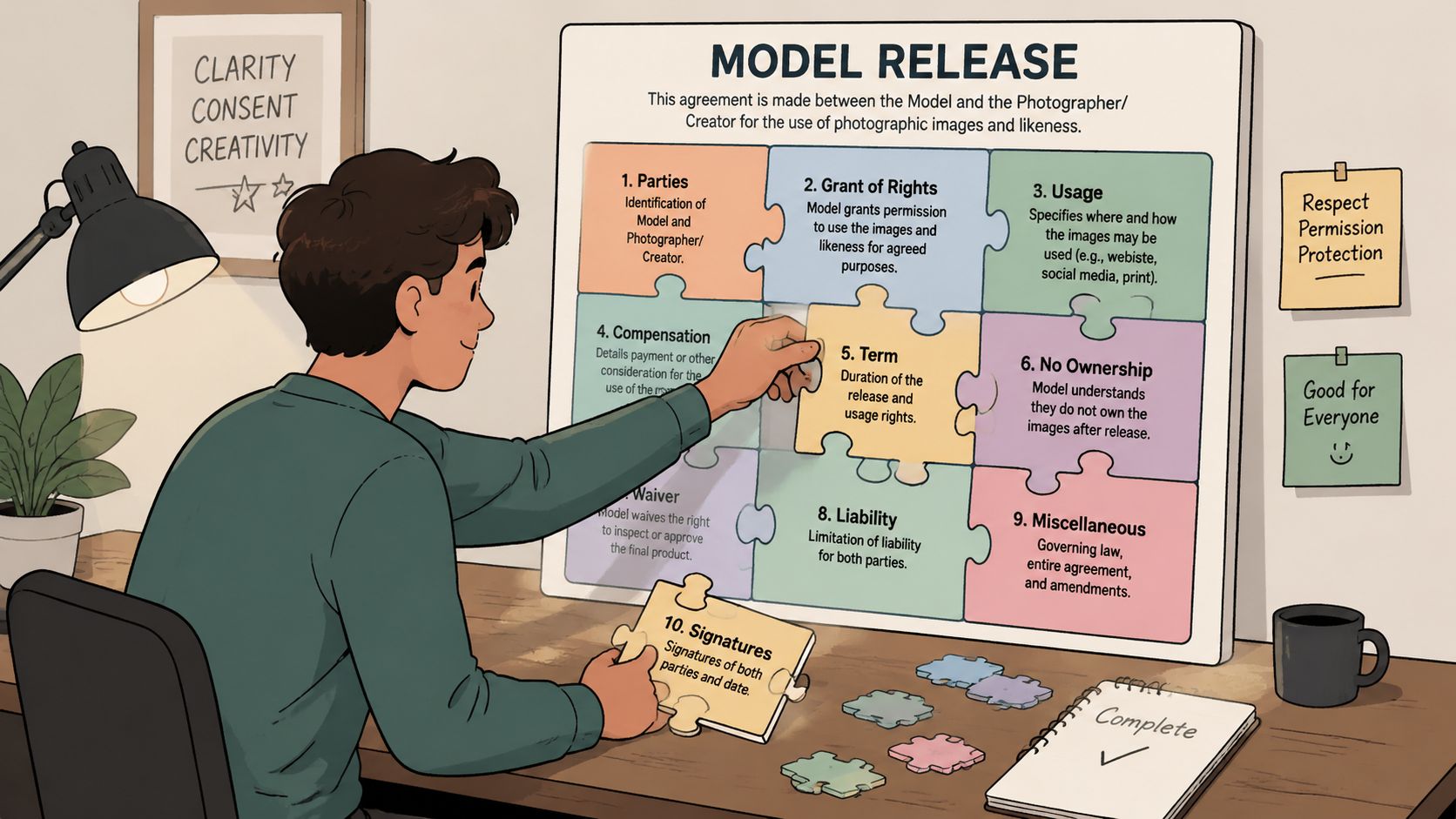
The basic structure is fixed. The form must explicitly identify the two parties by name and contact information (photographer and model), specify the type of photo shoot (e.g., street, fashion, product), and include the model's legal name, signature, and the date the agreement was signed, according to this model release form template overview.
Start with the intended use
Before writing clauses, decide what the images are for. That sounds obvious, but many release problems start because the photographer hasn't separated likely use from possible use.
Use this quick decision frame:
| Shoot type | What to clarify in the release |
|---|---|
| Brand content | Promotional use, client usage scope, media channels |
| Wedding or portrait add-on | Portfolio rights, social posting, vendor sharing |
| Fashion test shoot | TFP terms, portfolio use, later licensing limits |
| Product or lifestyle campaign | Commercial advertising rights, term, territory, compensation |
If your booking process is still loose, it helps to tighten the information you collect before the form is even generated. A good intake flow catches details like full legal names, project type, and intended use early. Here, a practical resource like Solo AI's smarter client intake form template can help photographers structure information before it turns into legal paperwork.
Build the form line by line
A release should be customized from the top down, not patched at the bottom five minutes before call time.
Include these elements:
Party details
Use full legal names and contact details for both photographer and subject. Don't rely on nicknames or social handles.Shoot description
Note the type of session and enough detail to identify it later. “Lifestyle brand shoot for skincare campaign” is far better than “photo session.”Usage rights
Spell out the permitted uses clearly. If the images are for commercial promotion, say that directly. If the subject is only approving portfolio display, write that and nothing broader.Compensation terms
State whether the model is paid, working under TFP terms, or receiving another agreed consideration. Unclear payment language is often a direct and swift catalyst for later disputes.Territory and duration
If the work is limited to certain countries or a defined campaign period, the form should say so. If not, that should be deliberate, not accidental.Extra clauses when needed
If recognizable private property, branded items, or controlled locations matter to the final use, add the relevant permissions rather than assuming the model release covers everything.
The release should fit the assignment, not the other way around.
What doesn't work in practice
Photographers get into trouble with forms that are technically present but practically weak. Common examples include missing dates, unsigned photographer fields, legal names that don't match ID, and vague language like “for any purpose” with no surrounding detail.
A better workflow is to maintain a base template and keep a small set of variants for common jobs. One for commercial campaigns. One for portraits with portfolio use. One for minors. One for editorial-adjacent work that may later need stricter approval.
That approach is more reliable than forcing every assignment through one generic form.
Collecting Signatures With Digital Tools
Paper releases still work. They just fail at the worst moments. They get left in camera bags, photographed badly, or signed after the shoot when nobody's paying attention to dates.
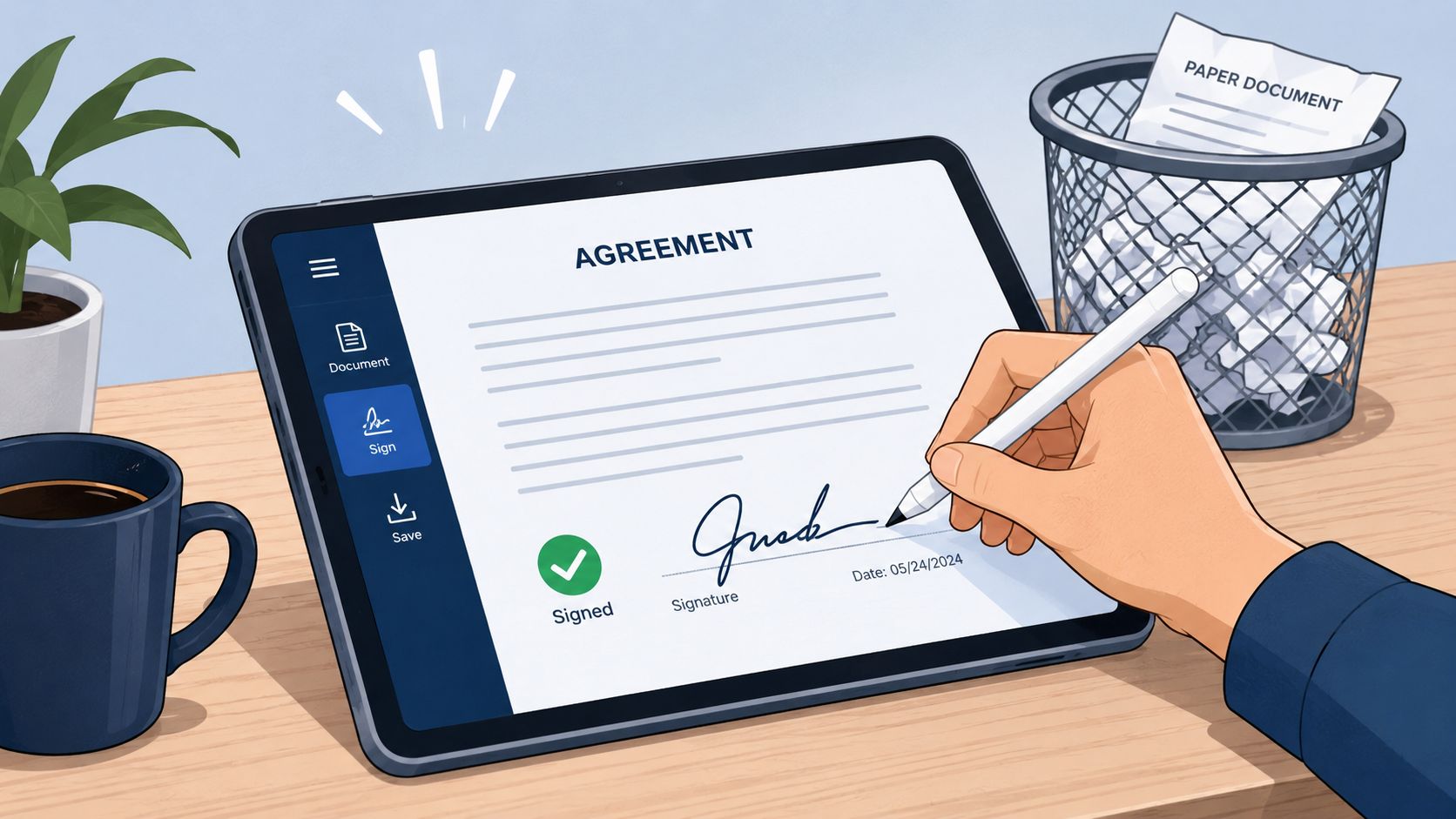
For a release to hold up, the process matters as much as the wording. The step-by-step methodology for a legally enforceable model release requires capturing the model's full legal name to match their government-issued ID, ensuring the model's signature date is on or before the shoot date, and including a photographer countersignature scanned and emailed immediately to generate a verifiable legal record, as outlined in this model release workflow reference.
What a usable digital process looks like
A strong digital workflow is simple for the subject and disciplined for the photographer.
A practical sequence looks like this:
- Send the release before the shoot: Give the subject time to read it without pressure.
- Use a mobile-friendly signing step: People often sign on their phones, not on laptops.
- Require complete identity fields: Full legal name, signature date, and any guardian section if needed.
- Countersign promptly: Don't leave your side of the agreement hanging.
- Email the completed copy immediately: That creates a record both parties can retrieve later.
If you're refining your e-sign process, this overview of electronic signature technology is useful for understanding the mechanics behind a cleaner digital approval trail.
What usually breaks the chain
Most signature issues aren't dramatic. They're administrative.
- Late signing: A release signed after publication is harder to rely on than one signed before the shoot.
- Incomplete fields: Missing dates, missing guardian sections, or missing countersignatures create obvious weaknesses.
- Scattered storage: If the PDF sits in one folder and the session files sit somewhere else, retrieval gets messy fast.
A signed release you can't find quickly is almost the same as not having one when a client asks for proof.
The best digital workflows reduce friction without lowering standards. That means fewer manual handoffs, cleaner timestamps, and a copy trail that doesn't depend on memory.
Handling Editorial Use and Minor Releases
Not every recognizable face needs a release. The line usually turns on how the image is used, not whether a person appears in it.
Editorial versus commercial use
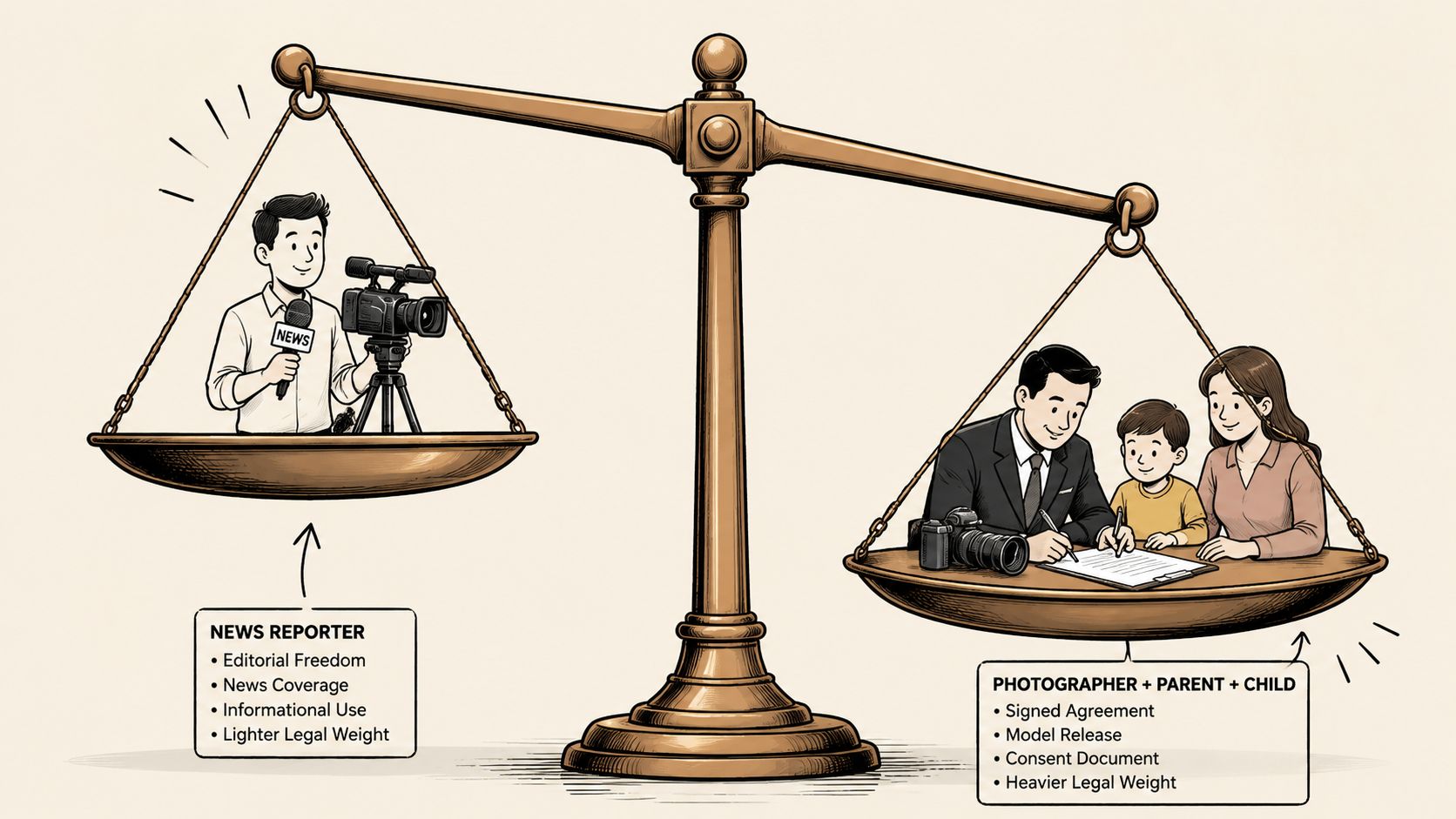
A release is generally required when a photo is used for commercial purposes such as advertisements, brochures, web use, greeting cards, catalogs, and newsletters, but it's generally not required for news, blogs, educational purposes, or personal use like family albums, based on this overview of when a model release is required.
That sounds simple until real assignments blur the categories. A documentary image may be fine in a reported feature but become a problem if the same image moves onto a promotional poster. A fine art portrait may be sold as a print but raise more questions if used to market a workshop or product line.
Here's the practical rule: if the image can imply endorsement of a business, product, service, or campaign, treat it as commercial and get the release.
There's also a related rights issue that photographers often confuse with release law. Crediting an image and having permission to use a person's likeness are different things. If you need a clean refresher on that distinction, Divimode's image attribution tutorial is a useful companion read.
Minor releases need a different standard
When the subject is underage, the release standard is stricter. If the subject is a minor (under 18 years of age), the form must include the signature of a parent or legal guardian who acknowledges all terms and affirms they have the legal authority to sign on the minor's behalf, since minors cannot legally consent on their own, as explained in this minor model contract guide.
That means you should do more than hand over the adult version of your release and hope for the best.
Use a minor-specific workflow:
- Verify age early: Ask before the shoot, not at delivery.
- Collect guardian details: Name, contact information, relationship to the minor, and signature.
- Use authority language: The guardian should affirm they have legal authority to sign.
- Keep the records paired: The minor's session files and guardian release should stay linked.
For photographers who want a structured starting point for guardian authorization, this parental authorization template is a practical reference.
When minors are involved, speed matters less than certainty. Slow the process down and get the authorization right.
Best Practices for Client Communication
Most resistance to releases doesn't come from hostility. It comes from surprise. People get nervous when legal language appears late in the process.
Say it early and plainly
Bring up the release during booking, not after the shoot. A short explanation works better than a defensive one.
Try language like this:
“Because these images may be used beyond private delivery, I use a standard release that explains where the photos can appear and what rights you keep. I send it in advance so you can read it properly.”
That framing does two useful things. It presents the release as normal professional practice, and it shows that the form protects the subject too.
Your public-facing materials should support that tone. If your website bio currently sounds artistic but vague, refining it can help set a more professional expectation before anyone gets to paperwork. This guide on professional bio advice for photographers is helpful for tightening that first impression.
How to handle pushback without sounding defensive
When someone hesitates, answer the actual concern. Don't repeat legal jargon.
A few responses that work well:
- If they ask why it's needed: Explain the intended use in plain language and note that the form records consent.
- If they worry about overuse: Point them to the usage section and be willing to narrow it.
- If a guardian feels rushed: Pause the process. Let them read, ask questions, and sign when comfortable.
Good communication lowers friction because it removes ambiguity before the shutter clicks. Photographers who explain releases clearly usually spend less time chasing signatures and less time calming people down later.
Implementing a Seamless Release Workflow
A clean release workflow has one job. It should make the legal record easy to collect, easy to find, and easy to renew when needed.
A workflow that scales
The release should define territory and duration clearly. The release must define the geographic territory (e.g., UK only, EEA including the UK, or globally) and the time limit (e.g., one year, five years, or perpetual/irrevocable), enabling you to track expirations and automate notifications for renewals, as shown in this Royal Photographic Society release form reference.
That matters operationally. Once you start handling recurring clients, talent pools, or campaign libraries, expiration becomes a tracking problem, not just a drafting problem.
An efficient system should include:
- A standard intake path: Collect project details before the form is generated.
- A release template set: Match forms to commercial, portfolio, minor, and hybrid scenarios.
- Central storage: Keep the signed release attached to the session or client record.
- Expiry tracking: Flag releases tied to limited territory or limited term.
- Secure retrieval: Make it easy to produce copies for clients, legal review, or internal checks.
If secure collection and storage are still pieced together manually, this guide to secure document collection is worth reviewing.
The photographers who handle releases well usually aren't doing anything fancy. They've just removed guesswork, reduced manual chasing, and made each step repeatable.
If your release process still depends on scattered PDFs, manual follow-ups, and memory, Superdocu gives you a cleaner way to collect, organize, and track signed documents with branded workflows, automated reminders, secure storage, and expiration monitoring.