
Your firm already has a client portal problem, even if nobody has labeled it that way yet.
It shows up as a partner forwarding the same status update three times because the client says they never saw it. It shows up as a paralegal hunting for the “final final” PDF in a 27-message thread. It shows up when a client uploads sensitive records to the wrong email chain, or sends them by text because email felt easier in the moment. By the time leadership notices, the issue isn't technology. It's wasted staff time, avoidable risk, and a client experience that feels dated.
A modern law firm client portal fixes those problems only when it's tied to real workflows, clear policy, and disciplined onboarding. Buying software is easy. Changing how the firm collects documents, shares updates, controls access, and measures adoption is where the value is won or lost.
Table of Contents
- The Hidden Costs of Managing Clients Over Email
- Defining the Modern Law Firm Client Portal
- Essential Features That Transform Legal Workflows
- How to Select the Right Portal for Your Firm
- Your Implementation and Migration Checklist
- Measuring Success and Proving ROI
- Frequently Asked Questions About Law Firm Portals
The Hidden Costs of Managing Clients Over Email
Most firms don't decide to run client matters through email. It just happens. One client sends intake records by attachment, another replies to a calendar invite with questions, a third uses a personal address that no one expected. Soon, the matter record is spread across inboxes, desktops, and forwarded chains.
The cost isn't only clutter. Email creates version confusion, weakens chain-of-custody discipline, and makes simple client requests take too many touches. A paralegal asks for a missing document. The client replies without the attachment. Someone follows up again. Then the wrong version gets reviewed because two staff members saved two different copies locally.
There's also the security question. Many firms still rely on email because it feels familiar, and some clients still ask for fax as a “safer” alternative. That concern is understandable, especially when you look at practical discussions like SendItFax on fax security, which helps frame why firms need a more structured approach to confidential communication.
The operational drag adds up
Email is a weak system for matter management because it was never designed to be the system of record. It's a transport layer pretending to be a workspace.
- Documents get scattered: Staff spend time searching, re-downloading, renaming, and confirming which file is current.
- Status updates become manual: Attorneys or assistants recreate the same progress summary for each client instead of pointing to one shared matter view.
- Follow-up work multiplies: Missing forms, unsigned engagement letters, and incomplete uploads trigger extra calls and reminder emails.
- Access control is blunt: Once a message is forwarded, the firm loses practical control over where it goes next.
Email works for notifications. It doesn't work well as the primary operating system for client service.
That gap is visible even among large firms. As of Q1 2026, only 31% of firms in the Am Law 200 report having a client portal that provides clients with real-time matter status visibility, which leaves nearly 70% without that transparency layer according to research on the client experience gap in legal services.
Why clients feel the pain first
Clients usually don't complain about “workflow fragmentation.” They complain that they can't find what they need, don't know what happens next, or have to ask for updates that should already be available. That frustration lands on the relationship partner, even when the root cause is process design.
A law firm client portal is the practical answer because it replaces scattered exchanges with one controlled place for documents, updates, requests, and permissions.
Defining the Modern Law Firm Client Portal
A modern law firm client portal is a secure digital front office. It isn't just a folder where clients drop files. It's the place where each matter gets a controlled workspace for communication, document exchange, status visibility, and task completion.
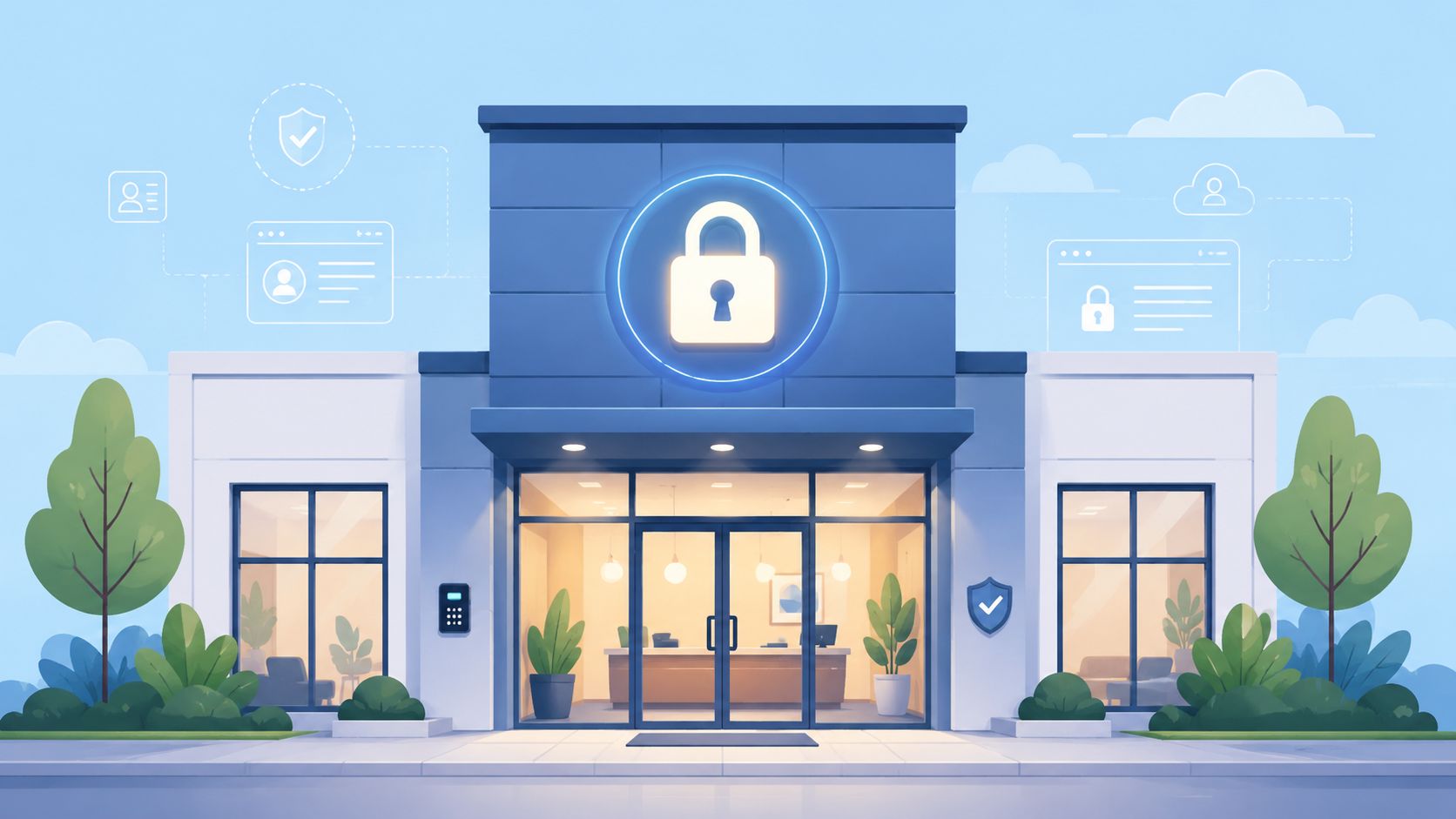
That distinction matters. A shared folder stores files. A portal organizes a legal workflow. It tells the client what's needed, what has been received, what remains outstanding, and where to return for the next action. It gives the firm a single source of truth instead of a patchwork of inboxes and side notes.
What separates a portal from simple storage
A real portal should do more than permit upload and download. It should support how legal work moves.
A useful law firm client portal usually includes these working parts:
- Matter-specific access: Clients should only see the matters, tasks, and files that relate to them.
- Structured requests: Staff should request defined items, not free-form “please send everything” emails.
- Status visibility: The client should understand whether documents are pending, received, under review, or complete.
- Controlled communication: Messages and updates should stay tied to the matter, not buried in personal inboxes.
Why firms adopt one
Managing partners usually approve a portal for one of three reasons. They want to reduce administrative drag, improve client service, or tighten risk controls. In practice, they need all three.
When firms centralize communication, they make service feel more responsive because clients know where to go. When firms standardize document collection, they reduce internal handoffs. When firms create one auditable workspace per matter, they improve accountability without adding more manual supervision.
For firms thinking about the relationship side of adoption, these strategies for law firm client trust are useful because trust isn't built by software alone. It's built by consistency, clarity, and reducing friction at every client touchpoint.
Clients don't need more messages. They need one reliable place where the firm's process makes sense.
A portal becomes core infrastructure when the firm treats it that way. It should sit alongside your case management, billing, and document handling practices as part of daily operations, not as an optional add-on used only when email gets messy.
Essential Features That Transform Legal Workflows
The right feature set matters less than the right workflow fit. Firms often buy a portal based on a polished demo, then discover the system doesn't solve the repetitive work that burns time every week. The question isn't whether a feature exists. The question is whether it removes a known bottleneck in intake, discovery, review, approval, or ongoing compliance.
Why file sharing alone is not enough
Basic upload capability is table stakes. What changes legal work is structure.
Automated document collection with sequenced reminders is a good example. A portal that triggers reminders on Day 3, Day 7, and Day 14 for missing files can reduce administrative overhead by up to 40%, based on the requirement set described in this guide to client portals for law firms. That matters in immigration, estate planning, family law, and real estate matters where one missing record can stall the entire file.
Access control is another feature that only matters when it's designed at the matter level. By implementing matter-level role-based access control and detailed audit logging, firms can reduce document-processing errors by 30-40% and cut client intake time by 25-35%, as outlined in this client portal implementation checklist.
Practical rule: If a portal can't show who accessed, uploaded, downloaded, or shared a file, it's weak for legal operations.
Workflow mapping that actually matters
Below is the simplest way to evaluate whether a feature belongs on your shortlist.
| Feature | Impact on Legal Workflow | Key Benefit |
|---|---|---|
| Secure document requests | Standardizes intake, discovery, and follow-up collection | Fewer missing files and fewer manual reminder emails |
| Matter-level permissions | Limits file visibility by role and matter | Better confidentiality control |
| Audit logging | Creates a traceable record of file activity | Faster review of disputes, mistakes, or incidents |
| Status tracking | Gives clients a live view of pending and completed steps | Fewer routine update requests |
| Automated reminders | Prompts clients to act without staff chasing them | Lower administrative load |
| Validation dashboard | Lets staff review submissions in one queue | Faster identification of incomplete or incorrect documents |
| Branded portal experience | Presents the firm's process as organized and professional | More client confidence in how matters are handled |
| Accessibility-compliant interface | Keeps text readable by assistive technology | Broader client access and lower compliance risk |
A firm handling high-volume intake may care most about structured requests, reminders, and review queues. A litigation team may care more about permissions, logging, and controlled sharing. A private client practice may value status visibility because it reduces anxious check-in calls.
Accessibility is often missed during selection. A portal should follow a strict no text on images rule so text remains machine-readable for screen readers, as discussed in this library resource on law firm client portals. If labels, instructions, or deadlines are embedded inside graphics, some clients won't be able to use the portal properly.
If your firm is reviewing document-heavy processes, this overview of document management for law firms is a practical companion because it keeps the focus on workflow design, not just storage.
One example of this approach is Superdocu, which supports branded portals, document request workflows, reminder schedules, validation dashboards, expiration tracking, and integrations for signature and automation.
How to Select the Right Portal for Your Firm
Selection goes wrong when firms start with appearance. A clean interface matters, but a polished portal that creates a new silo is still a bad purchase. Start with the hard requirements first. Security, compliance, access control, auditability, and integration should eliminate weak options before anyone debates colors, layouts, or convenience features.
Security is the first filter
A compliant law firm client portal must enforce AES-256 encryption for data at rest and TLS 1.3 for data in transit, with keys managed separately from stored data, as explained in this secure client portal guide. That setup matters because it reduces the chance that a storage compromise turns into readable client data.
When I evaluate a portal for a firm, I want direct answers to operational questions, not vague assurances. Ask how keys are managed. Ask how matter-level permissions are enforced. Ask what the audit trail records. Ask whether staff can restrict access by role, matter, and task. If a vendor answers in marketing language instead of control language, keep moving.
Use a short decision screen:
- Encryption baseline: Confirm the platform enforces the required standards for data at rest and in transit.
- Key separation: Verify that encryption keys aren't stored alongside the underlying data.
- Access discipline: Require matter-level permissioning, not broad client-wide visibility by default.
- Audit depth: Make sure the portal records access, upload, download, and sharing events.
The fastest way to buy the wrong portal is to let the demo lead the evaluation.
Integration decides whether the portal gets used
A portal fails when staff have to duplicate work. If intake data lives in one system, documents in another, messages in email, and approvals somewhere else, users revert to old habits because the portal feels like extra work.
That's why integration isn't a luxury. It determines whether the portal becomes the workflow or just another stop inside it. The right setup should connect to the firm's existing matter management, billing, signature, and automation processes so staff don't need to re-enter the same information.
A strong buying process also looks at how the portal fits your actual matter types. Ask whether the system supports templates by practice area, standardized reminder logic, expiration tracking where relevant, and branded communications that can be managed centrally.
For a practical evaluation framework, review this guide to best client portal software. It's useful because it keeps the focus on fit, control, and rollout readiness rather than feature inflation.
One final point. Don't let your IT team become the long-term manual administrator for every client workspace. If the platform requires constant customization just to function, adoption will weaken under the weight of maintenance.
Your Implementation and Migration Checklist
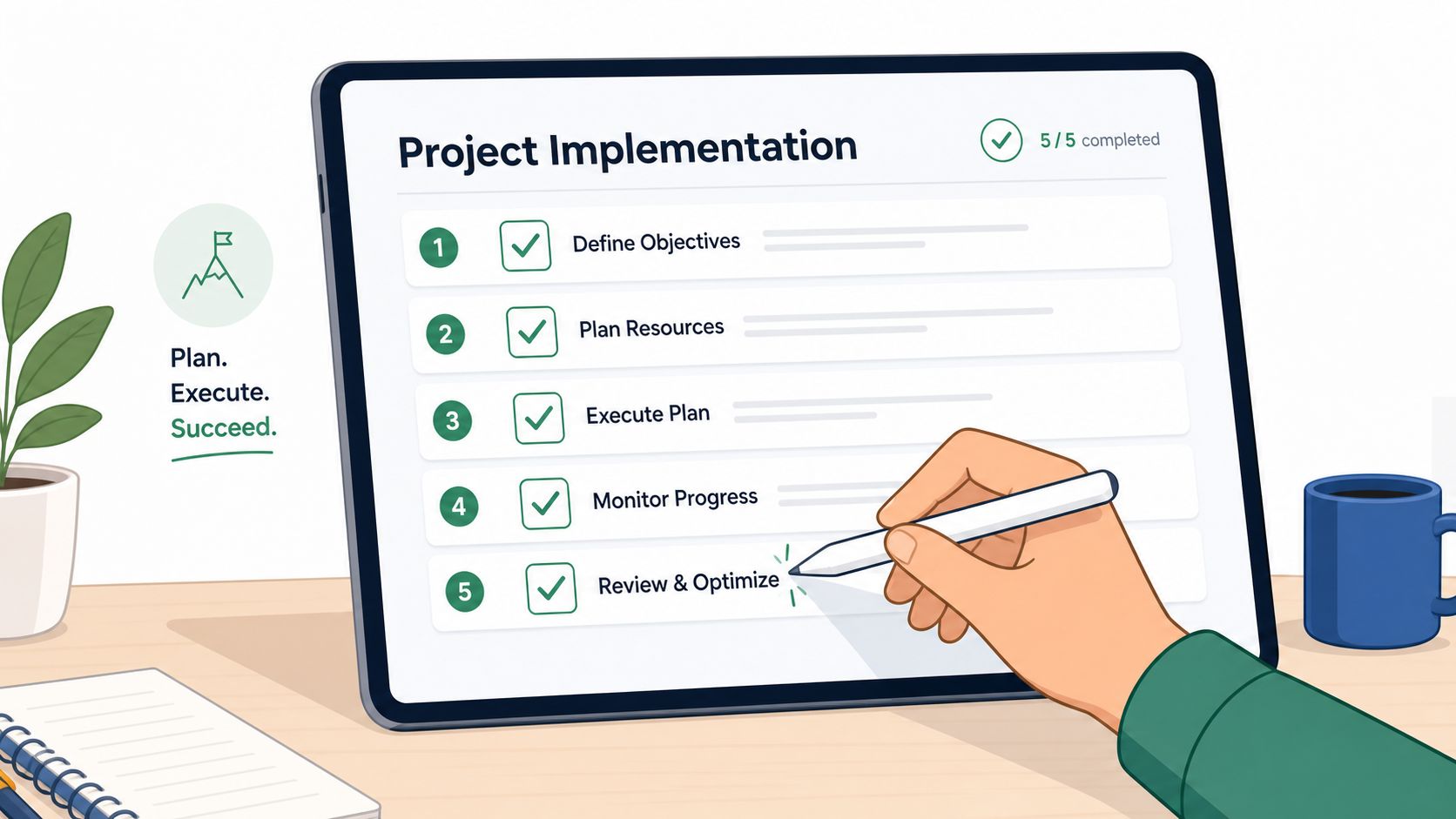
On launch day, the portal often looks finished. Two weeks later, paralegals are still chasing documents by email, attorneys are forwarding attachments "just this once," and clients are splitting communication across three channels. That is not a software problem. It is a rollout problem.
Start with policy, not software settings
Set the operating rules before migrating a single file. Decide which matter updates, document requests, approvals, and client uploads must happen in the portal. Then assign ownership. Someone has to decide who sends invitations, who monitors activation, who follows up on missing documents, and when staff can use email as an exception.
Firms that skip this step usually create mixed-channel workflows. Mixed-channel workflows cost time because staff must check the portal, inboxes, and matter notes to reconstruct what happened.
A practical rollout checklist looks like this:
Choose the first matter types carefully
Start with matters that have repeatable intake steps, standard document lists, and clear milestones. That gives the team a controlled test case and lets you measure cycle time before expanding firm-wide.Clean before you migrate
Move current, usable material only. Duplicate folders, outdated drafts, and vague file names weaken trust in the portal from the start and make staff revert to old storage habits.Build templates from real matters
Use your existing intake packets, reminder language, approval checkpoints, and closing steps. Good templates reduce setup time per matter and make adoption easier because the workflow already matches how the practice group works.Train staff on exceptions
Staff rarely abandon a new process during the easy cases. They abandon it when a client uploads the wrong file, misses a deadline, or asks for a status update outside the portal. Train those moments explicitly.
Roll out in phases
Begin with one practice area, one attorney sponsor, and a limited set of active matters. A phased launch gives the firm time to correct naming conventions, notification timing, and client-facing instructions before bad habits spread across every team.
Client onboarding needs the same discipline as data migration. Generic invitation emails produce weak activation because clients do not understand why they should change behavior. A message from the responsible attorney or legal assistant works better when it explains what the client should use the portal for, what to stop sending by email, and what happens next.
The handoff matters. So does timing. Invite clients when there is an immediate task waiting, such as uploading identification, reviewing draft documents, or answering intake questions. Portals get adopted faster when the first login solves a real task instead of asking the client to explore an empty workspace.
I also recommend setting an internal cutoff date for portal-first communication on each pilot matter. Without that deadline, email remains the unofficial backup system forever. For practical rollout ideas, this guide on client portal implementation is a useful reference for structuring requests, reminders, and branded client journeys without making the first launch harder than it needs to be.
Use email to introduce the portal and handle true exceptions. Do not let it remain the default workflow.
A good implementation plan should answer four operational questions before launch: which matters go first, which legacy files need to move, which staff members own adoption, and which metrics will show whether the process is saving time or relocating work.
Measuring Success and Proving ROI
A managing partner usually asks the ROI question only after the portal is live for a few weeks. Staff still have full inboxes, attorneys still answer status questions, and the portal report shows plenty of logins. That is the moment to separate activity from operational improvement.
The metrics that matter
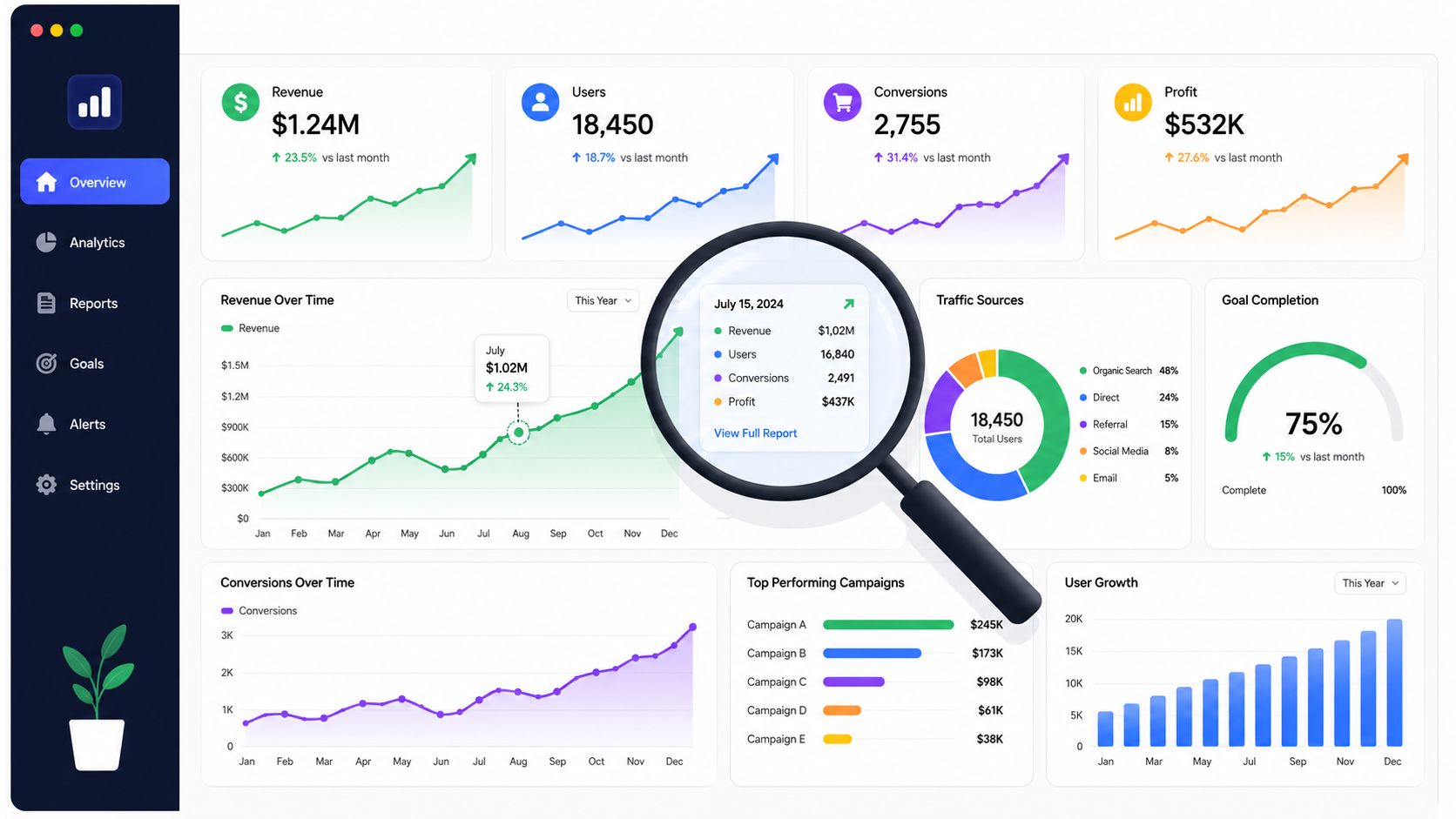
Portal success should be measured at the workflow level. Start with the specific processes the firm expected to improve, then compare pre-launch and post-launch performance over the first 60 to 90 days. For most firms, the clearest candidates are intake, document collection, client updates, and approval cycles.
Track a small set of operational metrics that partners can effectively use:
- Document-related email volume: Count how many emails per matter still involve attachments, missing files, resend requests, or receipt confirmations.
- Staff time spent on follow-up: Measure hours spent chasing documents, renaming files, saving attachments, and answering routine status questions.
- Client activation in the first week: Check whether invited clients complete the first required action, not just whether they sign in.
- Request completion rate: Measure how many portal requests are completed without staff intervention.
- Cycle time: Track the number of days from request sent to usable submission.
- Email fallback rate: Measure how often staff abandon the portal and finish the task through email anyway.
Those metrics show whether the portal changed behavior inside the firm. They also expose a common failure mode. A firm can have strong login numbers and still get weak ROI if staff continue to duplicate work across both systems.
What ROI looks like in practice
The strongest ROI case is tied to a matter type, not the portal in the abstract.
In immigration matters, firms can measure how long it takes to collect identity documents, civil records, and signed forms before and after rollout. In estate planning, the better metric may be the reduction in incomplete intake packets and the number of follow-up calls required to finish them. In real estate, it is often easier to show value through fewer status-check interruptions and faster turnaround on closing documents.
The financial return usually appears in three places. Administrative time drops. Matter velocity improves. Risk exposure falls because fewer files sit in personal inboxes, fewer attachments are mislabeled, and fewer client requests disappear in long email threads.
That third category is often undercounted. If the portal produces a clear record of requests, uploads, timestamps, and client acknowledgments, the firm gets better auditability and fewer disputes about who sent what and when. That may not appear as a line item on a dashboard, but it matters to operations and compliance.
The best ROI cases come from removing repeat friction from a high-volume workflow, then proving that staff time, response time, and error rates improved together.
I advise firms to review portal performance monthly during the first quarter and then quarterly after adoption stabilizes. If email volume is not dropping, if turnaround times are flat, or if staff are still re-entering information manually, the problem is usually workflow design, not the portal itself. That is why ROI measurement should lead to process changes, such as stricter portal-first rules, clearer request templates, or tighter ownership of client follow-up.
The firms that get the best return measure three things together: adoption, email displacement, and cycle-time improvement. One metric can be misleading. Taken together, they show whether the portal is saving time, reducing avoidable risk, and helping matters move with less administrative drag.
Frequently Asked Questions About Law Firm Portals
Partners and administrators usually raise the same final questions once the operational case is clear. The answers below are the ones that matter in practice.
| Question | Answer |
|---|---|
| What if some clients resist using a portal? | Keep the rollout matter-specific and explain the immediate benefit to the client, such as clearer document requests and easier status visibility. Resistance usually drops when the portal removes confusion instead of adding steps. |
| Who should own portal administration inside the firm? | Give operational ownership to someone close to intake or legal operations, with IT supporting security and access governance. If nobody owns templates, reminders, and user policy, adoption drifts. |
| Is a portal only for intake? | No. Intake is the easiest entry point, but the stronger use case is the full matter lifecycle, including document collection, updates, approvals, and ongoing compliance tasks. |
| How should we handle active matters during migration? | Don't migrate everything at once. Move selected active matters where the remaining workflow still justifies the change, and leave low-value legacy clutter behind. |
| What about clients who still email documents anyway? | Accept the document if needed, then upload it into the matter workspace and redirect the client back to the portal for future exchanges. Staff should reinforce the process consistently. |
| How do portals help with compliance reviews? | Strong permissioning, audit trails, and controlled document storage make it easier to verify who accessed what and when. That matters during internal reviews and client audits. |
| Can a portal support accessibility requirements? | Yes, but only if the portal is designed properly. Text must remain machine-readable, and the interface should avoid embedding instructions or labels inside graphics. |
A portal isn't valuable because it looks modern. It's valuable because it gives the firm one place to run repeatable client-facing work with less friction and more control.
If your firm is evaluating how to collect documents, automate reminders, and give clients a branded, secure workspace without building a custom system, Superdocu is one option to review. It supports document request workflows, branded portals, validation dashboards, reminder schedules, expiration tracking, and integrations that help turn portal adoption into a working process rather than another disconnected tool.