
Your current process probably looks familiar. A client replies to an old email thread with three attachments, one missing form, and a photo of a document taken on a phone. Someone on your team downloads the files, renames them, sends a reminder for the missing item, then realizes a second client used the same subject line and half the documents ended up in the wrong folder.
That's how document collection turns into admin work nobody planned for.
A file request fixes that by turning document intake into a defined workflow instead of a chain of follow-ups. The primary benefit isn't just that people can upload files. It's that you can decide who should send what, where it should land, how long the request should stay open, and what should happen after the files arrive.
Table of Contents
- Stop Chasing Documents and Start Requesting Them
- What Is a File Request and How Does It Work
- Why Email Is Not a File Collection System
- Key Security and Compliance Considerations
- File Request Use Cases Across Industries
- Best Practices for Effective File Requests
- Automate Your File Requests with Superdocu
Stop Chasing Documents and Start Requesting Them
The breaking point usually isn't volume. It's inconsistency.
One client sends PDFs. Another sends screenshots. A third says, “I thought I already sent that.” Your team starts building side systems to cope. Spreadsheet trackers, inbox flags, naming rules taped to a monitor, and calendar reminders to chase files that should have arrived days ago. The work gets done, but only because someone keeps holding the whole thing together manually.
A proper file request changes the operating model. Instead of asking people to reply with attachments, you send them to a specific upload path tied to a specific case, employee, property, or application. The request defines the task up front. The files go to the right place first.
That sounds small until you run it at scale. The difference is immediate. Fewer inbox searches. Fewer “Can you resend that?” messages. Fewer moments where someone downloads the wrong version because it was buried inside a reply-all chain.
Practical rule: If a process depends on staff remembering who still owes which document, the process isn't stable yet.
The client experience improves too. People don't want instructions spread across six emails. They want one clear request, one upload step, and confirmation that the documents were received. That's why teams moving away from email-based collection usually don't go back.
If you're still collecting documents by attachment, it helps to review more structured document request workflows and compare them against what your team is doing today.
What Is a File Request and How Does It Work
A file request is best understood as a digital drop-off point. You create a link tied to a folder or workflow, send it to the recipient, and they upload files without needing access to the rest of your system.

The simple model
It's like a self-addressed digital envelope. You prepare the destination, label what should go in, and give the sender a direct way to submit it.
The usual flow is straightforward:
- Create the request for a folder, case, onboarding packet, or checklist.
- Send the link by email, message, or through a client portal.
- Recipient uploads files from any device.
- Files land in the assigned location for review and follow-up.
That simplicity matters because most collection problems start before anyone uploads anything. If the sender has to ask where to send files, what to name them, or which format is acceptable, your process already has friction.
What makes it different from a shared folder
A shared folder gives access to a space. A file request gives access to one action.
In secure file request systems like OneDrive and SharePoint, recipients can only upload files. They cannot view, edit, delete, or download other folder contents, and the request link can be disabled when collection is complete, which creates a narrower, time-bounded intake path according to Microsoft's file request guidance.
That distinction is operationally important. If you send a shared folder, you're exposing a workspace. If you send a file request, you're exposing an inbox.
Use a shared folder when people need to collaborate. Use a file request when they only need to deliver documents.
The term also shows up in older enterprise contexts with a different meaning. In IBM CICS, file statistics record the number of requests processed against each file on every invocation, which lets administrators measure file-level input and output activity and recover total daily activity from summary reporting even if interim statistics were reset, as described in IBM's file statistics documentation. That's a useful reminder that file requests are not just a convenience feature. They're also a control point for monitoring workload and handling records in structured systems.
Why Email Is Not a File Collection System
Email is fine for conversation. It's weak for intake.
The problem isn't just security. It's that email has no built-in structure for completeness, validation, or lifecycle management. People attach the wrong file, forget one item, forward old threads, and reply from personal accounts that don't match the client record. Your team then has to reconstruct what should have been a guided process.
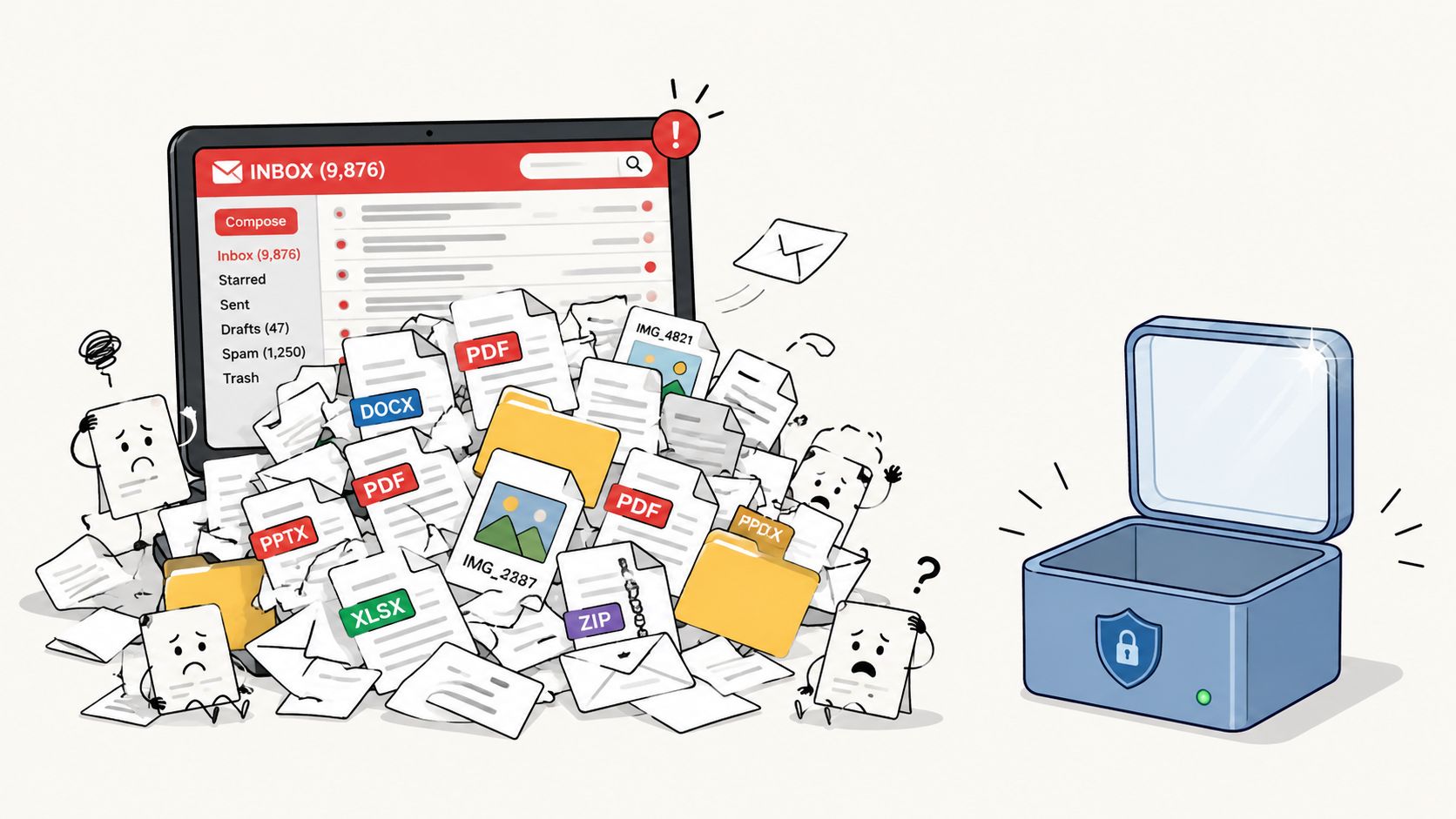
Email creates work you cannot standardize
With email, every sender creates a slightly different submission. That means every reviewer has to interpret it.
Common failure points show up fast:
- Attachments arrive scattered across threads. A tax return comes Monday, an ID arrives Thursday, and the signed consent form is hidden in a forwarded reply.
- Naming is inconsistent. One person uploads
scan.pdf, another sendsfinal-final-new.pdf, and nobody knows which file belongs to which matter without opening each one. - Follow-up becomes manual. Staff members keep separate reminder lists because the inbox doesn't know what's still missing.
- Version control breaks down. A corrected file often arrives without context, and the older copy stays in circulation.
That's why email collection tends to feel manageable at low volume and chaotic once requests become recurring.
A better intake path
A dedicated file request process fixes the root issue by standardizing the intake event itself. The sender gets one route. The reviewer gets one destination. The team can track missing items outside the inbox.
This also matters in modern security tooling. Microsoft Defender for Endpoint's Get file statistics API is rate-limited to 100 calls per minute and 1,500 calls per hour, with a default lookback window of 30 days and a maximum of 720 hours (30 days), according to Microsoft's API documentation. That tells you something practical. File telemetry at scale is controlled, bounded, and treated as an operational resource. Mature systems don't assume unlimited ad hoc handling.
When teams rely on email, they usually miss another issue: there's no clean closeout. Old attachments remain in inboxes, people keep forwarding them, and stale documents keep resurfacing. A request-based process makes intake easier to shut down once the collection window is over.
Key Security and Compliance Considerations
Security starts before the link goes out. The first question isn't which button to click. It's what kind of access model the request should use.

Choose the right access model before you send anything
The biggest trade-off in a file request workflow is convenience versus identity assurance.
A public upload link is easy. It reduces friction and helps people submit quickly. It also expands the attack surface because anyone with the link may be able to upload unless you add controls. That's why organizations handling sensitive records often pair file requests with expiration, authentication, malware scanning, and audit trails, as discussed in Egress guidance on secure workspace file requests.
In practice, I'd break it down like this:
| Scenario | Better choice | Reason |
|---|---|---|
| Low-friction document intake from many external users | Upload link with tight expiration and review controls | Easier completion, but you still need bounded access |
| Regulated client matters | Authenticated access or portal login | Stronger identity assurance |
| High-volume recurring submissions | Structured workflow with reminders and validation | Cuts repeat chasing and exceptions |
If your team chooses public links, set clear rules. Short collection windows. Immediate disablement after completion. Review queue before downstream use.
For a deeper look at those controls, this guide to secure document collection practices is useful background.
Compliance is also about file integrity
A lot of teams think compliance means secure transfer. That's only part of it.
For high-compliance workflows, the FTC's Model Second Request specifies that Excel, Access, and PowerPoint files must be submitted in native format with extracted text and metadata, while email workflows require TIFF images plus extracted text, document identifiers, page counts, and hash values such as SHA-1 or MD5 under the FTC Model Second Request instructions. The operational lesson is clear. If your tool flattens everything into a generic upload with stripped metadata, you can damage evidentiary value and create extra work later in review.
Compliance check: Ask what happens to the file after upload. If the process alters structure, removes metadata, or obscures chain of custody, it may not fit legal, HR, or audit use.
Operational controls matter after upload
Compliance failures often happen in the boring middle. A request stays open too long. A forwarded link gets reused. A file arrives, but nobody validates whether it matches the checklist.
Good file request workflows need controls beyond transit security:
- Expiration settings that limit how long the link remains active
- Access revocation once collection is done
- Review steps before files move into production systems
- Audit visibility so staff can see what arrived and what is still outstanding
That's the part many basic upload tools skip. They collect files, but they don't manage the risk that follows collection.
File Request Use Cases Across Industries
A good file request process earns its keep in workflows where the same documents arrive over and over, under deadline, from people who do not know your internal process. The industry changes. The pattern does not.
Legal intake and evidence collection
Legal teams rarely need one file. They need a set of materials tied to a matter, often in stages. Client ID, signed engagement letters, medical records, contracts, photos, and follow-up evidence may all arrive at different times.
Email turns that into clerical work. Staff rename attachments, split mixed submissions, and chase missing items across long threads. A request-based workflow gives the firm a cleaner intake path. Each matter can have its own request, required categories can be defined in advance, and later rounds of collection can be sent as separate requests with a narrower scope.
That matters in practice. Lawyers and paralegals spend less time sorting and more time reviewing what supports the case.
HR onboarding and credential collection
HR teams deal with the same operational problem, but with stricter timing and more recurring updates. New hires may need to submit identification, tax forms, signed policies, licenses, certifications, and direct deposit details before day one. Later, some of those documents expire and need to be replaced.
A file request workflow helps on both ends of that cycle. Before sending, HR can decide whether the request should be open to any recipient with the link or limited to identified employees. After submission, the team can see what is missing, follow up on exceptions, and request a replacement document without restarting the whole onboarding chain.
That reduces back-and-forth for remote hires, contract workers, and anyone joining outside normal office hours.
Real estate and mortgage workflows
Real estate and mortgage teams almost never collect everything in one pass. They start with applications and disclosures, then ask for updated bank statements, proof of funds, pay stubs, tax returns, insurance documents, appraisal records, and property-specific paperwork as the deal moves forward.
That is why lifecycle design matters more than the first link. A borrower may submit an incomplete package. An underwriter may ask for a newer statement. A closing coordinator may need one corrected form the day before funding. If the process does not support follow-up requests, status tracking, and clear expiration rules, staff fall back to email and manual reminders.
The strongest setups treat collection as an operating process, not a one-time upload task.
Across these industries, the teams that run clean file collection focus on three things. They choose the right access model before sending, make submission easy for the recipient, and control what happens after the files arrive. That is the difference between receiving files and managing document collection well.
Best Practices for Effective File Requests
A file request succeeds or fails before the link goes out.
If the access rules are wrong, the uploader is confused about what to send, or the request stays open long after the deadline, the team pays for it later in manual follow-up. The best setups treat file collection as a controlled process with three stages: request design, submission, and post-upload handling.
Set the request up properly
Clear requests get completed faster and with fewer mistakes. Vague requests create avoidable back-and-forth, especially when the recipient is outside your organization and does not know your internal labels.
A well-built request should cover:
- A specific request name that tells the recipient exactly what this upload is for
- A plain-language document list with no internal shorthand
- Accepted file types when format affects review or downstream processing
- A deadline or expiration date so the request does not remain active indefinitely
- The right destination and owner so files land with the correct team, case, employee, or property record
For regulated workflows, setup also includes choosing the right access model before sending. Some requests should accept uploads from anyone with the link. Others should require identity checks, named recipients, or a client portal login. That decision belongs at the start, not after the first exception lands in someone's inbox.
Teams comparing tools should look at both the upload experience and the controls around it. A good secure file request software setup should let you define access, instructions, deadlines, and routing in one place.
Control what happens after upload
The actual workload starts after files arrive.
Incomplete submissions, outdated documents, wrong file versions, and replacement requests create far more friction than sending the first link. I have seen teams save the upload step but lose the benefit because they still track missing items in spreadsheets and chase updates by email.
The practical fix is lifecycle management. Build the process so staff can review what came in, identify what is missing, and send a targeted follow-up without restarting the whole request.
Use this checklist:
- Validate submissions early. Confirm completeness and basic correctness before the case moves to the next step.
- Send reminders automatically. Outstanding items should trigger follow-up based on rules, not memory.
- Request only what is missing or expired. Asking people to resend everything slows the process and increases errors.
- Track document validity. Some records stay useful for months. Others need refreshes on a set schedule.
- Close access when intake is complete. Open-ended requests create clutter and unnecessary risk.
A good file request process ends when the record is complete, current, and ready for use.
That distinction matters. Receiving files is only the intake event. Managing validation, reminders, replacement documents, and expiration dates is what turns file collection into an operational process instead of another inbox problem.
Automate Your File Requests with Superdocu
At some point, patching together email, shared folders, reminders, and spreadsheets costs more than replacing the process.
What a dedicated workflow should handle
A useful system should do more than create an upload link. It should support branded request portals, reusable templates, validation steps, reminder schedules, and document expiration tracking in one place.
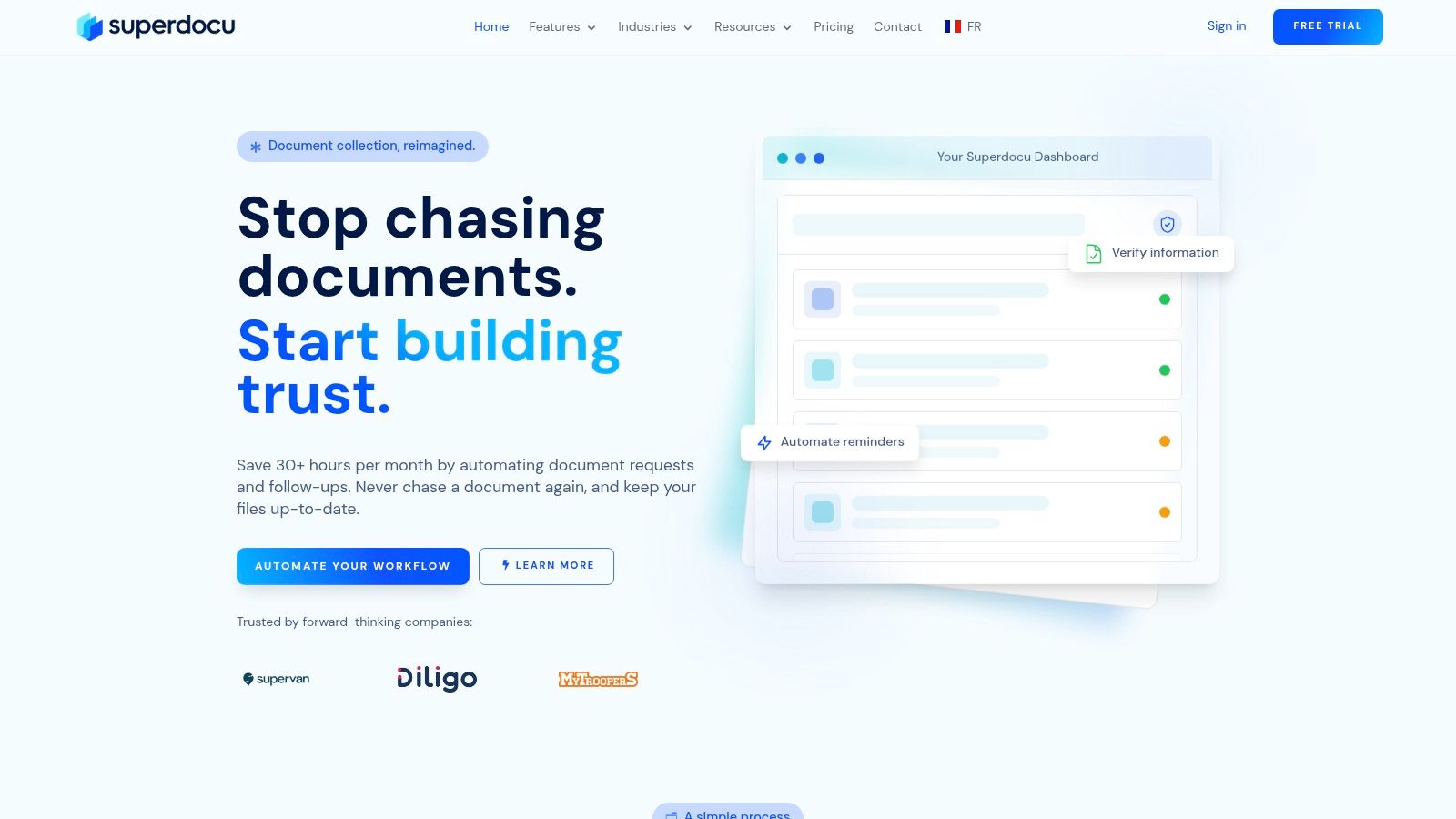
Superdocu is one option built around that full document collection lifecycle. It supports custom request links, branded portals, pre-built workflows, validation dashboards, automated reminders, expiration notifications, Zapier connections, and DocuSign steps for eSignatures. That combination matters because file collection usually touches other systems and often needs approval or signature stages after upload.
This is what the workflow looks like in practice:
Where automation pays off
The biggest gains usually come from standardization, not from flashy features.
A solid setup lets a legal team reuse intake templates, an HR team trigger onboarding requests automatically, or a real estate team collect updated documents without rebuilding the request every time. The review process gets cleaner because incoming files are tied to a workflow, not just dropped into a generic folder. Reminder schedules also stop living in someone's memory.
If you're comparing platforms, focus on whether the software helps with the whole intake cycle, not just the upload moment. This overview of secure file request software options is a practical place to start.
The teams that get this right don't ask, “How do we send files more easily?” They ask, “How do we collect, validate, follow up, and close requests without rebuilding the process every time?”
If your team is still collecting documents through inboxes and manual follow-ups, Superdocu gives you a way to turn that work into a repeatable workflow with branded request portals, automated reminders, validation, and expiration tracking.