
Let’s face it: chasing clients for documents is a huge time suck. It’s a messy dance of endless email chains, misplaced attachments, and constant follow-ups. Document collection software is designed to stop the chaos and give you back your time.
Think of it as your personal administrative assistant, one that works 24/7 to request, track, and organize everything you need from clients in one secure, central place.
What Is Document Collection Software Anyway?
Remember the last time you tried to get ten different documents from a client? You sent an initial email, followed up a few days later, and then spent another week piecing together files sent in random replies. It’s frustrating for you and confusing for them.
Document collection software replaces that entire manual mess with a clean, professional client portal. You create a single request listing everything you need, and your client gets a simple, secure link to upload their files. No more digging through old email threads. No more spreadsheets to track who sent what. Just a clear, organized system that works.
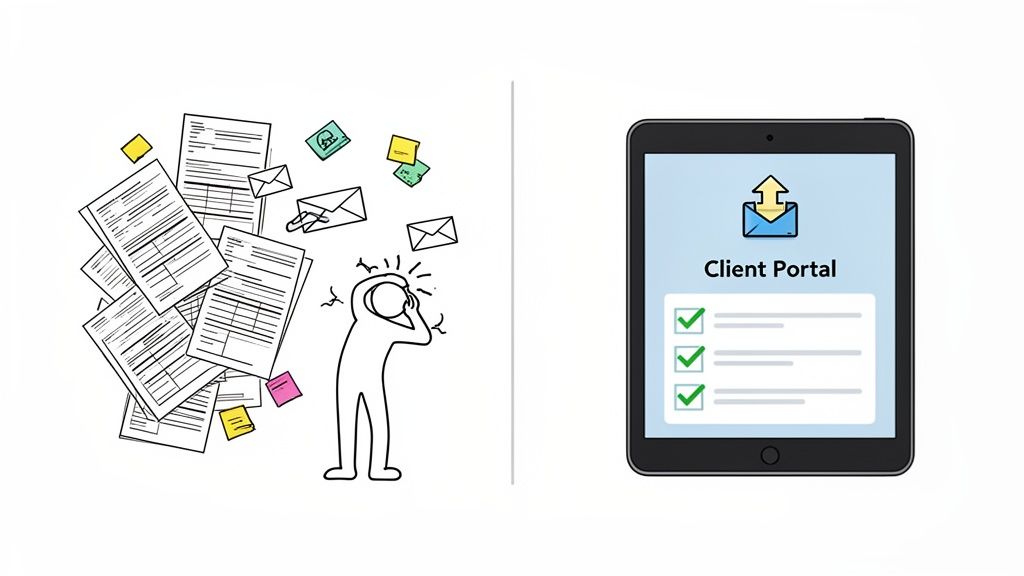
From Manual Chaos to Automated Clarity
The real magic of these platforms is automation. They take over the most annoying parts of the job—the constant nagging and reminding. Businesses lose countless non-billable hours just chasing paperwork. This isn’t just inefficient; it makes for a clunky client experience and opens up major security risks when sensitive files are flying around in unencrypted emails.
For a deeper look at modernizing this process, check out our guide on how to streamline document collection workflows.
The software turns this administrative headache into a smooth, predictable process.
At its heart, document collection software is about reclaiming time. It silences the administrative noise so you can focus on what you're actually paid to do—serve clients, close deals, or grow your business.
And businesses are catching on. The global market for this software was valued at $2,510 million USD in 2024 and is expected to more than double to $5.2 billion USD by 2035. That’s not just a trend; it’s a clear signal that the old way of doing things is officially broken.
The table below breaks down just how different the two approaches are.
Manual Vs Automated Document Collection
| Aspect | Manual Process (Emails And Spreadsheets) | Document Collection Software |
|---|---|---|
| Client Experience | Confusing and fragmented with multiple email threads. | A single, branded portal with a clear checklist. |
| Follow-Ups | Entirely manual, requiring constant reminders and nagging. | Automated, scheduled reminders that do the chasing for you. |
| Tracking | A messy spreadsheet (if you're lucky) that's hard to keep updated. | A real-time dashboard showing the status of every request. |
| Security | High risk. Sensitive documents are sent via insecure email. | Bank-level encryption and secure, compliant storage. |
| Efficiency | Extremely time-consuming. Wastes hours of non-billable time. | Highly efficient. Frees up your team to focus on valuable work. |
The difference is night and day. One method creates bottlenecks and frustration, while the other builds momentum and client trust.
A New Way of Handling Documents
It's important to understand that this isn't just about storage. While a Document Management System helps you manage files you already have, document collection software perfects the most critical first step: getting those files in the door quickly and securely.
By focusing on the intake process, these tools deliver immediate wins:
- Less Admin Work: Automating reminders means your team can stop chasing and start working.
- A Better Client Experience: A professional portal makes you look good and is far easier for your clients to use.
- Tighter Security: You eliminate the risks of sending sensitive data over unsecure channels like email.
- Faster Turnaround: When the process is easy and reminders are automatic, you get what you need much faster.
The Core Features That Actually Matter
Good document collection software does more than just give you a place to dump files. It’s a full-on command center for your entire client intake process. These platforms are packed with tools designed to get rid of the friction and busywork that comes with chasing down documents the old-fashioned way. Once you see how they work, you'll realize they don't just collect documents—they manage the whole process for you.
Think of it like this: trying to get documents manually is like directing rush-hour traffic with a whistle and hand signals. Using modern software is like having a smart, fully automated traffic control system that sees bottlenecks before they happen and keeps everything moving.
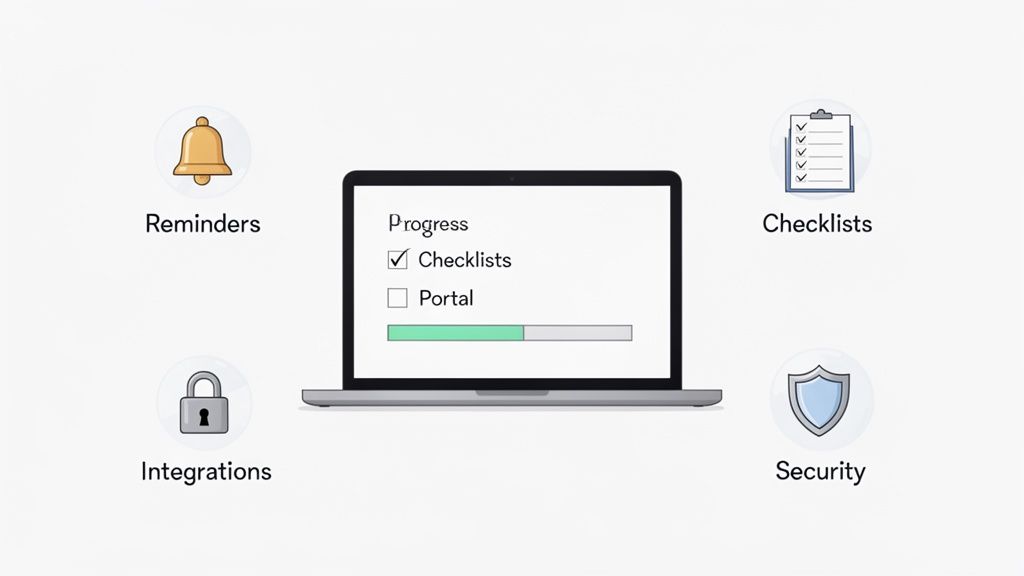
Automated Reminders: Your Tireless Assistant
Let's be honest, one of the biggest time-sinks is hounding clients for paperwork. It's a painful cycle of writing polite-but-firm emails, making phone calls, and trying to remember who owes you what. This is where automation is a total lifesaver.
This software becomes your tireless virtual assistant. You can set up a schedule of polite, persistent reminders that automatically go out to clients who still have items on their checklist. It's a simple feature, but it’s a game-changer.
- It frees up so much time. No more setting calendar alerts or covering your desk in sticky notes to remind yourself to follow up.
- It keeps you professional. The system does the nagging for you, so your conversations with clients can stay focused on what really matters.
- It gets you paid faster. Those consistent, automated nudges mean you get the documents you need much sooner, so projects don't stall.
Customizable Checklists and Templates
No two clients are the same. An HR consultant onboarding a new hire needs a totally different set of documents than a mortgage broker processing a loan application. This is exactly why one-size-fits-all solutions just don't work.
Good software lets you create customizable checklists and templates, so you can build repeatable, foolproof processes for any situation you handle. Instead of typing up the same list of required documents over and over, you just create a master template for each of your services.
The real magic of templates is standardization. It guarantees every client gets the same clear, complete request every single time. That alone drastically cuts down on missed documents and confusion.
Secure Client Portals
Emailing sensitive documents like tax returns, contracts, or driver's licenses is just asking for trouble. Files get intercepted, sent to the wrong person, or left sitting in a vulnerable inbox. A must-have feature of any serious document collection software is a secure client portal.
This isn't just a fancy upload folder. A client portal is a private, branded, and encrypted space where you and your client can share information safely. It builds a massive amount of trust and feels way more professional than a messy email chain. Clients get one secure link, upload their files, and can see the status of everything in one spot.
Dashboards and Integrations
You need a bird's-eye view of everything. A validation dashboard gives you just that—a central place to see the status of every request, approve or reject documents with a click, and know exactly who you're waiting on. No more digging through emails or spreadsheets to figure out where a project stands.
Finally, the best software plays well with the other tools you already rely on. Look for platforms that offer seamless integrations with services you use every day, like:
- eSignature Tools: Connect to platforms like DocuSign to add a signing step right into your collection workflow.
- Automation Platforms: Use tools like Zapier to link your document software to thousands of other apps. For example, you could automatically create a new client folder in Google Drive the moment all their documents are approved.
And underpinning all of this is bank-level security. We're talking end-to-end encryption, GDPR compliance, and secure data hosting. This isn't just a nice-to-have feature—it's an absolute must for any business that cares about its clients' trust and its own reputation.
How Different Industries Put This Software to Work
This is where the rubber meets the road. While the features sound great in theory, the real magic happens when you see how document collection software solves specific, nagging problems in different fields. It's not just about efficiency; it's about fundamentally changing how professionals get their jobs done.
The move away from manual paperwork is picking up steam. North America leads the charge, holding about 40% of the market share as industries like legal, finance, and healthcare finally ditch their old, clunky methods. This market, worth around $1 billion USD in 2024, is expected to nearly double to $1.8 billion USD by 2030. You can dig into the numbers with this document collection software trends analysis.
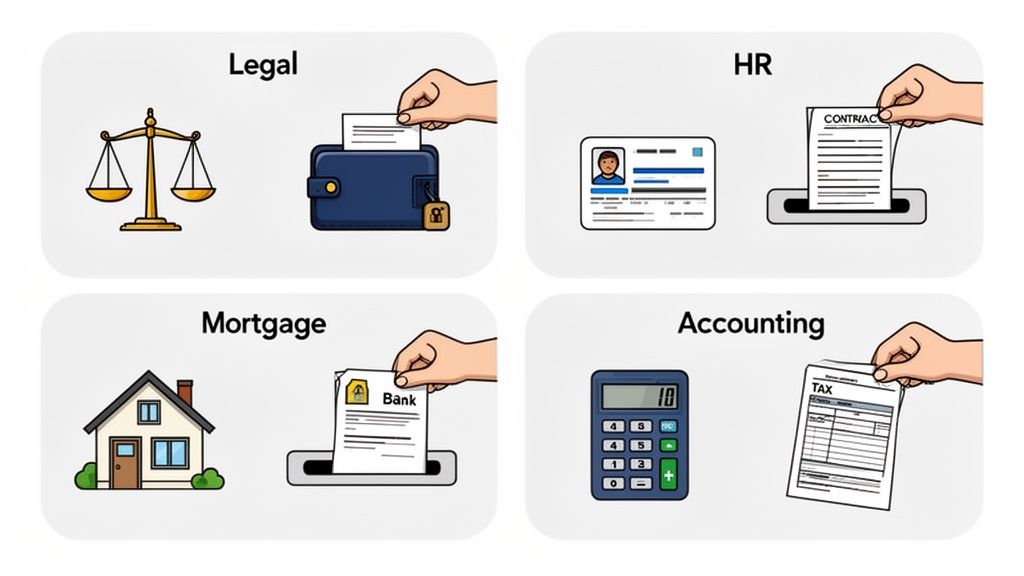
Legal Firms: Winning Back Billable Hours
For any law firm, time is money. Every minute a paralegal spends chasing a client for a signature or a key piece of evidence is a minute that can't be billed. That administrative grind is a huge, often hidden, cost.
This is where these tools change the entire equation. Imagine a paralegal setting up a template for a new personal injury case. It automatically requests the police report, medical records, and witness statements. The client gets a single link to a secure portal with their name on it.
- The Old Way: A storm of back-and-forth emails, attachments with confusing names, and phone calls just to see if a document arrived.
- The New Way: The software sends polite, automatic reminders until every item on the checklist is uploaded. The legal team gets a single ping when the file is complete and ready for review.
It’s a massive reduction in administrative work, and it makes the firm look incredibly professional and organized to clients who are already going through a stressful time.
Human Resources: Making Onboarding Painless
A new hire's first few days set the tone for their entire experience with a company. A messy onboarding process—a blizzard of emails asking for I-9s, tax forms, and bank details—sends a clear message: we're disorganized.
HR teams use document collection platforms to craft a smooth, welcoming start.
Instead of a frantic paper chase, the new employee gets one link with a simple checklist of everything they need to do before day one. It turns onboarding from a scramble into a structured, positive first impression.
This is the same logic used by an enterprise CV manager, which centralizes candidate files for recruiters. It's all about getting the necessary paperwork handled securely and efficiently before the new team member even walks through the door.
Mortgage Brokers: Speeding Up Approvals
The mortgage industry is famous for its mountains of paperwork. A single loan application can require dozens of documents, from bank statements and tax returns to pay stubs and proof of funds. Any little delay can bring the whole approval process to a screeching halt.
This software helps brokers tame the chaos. They can build a master checklist that walks clients through every single required document. A quick glance at the dashboard shows them exactly what’s been submitted and what’s still missing for every client in their pipeline.
This simple bit of organization makes a world of difference. Brokers can get complete, accurate files to underwriters much faster, which means quicker approvals and happier clients who get the keys to their new home sooner.
Other Key Industry Applications
The benefits pop up in just about any industry that needs to gather information from people.
- Accounting and Tax Services: Instead of relying on insecure email, firms give clients a secure portal to upload their W-2s, 1099s, and receipts during tax season.
- Immigration Services: Consultants create detailed checklists for complex visa applications, making sure clients submit the right passports, birth certificates, and financial records.
- Transportation and Logistics: Companies automate the collection of driver's licenses, insurance certs, and vehicle registrations to keep their fleet compliant.
In every case, the story is the same. Document collection software takes a manual, error-prone headache and replaces it with an automated, secure, and professional system. The result? A business that runs smoother, feels safer, and delivers a much better experience for its clients.
Choosing The Right Document Collection Software
Selecting the right tool can feel like high stakes. With dozens of options, you can easily get distracted by flashy features. At the end of the day, the best document collection software slips into your existing process and removes friction for your team and your clients.
Start With Security And Compliance
Your first filter should be security. When you’re handling sensitive documents, there’s no room for compromise.
- End-to-End Encryption: Files should be locked down both in transit and at rest.
- Data Residency: Know exactly where your data lives and that it meets GDPR or other regional standards.
- Regulatory Compliance: If you work in healthcare or finance, check for HIPAA or FINRA badges of approval.
A breach can cost more than money. It can erode trust overnight.
Evaluate The Client Experience
Your clients should breeze through their tasks without needing a manual. A confusing portal leads to stalled projects and extra emails.
- Is the upload process intuitive for non-technical users?
- Does it offer a seamless experience on desktop and mobile?
- Can you add your branding for a consistent, professional look?
To see this in action, check out our guide on the client document request process.
Prioritize Integrations And Scalability
Your new software must play well with your existing stack. Otherwise, you end up building another silo.
- CRM: Does it sync with your customer records?
- Cloud Storage: Look for native links to Google Drive or Dropbox.
- eSignature Platforms: Ensure you can close the loop without jumping between apps.
Finally, think ahead. Choose a system that grows with you—supporting more clients, more files, and more team members without punishing your budget.
How to Measure Your Return On Investment
Bringing in new software can feel like a big step, but the real value of a document collection platform shows up in the results you can actually measure. When you ditch the chaos of email chains for a more automated system, it’s not just a nice-to-have for your team—it directly affects your profitability. Figuring out this return on investment (ROI) is easier than you might think. It all starts with one simple thing: time.
Every single hour your team spends chasing clients for paperwork is an hour they can't spend on billable work or growing the business. This administrative grind is a huge hidden cost that really piles up.
Start With Your Direct Cost Savings
The clearest way to see your ROI is to look at the labor hours you get back. Just think about how much time your staff currently burns sending follow-up emails, trying to make sense of mismatched files, and manually updating spreadsheets. With automated reminders and a central dashboard, a huge chunk of that wasted time simply disappears.
You can put a number on this with a quick calculation:
(Hours Saved Per Employee Per Week) x (Employee's Hourly Rate) x 52 Weeks = Annual Savings
Let’s say an employee making $30 an hour saves just three hours a week. That’s an annual savings of $4,680 for that one person alone. Often, this simple math is enough to justify the cost of the software right from the start.
Don't Overlook the "Softer" Wins
While the hard numbers are great, the true impact goes way beyond direct cost savings. These other benefits ripple through your entire business, improving how you work and how clients see you in ways a formula can't quite capture.
Faster Client Onboarding: What if you could turn a 10-day document chase into a 3-day process? Getting clients set up faster means you can start projects sooner and, in many cases, get paid quicker. That speed is a massive competitive edge.
Fewer Errors and Do-Overs: Manual processes are magnets for human error—think missing signatures, wrong file versions, or incomplete forms. A good document collection tool with built-in validation catches these problems upfront, saving you from the headache of costly rework and delays.
Better Security and Compliance: Let's be honest, emailing sensitive information back and forth is a huge risk. A secure client portal helps you steer clear of compliance nightmares related to regulations like GDPR or HIPAA. This isn't just about avoiding fines; it's about earning and keeping your clients' trust.
Connecting Efficiency to Your Bottom Line
To get the full picture of your ROI, you have to connect these workflow improvements to your core business goals. It's about translating that newfound smoothness into real financial health.
Try tracking a few key performance indicators (KPIs) like these:
| Metric | Before Software | After Software | What This Means for Business |
|---|---|---|---|
| Average Onboarding Time | 10 business days | 3 business days | You can take on more clients and recognize revenue faster. |
| Document Error Rate | 15% of submissions | < 2% of submissions | Less time is wasted on fixes, and project quality goes up. |
| Time Spent on Follow-Ups | 5 hours/week/employee | < 1 hour/week/employee | Your team can focus on strategic work that actually grows the business. |
At the end of the day, measuring the ROI of your document collection software tells a story of transformation. You’re not just buying another tool; you’re investing in a more efficient, secure, and professional way to operate. The numbers prove the savings, but the improvements in how you work reveal its true, lasting value.
Your Simple Implementation Checklist
Switching to a new system should feel like a step forward, not a headache. The key to a smooth rollout for your new document collection software is having a clear, manageable plan. This checklist will walk you through the process, making sure your team and clients are on board from day one.
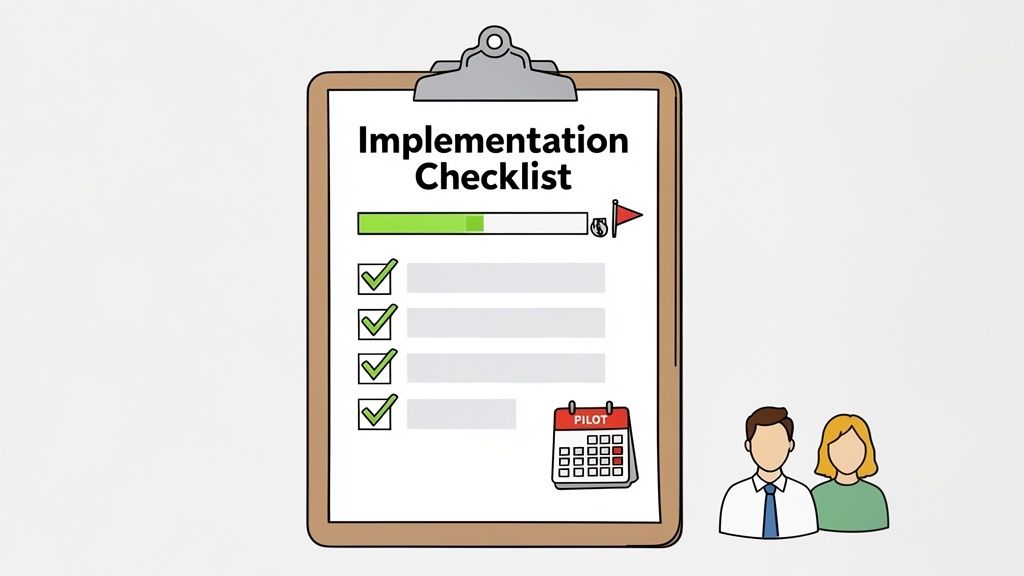
Phase 1: Prepare for Launch
Before you can build a better process, you need to know exactly what’s broken with the old one. A solid foundation here makes everything that follows easier and helps you prove the value of the switch down the road.
Audit Your Current Process: First, map out how you collect documents right now. Where are the biggest bottlenecks? Are delays happening when you first ask for files, during the endless follow-up emails, or when you’re trying to organize everything you’ve received? Pinpointing these pain points gives you clear targets.
Define Your First Workflow: Don’t try to do everything at once. Pick one specific, high-impact process to start with. A "New Client Intake" or "Employee Onboarding" workflow is perfect because it’s something you do all the time, and you’ll see the benefits almost immediately.
Build Your Templates: Now, create your first checklist template in the software. List the required documents, write simple instructions for each one, and set up the automated reminder schedule. This becomes your go-to blueprint. For ideas on what to include, check out our guide on designing a digital onboarding document workflow.
Phase 2: Engage Your Stakeholders
A new tool is useless if nobody uses it. Getting your team excited and letting clients know what’s coming is absolutely critical for a smooth transition.
The goal isn't just to implement software; it's to introduce a better way of working. Clear communication turns potential skeptics into your biggest advocates by showing them what's in it for them—less chasing and more time for meaningful work.
Internal Team Training: Run a quick training session to show your team the new process. Don't just show them how to use it; show them why. Focus on how the dashboard gives them a bird's-eye view and how automated reminders mean less manual follow-up.
Client Communication: Draft a short, friendly email to announce the change to your clients. Position it as an upgrade that makes submitting documents easier and more secure for them.
Phase 3: Go Live and Gather Feedback
With your prep work done, it’s time to push the launch button. Starting small gives you a chance to learn and make adjustments before rolling it out to everyone.
Run a Pilot Project: Choose 2-3 friendly clients to be your test subjects for the new workflow. This is a low-stakes way to find any confusing instructions or snags in the process before you go live for everyone. Ask them for feedback and use it to make final tweaks.
Full Rollout and Review: Once you’re feeling confident, make the new workflow your standard process. After a couple of weeks, check in with your team. What’s working? What isn't? Use their real-world insights to fine-tune your templates and start thinking about which process you want to improve next.
Frequently Asked Questions
It's natural to have a few questions before you bring a new tool into your business. Let's tackle some of the most common ones we hear about document collection software to help you see how it works in the real world.
How Secure Is My Client's Data With This Software?
This is usually the first and most important question, and for good reason. The short answer is: far more secure than email. Top-tier document collection platforms are built from the ground up with security in mind.
Think of it less like an open-ended email and more like a digital safe. Here's what that typically looks like:
- End-to-end encryption is standard. This means your client's files are scrambled and protected from the moment they hit "upload" until they're safely stored.
- Secure cloud hosting is a must. Many platforms comply with strict data laws like GDPR, keeping information stored in protected, regional data centers.
- Detailed audit trails track every single action. You'll always have a clear record of who accessed a file and when, giving you total visibility.
This isn't just about ticking boxes; it's about giving you and your clients genuine peace of mind when handling sensitive information.
Can This Software Integrate With My Other Business Tools?
Absolutely. The whole point is to make your life easier, not to add another siloed piece of software to your plate. These platforms are designed to plug right into the tools you already use every day.
For example, many offer direct integrations with e-signature platforms like DocuSign, so you can request a signature as the final step in your collection workflow. Even better, connections to services like Zapier open up a world of possibilities, linking you to thousands of other apps. Imagine setting up a workflow where a new client folder is automatically created in your cloud storage the second their final document is approved—no manual work required.
Is It Difficult to Get My Clients to Use a New Portal?
This is a common worry, but it’s one you can put to rest. These client-facing portals are designed to be incredibly simple and intuitive. In fact, a smooth client experience is one of their biggest strengths.
Your client gets a clean, professional-looking link branded with your logo. They just click, drag, and drop their files from any device. There are no logins to remember, no passwords to forget, and no software to install.
The process is so straightforward that it actually cuts down on the back-and-forth confusion that email chains create. With clear instructions and gentle, automated reminders, clients are guided through every step. You'll find it actually reduces friction and gets you what you need faster.
Ready to stop chasing documents and start saving time? Superdocu offers a secure, automated solution that makes collecting client files simple and professional. Start your free trial today and see the difference.