
The secret to collecting documents easily is moving away from manual email follow-ups and messy shared folders. The solution? A central hub built with branded client portals, automated reminders, and reusable templates. This approach cuts through the confusion, slashes administrative busywork, and offers a polished, professional experience for everyone.
Why Manual Document Collection Is Costing You
Inefficient document collection is more than just a headache—it’s a silent killer of your business's most critical resources: time, money, and client goodwill. When you’re stuck using email chains and scattered folders, you aren't just managing files; you're wrestling with chaos. That disorganization quickly spirals into major operational roadblocks.

Picture a typical client onboarding. You fire off an email with a long list of required documents. A week goes by. You check back and find that half the files are missing, a couple are in the wrong format, and one is an old version from six months ago. Now the endless follow-up begins, creating a tangled mess of emails that frustrates your team and starts the new client relationship off on the wrong foot.
The Real-World Impact of Inefficiency
This constant back-and-forth isn't just annoying; it introduces serious risks and delays. I've seen a single missing W-9 stall a vendor payment for weeks and an unsigned contract delay a project launch, costing thousands. Every hour your team spends chasing down files is an hour they can't spend on strategic, high-value work that actually grows the business.
This isn't just a small operational quirk; it's part of a much larger trend.
Companies are rapidly moving to digital-first operations, and clunky manual processes just don't cut it anymore. Global spending on digital transformation is on track to hit a staggering $3.9 trillion by 2027, and 89% of organizations have either adopted or are planning to adopt a digital-first business model. You can dig into these digital transformation spending trends on Statista.com.
To see just how different the two approaches are, let's compare them side-by-side.
Manual vs Automated Document Collection
This table breaks down the core differences between sticking with old-school methods and adopting a modern, automated solution.
| Feature | Manual Collection (Email & Folders) | Automated Workflow Solution |
|---|---|---|
| Client Experience | Confusing and fragmented. Clients have to dig through email threads to find requests and upload links. | A single, professional, branded portal where clients can see everything they need to submit in one place. |
| Reminders & Follow-up | Entirely manual. An employee has to remember to send follow-up emails, which is time-consuming and error-prone. | Fully automated. The system sends scheduled reminders until all documents are received, freeing up your team. |
| Security & Compliance | Low. Sensitive documents are sent via unencrypted email and stored in basic folders with limited tracking. | High. Documents are uploaded via an encrypted portal with a full audit trail, ensuring security and compliance. |
| Efficiency | Extremely inefficient. Wastes countless hours on administrative tasks, chasing, and organizing files. | Highly efficient. Templates and automation reduce setup time to minutes, and collection happens without constant intervention. |
| Visibility | Poor. It's difficult to see who has submitted what without manually checking emails and folders. | Excellent. A centralized dashboard gives you a real-time overview of the status of every document request. |
The contrast is clear. While manual methods might seem "free," the hidden costs in lost productivity and risk are enormous.
Beyond Delays and Frustration
The costs of manual collection go far deeper than just project delays. Here’s a quick rundown of the hidden expenses that are likely eating into your bottom line:
- Compliance Risks: Without a central system, proving you have the most current, signed document during an audit is a nightmare. Version control is practically non-existent.
- Poor Client Experience: Nothing says "we're disorganized" like asking a client to search through a month-old email thread to find your original request.
- Wasted Employee Hours: Your best people are pulled away from their actual jobs to become professional email-naggers. It's a low-value task that drains morale and productivity.
- Data Security Vulnerabilities: Sending sensitive financial or personal information over email is a huge security risk. A secure portal is built to protect that data from breaches.
Ultimately, sticking with outdated methods doesn't just make it harder to collect documents easily; it actively damages your company's efficiency, security, and professional image.
Create Your Secure Document Collection Hub
If you’re still chasing documents through endless email threads, it’s time for a change. The first real step toward an efficient system is building a single, secure, and professional space for clients to send you their files. This isn't just about creating a shared folder; it’s about establishing a branded digital front door for your business.
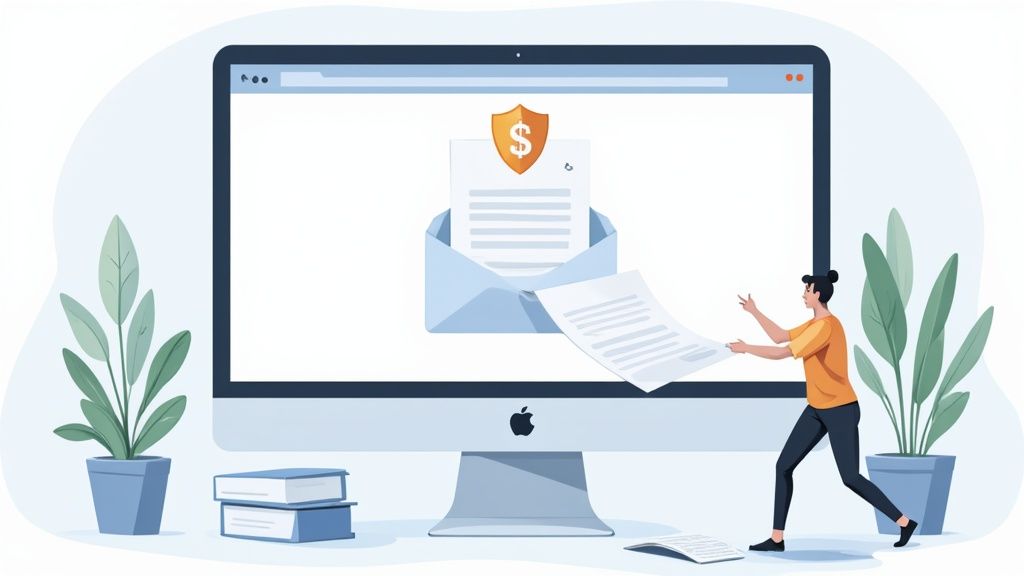
Think about it from the client's perspective. Instead of digging through their inbox for your last request, they get one clean, simple link. This small shift immediately reduces their effort and makes your entire operation look more polished and trustworthy. A great client portal is truly the foundation of a modern workflow.
Start with Smart Templates
The real secret to moving quickly without sacrificing quality is to use reusable file request templates. I think of these as pre-built checklists for my most common projects. You stop reinventing the wheel for every new client and instead launch a proven, pre-configured request in just a few clicks.
A financial advisor, for example, could have templates for everything:
- New Client Onboarding Kit: Automatically requests a signed engagement letter, photo ID, previous tax returns, and statements of assets.
- Annual Retirement Plan Review: Triggers requests for updated income statements, a list of financial goals, and current 401(k) statements.
- Mortgage Application Package: Gathers all the essentials like pay stubs, bank statements, and employment verification letters in one go.
Using templates ensures that no critical document is ever missed. It standardizes your process, which is absolutely essential for scaling your business and getting new team members up to speed. Everyone follows the same proven steps, every single time.
Why Security Is Non-Negotiable
When a client uploads their W-2, passport copy, or bank statement, they are placing an incredible amount of trust in you. A data breach doesn't just cause legal and financial problems; it can permanently destroy that trust. This is precisely why your collection hub must be built on a rock-solid security foundation. A secure client document collection portal is your best defense.
At a minimum, you need to focus on two core security features: encryption and access controls.
Simply put, encryption scrambles the data in a document, making it unreadable to anyone without the correct key. Think of it like sending a package in a locked box that only you and the recipient can open. This protects files both while they are being uploaded (in transit) and while they are stored on a server (at rest).
Access controls, on the other hand, let you decide exactly who on your team can see or touch which files. This is crucial for preventing an employee in one department from stumbling upon sensitive information from another and for creating a clear record of who did what, and when.
Here’s a quick breakdown of what you should be looking for:
| Security Feature | What It Does | Why It's Crucial |
|---|---|---|
| End-to-End Encryption | Secures files during upload and while in storage. | Prevents data interception and unauthorized access. |
| Role-Based Access | Limits file access based on an employee's role. | Protects client privacy and enforces internal policies. |
| Two-Factor Auth (2FA) | Requires a second verification step to log in. | Adds a critical layer of security against stolen passwords. |
| Full Audit Trails | Logs every action taken on a document. | Provides a complete history for compliance and security. |
These aren't just "nice-to-have" features. They are the absolute pillars of a trustworthy, professional relationship with your clients. They make it possible to collect documents easily and, more importantly, safely.
Put Your Follow-Up Process on Autopilot
Let’s be honest: chasing down missing documents is a soul-crushing part of the job. It’s the constant back-and-forth, the repetitive emails, and the project delays that kill productivity. But what if you could reclaim all that time? You can, by letting a system handle the nagging for you. This is where the real efficiency gains are made.

The idea is to set your entire follow-up sequence on autopilot. From the first request to the final "overdue" ping, a logical series of automated notifications can handle it all. This frees your team from babysitting their inboxes and lets them focus on work that actually matters.
Crafting Reminders That Actually Work
Here’s the secret to automated reminders: they can’t sound automated. A pushy, robotic message is easy to ignore. A friendly, clear reminder? That gets a response. You want the tone to be professional but human, guiding the client to the finish line without making them feel hassled.
Think about the difference. An initial reminder could be as simple as, "Just a friendly heads-up that we're still waiting on a couple of documents to move forward." As a deadline gets closer, the message can build a little urgency while still being helpful: "We're excited to get started, but we'll need those final documents by Friday to keep everything on track."
It’s not just about saving time. Thoughtful automation actually improves client engagement. We've seen that personalized, automated emails can boost open rates by 29% and click-through rates by 41%. A well-crafted automated message often performs better than a rushed, manual follow-up.
If you want to dig deeper into the specifics, our guide on how to set up automated reminders for document collection has some great real-world examples.
Designing a Smart Reminder Schedule
Consistency is the name of the game here. A smart schedule makes sure clients get the right message at the right time, so nothing slips through the cracks.
A battle-tested workflow might look something like this:
- Day 1 (Initial Request): The request goes out automatically the moment a project kicks off.
- Day 3 (Gentle Nudge): A friendly reminder is sent for anything still missing.
- Day 5 (Deadline Approaching): The message highlights the upcoming due date to create a bit of urgency.
- Day 7 (Final Notice): This message can be firmer and can also trigger an internal alert for your team to step in with a personal call if needed.
Keeping Your Internal Team in Sync
Automation isn't just for your clients. It's also a fantastic way to cut down on internal chatter and keep everyone on the same page. No more "Hey, did they send that file yet?" messages cluttering up Slack.
Instead, you can set up alerts to notify the right people at the right time.
- Document Submitted: The project manager gets an instant ping that a file is ready for review.
- All Documents Received: A notification goes out to the whole team, signaling it's time to get started.
- Document Rejected: If a file is wrong, an alert can go to the client's main point of contact, letting them know they need to follow up personally.
This kind of internal automation breaks down communication silos and creates a much smoother workflow, ensuring everyone knows what's happening without adding to their email overload.
Build Intelligence into Your Collection Process
Getting an expired ID or the wrong file type can stop a project dead in its tracks. We’ve all been there. Instead of just passively receiving whatever gets sent over, it's time to build some intelligence directly into your collection workflow. This is about preventing common errors before they even happen, making sure you get the right documents the first time.
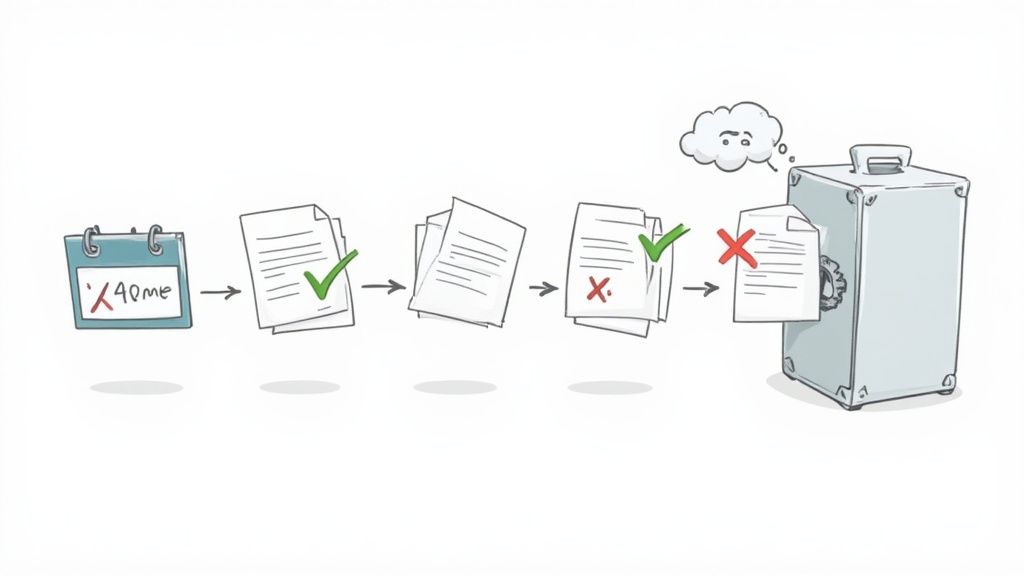
This shift from simply collecting files to actively validating them is what Intelligent Document Processing (IDP) is all about. It’s not just a buzzword; it’s a genuine change in how businesses operate. In fact, 63% of Fortune 250 companies are already using IDP solutions.
The financial sector is leading the charge with a 71% adoption rate, which tells you how essential these systems are when dealing with high-stakes, high-volume documents. And it’s only growing—Gartner predicts that by 2025, half of all B2B invoices will be processed with zero human intervention. If you're curious about the numbers, check out this Intelligent Document Processing market report from Docsumo.
Implement Smart Validation Rules
The core of an intelligent system is setting up rules that guide people to submit exactly what you need. This isn't about being difficult; it's about being crystal clear and getting rid of the guesswork. You can actually set up your requests to automatically reject incorrect files, which saves everyone the headache of a long email chain.
For instance, you can set rules like:
- File Type Requirements: Only allow PDFs for signed agreements. No more editable Word docs slipping through.
- Image Quality Standards: Insist on high-resolution JPEGs for photo IDs so they’re actually legible.
- File Size Limits: Set a floor and a ceiling for file sizes to prevent tiny, unreadable scans or massive files that crash your system.
These small, automated checks add up to a huge reduction in manual work and a much smoother process for everyone involved.
Enforce Consistent Naming Conventions
Are you tired of sorting through files named IMG_2024.jpg or Scan1.pdf? You can automate your way out of that chaos. By establishing mandatory naming conventions, every document that lands in your system is instantly identifiable and organized.
Think about it: every file is automatically named using a clear, consistent structure like
[ClientName]-[DocumentType]-[SubmissionDate]. A messy folder is instantly transformed into a perfectly sorted archive. Suddenly, finding exactly what you need takes seconds, not hours.
This level of organization stops being a tedious manual task and becomes an automatic part of your workflow. It keeps your digital workspace clean and makes future audits or file searches completely painless.
Track Document Expiry Dates Automatically
For many businesses, a document isn’t a "one-and-done" item. Licenses, insurance policies, and compliance certificates all come with an expiration date. Trying to track these manually is a recipe for disaster, risking non-compliance and frantic, last-minute scrambles.
This is where automated expiry tracking is a total game-changer. You can set up your system to automatically flag documents that are about to expire. Even better, you can trigger alerts that notify both you and your client weeks ahead of time, giving everyone plenty of time to get a renewed version submitted. This smart capability is a key feature in modern document verification software and helps you maintain compliance without having to think about it.
Connect Your System to Other Business Tools
Your document collection process can't exist on an island. If it’s not talking to the other tools you use every day, you’re just creating more work for yourself. Constantly copying and pasting information between platforms completely defeats the point of having an automated system in the first place.
Real efficiency happens when you build a connected system where data flows smoothly from one app to another. This is what turns a decent document collection tool into the operational hub for your entire business.
Create a Seamless Business Ecosystem
Picture this: a new client uploads their onboarding files. The second they hit "submit," a new folder is automatically created in your Google Drive, perfectly named and filed away. At the same instant, a task in Asana or Trello flips from "Waiting for Documents" to "Ready for Review," and the right person on your team gets a notification to take over.
That's the kind of friction-free workflow we're talking about. Here are a few high-impact connections you can set up right away:
- Cloud Storage Sync: Have every submitted document automatically land in your team's Google Drive, Dropbox, or OneDrive. This keeps everything backed up and accessible within the storage system you already use.
- Project Management Updates: Link your collection tool to something like Asana, Jira, or Monday.com to update task statuses, create new assignments, and keep projects chugging along without anyone needing to manually check in.
- CRM Integration: Connect to your CRM, like HubSpot or Salesforce, to update client records with direct links to their files. This gives you a single, complete view of every client relationship.
These aren't just nice-to-haves. These connections are essential for building a single source of truth for all your client information and project statuses.
The Power of a Connected Workflow
This push for better integration is having a huge impact across the board. The global market for document management systems was valued at around USD 9.35 billion in 2024 and is expected to hit USD 10.45 billion by 2025. That growth is coming from businesses realizing that a smooth document process is no longer optional. You can read more about these document management trends from Docsvault.
When you connect your tools, you're doing more than just moving files. You're building a workflow that responds instantly to client actions, cutting down delays and making sure nothing ever gets missed. It's the difference between a checklist of manual tasks and a single, intelligent process.
Think about a law firm. They could integrate their document portal with their billing software. The moment a client submits their signed engagement letter, an invoice is automatically created and sent. It's a small tweak that saves hours of administrative time, cuts down on billing mistakes, and gets cash in the door faster. Building these bridges between your core tools creates a powerful, automated engine that works for you 24/7.
Common Questions About Collecting Documents
Moving to a new system for collecting documents is a big step, and it’s natural to have questions. You're changing a core part of how you work with clients, but it doesn't have to be a headache. Let's tackle some of the most common concerns we hear from businesses just like yours.
Is It Actually Secure?
The first question is almost always about security. Can you really trust an online portal with sensitive information like tax returns or personal IDs?
Absolutely—as long as it’s the right kind of portal. Email is notoriously insecure and an easy target for breaches. A dedicated document portal, on the other hand, is built from the ground up with security at its core.
It relies on end-to-end encryption, which essentially scrambles the data so only the right people can access it. Think of it like a digital locked box; only you and your client have the key.
How Do I Get My Clients to Use It?
The next big hurdle is often client adoption. What about clients who aren’t exactly tech-savvy? How do you get them on board?
The trick is to position it as a benefit for them. It’s not just about making your life easier; it's about giving them a simpler, faster, and far more secure way to share information.
Instead of digging through old email chains to find an attachment, they have one central hub to see everything they’ve sent and what you still need. Keep your instructions incredibly simple. You could even record a quick two-minute video walkthrough to show them exactly what to do.
A smooth transition comes down to great communication. When you highlight the convenience and security, the new system feels like an upgrade for everyone. That’s how you get the buy-in you need.
It’s also smart to have a backup plan for anyone who struggles. Offer to hop on a quick call and walk them through it the first time. You'll find that once people use the portal, they quickly realize how much better it is than the old way.
What’s the Best Way to Get Started?
Finally, people often ask, "Where do I even begin?" The thought of changing everything at once can be overwhelming.
The answer is simple: start small.
Don't try to transform every single workflow overnight. Pick one process that’s a constant source of friction—maybe it’s new client onboarding or collecting paperwork from contractors—and focus on automating just that. This lets you learn the ropes, smooth out any wrinkles, and score an early win. Once you've nailed that first workflow, you'll have the confidence and the blueprint to expand it across your business.
Ready to transform your workflow? Superdocu makes it simple to automate reminders, create branded portals, and collect documents easily and securely. Start your free trial today and see the difference.