
If you want to collect documents efficiently, you have to get out of your email inbox. Relying on manual methods is a slow bleed on your resources, but switching to a secure, automated system can save a shocking amount of admin time, improve your client's first impression, and lock down data security from day one.
Why Manual Document Collection Is Costing You More Than Time
Before we get into building a better system, let's be honest about what the old way is costing you. Chasing down documents through endless email chains isn't just a headache. It's a silent killer of productivity, a security risk, and a black eye on your reputation.
The most obvious price you pay is time. Every minute your team spends digging through inboxes, manually checking off a list, or sending yet another "gentle reminder" is a minute they aren't spending on high-value work. For a busy law firm or an HR department, this administrative quicksand can easily swallow hundreds of hours a year.
The Hidden Financial and Reputational Costs
It’s the hidden costs, however, that really do the damage. Think about it from the client’s perspective. You’ve just signed on, and the first thing you're asked to do is email sensitive financial statements or a copy of your driver's license. It feels unprofessional and, frankly, a little sketchy.
This friction can sour a new relationship before it even starts. I know a mortgage broker who lost a major client because their document submission process was so clunky the client just gave up and went to a competitor with a simple online portal. That’s not just a lost deal; it's a permanent dent in their reputation.
The unseen costs just keep piling up:
- Security Gaps: Email was never built for secure file transfers. Attachments can be intercepted, accidentally forwarded to the wrong person, or left sitting on unsecured devices, creating a huge compliance risk.
- Zero Visibility: Without a central dashboard, who knows where things stand? This leads to confusion, with multiple people chasing the same document, causing delays that stall entire projects.
- Compliance Nightmares: Regulations like GDPR require you to have a tight grip on personal data. A scattered mess of email attachments makes it nearly impossible to prove compliance or produce a clean audit trail when asked.
The real problem with manual document collection isn't just that it's slow; it's that it creates a foundation of chaos. Every disorganized folder and untracked email builds operational debt that you'll eventually have to pay back with interest, usually during a critical deadline or audit.
The Growing Need for Automation
Moving away from manual processes isn't just a nice-to-have anymore; it's becoming a necessity to stay competitive. The global market for Document Collection Software is expected to reach $1,194.7 million by 2025, a clear sign that businesses are waking up to the problem.
For industries like HR and staffing, for instance, automating how they collect documents for new hires can slash administrative time by up to 50%. You can dive deeper into the market trends driving this massive shift.
Ultimately, fixing how you collect documents isn’t a small tweak. It's a core business decision that protects your time, secures your data, and strengthens the trust you build with every single client. It’s about leaving chaos behind and moving toward a process that’s organized, professional, and in your control.
Map Your Perfect Document Collection Workflow
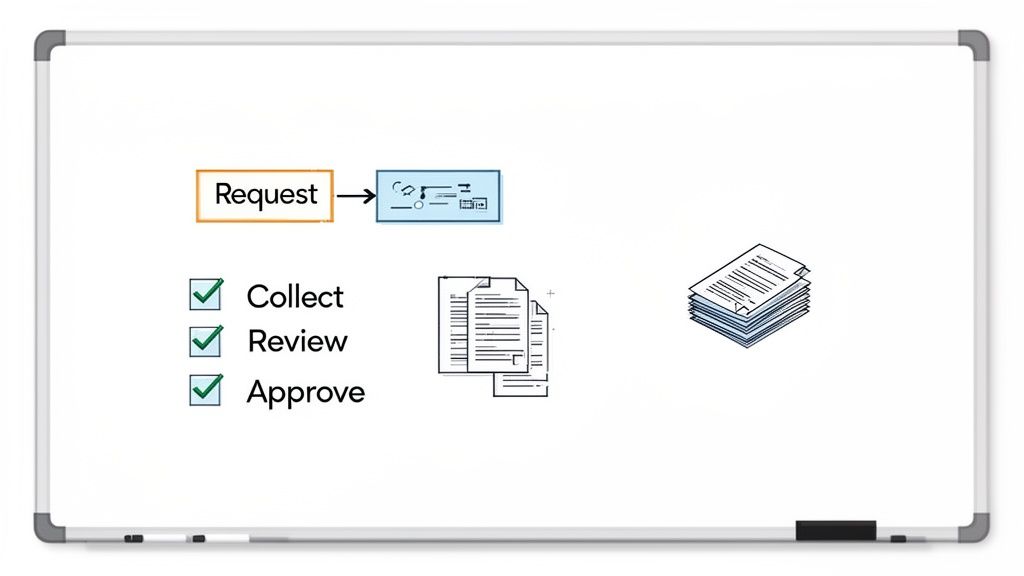
A smooth, efficient process for collecting documents doesn’t just happen. It’s designed. Before you even think about software, the most important thing you can do is map out your current process—the good, the bad, and the ugly.
Grab a whiteboard and physically draw out the entire journey a document takes, from the moment you ask for it to the second it’s approved. This simple exercise can be eye-opening. It forces you to see the friction points you’re creating for your clients. Where do people get stuck? How many emails does it really take to get one signed PDF? The honest answers are your starting point for building something much better.
Identify and Group Every Single Document You Need
First, pick one common process you handle all the time, like onboarding a new client or processing a loan application. Your goal here is to make a complete list of every piece of paper and information you need to gather. Get specific.
For example, a mortgage application list shouldn't just say "proof of income." It should be crystal clear:
- Income Verification: "Two most recent pay stubs" and "Last two years of W-2s."
- Personal ID: A "clear, unexpired copy of a driver's license or passport."
- Asset Details: "Bank statements for the last two months, all pages included."
Once you have this master list, start grouping related items into logical checklists. All the income documents can go in one folder, and all the identity verification files in another. This simple change takes a giant, intimidating list and breaks it down into small, manageable steps for your client.
This level of detail is what stops you from sending that dreaded "oh, just one more thing…" email, which is a massive source of frustration and delays.
Design Reusable Workflow Templates
Now that you know what you need, it's time to build the how. You’re going to create a repeatable template that you can fire up for every new client or project without reinventing the wheel. This is where you’ll get the biggest payback for your time.
Your template needs to define the path a document follows once it's submitted. Who reviews it first? Who has the final say? Mapping this out prevents documents from getting stuck in someone's inbox.
Think of it like a simple flowchart. A client submits a file, which automatically goes to an admin for a quick completeness check. If it’s good, it moves on to a manager for final approval. If it’s missing something, the system flags it and notifies the client with specific instructions on how to fix it.
By standardizing your workflow, you create a predictable, reliable system. You're not just making it easier to collect documents; you're building a scalable operational asset that reduces errors and saves countless administrative hours.
Think Like Your Client
The last piece of this puzzle is putting yourself in your client's shoes. Every instruction, every field, and every step should be seen from their perspective. Is your language clear and simple, or is it full of internal jargon? Could you provide a quick example of what a "good" submission looks like?
Adding small, helpful notes can make a world of difference. Next to the bank statement request, you could add: "Please make sure all four corners of each page are visible and the file isn't password-protected." This kind of proactive guidance heads off common mistakes before they happen.
The best workflows feel so intuitive they don’t need an instruction manual. They just work.
Create a Branded and User-Friendly Client Portal
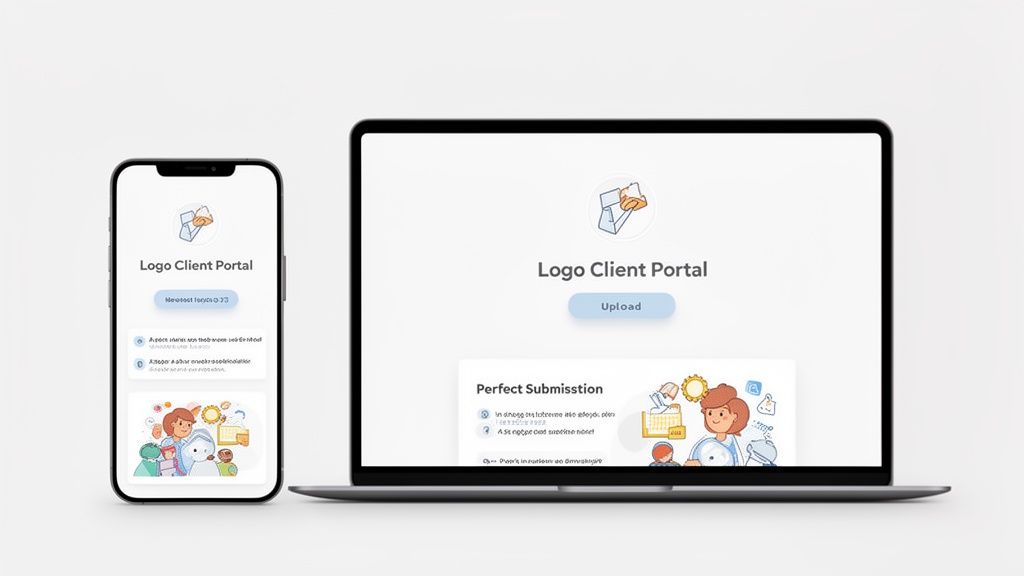
The link you send a client to collect documents isn't just a link. It's often their first real interaction with your process, and it sets the tone for everything that follows. A clunky, generic request can cause friction and plant seeds of doubt right from the start.
But a clean, branded, and intuitive portal? That builds instant confidence. It shows you’re organized, professional, and serious about handling their information securely. The aim is to create an experience so straightforward that clients can upload what you need without a second thought.
Your Brand Builds Instant Trust
When a client clicks that link, they should land on a page that looks and feels like it’s yours. Slapping your logo and brand colors on the portal is more than just window dressing—it’s a powerful signal of legitimacy.
Put yourself in their shoes. Would you feel comfortable uploading sensitive financial records to a generic, unbranded page? Probably not. A portal that mirrors your website's design, however, feels like a secure extension of your business. This consistency is crucial for building the trust needed to get the job done smoothly.
A well-branded portal reassures clients they're in the right place, dealing directly with you. This small detail dramatically increases their comfort level and makes them far more likely to complete the request quickly.
This professional approach is quickly becoming the norm. The market for cloud-based document management is growing at a projected 17.4% annually from 2025-2030, building on a sector already valued at $10.51 billion in 2025. This massive shift to paperless highlights how much clients now expect secure, professional digital interactions. You can dive deeper into this trend by exploring the full market analysis on document management systems.
Write Crystal-Clear Instructions
The single biggest roadblock when you collect documents is confusion. Never assume clients know what you’re asking for. Your instructions need to be so clear that there's zero room for error, saving you endless back-and-forth emails later.
Instead of a vague "Upload your ID," get specific. A little effort upfront prevents the most common submission mistakes that grind everything to a halt.
Here’s how to turn a vague request into a perfect one:
-
Vague: "Proof of Address"
-
Clear: "Please upload a recent utility bill (gas, electric, or water) or a bank statement from the last 3 months. Ensure the document clearly shows your full name and current address."
-
Vague: "Business License"
-
Clear: "Upload a clear, valid copy of your current business license. Please make sure the expiration date is visible."
Even better, add an example image of what a good submission looks like. Showing them a perfectly scanned, legible document removes all the guesswork. If you want more ideas for setting up a seamless system, check out our guide on creating an effective client portal.
Design for an Effortless Mobile Experience
Your clients are busy. They're on the go. There's a good chance they'll open your request on their phone, so your portal absolutely must work flawlessly on a small screen. They should be able to snap a photo of a document and upload it in just a few taps.
A clunky mobile experience is a dealbreaker. If it’s frustrating, they’ll simply give up and you’ll be stuck chasing them. The process should feel as easy as sending a photo to a friend. Always test your portal on different devices to make sure the experience is seamless everywhere.
The less work they have to do, the faster and more accurately you’ll get what you need.
Put Your Follow-Ups on Autopilot
Let’s be honest: chasing people for missing documents is a massive time-waster. It’s that endless, frustrating loop of sending another email, making a quick call, and then updating a spreadsheet. This isn’t just annoying for your team; it grinds entire projects to a halt, whether you’re trying to onboard a new hire or close a major deal.
The only way to win this game is to stop chasing and start automating. When you set up a smart system to handle the follow-ups for you, you’re not just saving time—you’re making sure nothing ever falls through the cracks again. It’s about building a process that hums along in the background, keeping everything on track without you having to micromanage it.
Configure Smart Reminder Schedules
Effective follow-ups are all about consistency, not pestering. A well-timed, automated nudge is usually all it takes to get someone to act. Modern document collection tools let you build custom reminder schedules that kick in automatically, right when you need them to.
Forget the one-size-fits-all approach. You can get really specific with the timing and tone of your reminders.
- The Gentle Nudge: Maybe you send a friendly reminder three days after the initial request if you haven't heard back.
- The Mid-Point Check-in: A week later, you could send a more direct message that clearly lists which documents are still missing.
- The Final Alert: A few days before the deadline, an email emphasizing the urgency can do the trick.
This kind of layered approach keeps your request at the top of their inbox without being obnoxious. And the best part? Once you set the rules, the system takes care of everything. You can dive deeper into how this works in our complete guide to automated reminders for document collection.
Automation turns follow-ups from a manual chore into a reliable, background process. It ensures consistent communication, improves client response times, and frees your team to focus on more important work instead of playing email tag.
This isn’t just a nice-to-have anymore; it’s where business is heading. The technology behind this, known as Intelligent Document Processing (IDP), is expected to become a $6.78 billion global market by 2025. With experts predicting that 50% of all B2B invoices will be processed automatically by that same year, it’s pretty clear that sticking with manual methods is a losing game. You can check out more document processing statistics and their implications to see the trend.
Never Miss an Expiration Date Again
For so many businesses, getting the document is just the first step. Think about things like professional licenses, insurance certificates, or compliance paperwork—they all have expiration dates that need to be tracked religiously. Trying to manage renewals manually is a recipe for disaster and can expose your business to some serious compliance risks.
An expired certificate of insurance or a lapsed certification can mean fines, legal trouble, or even having to shut down operations. Trusting spreadsheets or calendar pop-ups just isn’t a reliable way to handle something this important.
A good system will monitor these dates for you. When you first collect documents that expire, you just plug in the date. From there, the platform takes over, scheduling alerts for both your team and your client long before the deadline hits.
Imagine setting up a workflow that:
- Automatically emails a client 60 days before their insurance policy is up, asking for the renewed certificate.
- Pings your internal compliance manager at the 30-day mark if the new document still isn’t in.
- Escalates the alert if the document is still missing with only a week to go.
This proactive approach turns compliance from a stressful, last-minute fire drill into a smooth, automated process. You can rest easy knowing you always have current and valid documents on file.
Keeping Client Data Secure and Compliant
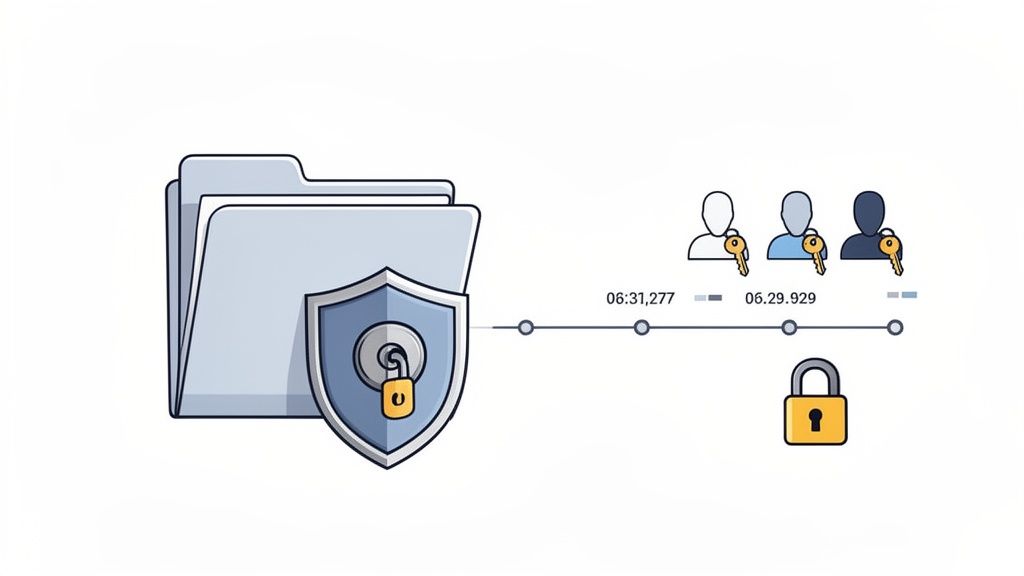
When you ask clients for their documents, you're not just collecting files—you're taking responsibility for some of their most sensitive information. This is a huge deal. It’s about protecting their data from prying eyes and making sure you’re following privacy laws like GDPR or CCPA.
Relying on old-school methods like email attachments or basic file-sharing links is just asking for trouble. Those tools were never built for handling confidential data, leaving both you and your clients dangerously exposed. One simple mistake, like a misaddressed email, could spiral into a full-blown data breach with serious financial and reputational fallout.
This is why choosing a platform built from the ground up with security in mind isn't just a nice-to-have feature. It’s absolutely essential for doing business today.
Non-Negotiable Security Features
To properly protect the information you handle, some security measures are simply not optional. Think of these as the digital equivalent of a bank vault—they ensure that from the moment a client uploads a file until you archive it, that data is completely locked down.
You should be looking for a solution that offers these critical protections:
- End-to-End Encryption (E2EE): This is the gold standard, period. E2EE scrambles the data on your client's device and only unscrambles it once it reaches you. No one in the middle, not even the platform provider, can peek at the files.
- Secure Data Centers: Where your data lives matters. The platform should use top-tier data centers that are compliant with international security standards like ISO 27001 and have rock-solid physical and digital safeguards.
- Role-Based Access Control (RBAC): Let's be honest, not everyone on your team needs to see every single client document. RBAC lets you give access only to the specific team members who need it for their job, drastically reducing the risk of internal data leaks.
These terms might sound technical, but their purpose is straightforward: to create multiple layers of defense that keep client information safe. If you want to get into the nitty-gritty, you can learn more about what goes into a truly secure document intake platform.
Staying Compliant with Data Regulations
Being compliant isn't just about dodging fines; it’s about earning and keeping your clients' trust. Regulations like GDPR have strict rules about how you collect documents with personal data, how long you keep them, and who gets to see them.
A secure document collection process is your best defense in a compliance audit. It provides a clear, defensible record of how you handle sensitive data, demonstrating a commitment to privacy and security that clients increasingly expect.
To stay on the right side of the law, you need a system that puts you in control. This means being able to set clear data retention policies—like automatically deleting certain documents after a project wraps up—to make sure you aren't hoarding sensitive information longer than necessary.
Creating a Clear and Defensible Audit Trail
If a question ever pops up about who accessed a file or when a document was really submitted, you need to have a concrete answer. This is where an audit trail comes in. It’s a simple, chronological log of every single action taken within the system. It records who uploaded, viewed, downloaded, or approved a document and the exact time they did it.
This feature is indispensable for a few key reasons:
- Accountability: It creates an unchangeable record of all user activities, making it easy to see the entire journey of a document.
- Dispute Resolution: If a client insists they sent a file on time, the audit log can instantly confirm the exact upload date and time. No more "he said, she said."
- Security Monitoring: It helps you spot weird activity. For instance, if a user suddenly starts accessing a bunch of files they don't normally touch, it could be an early warning sign of a security problem.
Ultimately, a strong audit trail turns your document collection process from a murky "black box" into a transparent and fully accountable operation. It’s a vital tool for minimizing risk and proving you’re doing your due diligence with client data.
Connect and Scale Your Document Workflow
A great document collection system shouldn't be an island. It needs to be the central hub that talks to all the other tools you use daily. This is how you stop just gathering files and start building a truly automated process that can grow with your business.
The whole point is to get rid of the manual busywork. You know the drill: download a signed contract from your email, then turn around and upload it to your cloud storage, then update the client's record in your CRM. A connected system makes that data flow happen automatically, saving you a ton of time and cutting out the risk of human error.
Weave E-Signatures Right into Your Requests
One of the smartest integrations you can set up is with an e-signature service. Think about it: instead of making a client download a PDF, print it, sign it, scan it, and then upload it, you can just build the signing step directly into your request. What was a clunky, multi-step headache becomes one smooth action for your client.
Picture how this plays out for a mortgage broker:
- The borrower gets a single link to a professional, branded portal.
- They upload their pay stubs and bank statements.
- Right there on the same page, the loan application is ready for them to sign electronically. Done.
This isn't just about looking good—though it certainly impresses clients. It drastically shortens your turnaround time. By merging the "collect" and "sign" steps, you eliminate friction and can get legally binding documents back in minutes instead of waiting for days.
A connected workflow lets the system handle the tedious stuff. It creates a domino effect where one completed step automatically kicks off the next, keeping everything moving without you having to constantly nudge it along.
Unlock the Magic of Automation Tools
This is where you can really put your operations on cruise control. When you hook up your document collection platform to an automation tool like Zapier, you can connect it to thousands of other apps. This lets you build custom "if this happens, then do that" recipes that fit your exact process.
The possibilities here are just about endless. As soon as you approve a document in your collection portal, you can set off a whole chain of events automatically.
Here are a few ideas to get you started:
- Smart Filing: Instantly push an approved document to a specific client folder in Google Drive, Dropbox, or OneDrive. No more drag-and-drop.
- CRM Sync: Automatically update a contact's record in your CRM—think Salesforce or HubSpot—to mark the document as received.
- Team Alerts: Ping a specific channel in Slack or Microsoft Teams to let your team know a client's file is complete and ready for the next step.
- Project Kickoffs: Create a new task or card in a project management tool like Asana or Trello to officially start the onboarding process.
Each of these small, automated actions adds up to huge time savings and a massive reduction in administrative overhead. Your team can stop shuffling files and updating checklists and start focusing on high-value work. Your document workflow goes from being a simple collection tool to the engine that runs your entire operation.
Common Questions About Document Collection
When businesses decide to finally ditch email for a more organized way to collect documents, a few common questions always pop up. Getting ahead of these concerns can make the switch a lot smoother for everyone involved—your team and your clients.
How Do I Get My Clients to Use a New Portal?
The secret to getting clients on board is to make the new process ridiculously easy for them. Nobody wants another password to remember or a complicated app to download.
Look for a platform with a clean, mobile-friendly design that lets clients get straight to it without creating a login. When you send that first request, add a quick personal note explaining why this is better for them—it’s faster, way more secure than email, and they can see exactly what’s been submitted and what's still needed. A professional, branded portal that looks and feels like your own website also goes a long way in building instant trust.
Is a Dedicated Platform Really More Secure Than Email?
Without a doubt, yes. Email is notoriously insecure; it was never built to handle sensitive information. Think of it like sending a postcard—anyone can intercept and read it along the way.
A proper document collection platform uses end-to-end encryption. This means the files are scrambled and protected from the moment they leave your client's computer until they are safely in your system. This isn't just a "nice-to-have"; it's crucial for protecting your clients' private information and staying compliant with privacy laws like GDPR.
The best systems are designed for everyone, not just the tech-savvy. The goal should be an experience so intuitive that it requires zero instruction.
The key is a simple, guided process. Your client clicks a single link and sees a clear checklist. Uploading a file should feel as natural as attaching a photo to a text message. If a client is still a bit hesitant, don't be afraid to offer a quick phone call to walk them through it. That little personal touch can make all the difference.
Ready to stop chasing documents and start focusing on your real work? Superdocu makes it easy to create secure, branded portals and automate your entire collection process. See how it works and start your free trial.