
Getting the documents you need from a client often hinges on what you do before you even hit send on that email. It's all about preparation. When you know exactly what you need and why, and you can head off your client's questions before they even ask them, the whole process becomes a smooth, professional exchange instead of a frustrating chore.
Setting the Stage for a Flawless Document Request
Nothing slows down a project like a vague request. Before you can ask for a single file, you need absolute clarity on what's required. This isn’t just a mental note; it means creating a detailed, concrete list of every single item.
Think about it from a practical standpoint. A mortgage broker can't just ask for "proof of income." That leaves way too much room for interpretation. A much stronger request would be to ask for these specific items:
- Pay stubs from the last two months.
- W-2 forms for the previous two tax years.
- A signed IRS Form 4506-T so you can request their tax transcripts directly.
See the difference? Crystal clear.
Anticipate Client Questions
Put yourself in their shoes and think about what might trip them up. Will they know where to find a particular form? Do they understand why you even need it in the first place?
Giving them a little context goes a long way in building trust and showing them why it's important. For instance, explaining that "we need the signed disclosure to move forward with the property appraisal" gives them a solid reason to get it back to you quickly.
A well-prepared request respects the other person's time. By defining the scope and purpose upfront, you eliminate the back-and-forth that frustrates everyone involved and slows down progress.
This prep work isn't just about ticking boxes on a list. It’s about laying out a clear, easy-to-follow path for your client, making sure you get exactly what you need on the very first try.
Crafting a Request That Gets an Immediate Response
Ever sent a request for documents and then… crickets? Weeks of follow-up emails, phone tag, and frustration often boil down to one simple thing: your initial request wasn't clear enough. A vague message doesn't just slow you down; it creates a headache for everyone involved.

To get what you need the first time, your message has to be impossible to misinterpret. A great place to start is the subject line. Something like, "Action Required: Onboarding Documents for [Client Name] – Due [Date]" tells them exactly what’s needed and when. No ambiguity.
Then, in the body of the message, get specific. Don't just ask for an "ID." Instead, try: "Please provide a color scan of the front and back of your driver's license, saved as a single PDF." That tiny bit of extra detail saves days of back-and-forth.
The Anatomy of a Perfect Request
To make sure your request is easy to follow, I've found it helps to think of it like a simple checklist. This makes it scannable and helps the other person understand exactly what you need at a glance.
Here's a quick rundown of the essential elements I include in every request to ensure a fast, accurate response.
| Component | Why It Matters & Best Practice |
|---|---|
| Clear Subject Line | Best Practice: Include the purpose, client name, and a due date. This helps them prioritize your email in a crowded inbox. |
| Personalized Greeting | Best Practice: A simple "Hi [Name]" makes the request feel less transactional and more collaborative. |
| Bulleted List of Docs | Best Practice: Ditch long paragraphs. A clean, bulleted list is easy to scan and act on. |
| Specific Format Rules | Best Practice: State the required file type (PDF, JPEG, etc.). Don't leave it to chance. |
| File Naming Convention | Best Practice: Suggest a simple structure like "LastName_ID.pdf" to keep your own files organized. |
| Firm (but fair) Deadline | Best Practice: A specific due date creates a sense of urgency and helps manage expectations on both sides. |
| Secure Submission Link | Best Practice: Never ask for sensitive documents via standard email. Provide a link to a secure portal. |
| Contact Info for Questions | Best Practice: Let them know who to contact if they get stuck. It shows you're there to help. |
Following this checklist transforms your request from a vague ask into a clear, actionable task list. It’s a small change that makes a huge difference.
The goal is to remove every single ounce of friction. If you make it easy for your client to know exactly what to do, they're far more likely to do it quickly and correctly.
For more real-world examples, you can dive into our complete guide on writing a sample email requesting information to see how these ideas play out in different situations.
Choosing Secure and User-Friendly Delivery Methods
How you ask clients to send their files is just as critical as what you ask for. Let's be honest: asking someone to just attach their sensitive information to an email is no longer a safe or responsible way to do business. Data breaches are a constant threat, and an unencrypted email is basically the digital equivalent of a postcard—anyone can read it along the way.
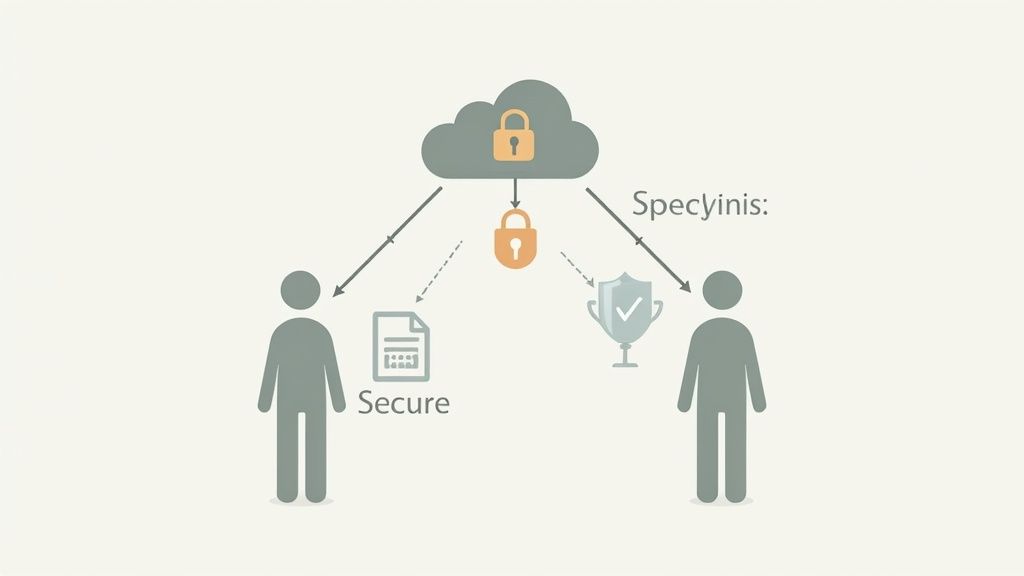
The real challenge is striking the right balance. You need airtight security, but you also need a process that isn't a headache for your client. If you force them through a clunky, confusing system, you'll just get delays and frustration, which completely defeats the purpose.
Comparing Modern Delivery Options
Fortunately, we've moved well beyond standard email. There are a few strong alternatives out there, each with its own pros and cons depending on your needs.
- Secure File-Sharing Links: Think about services like Google Drive or Dropbox. You can create a secure link where clients can drop their files. This is a huge step up from email and works well for documents that are moderately sensitive.
- Dedicated Client Portals: This is the gold standard for truly confidential information—things like financial records, legal documents, or personal IDs. These platforms offer a branded, centralized, and highly secure space for all client interactions.
The best method makes security invisible to the user. A smooth, intuitive upload process builds client trust and encourages prompt compliance, ensuring you get the documents you need without unnecessary friction.
Specialized platforms are often your best bet, giving you that ideal mix of security and ease. To get a better sense of how they operate, it’s worth exploring what a secure document intake platform can do to provide a professional and user-friendly experience.
Automating Follow-Ups to Save Time and Reduce Errors
Let’s be honest: manually chasing clients for documents is a huge drain on time and energy. It's tedious, repetitive, and a prime spot for things to fall through the cracks. Automation takes this entire burden off your plate, turning a nagging chore into a smooth, hands-off process. This frees up your team for the work that actually matters, instead of just sending another “friendly reminder” email.
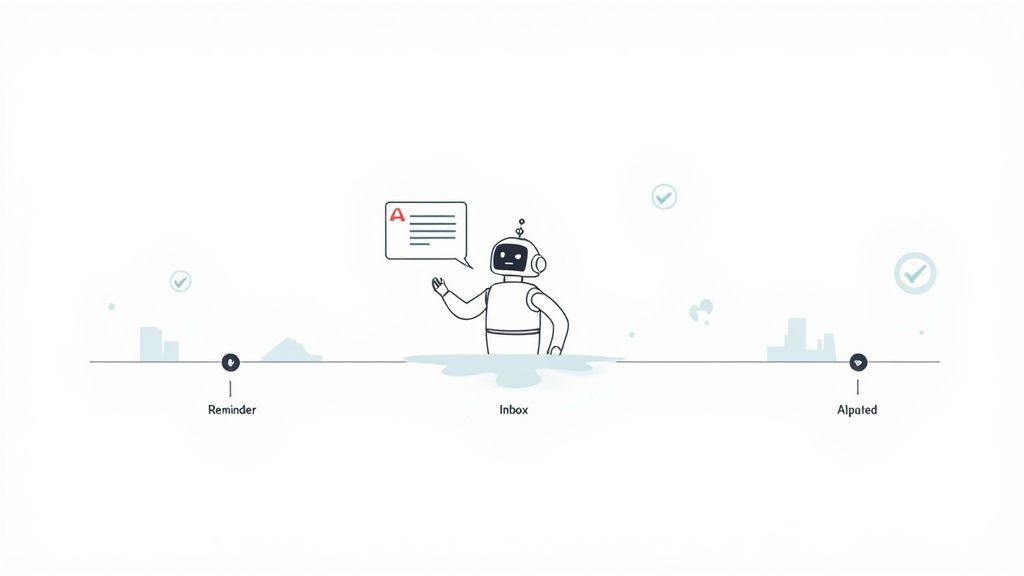
The right tools can handle the entire lifecycle of a document request. Think about it—a system that automatically sends polite nudges to clients as a deadline approaches, then instantly sends a confirmation once they’ve uploaded their file. Not only does this save countless administrative hours, but it also gives your clients a professional and reliable experience. For a deeper dive, our guide on using automated reminders to collect documents has some great, practical steps to get you started.
The Rise of Intelligent Document Processing
Going beyond simple reminders, Intelligent Document Processing (IDP) is really changing how this all works. This isn't just about sending emails; it's technology that helps businesses speed up operations by automating not just how they request documents, but also how they handle the information inside them.
The IDP market is exploding for a reason—it’s projected to hit $6.78 billion by 2025. This growth is fueled by a real need for smarter automation. In fact, over 80% of enterprises are planning to invest more in these tools to save money and stay compliant.
Take the financial sector, where 88% of institutions are making this a priority. Why? Because it can cut loan processing times from weeks down to less than 48 hours. You can find more fascinating insights from these document processing statistics on sensetask.com.
Dealing With the Inevitable Hiccups
Let’s be realistic—even with a perfect system, things go wrong. Clients will upload the wrong file, send a photo so blurry it’s unreadable, or just plain forget. How you handle these little bumps is what separates a frustrating experience from a smooth one.
When a client sends the wrong thing, your response makes all the difference. Don't just say, "Wrong document." That's frustrating for them and creates more work for you. Instead, be specific and helpful.
Try something like: "Thanks for sending this over so quickly! It looks like this is your W-9, but for this part of the process, we actually need last year's W-2. I've attached a quick example of what that looks like to help you find the right one." See the difference? You're correcting them while also guiding them to get it right the next time.
These small delays might seem minor, but they can have a massive ripple effect. Take international student admissions, for example. A clunky process for collecting visa and enrollment documents can lead to a potential 30-40% drop in new international student enrollments. For the US economy, that translates to a loss of nearly $7 billion. It just goes to show how critical a smooth document request process is. You can read more about the impact on global student flows on shorelight.com.
The key is to treat every roadblock not as a client's failure, but as an opportunity to provide clearer instructions. A little flexibility and helpful guidance go a long way.
Got Questions? We’ve Got Answers.
When it comes to requesting documents, a few questions pop up time and time again. Let’s tackle some of the most common ones I hear from professionals trying to get this process right.
What's the Safest Way to Get Documents from Clients?
Look, secure file-sharing links are okay in a pinch, but if you're serious about security, a dedicated client portal is the only way to go. Think of it as a digital vault. It provides end-to-end encryption, which is absolutely essential for anything sensitive like financial statements, contracts, or personal IDs.
More importantly, it creates a clean, auditable trail. You know exactly who accessed what and when, ensuring only the right people can see the information.
How Many Times Should I Remind Someone?
It’s a delicate balance, right? You don’t want to be annoying, but you need the documents. I’ve found a simple three-reminder sequence works wonders without straining the relationship.
- A friendly nudge a few days before the due date.
- A quick check-in on the actual deadline.
- A final, more direct follow-up a day or two after it’s past due.
The best part? You can automate this. Using a system to handle the reminders keeps it professional and saves you the headache of tracking it all manually.
What if a client pushes back on using your secure portal? First, gently explain that it’s for their protection. If they still won’t budge, you might have to stand firm and explain it's a non-negotiable part of your process for compliance and data security.
This is critical in industries where the rules are always changing, like global immigration. Visa requirements can shift overnight, making secure and efficient document handling a must. You can see just how quickly things change by checking out these recent global immigration trends on wolfsdorf.com.
Tired of the constant back-and-forth? Superdocu gives you a secure, automated platform to manage every request, from start to finish. See how Superdocu can fix your document collection headaches for good!