
So, what exactly is a SaaS platform for collecting documents?
At its core, it's a specialized tool designed to completely overhaul how you request, receive, and manage files from other people—be it clients, new hires, or partners. It takes the chaos of manual document collection and turns it into a smooth, secure, and professional process.
Leaving Email Chains and Messy Folders Behind
If your team is still juggling endless email threads and disorganized shared folders to gather paperwork, you know the pain all too well. You're constantly chasing down missing files, trying to figure out if you have the latest version, and quietly worrying about the security of sending sensitive data back and forth. This old-school approach isn't just a headache; it's a real risk to your business and a frustrating experience for your clients.
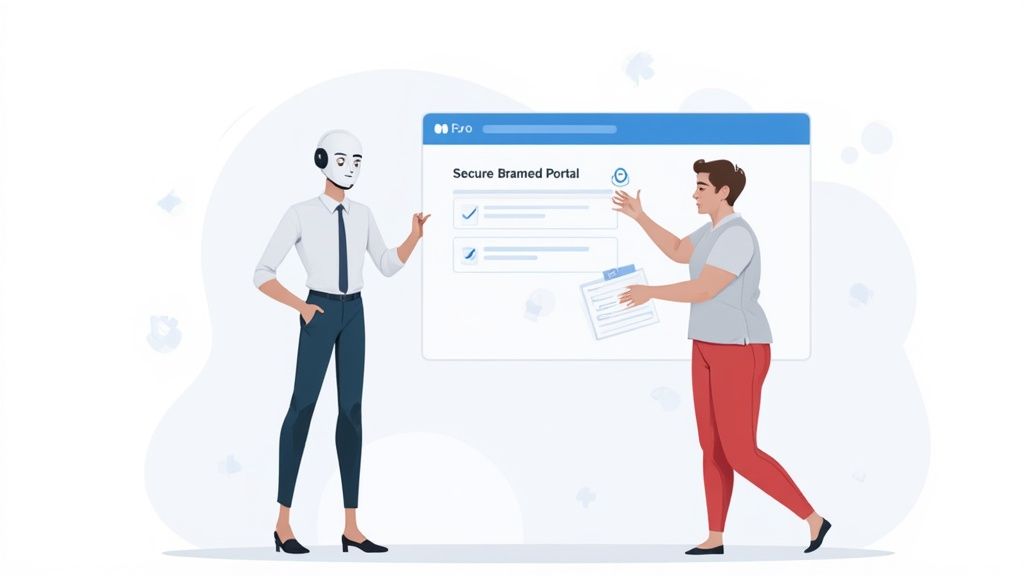
This is the exact problem SaaS for collecting documents was built to fix. Don't think of it as just another digital filing cabinet. It’s more like an automated assistant whose entire job is to handle your document intake from start to finish.
What Makes This Software Different
Instead of just giving you a place to dump files, these platforms create an active, guided journey for both you and the person submitting the documents. The whole point is to move away from a passive system—where you just hope people send the right things—to a proactive one that manages the entire exchange for you.
What really sets this technology apart from basic cloud storage is the structure and intelligence it adds to what has always been a messy process. Key differences include:
- Automated Workflows: The system is smart. It knows what to ask for and when, sending out requests based on your predefined rules so nothing ever slips through the cracks.
- Secure Client Portals: You get a branded, professional, and ultra-secure space for clients to upload their sensitive files. It’s a world away from the vulnerabilities of email attachments.
- Automated Reminders: Forget manually chasing people. The platform sends out gentle, persistent follow-ups on your behalf until everything is submitted.
- Status Tracking: A real-time dashboard gives you an instant snapshot of what’s been received, what’s still pending, and what needs your review. No more guesswork.
The real magic of a dedicated platform is its ability to manage the entire conversation around collecting documents. It's not just about storage; it's about the workflow, the communication, the security, and the overall client experience.
A Practical Comparison
The best way to see the difference is to compare the old way with the new. A deep dive into document collection software highlights just how much efficiency is gained. Let's say you're onboarding a new client who needs to send you ten different forms and IDs.
Here’s a look at how that plays out.
Table: Manual Methods vs SaaS Platform
| Task | Manual Methods (Email & Folders) | SaaS for Collecting Documents |
|---|---|---|
| Requesting Files | Draft a long email with a manually typed checklist of required documents. | Send a single link to a branded portal with a pre-built, clear checklist. |
| Client Experience | Client must download, fill, scan, and attach multiple files to a reply email. | Client can drag-and-drop files or upload from their phone directly into the portal. |
| Tracking Progress | Manually check emails and update a separate spreadsheet to track what's missing. | A centralized dashboard automatically shows the status of every requested document in real time. |
| Sending Reminders | Set calendar reminders to manually email the client about outstanding items. | The platform automatically sends scheduled, polite reminders until all files are received. |
| Security | Sensitive documents are sent over insecure email and stored in various locations. | All files are encrypted during transfer and at rest within a secure, compliant environment. |
The contrast is pretty stark, isn't it? A SaaS solution systematically removes all the friction and administrative weight, creating a more buttoned-up and efficient operation from the very first hello.
The Core Features That Power Your Workflow
If you're still chasing documents through endless email chains, you know there has to be a better way. The solution is more than just a shared folder; it’s a smart set of tools built to automate the entire collection process from start to finish. A powerful SaaS for collecting documents isn't just a place to dump files. It’s an active system that saves you time, cuts down on errors, and makes you look professional to clients and new hires.
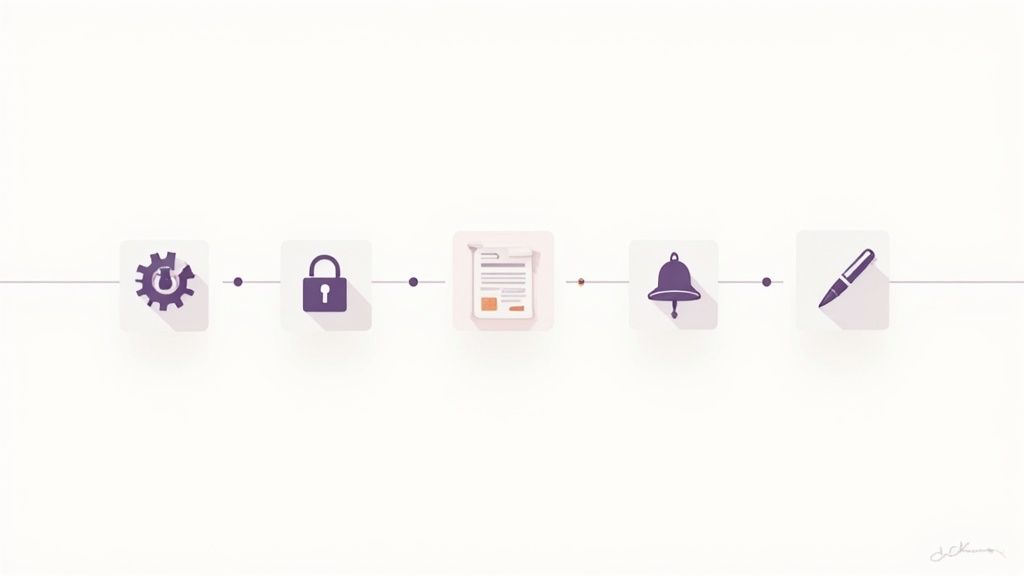
These platforms are quickly becoming must-haves, and the numbers show it. The global document management market is currently valued at around $7.4 billion and is expected to balloon to $16.2 billion by 2031. Why the massive jump? Businesses are finally fed up with clunky, manual methods and are embracing more efficient, cloud-based tools.
Let’s pull back the curtain and look at the specific features that will cure your biggest administrative headaches.
Automated Workflows
Think of an automated workflow as your digital assistant, one that never gets tired or forgets a step. You set the rules for a process just once, and the system handles the rest, executing it flawlessly every single time. It's the engine that drives the entire document collection process without you having to constantly check in.
Take employee onboarding, for example. You can build a workflow that automatically:
- Sends a welcome email with a link to a personalized portal.
- Requests the new hire's signed contract, tax forms, and ID.
- Pings them with a reminder if they haven't submitted everything in three days.
- Alerts the HR manager the moment all documents are in and ready for review.
This hands-off approach guarantees every new hire gets the same smooth experience and frees your team from the mind-numbing task of chasing paperwork.
Secure Client Portals
Let's be honest: asking a client to email their tax returns or a copy of their passport is not only unprofessional, but it's also a huge security gamble. Secure client portals fix this by giving you a private, branded, and encrypted space to exchange documents.
A secure portal is like a private digital room for you and your client. It’s a dedicated, safe environment where sensitive information can be exchanged with confidence, building trust and reinforcing your professionalism from the very first interaction.
This one feature can completely change the client experience. Instead of digging through emails for attachments, they get one simple link where they can see exactly what you need and upload files straight from their phone or computer. To learn more, check out our guide on client document request software, which dives deeper into how these portals work.
Customizable Templates
How many times have you typed out the same document request list? Customizable templates put an end to that repetitive work. You can save your most common requests—whether for loan applications, tenant screening, or new client intake—and launch them again with a single click.
This isn't just about saving a few minutes. It's about building a consistent, error-proof system.
- Consistency: Every client gets the same clear, professional request.
- Efficiency: Kick off a complex request in seconds, not hours.
- Accuracy: Never forget to ask for a crucial document again.
Automated Reminders and Notifications
Let’s face it, nobody likes sending "just checking in" emails. Automated reminders take that task completely off your plate. You can set up a schedule of friendly, persistent nudges that go out to clients until they’ve submitted everything on their checklist.
It’s a simple feature with a massive impact. It keeps things moving without you having to play police, and it takes the awkwardness out of bugging people for paperwork. The platform does the nagging for you, professionally and on time.
E-Signature Integrations
Often, collecting documents is just step one—you still need to get them signed. The best platforms don't make you jump to another tool for that. They integrate directly with e-signature services like DocuSign, embedding the signing process right into your workflow.
This means a client can upload their files and sign the final agreement all in the same session. It creates a seamless experience that gets deals closed and projects started faster by removing the friction that so often slows things down.
How to Keep Client Data Secure and Compliant
When you’re collecting sensitive information—think financial statements, personal IDs, or medical records—security isn't just a nice-to-have feature. It’s the bedrock of your client relationships. This is where a dedicated SaaS for collecting documents really proves its worth, moving critical data out of flimsy email inboxes and into a secure, controlled environment built for this exact purpose.
Think about it this way: sending sensitive files over email is like mailing cash in a standard paper envelope. It might get there, but it was never designed for that kind of high-stakes job. A proper document collection platform is more like an armored truck, complete with locks, guards, and a verifiable chain of custody every step of the way.
It’s no surprise that the document management market, valued at USD 7.68 billion, is expected to soar to USD 18.17 billion by 2030. That growth is fueled by industries like healthcare and finance that can't afford to take chances with compliance and need tools with built-in auditability. You can dig into the specifics in this market report.
The Core Layers of Security
You don’t need to be a cybersecurity wizard to get this, but it’s smart to know what’s working behind the scenes to protect your business and your clients. The best platforms layer their security.
Two of the most critical concepts are encryption and access controls.
- End-to-End Encryption: This basically seals your data in a digital, tamper-proof vault. The information is scrambled the moment it leaves your client's device and only gets unscrambled when it lands safely on your end. Nobody in the middle—not even the platform provider—can peek inside.
- Role-Based Access Controls: This is all about making sure the right people see the right things. For instance, an admin on your team might be able to confirm a file was submitted, but only a senior partner has the clearance to actually open and download it. Simple, but incredibly effective.
Meeting Compliance Standards Like HIPAA and GDPR
Regulations like GDPR in Europe and HIPAA in the U.S. have sharp teeth. They set non-negotiable rules for handling personal data, and failing to comply can lead to staggering fines and a damaged reputation you might never recover from. A good SaaS platform is designed from the ground up with these rules in mind, making your compliance efforts much, much easier.
Take HIPAA, for example. It requires healthcare organizations to protect patient health information with specific safeguards.
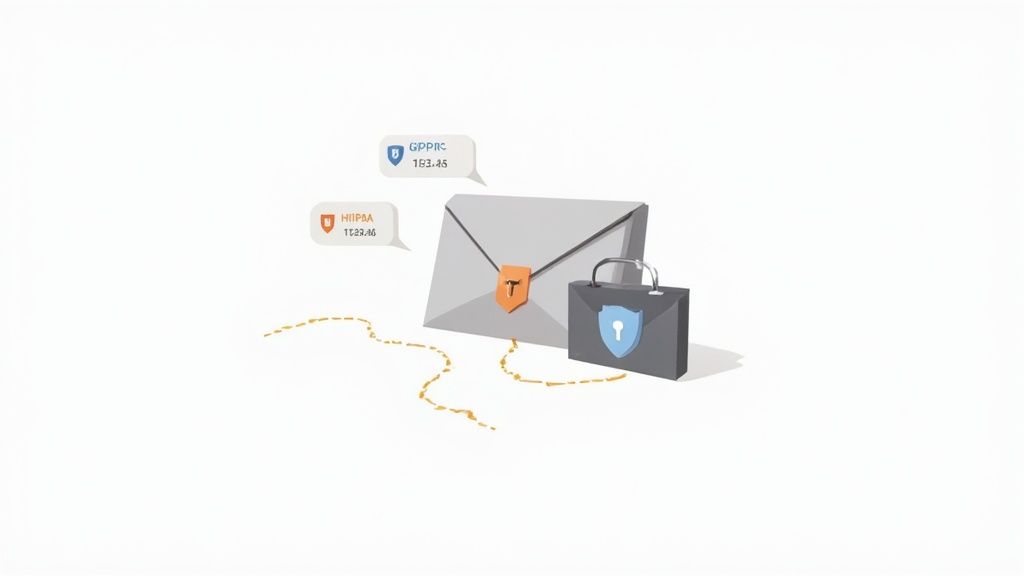
The U.S. Department of Health & Human Services mandates technical, physical, and administrative measures to protect data. Using a platform built for this purpose helps you tick off those technical boxes automatically. If you want to dive deeper, here's how to choose a secure document intake platform that gets it right.
The best platforms don't just store files; they create a complete, unchangeable history of every single action. This audit trail is your proof, showing exactly who did what and when—something that's invaluable if you're ever in a compliance audit.
Why Audit Trails Are So Important
An audit trail is a detailed, chronological log that tracks everything that happens to a document. It records who uploaded a file, who viewed it, when it was downloaded, and if anyone tried to change it.
This creates a rock-solid chain of custody. If a regulator ever questions how you’ve protected client data, you can pull up a complete, time-stamped report in minutes. It turns compliance from a dreaded, manual chore into a simple, automated part of your everyday work.
Putting It to Work: How Different Industries Use This Software
It’s one thing to talk about features, but it’s another to see how a SaaS for collecting documents actually makes a difference in the real world. The headache of chasing down paperwork and keeping sensitive information secure is something a lot of us deal with. Let's look at how these platforms solve very specific problems for different professionals every single day.

We'll dive into a few scenarios to see how messy, manual processes get turned into smooth, professional, and automated systems.
Finance and Mortgage Brokers
The world of finance is built on a mountain of paperwork. For anyone in mortgages, loans, or financial advising, just getting a new client set up can feel like a full-time job of follow-up calls and sifting through email attachments. A single mortgage application can easily require dozens of documents—pay stubs, tax returns, bank statements, you name it.
Think about a mortgage broker who used to spend nearly 40% of their week just trying to track down missing files. After setting up a document collection platform, they create a simple "New Loan Application" template.
- The Request: The client gets a link to a secure, branded portal with a single click.
- The Checklist: Inside, they see a clear, organized list of every document they need to provide, with simple explanations for each one.
- The Follow-Up: The system automatically nudges the client about missing items after two days, and again after five. The broker doesn’t have to do a thing.
This small shift can take the time-to-submission from weeks down to just days. Suddenly, the broker is free to focus on what they do best: closing loans, not chasing paperwork.
The platform completely changes the dynamic. The broker stops being an admin assistant and becomes a trusted advisor. Clients love the organized, professional experience, which builds trust right from the start.
Human Resources and Onboarding
HR teams are always in a race to get a new employee's paperwork signed and filed before their first day. This process involves a ton of sensitive information, like tax forms, direct deposit info, signed contracts, and copies of IDs.
An HR manager can set up an automated onboarding workflow that makes this process consistent and professional for every single new hire.
Onboarding Workflow Example
- Trigger: The moment a candidate accepts their job offer, the HR system automatically kicks off the document request.
- Collection: The new hire receives a link to a portal where they can easily upload their I-9, W-4, signed offer letter, and a voided check.
- Review: The HR manager gets a notification only when everything is submitted and ready for a final check.
This automated flow guarantees every new team member has a great first impression and all the critical compliance documents are handled perfectly from day one.
Legal Firms and Case Management
Lawyers and paralegals are drowning in sensitive files for every case they handle. Gathering evidence, client intake forms, and signed retainer agreements demands top-notch security and a bulletproof audit trail. Trying to manage this over email isn't just inefficient—it's a huge risk.
A law firm can use a secure client portal for each new case. This creates a centralized, protected hub where clients can upload confidential files like contracts, personal correspondence, and other evidence.
This method gives them a few massive wins:
- Enhanced Security: With end-to-end encryption, attorney-client privilege is protected.
- Clear Audit Trails: The system logs every single action, showing who touched a file and when. This is absolutely critical for compliance and discovery.
- Improved Client Service: Clients feel much safer uploading sensitive information to a dedicated portal instead of just attaching it to an email and hoping for the best.
Choosing the Right Document Collection Platform
Picking the right software to collect documents can feel like a huge task, but it really doesn't have to be. With a solid checklist, you can find a platform that not only fixes your current administrative headaches but also grows with your business. The goal is to land on a tool that's secure, dead simple for both your team and your clients, and fits right into how you already work.
Think of it like choosing a business partner. You need someone reliable, trustworthy, and easy to get along with. A platform can have all the bells and whistles, but if it’s a nightmare for your clients to use, they just won't. You'll be right back where you started, chasing people over email.
Start with Security and Compliance
Before you even glance at a feature list, you have to dig into the platform's security credentials. You're handling sensitive client data, and that's a massive responsibility. A data breach could be catastrophic, so think of these security standards as your first, non-negotiable filter.
Look for these key indicators:
- SOC 2 Compliance: This is a big one. It's a formal audit that proves a service provider manages your data securely, protecting both your business and your clients' privacy.
- GDPR and HIPAA: If you do business in Europe, you need GDPR compliance. If you're in the U.S. healthcare space, HIPAA is a must. Make sure the platform meets the specific regulations for your industry.
- Data Encryption: Confirm that files are encrypted both "in transit" (as they're being uploaded) and "at rest" (while sitting on their servers). This should be standard practice.
A vendor’s commitment to security is a direct reflection of their commitment to your business. If they're cagey about their security practices, that's a huge red flag.
Evaluate the Client Experience
Here’s the plain truth: the single biggest factor in whether this works is how easy it is for your clients. If their portal is confusing or makes them jump through hoops, they’ll give up. The whole point is to make their experience feel effortless and professional.
When you're testing out a platform, put yourself in your client's shoes and ask:
- Is the portal clean, modern, and obvious how to use?
- Can someone upload files from their phone just as easily as from a computer?
- Are the instructions simple, with no confusing tech-speak?
A great client portal doesn't just get you the documents; it builds trust and makes you look good.
Check for Key Integrations
A document collection platform shouldn't be an island. To truly get your money's worth, it needs to talk to the other tools you use every single day. The right integrations get rid of mind-numbing data entry and create a smooth flow of information across all your systems.
The most important connections to look for are with your CRM (Customer Relationship Management) software, your cloud storage like Google Drive or Dropbox, and e-signature tools like DocuSign. These links ensure that as soon as a document comes in, it automatically ends up exactly where it needs to be, with no extra effort from your team. Most modern platforms use services like Zapier to connect to thousands of other apps, which is a great sign of flexibility.
Finally, never, ever skip the free trial. Reading about features is one thing, but actually using the software is the only way to know if it clicks with your workflow. Set up a real-world test, ask a coworker to play the role of a client, and see how the platform holds up. That hands-on experience is what will ultimately give you the confidence to make the right choice.
Getting Your Team and Clients on Board
Bringing a new document collection platform into your business isn't just a tech upgrade—it's a culture shift. It changes how your team gets work done and, just as importantly, how your clients engage with you. Nailing the rollout is everything. Get it right, and you'll turn a tool people have to use into one they love to use.
Start with Your Internal Team
Before you even think about introducing this to clients, you need to get your own house in order. Don't go for a big-bang launch that disrupts everyone at once. Instead, start small with a pilot group.
Let a handful of your sharpest team members kick the tires on the new system with real work. They'll find the rough edges, figure out the best ways to set things up, and become your internal evangelists who can help everyone else get up to speed later.
This is also the perfect moment to standardize how you do things. Map out your most common processes—like new client onboarding or employee hiring—and build a set of clean, reusable document request templates. Consistency is the secret sauce to making the new system a huge time-saver for your team.
Communicating the Change to Clients
When it's time to bring your clients into the fold, how you frame it matters. This isn't another task you're giving them; it’s an upgrade you're making for them. Your messaging should be all about the benefits they'll see.
Focus on what's in it for them. Here's how that might sound:
- Better Security: "We're moving to a new, secure portal to better protect your sensitive information. No more sending private documents over email."
- More Convenience: "You can now upload everything we need in one simple place, anytime, from your phone or computer."
- Total Clarity: "The new system gives you a clear checklist, so you'll always know exactly what we need and what’s left to do."
When you position the change as a professional upgrade that respects their time and security, clients are much more likely to jump on board. It’s no surprise the document management market is on track to hit nearly USD 19.81 billion by 2030; businesses are finally realizing how much these cloud-based systems improve the client experience. You can discover more insights about this trend and why it's becoming a standard for modern companies.
The goal is to make this feel like a natural evolution of your service—a clear step up in professionalism and security that clients will genuinely appreciate.
Measuring Your Success
Finally, you can't just feel like it's working—you need to prove it. To understand the real value of the platform, you have to track the right metrics.
Start measuring a few key performance indicators (KPIs) before and after the switch:
- Time spent chasing documents and sending follow-ups
- Number of errors or missing pieces in client submissions
- The average time it takes to get everything you need from a client
These numbers give you cold, hard proof of the time saved and the headaches eliminated. It's how you justify the cost and show everyone just how much of a difference a smart document collection process can make.
Frequently Asked Questions
When you start looking into a dedicated platform for collecting documents, a few questions always seem to pop up. Let's tackle some of the most common ones so you can get a clearer picture of how these tools really work.
How Is This Different from Google Drive or Dropbox?
It’s a fair question. After all, you can share files with Google Drive and Dropbox, right? The key difference is that those tools are passive storage. Think of them as a digital filing cabinet—you put things in, and they just sit there.
A true document collection platform is an active system. It's less like a filing cabinet and more like a personal assistant who handles the entire process for you.
- It sends out the requests: You set up a workflow, and the platform automatically asks clients for the specific files you need.
- It handles the follow-up: The system sends out polite, persistent reminders so you don't have to chase people down.
- It gives you a live dashboard: You can see exactly who has submitted what and what's still outstanding at a single glance.
In short, Google Drive holds your files. A dedicated platform goes out and gets them for you.
Will My Clients Find It Difficult to Use?
This is probably the most important concern. If the system is clunky for your clients, it completely defeats the purpose. The best platforms are built with your client's experience as the top priority, aiming to be simpler and more secure than just emailing an attachment.
Most modern client portals offer a clean, drag-and-drop interface. Your clients can upload files from their computer or even snap a picture and upload it from their phone. There’s nothing to install and no complicated login process, which usually makes it much easier than trying to find an old email with a specific attachment you sent them three weeks ago.
What Are the Most Important Software Integrations?
For a document collection platform to be truly effective, it can't be an island. It needs to talk to the other systems you use every day. The right integrations prevent you from having to manually move data around, which is where the real time-savings kick in.
The most critical integrations are those that connect your document intake process to your core business operations. This turns the platform from a simple collection tool into a central hub for your client data pipeline.
You'll want to look for connections with:
- Your CRM: Think Salesforce or HubSpot. When a document comes in, it can automatically update the client's record.
- Cloud Storage: Once a document is approved, an integration can automatically sync it to your company’s shared folders in Google Drive or OneDrive.
- eSignature Tools: Connecting to a service like DocuSign lets you embed the signing step right into the collection process, creating a seamless experience for your client.
When these systems are connected, they create an automated chain reaction that can save a surprising amount of administrative overhead.
Ready to stop chasing documents and start automating your workflow? Superdocu provides a secure, professional, and incredibly simple way to collect all the files you need without the headaches. Discover how Superdocu can transform your process today.