
At its core, document collection software is a digital tool that automates the messy process of requesting, tracking, and managing files from clients, partners, or employees. Think of it as a central command center that replaces those chaotic email threads and insecure attachments with a single, professional, and organized system.
The Modern Solution to a Timeless Problem
Have you ever tried to assemble a complex puzzle, but the pieces arrive randomly in different boxes? Some are missing, others are the wrong shape, and you have to keep calling the sender to ask for the right ones. That frustrating, time-consuming mess is exactly what traditional document collection feels like.
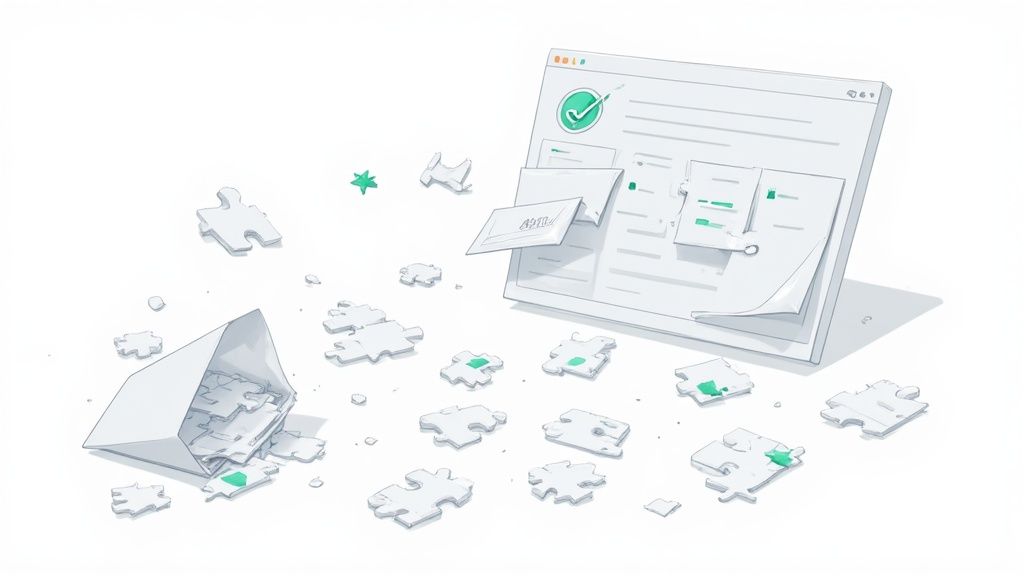
Document collection software steps in to be your organized, automated project manager for that puzzle. It creates one secure space where you can clearly request every single piece you need.
From Chaos to Control
Instead of juggling endless email chains, chasing down missing files, and tracking everything on a massive spreadsheet, this kind of software brings order to the chaos. It turns a frustrating experience for both you and your clients into a smooth and professional workflow. It's a fundamental shift, and it’s why the global market for these tools, valued at approximately USD 2.51 billion, is seeing steady growth year after year.
This software offers a much better way to handle essential business operations by providing:
- A Centralized Hub: Every requested and submitted document lives in one place. No more digging through multiple inboxes or folders.
- A Professional Client Experience: Clients get a clear, branded checklist and a simple portal for uploading files, which immediately boosts their confidence in your business.
- Enhanced Security: Sensitive information is protected with encryption and secure access controls—a massive upgrade from vulnerable email attachments.
The real value of document collection software is its ability to turn a reactive, manual chore into a proactive, automated system. It’s not just about getting files; it's about building a reliable, repeatable, and secure process that saves everyone time and stress.
The Power of Intelligent Systems
Ultimately, the goal is to get information flowing smoothly. When you standardize how you ask for, receive, and review documents, you slash the administrative burden and free up your team to focus on work that actually matters. Many modern platforms even incorporate an AI document management system to further automate tasks like data extraction and file categorization. This is the foundation for boosting efficiency and client satisfaction across the board.
Core Features That Eliminate Manual Work
Switching from chasing documents through email to using dedicated software isn't just about getting more organized. It’s about completely overhauling how you get things done. The best document collection tools have specific features designed to claw back the time you lose to tedious, repetitive tasks. Each one is built to solve a particular headache in the old, manual process, swapping human effort for smart automation.

Instead of a patchwork of emails, spreadsheets, and cloud drives, you get a single, professional system that works seamlessly from start to finish. Let's dig into the key features that make this happen.
Secure and Branded Client Portals
One of the biggest and most immediate upgrades is ditching insecure email attachments for a secure client portal. This gives your clients one professional, branded place to upload their sensitive information.
Think about the old way. Clients email you confidential files—financial statements, IDs, contracts—where they're vulnerable and a pain to track. It feels unprofessional and, frankly, a bit risky.
Now, picture this: your client gets a link to a secure portal with your company's logo. They see a clean checklist of exactly what you need and can just drag and drop their files. They know their data is encrypted and safe. That simple shift instantly builds trust and makes their life easier.
Customizable Request Templates
How many times have you typed out the same list of required documents? It's a massive time-waster. Document collection software solves this with customizable request templates, letting you build and save checklists for any process you repeat.
Whether you're onboarding a new hire or kicking off a project with a new client, you can create a master checklist once and reuse it forever. It's a simple idea, but it guarantees nothing gets missed.
- For HR: A "New Hire Onboarding" template can automatically request a signed contract, tax forms, and I-9 documents.
- For Legal: A "New Client Intake" template might include the engagement letter, background info, and key case files.
- For Finance: A "Loan Application" template could list every requirement, like pay stubs, bank statements, and tax returns.
This one feature is a cornerstone if you want to collect documents from clients easily and keep your process consistent every single time.
Automated Reminders and Follow-Ups
Let’s be honest, nobody likes chasing people for missing documents. Sending those polite-but-firm reminder emails takes up a shocking amount of time and mental energy. This is where automated reminders completely change the game.
You can set a schedule, and the system will automatically send follow-up notifications until every item on the checklist is submitted. You’re no longer the "document police." The software handles the nagging for you, which helps you hit deadlines without straining your client relationships. For some, automated evidence collection is a critical function, drastically cutting down the manual work needed for compliance or audits.
The real power of automation isn't just speed. It's about taking over the persistent, low-value work that kills your team's focus. Automated reminders free up your people to concentrate on work that actually matters, not just managing an inbox.
Real-Time Tracking Dashboards
Finally, you need to know where everything stands. A real-time dashboard replaces that messy, out-of-date spreadsheet and gives you a bird's-eye view of every single request.
In an instant, you can see which documents are in, which are pending review, and which are still missing—all in one place. This total visibility lets your team get ahead of problems, spot bottlenecks, and keep work moving without having to manually update a status tracker.
Manual vs Automated Document Collection
To really see the difference, let’s compare the old way of doing things with a modern, automated approach.
| Task | Manual Process (Email & Spreadsheets) | Automated Process (Document Collection Software) |
|---|---|---|
| Requesting Documents | Manually composing and sending individual emails with long lists of attachments. | Sending a single link to a branded portal with a pre-built checklist. |
| Tracking Submissions | Manually updating a spreadsheet; constantly cross-referencing emails. | Viewing a real-time dashboard that updates automatically as files are uploaded. |
| Following Up | Manually tracking who owes what and sending multiple reminder emails. | Setting up automatic, scheduled reminders that run until the request is complete. |
| Security | Documents are sent via unencrypted email, stored in various locations, and are at high risk. | All files are uploaded and stored in a centralized, encrypted, and secure environment. |
| Client Experience | Confusing, unprofessional, and frustrating. Clients have to dig through email threads. | Simple, professional, and clear. Clients have a single place to see what's needed. |
The table makes it obvious. The manual process is riddled with inefficiencies and risks that simply disappear when you adopt a dedicated tool. The time saved and the professional impression you make on clients are immediate benefits.
How Different Industries Use This Software
Knowing the features of document collection software is one thing, but seeing it in action is where the lightbulb really goes on. The true power of these platforms is how they mold to the specific, high-stakes demands of different fields. Whether it’s a law firm handling sensitive case files or an HR team bringing on new talent, the right software can turn a chaotic paper chase into a smooth, secure, and professional experience.
Every industry has its own document headaches—compliance, speed, security, you name it. Let's look at how professionals on the ground are using this software to solve those specific problems and get real work done.
Streamlining the Legal Intake Process
For any law firm, the client intake process is everything. It's the first impression, but it's often riddled with risk. Trying to collect sensitive items like engagement letters, IDs, and case evidence over email isn't just slow—it's a massive security gap. One misplaced file can have serious consequences.
Picture a paralegal gearing up for a new case. They spend hours composing a long list of required documents, then days nagging the client for whatever is missing. Files trickle in through a dozen different emails, making organization a nightmare and practically inviting human error.
Document collection software flips that script entirely.
- Centralized Case Files: The firm sets up a secure, branded portal for each new client. Suddenly, every case-related document lives in one spot—no more frantic email searches.
- Automated Checklists: A "New Client Intake" template can be created once and reused forever. It automatically requests every necessary document right from the start, from signed agreements to initial evidence.
- Enhanced Security: With end-to-end encryption, all files are locked down. It gives both the firm and the client peace of mind that their confidential information is actually confidential.
By ditching insecure email threads for a dedicated portal, law firms don’t just tighten their security. They look more professional and organized, building critical trust from day one.
Taming the Chaos of Tax Season for Accountants
For accountants and financial advisors, tax season is the Super Bowl. It’s a mad dash to collect a mountain of documents—W-2s, 1099s, receipts, investment statements—from every single client, all against a ticking clock. The old way of chasing these down with emails and phone calls is incredibly stressful and wildly inefficient.
That manual chase leads to bottlenecks, frustrated clients, and a high risk of mistakes. An accountant can easily spend more time managing their inbox and updating spreadsheets than actually doing accounting.
With document collection software, firms can build a structured, automated system to handle the flood. They can create a standard tax document checklist and send it to all their clients at once. Automated reminders do the nagging for them, freeing up staff to focus on preparing returns. It's a simple change that drastically cuts down the administrative headache during their most critical time of year.
Accelerating Mortgage and Loan Applications
The mortgage and lending world runs on paperwork. A single loan application can demand dozens of files: pay stubs, bank statements, tax returns, employment letters, and more. Any delay in gathering these documents grinds the approval process to a halt, which can frustrate borrowers and even put a deal at risk.
Mortgage brokers often feel more like project managers, constantly pinging applicants for missing paperwork. That endless back-and-forth is a major bottleneck that can drag out the application timeline for weeks.
A dedicated platform makes this a clear, step-by-step process.
- The broker sends the applicant a single link to a secure portal.
- The applicant sees a clean checklist of every single document needed for their loan.
- They can upload files straight from their phone or computer, and the system tracks their progress in real-time.
This simple workflow puts the applicant in control and gives brokers an instant snapshot of where every application stands. The result? A much faster and smoother journey from application to closing day.
Simplifying Human Resources and Onboarding
HR departments are constantly swimming in a sea of sensitive employee documents, from job applications to new hire onboarding packets. Collecting signed offer letters, tax forms, I-9s, and benefits enrollment forms for every single new employee is a repetitive but absolutely vital task.
Relying on email for this is disorganized and creates compliance risks. HR pros need a rock-solid system to ensure every employee file is complete and accurate. Document collection software is a perfect fit here. They can create a reusable "New Hire Onboarding" template that ensures every new team member submits the exact same set of required documents. This creates consistency and makes compliance audits a whole lot less painful.
Understanding Security and Compliance Features
When you ask a client for their sensitive documents, you're not just asking for paperwork—you're asking for their trust. Using email for this kind of exchange is like sending cash in a clear plastic bag. It's risky, unprofessional, and leaves everything exposed. That’s why modern document collection software is built with a security-first mindset, making it fundamentally safer than the old ways of doing things.
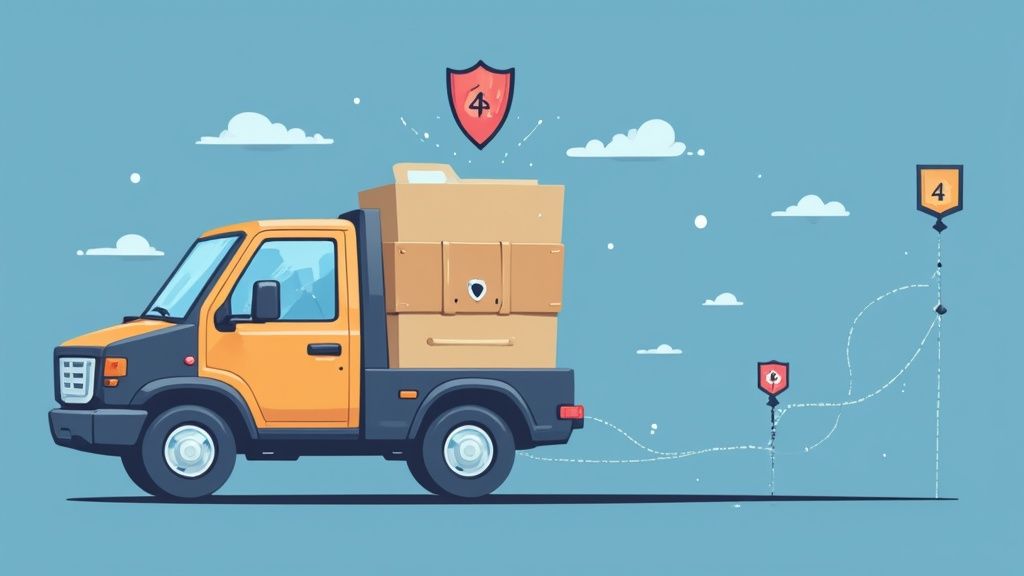
These platforms aren't just about making life easier; they are digital fortresses built to guard information from the moment you request it to the moment you archive it. Let's break down the core security layers that give both you and your clients some much-needed peace of mind.
The Armored Truck of Data Transfer
One of the most crucial security features is end-to-end encryption. Think of it as a sealed, armored truck for your documents. When a client uploads a file through a secure portal, it gets locked in this "truck" right away.
It stays locked solid while zipping across the internet and only gets unlocked once it arrives safely in your system. This process ensures that even if a cybercriminal managed to intercept the data mid-journey, all they'd see is scrambled, unreadable code. It's a world away from standard email, where attachments can be surprisingly vulnerable.
This level of protection isn't a "nice-to-have"—it's a must for any business handling confidential information. It’s the very foundation of a trustworthy digital relationship with your clients.
Controlling Who Has the Keys
Security isn't just about fending off outside threats; it’s also about managing who can access sensitive information on the inside. This is where access controls come in, acting as a digital bouncer for your files.
With a dedicated software solution, you can get incredibly specific with permissions. You decide exactly who can view, edit, download, or sign off on documents.
- Role-Based Access: You can assign permissions based on someone's job. For instance, an HR assistant might only see onboarding forms, while the HR manager has the authority to approve them.
- Client-Specific Permissions: Clients only ever see and upload files related to their own case, which prevents any accidental mix-ups or data leaks.
- Temporary Access: Need an outside auditor or contractor to see something? Grant them temporary access that automatically expires after a set period.
Trying to manage this level of control with email and shared drives is a recipe for disaster. Files get forwarded, downloaded, and lost in the shuffle with zero oversight.
Knowing Who Did What and When
If a question ever comes up, you need a clear, undeniable record of every action taken. That’s exactly what an audit trail gives you. It's like a detailed security logbook that automatically records every single interaction with a document.
An audit trail creates an unchangeable record of every view, upload, download, and approval. This complete transparency is essential for accountability and is often a mandatory requirement for regulatory compliance.
This feature is invaluable for settling disputes or proving you did everything by the book during an audit. It answers critical questions like "Who saw this file?" and "When was this contract approved?" with concrete, time-stamped proof. Using a proper secure document intake platform is the only way to maintain this level of visibility.
Meeting Strict Compliance Standards
For anyone working in regulated fields like finance, healthcare, or law, compliance isn't just a good idea—it's the law. A single misstep can lead to massive fines and a damaged reputation that’s hard to repair. Document collection software is designed to help you stay on the right side of these complex rules.
The best platforms are built to meet standards like:
- GDPR (General Data Protection Regulation): This protects the data privacy rights of EU citizens, setting strict rules for how personal data is collected, stored, and managed.
- HIPAA (Health Insurance Portability and Accountability Act): In the United States, this is the gold standard for protecting sensitive patient health information.
By using compliant software, you're not just buying a tool. You're adopting a proven framework that helps you meet your legal and ethical duties to protect client data. It turns a potential risk into a real source of client confidence.
Boosting Power with Integrations and Automation

A good piece of document collection software shouldn't operate on an island. Its real magic is unlocked when it connects with the other tools you already use every day. This turns the software from a simple file organizer into the central nervous system for your entire workflow.
Think of it as the connective tissue in your tech stack. When your software can talk to your CRM, cloud storage, and other key apps, you can finally say goodbye to the soul-crushing task of shuttling information between systems. It creates a smooth, hands-off process from beginning to end.
This is where integrations and automation come in. They work in tandem to build a powerful digital ecosystem where one action in a program automatically triggers a reaction in another. The result? You save time, slash errors, and run a far more efficient operation.
Creating a Hands-Off Workflow
Let’s walk through a common scenario. A new client signs up, and you add their info to your CRM. In a manual world, this is where the real work starts. You’d have to copy their details, draft a welcome email, attach a list of required documents, and then… wait.
With an integrated system, the story plays out very differently. The moment that new client hits your CRM, an automated workflow kicks in:
- Trigger: The new CRM contact entry is the starting pistol.
- Action: The document collection software instantly creates a personalized, branded portal for that client.
- Communication: An automated welcome email is sent with a secure link to their checklist.
- Collection: The client uploads their files directly into the portal.
- Filing: Once submitted, the documents are automatically organized and saved in your designated cloud storage, like Google Drive or Dropbox.
This entire sequence can happen without a single click from you or your team. You’ve just onboarded a new client and gathered all the necessary files while you were busy with something else.
Expanding Capabilities with Key Integrations
The possibilities for automation are practically endless, depending on which tools you connect. The most valuable integrations for document collection software usually fall into a few key categories.
- Cloud Storage (Google Drive, Dropbox, SharePoint): This one is foundational. It ensures every collected document is automatically filed, backed up, and made available to your team in the cloud storage you already trust.
- CRM (Salesforce, HubSpot): Connecting your CRM lets you sync client data directly, which means no more manual entry and confidence that all contact info is accurate across your platforms.
- eSignature Tools (DocuSign, HelloSign): By integrating an e-signature tool, you can embed a signing step right into your collection checklist. Clients can review, sign, and submit legally binding documents in one seamless motion.
The goal of integration isn’t just to connect apps; it's to build a unified system where data flows freely and intelligently. This eliminates data silos and ensures every part of your business is working with the most current information available.
The rise of cloud-based systems is what makes all of this powerful connectivity possible. In fact, cloud solutions now hold 68% of the document management systems market share and are growing much faster than old-school on-premises software. This shift shows just how much modern businesses rely on interconnected, cloud-native tools to build these kinds of automated ecosystems.
How to Choose the Right Software for Your Business
Picking the right document collection software is a huge decision. It's not just about buying a new tool; it's about changing how your team works and how your clients see you. With so many options out there, it’s easy to get bogged down by endless feature lists and marketing hype.
The secret is to ignore the noise and focus on what actually solves your real-world problems. You're looking for something that organizes files, sure, but more importantly, it needs to improve your entire workflow. The right software should feel like a natural part of your business, making life simpler for your staff and the people you serve. When you get it right, the return on investment is clear: less time wasted and fewer headaches for everyone.
Define Your Core Needs
Before you even look at a demo, take a step back and ask yourself a few honest questions. Getting clear on these answers will give you a simple, powerful checklist to guide you.
- Who is actually using this? Picture your least tech-savvy client. Can they figure it out without a user manual? A clunky, confusing portal just means more frustrated phone calls and support tickets for your team.
- Does it play well with others? Your business already runs on a set of tools, whether it's a CRM, cloud storage, or something else. Any new software has to connect with what you already use. Smooth integrations are non-negotiable if you want to build a truly automated process.
- Can it grow with you? Think about where your business will be in one, three, or even five years. The platform you choose today needs to handle more clients and more documents tomorrow without forcing you to start your search all over again.
Key Features to Evaluate
Once you know what you need, you can start looking at specific features. It’s a good idea to split your list into "must-haves" and "nice-to-haves." This stops you from getting distracted by a cool feature that you'll never actually use.
Must-Have Features:
- Security and Compliance: Does the platform use end-to-end encryption? Does it meet the standards you're held to, like GDPR or HIPAA? This is the bedrock of your clients' trust.
- Automated Reminders: This is a total game-changer. The ability to set up automatic follow-ups means no more manual chasing and a much better chance of hitting deadlines.
- Customizable Templates: Think about your most common processes, like onboarding a new client or hiring an employee. Reusable checklists for these tasks ensure nothing gets missed and save a massive amount of time.
Nice-to-Have Features:
- White-Labeling: Adding your own logo and brand colors to the client portal is a small touch that makes a big difference in looking professional.
- eSignature Integration: If you need legally binding signatures, a direct connection to tools like DocuSign can make things incredibly smooth.
Ultimately, the best software is the one your team will actually use and your clients will appreciate. Focus on practical functionality that reduces administrative burden and creates a smooth, professional experience for everyone involved.
Choosing the right platform can feel like a huge task, but breaking it down makes it much more manageable. For a detailed comparison of top solutions and their features, you can explore our complete guide to document collection software to help narrow down your options. By focusing on your unique needs and prioritizing what really matters, you can confidently pick a tool that will truly work for your business.
Frequently Asked Questions
Even when you see the potential, adopting a new piece of software always comes with a few lingering questions. Let's tackle some of the most common ones that pop up when businesses are looking at a dedicated document collection platform.
How Long Does It Take To Get Started?
Honestly, you can be up and running surprisingly fast. Most modern, cloud-based tools are built for you to just sign up and go.
You could realistically create your first request template and send it off to a client in less than an hour. Platforms like Superdocu are designed to be intuitive, so you won't need to call in your IT department. The biggest "job" you'll have is adding your company's branding to the client portal and building out your first few checklists, which is a pretty straightforward process.
Just How Secure Is My Client's Data?
This is probably the most important question, and for good reason. The short answer is: a dedicated platform is worlds more secure than relying on email. Reputable providers build in multiple layers of security to protect sensitive information from start to finish.
Think of it like this:
- End-to-End Encryption: This scrambles the data as it's being uploaded and keeps it scrambled while it's stored. No one can read it without authorized access.
- Secure Servers: Your files aren't just sitting on some random computer. They're stored in highly secure data centers that meet strict compliance standards, like GDPR. Many providers even let you choose to host data in a specific region, such as the EU.
- Strict Access Controls: You have complete control over who sees what. This prevents accidental internal leaks and ensures only the right people can view or handle the files once they're submitted.
Can This Software Handle All The Different File Types We Get?
Yes, absolutely. One of the main jobs of a good document collection software is to be flexible.
It doesn't matter if your clients are sending you PDFs, Word docs, Excel sheets, high-resolution photos (JPEGs, PNGs), or even video files. The system is designed to accept and organize all of them without a hiccup. This means you can finally get everything you need in one clean, consolidated place, no matter the format.
Ready to stop chasing documents and actually focus on your work? Superdocu makes it easy to automate your collection process with secure, branded portals and powerful reminders. Start your free trial today and see how simple it can be.