
Every business, from law firms and HR departments to real estate agencies and transport logistics, runs on documents. Chasing clients and partners for paperwork through endless email chains is inefficient, insecure, and frustrating for everyone involved. This manual process creates operational bottlenecks, introduces human error, and leaves sensitive data scattered across vulnerable inboxes.
This guide is designed to solve that problem. We've analyzed the market to find the best tool for collecting documents, focusing on platforms that automate requests, centralize submissions, and secure your critical information. We cut through the marketing fluff to provide a practical comparison that helps you make a confident decision.
You'll get a detailed breakdown of 12 leading platforms, including Superdocu, Content Snare, FileInvite, and even features within larger ecosystems like Dropbox and Microsoft OneDrive. For each tool, we provide:
- A clear overview of its core purpose and ideal user.
- An honest assessment of its pros and cons based on real-world use cases.
- Practical insights into security, integrations, and pricing.
- Specific industry recommendations to match the right tool to your unique workflow.
Each review includes screenshots and direct links, so you can see the platforms in action. Our goal is to help you move away from messy spreadsheets and chaotic email threads toward a streamlined, professional, and secure document intake system. Let’s find the right solution for your business.
1. Superdocu
Best for: Secure, branded, and automated document collection for regulated industries.
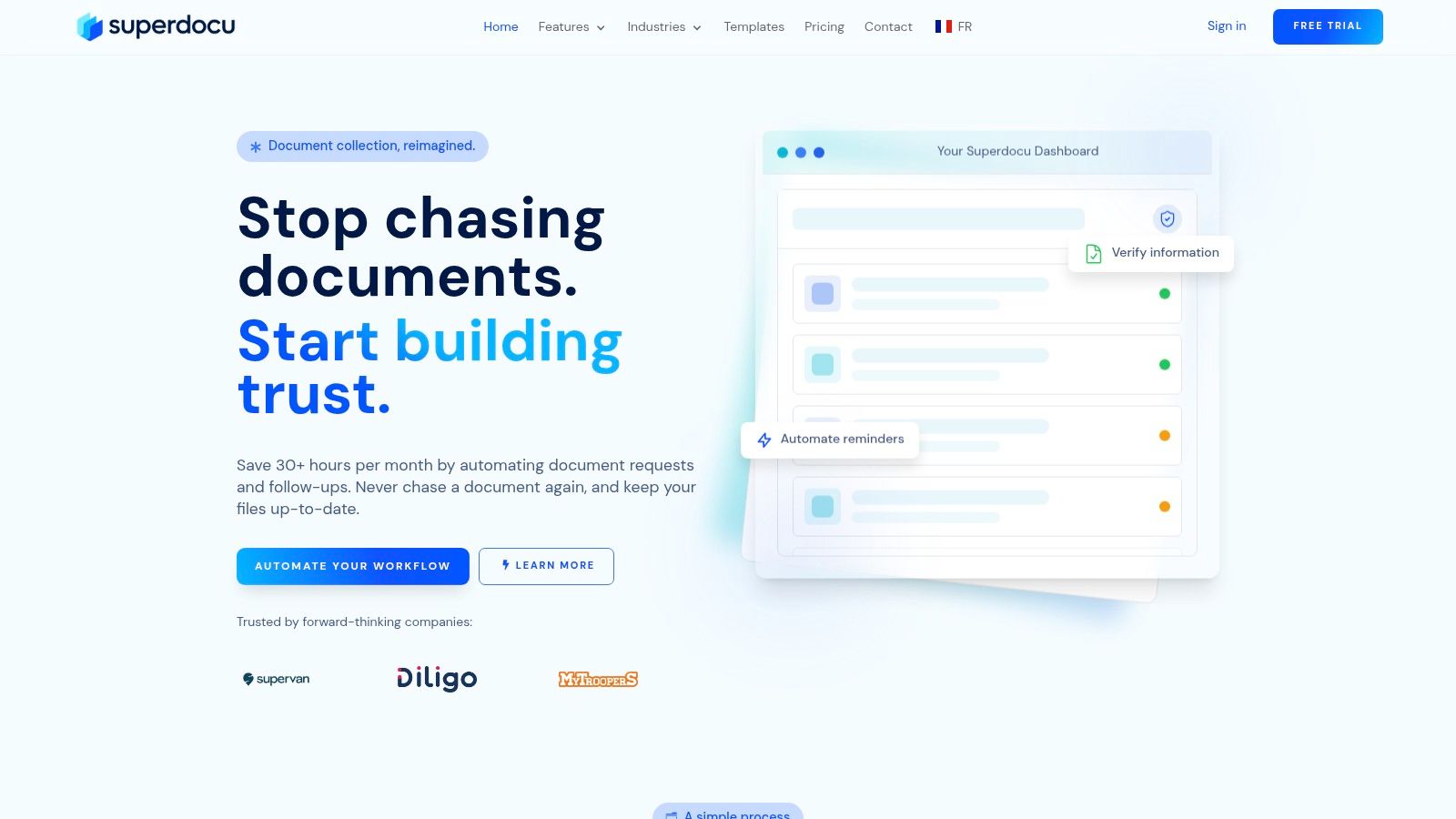
Superdocu establishes itself as a premier tool for collecting documents by transforming the entire process into a streamlined, automated workflow. It moves beyond simple file requests, offering a complete ecosystem for intake, validation, and management. This platform is specifically engineered for professionals in sectors like legal, HR, real estate, and finance who require not just efficiency but also rigorous security and compliance.
Its core strength lies in its ability to automate the full document lifecycle. Instead of manually chasing clients for paperwork, you can build repeatable workflows that handle initial requests, send automated reminders, and even monitor document expiration dates, triggering re-requests when needed. The result is a significant reduction in administrative overhead, with Superdocu claiming users can save over 30 hours per month and accelerate collection times by up to 70%.
Key Features and Analysis
Superdocu’s feature set is practical and purpose-built for high-stakes document handling. The drag-and-drop workflow builder, combined with dozens of industry-specific templates, allows for rapid deployment without technical expertise.
A key differentiator is the client-facing experience. You can create fully branded portals and customize email communications, ensuring every touchpoint aligns with your company's identity. This professional presentation builds trust, which is crucial when requesting sensitive information. The platform also includes a validation dashboard where your team can efficiently approve or reject submissions, providing clear feedback to clients and eliminating confusing email chains.
From a compliance standpoint, Superdocu excels. With data hosted in France under strict GDPR-compliant protocols, triple-replicated storage, and end-to-end encryption, it provides a level of security that generic file-sharing solutions often lack. This makes it a dependable choice for any organization handling personally identifiable information (PII).
Integrations and Pricing
Superdocu extends its functionality through powerful integrations. The Zapier connection unlocks automation across more than 3,000 applications, while native DocuSign support seamlessly embeds e-signature steps into your collection workflows. For advanced needs, Pro and Enterprise plans offer webhooks and API access.
Pricing is tiered to accommodate different business sizes:
- Starter: €97/month for up to 100 active contacts and 2 users.
- Pro: €247/month, increasing limits to 300 active contacts and 20 users, and adding key integrations like Zapier and DocuSign.
- Enterprise: Custom pricing for advanced features like API access and a dedicated Customer Success Manager.
A 7-day free trial is available for all plans, allowing you to test its capabilities firsthand.
Pros and Cons
Pros:
- Comprehensive Automation: Automates the entire collection lifecycle from request to expiration monitoring.
- Strong Security & Compliance: European hosting, GDPR compliance, and robust encryption offer peace of mind.
- Powerful Integrations: Connects with thousands of apps via Zapier and includes native DocuSign support.
- Professional Client Experience: White-label portals and branded communications maintain brand consistency.
Cons:
- Plan Limitations: The Starter plan has tight limits on active contacts and users, pushing growing teams toward the Pro tier.
- Limited Public Case Studies: While the platform claims widespread use, the website lacks detailed, named customer testimonials.
Website: https://www.superdocu.com/en
2. Dropbox — File Requests
Dropbox is a household name for cloud storage, but its often-overlooked "File Requests" feature makes it a powerful and straightforward tool for collecting documents. Instead of complex portals, you can create a simple, secure upload link for any folder. Anyone with the link can then drag and drop files directly into your Dropbox, without needing an account of their own.
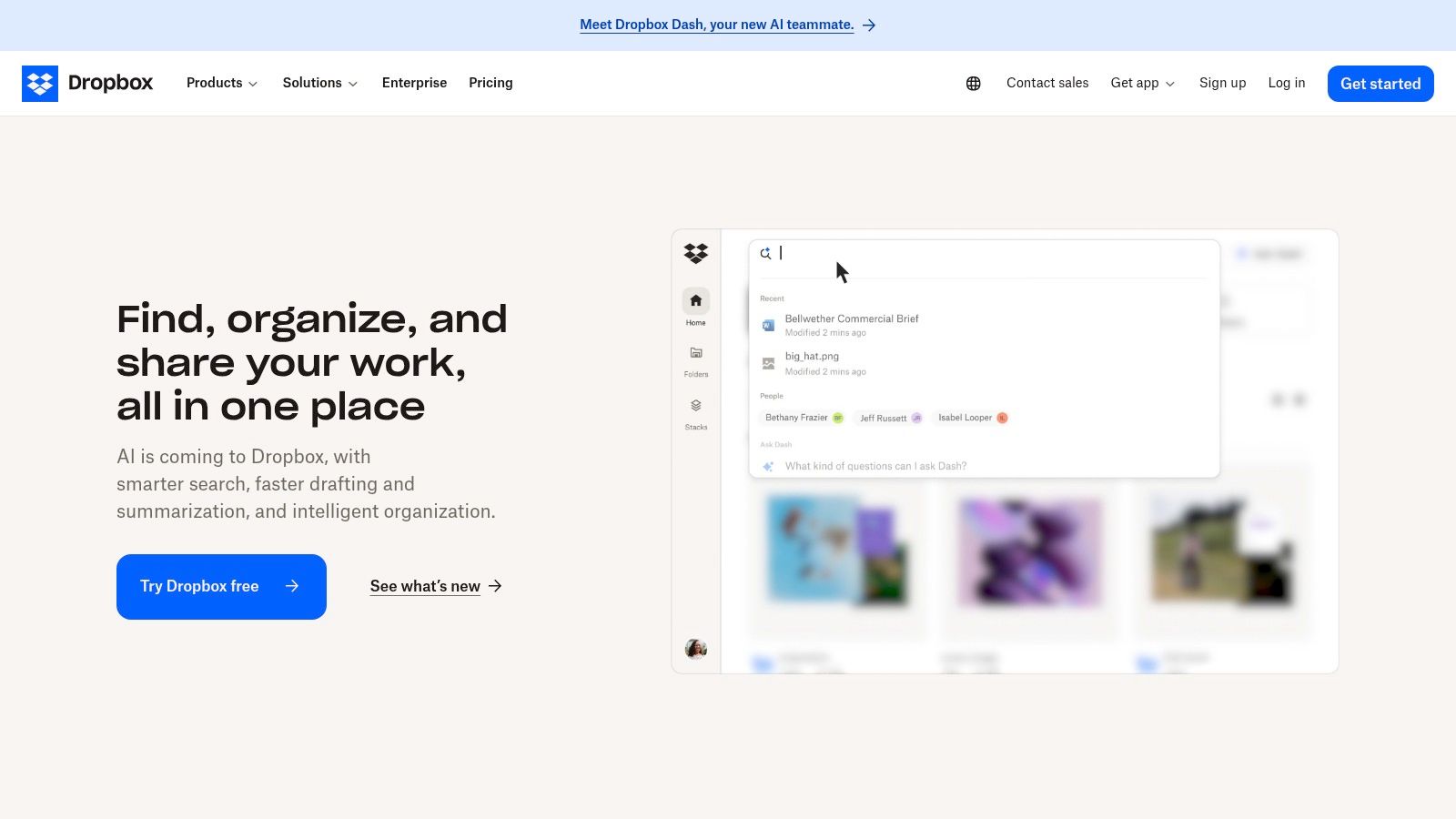
This simplicity is its greatest strength. For businesses already using Dropbox, it’s a zero-cost, zero-training solution for ad-hoc document collection. You can set deadlines for submissions and even password-protect the request link for added security, making it suitable for sensitive files.
Key Features and User Experience
The user experience for the person uploading files is incredibly clean and intuitive, which reduces friction and support questions. Paid plans offer massive per-file upload limits (up to 250 GB), perfect for large media or design files. All uploads are automatically organized into the folder you designated, keeping your workflow tidy. For more advanced features beyond simple collection, you may need to compare it with dedicated client document request software options.
-
Pros:
- Extremely easy for clients and external partners to use.
- Feature is included in all Dropbox plans, including the free tier.
- Strong administrative controls for security and governance on business plans.
-
Cons:
- All uploaded files count against your personal Dropbox storage quota.
- Lacks advanced features like automated reminders or conditional form logic.
- The 2 GB file size limit on the free plan can be restrictive.
Best for: Creative agencies, freelancers, and small businesses already invested in the Dropbox ecosystem who need a simple, no-frills method for receiving large files from external parties.
Website: https://www.dropbox.com
3. Microsoft OneDrive & SharePoint — Request Files
For organizations deeply embedded in the Microsoft 365 ecosystem, the native "Request Files" feature in OneDrive and SharePoint is a powerful tool for collecting documents. This function allows you to create a special upload-only link for any folder. Anyone with the link can upload files directly into your designated location without needing to see the folder's existing contents or requiring a Microsoft account.
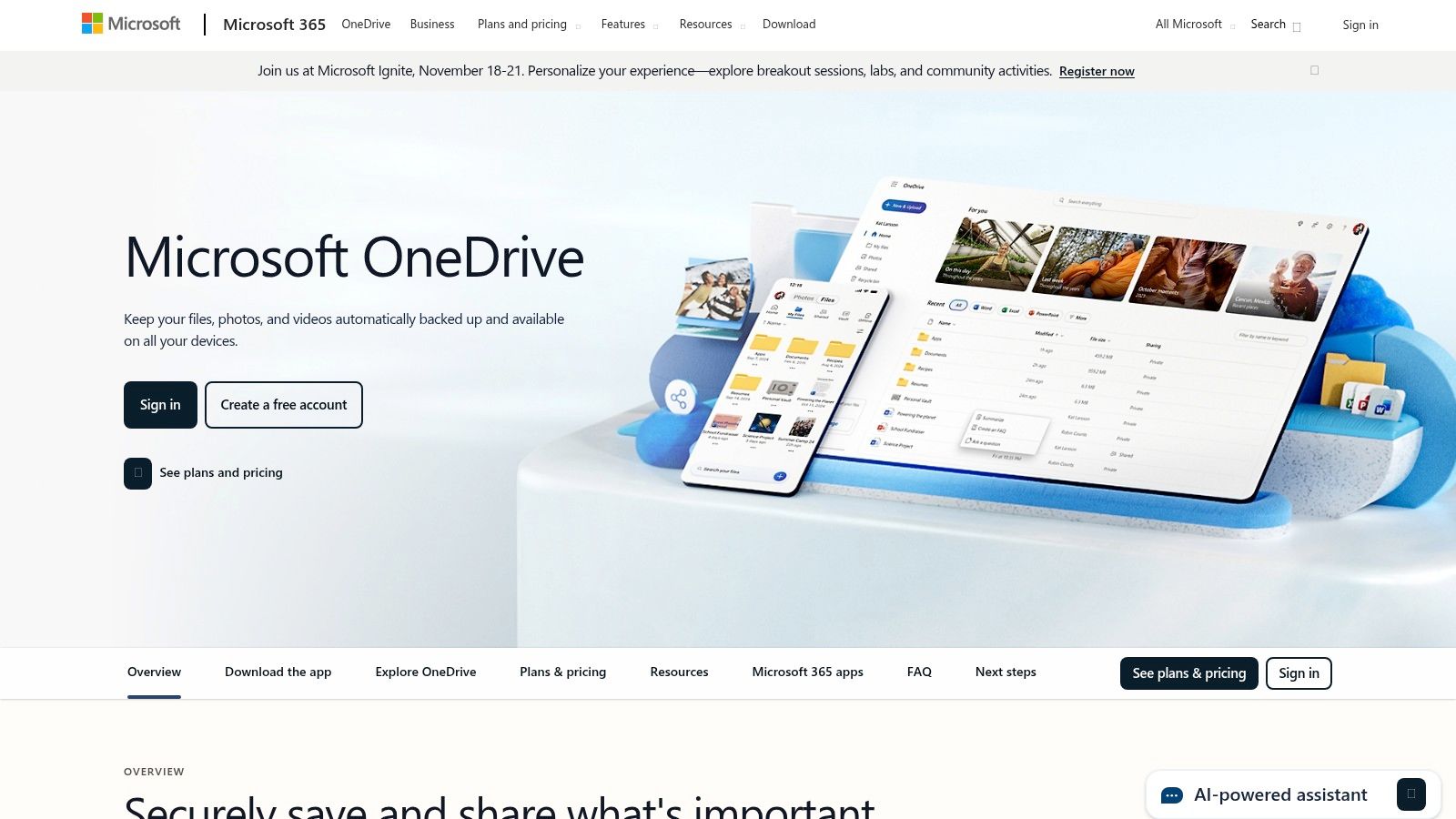
Its primary advantage is the tight integration with Microsoft’s governance and compliance framework. For businesses in regulated industries, this means document collection can adhere to existing retention policies and security protocols. Unlike personal cloud storage, this feature is built for enterprise control, though it requires an administrator to ensure the correct tenant settings are enabled.
Key Features and User Experience
The upload experience is straightforward for the end-user, presenting a simple interface for dragging and dropping files. On the business side, administrators can set expiration dates on request links and leverage PowerShell for more granular control over sharing policies. All submitted files are neatly organized in the target folder, centralizing data within the organization's managed SharePoint or OneDrive environment. This feature is unavailable for personal/home OneDrive accounts and is exclusive to business plans.
-
Pros:
- Seamlessly integrates with the entire Microsoft 365 suite and its compliance tools.
- No extra cost for businesses already subscribed to a relevant Microsoft 365 plan.
- External users can upload without a Microsoft account, reducing friction.
-
Cons:
- Requires administrative setup and knowledge of tenant-level sharing settings.
- Not available for personal or family Microsoft 365 subscriptions.
- Lacks advanced workflow features like automated follow-ups or custom forms.
Best for: Companies standardized on Microsoft 365, particularly in sectors like finance, legal, and healthcare, that need a secure, compliant, and integrated method for collecting documents from external parties.
Website: https://www.microsoft.com/microsoft-365/onedrive
4. Box — File Request
Box offers a powerful, enterprise-focused tool for collecting documents through its "File Request" feature. Unlike simpler drag-and-drop solutions, Box allows you to create structured intake forms that can capture critical metadata alongside the uploaded files. This makes it ideal for regulated industries where data integrity and process automation are paramount.
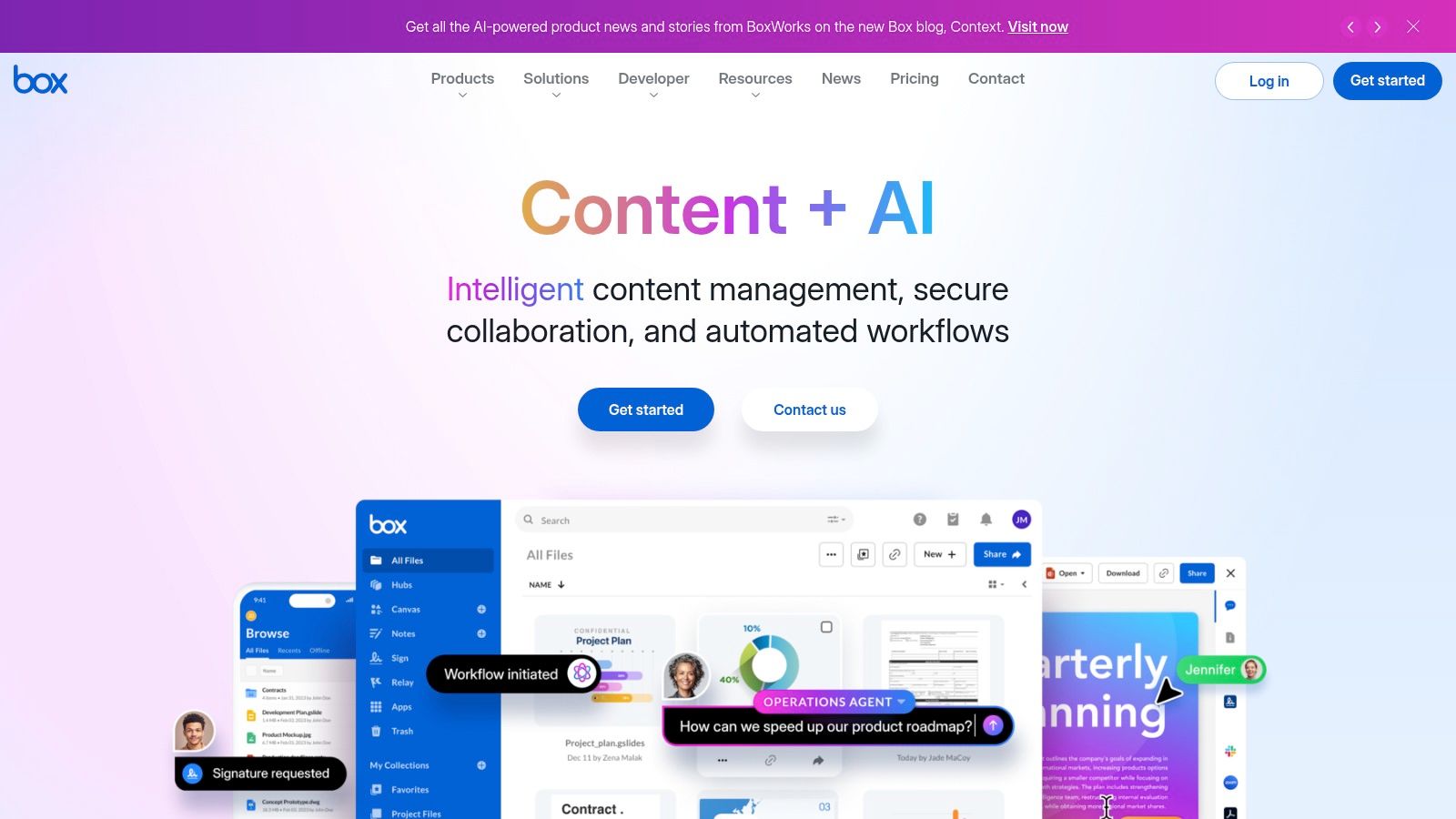
This feature is designed for businesses that need more than just a file drop. By enabling you to add custom fields to your upload link, you can gather context like case numbers, client IDs, or project names right at the point of submission. This data can then trigger automated workflows using Box Relay, streamlining downstream processing and reducing manual effort.
Key Features and User Experience
The ability to create branded, multi-file upload zones with required metadata fields sets Box apart. For external users, the interface is clean, but the real power lies in the backend administration. Security controls are robust, with options to require a Box login or set link expiration dates. Keep in mind that unlocking this functionality requires a Box Business plan or higher, and may involve some initial configuration by an administrator to get started.
-
Pros:
- Enterprise-grade security, governance, and compliance features.
- Captures valuable metadata with files to improve search and automation.
- Integrates deeply with Box Relay for powerful workflow automation.
-
Cons:
- The File Request feature is not available on free or personal plans.
- Can be more complex to set up compared to simpler alternatives.
- The user experience is more corporate and less intuitive than some competitors.
Best for: Large organizations and regulated industries (like finance, legal, or healthcare) that need an auditable, metadata-driven, and secure tool for collecting documents as part of a larger automated workflow.
Website: https://www.box.com
5. Content Snare
Content Snare is a purpose-built platform designed to eliminate the back-and-forth of chasing clients for information. This specialized tool for collecting documents replaces messy email chains with a streamlined, professional client portal where users follow checklists, upload files, and complete forms. It's engineered specifically for service-based businesses like accounting, legal, and marketing agencies that depend on timely client submissions.
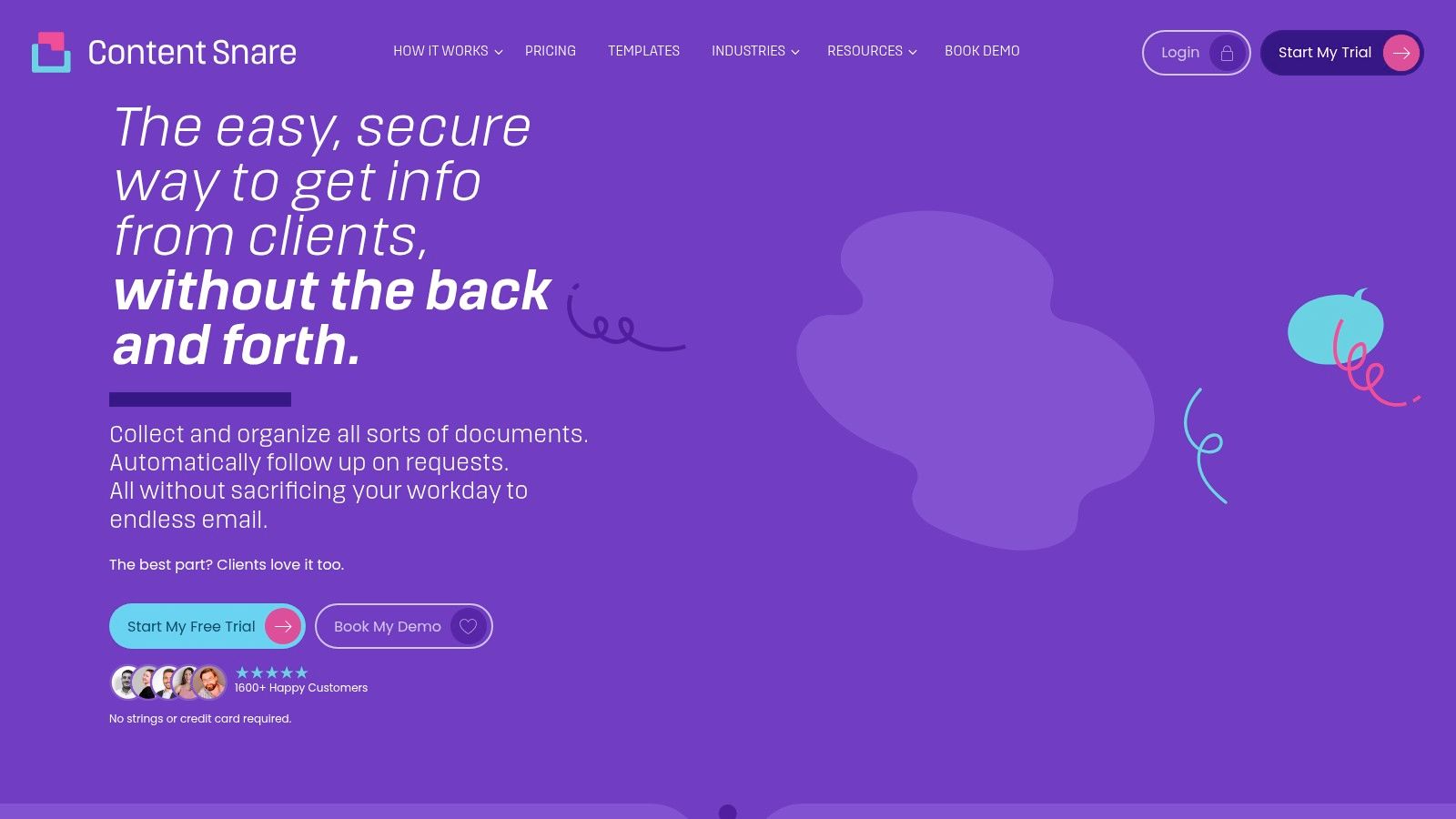
The platform's core strength is its automation. You can create request templates with detailed checklists and then set up automated reminder sequences to nudge clients until everything is submitted. This hands-off approach frees up significant administrative time, while the ISO 27001 certification provides confidence in its security for handling sensitive client data.
Key Features and User Experience
Clients receive a single link to a clean, easy-to-use portal where they see exactly what's needed, with clear instructions for each item. They can upload files, answer questions, and approve or reject items in one place. This guided experience dramatically simplifies the submission process. For a deeper dive into how it compares with other platforms, you can learn more about document collection software options available today.
-
Pros:
- Purpose-built to reduce the administrative burden of chasing clients.
- Automated reminder sequences save significant time and effort.
- High-security standards with ISO 27001 certification.
-
Cons:
- Not currently HIPAA compliant, which may limit its use in healthcare.
- Some advanced automation and integrations are only available on higher-tier plans.
- The pricing model is based on active requests, which may require careful management.
Best for: Professional service businesses (accountants, lawyers, agencies) that need to automate and systematize the client information gathering process for onboarding, projects, or compliance.
Website: https://contentsnare.com
6. FileInvite
FileInvite is a dedicated document collection platform built for high-stakes industries like lending, finance, and professional services. It replaces inefficient email chains with a secure, branded client portal where you can request, track, and receive sensitive documents. The system is designed around compliance, providing detailed audit trails and integrations that streamline complex workflows.
Its core strength lies in automating the follow-up process. By creating templated request workflows and sending automated reminders, FileInvite significantly improves turnaround times for client submissions. This focus on borrower and client experience makes it a powerful tool for collecting documents where speed and accuracy are critical.
Key Features and User Experience
The platform provides a professional, branded portal for clients, enhancing trust and making the submission process feel secure and straightforward. For administrators, the dashboard offers a clear overview of all outstanding requests, complete with tracking and audit trails for compliance. To see how it stacks up against other specialized tools, you can review different types of automated document request tools. Pricing is positioned for teams and businesses, reflecting its robust feature set.
-
Pros:
- Specifically tailored to high-compliance verticals like lending and legal.
- Excellent automation features for reminders and tracking reduce manual work.
- Improves the client/borrower experience with a professional, easy-to-use portal.
-
Cons:
- Pricing is positioned at the higher end, making it less suitable for solo users.
- May be overly complex for simple, ad-hoc document collection needs.
- Team-oriented plans may not fit the budget of very small businesses.
Best for: Mortgage brokers, financial advisors, and legal firms that need a compliant, automated, and professional system for managing high-volume client document requests.
Website: https://www.fileinvite.com
7. File Request Pro
File Request Pro is designed for businesses that want a professional, branded front end for their document collection process without replacing their existing cloud storage. It acts as a sophisticated bridge, allowing you to create white-label upload pages that automatically route files directly into your Google Drive, OneDrive, SharePoint, or Dropbox accounts. This makes it an excellent tool for collecting documents while maintaining brand consistency.
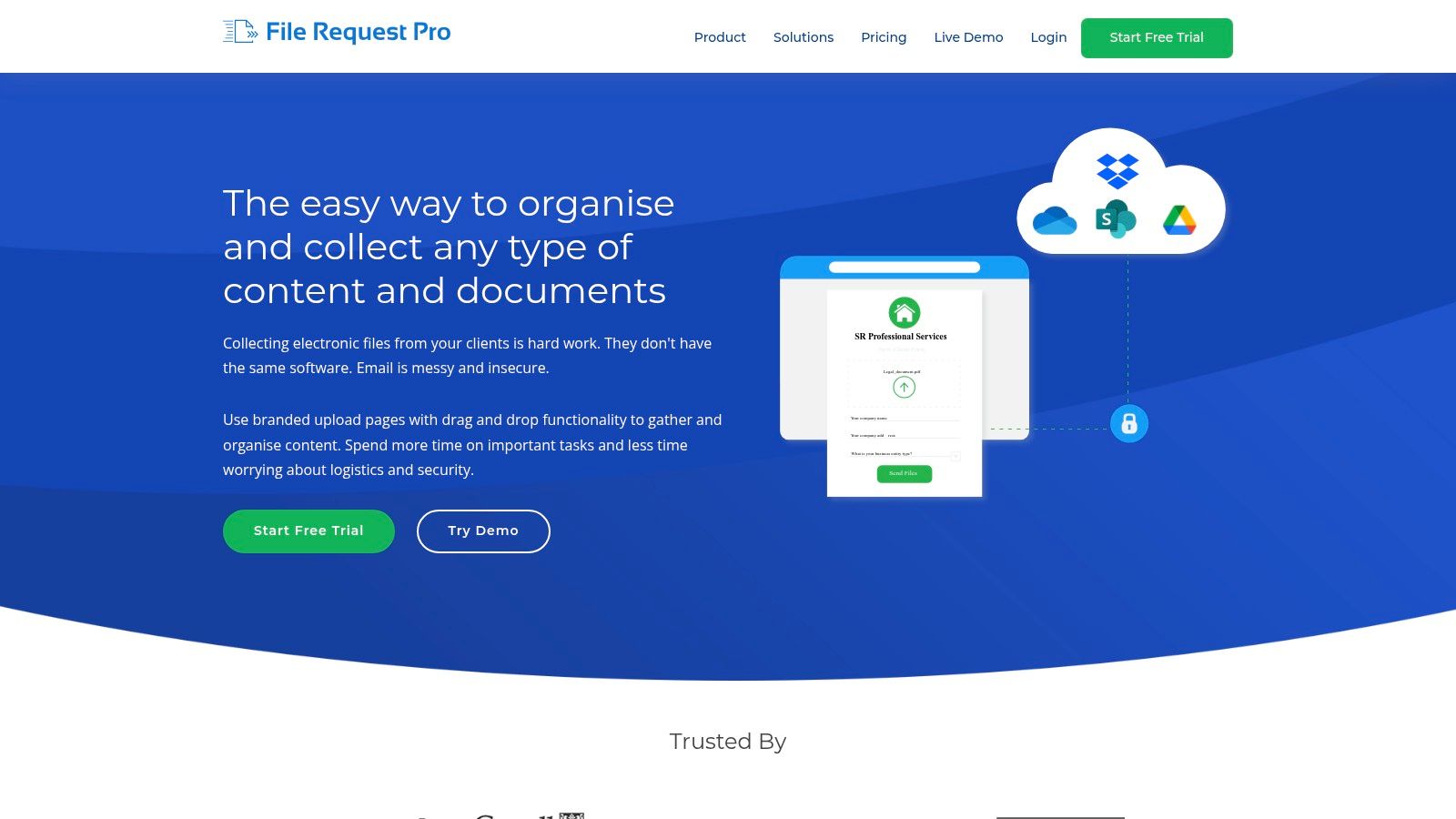
This tool excels at creating a seamless experience for the end-user. Instead of sending clients to a generic Google Drive or Dropbox link, you can embed a custom-branded form on your website or share a link to a dedicated upload page. Advanced features like custom domains, SMTP, and CSS customization allow for complete brand integration, making the collection process feel like a natural part of your own platform.
Key Features and User Experience
Setting up a branded intake page is remarkably quick, and the direct integration with major cloud providers means there is no disruption to your current file management workflow. The platform also offers webhooks, an API, and even a Salesforce integration, enabling automation for more complex business processes. Pricing is tiered for small to medium-sized businesses, with clear limits on email requests and storage that scale with your needs.
-
Pros:
- Quick to deploy fully branded and white-labeled intake pages.
- Integrates natively with Google Drive, OneDrive, SharePoint, and Dropbox.
- Clear, tiered pricing structure well-suited for SMBs.
-
Cons:
- Plans include monthly quotas for email-based requests.
- Storage and per-file size limits vary significantly by pricing tier.
- Focus is on intake; lacks the broader project management features of some competitors.
Best for: Small and medium-sized businesses, marketing agencies, and consultants who need a professional, branded way to collect files from clients directly into their existing cloud storage.
Website: https://filerequestpro.com
8. SmartVault
SmartVault is a secure document management system and client portal designed specifically for the needs of accounting and tax professionals. It excels as a tool for collecting documents by offering a branded, professional space where firms can request, track, and collaborate on sensitive client files. Its built-in templates and workflows streamline common accounting processes, like tax preparation and audits.
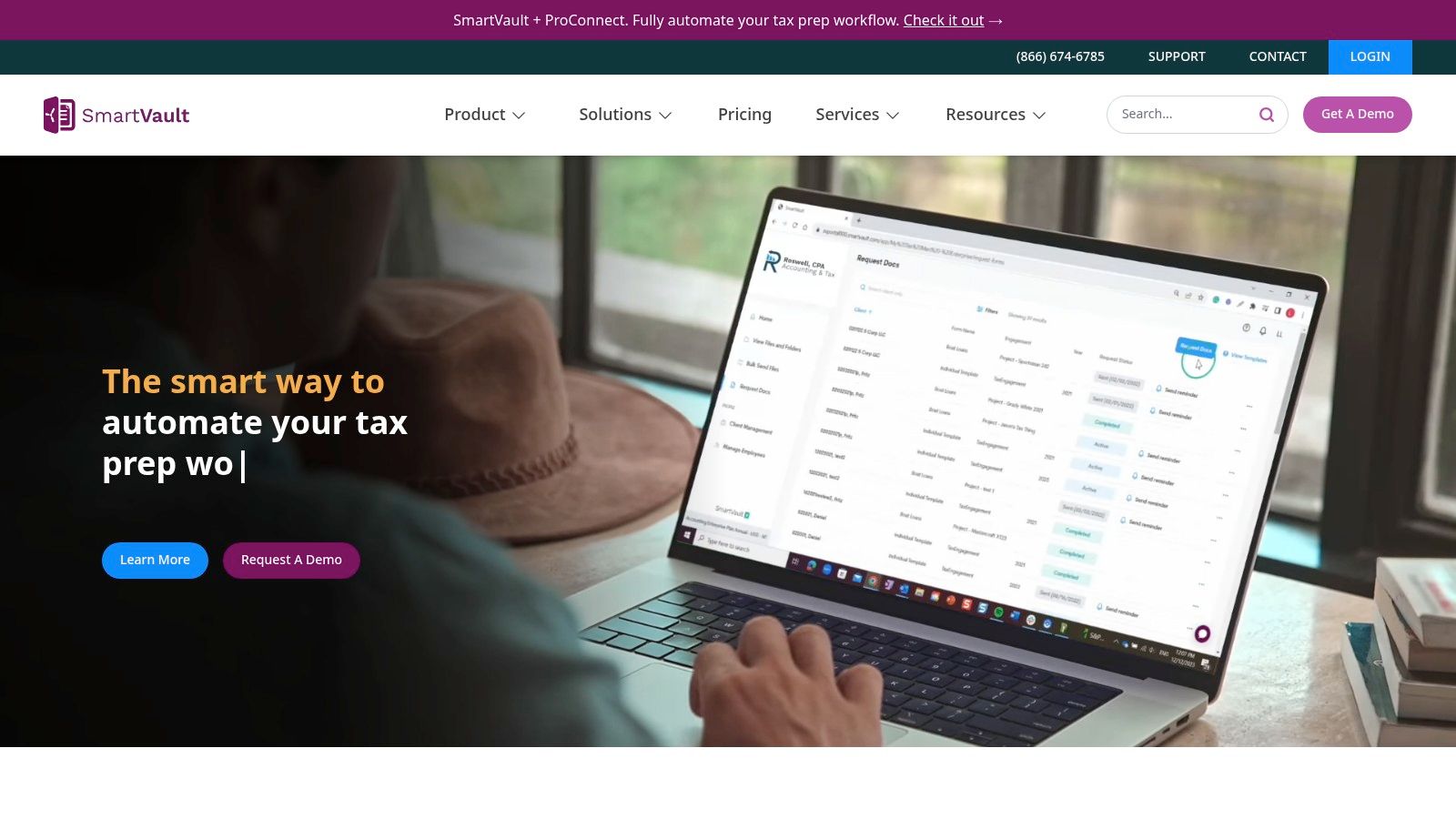
This industry-specific focus is its biggest advantage. Instead of a generic file-sharing platform, SmartVault provides an environment with integrations for essential accounting software and features like e-signatures and activity logs. This makes it a comprehensive solution for firms wanting to centralize client interactions and document handling in one secure hub.
Key Features and User Experience
The platform allows for unlimited external collaborators, so clients never hit a paywall just to upload their tax forms. Users can create request lists from templates, ensuring consistency across all clients and making it easy to see outstanding items at a glance. The client-facing portal can be branded with the firm’s logo, enhancing professionalism and trust, which is crucial when handling financial data.
-
Pros:
- Purpose-built for accounting and tax firms with relevant templates and workflows.
- Strong integrations with common accounting software like QuickBooks and Lacerte.
- Unlimited storage and US-based support on core plans.
-
Cons:
- Per-user pricing with minimum seat requirements can be costly for solo practitioners.
- The specialized feature set may be overly complex for non-accounting use cases.
- Interface can feel dated compared to more modern, general-purpose platforms.
Best for: US-based accounting and tax firms that need a compliant, integrated client portal for secure document collection and management.
Website: https://www.smartvault.com
9. ShareFile (by Progress) — Client Portal and Requests
ShareFile is a comprehensive and secure client portal designed for professional services firms that need robust document management and collaboration. It goes beyond simple file requests by offering a mature platform with integrated e-signature, automation, and strong support for regulatory compliance. It serves as a centralized, branded space for secure client document exchange and repeatable intake workflows.
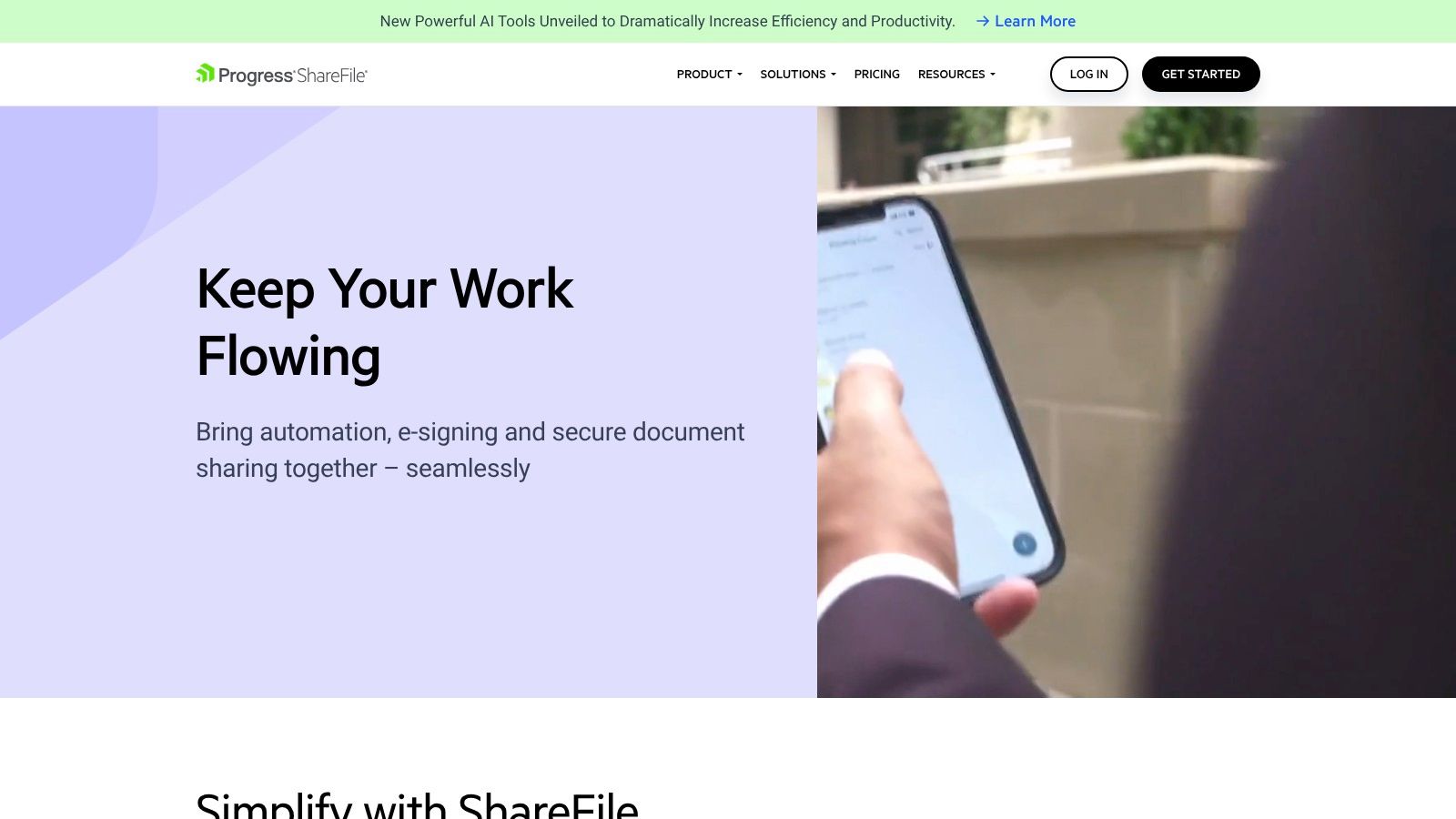
Its strength lies in creating structured, templated workspaces for onboarding new clients or projects, making it a powerful tool for collecting documents in a systematic way. With features like detailed reporting and activity tracking, businesses can maintain a clear audit trail, which is crucial for industries like finance, legal, and healthcare.
Key Features and User Experience
ShareFile provides a professional, branded experience for clients, enhancing trust and perceived security. The platform's integrated automation and e-signature capabilities streamline processes that require both document submission and legally binding sign-offs, all within one system. This eliminates the need to jump between different tools for collecting documents and getting them signed. The platform's per-user pricing model, which starts with a three-user minimum, positions it for established teams rather than solo practitioners.
-
Pros:
- Longstanding, trusted brand for secure client document exchange.
- Excellent automation and workflow support for repeatable processes.
- Strong compliance features tailored for regulated industries.
-
Cons:
- Per-user pricing with a 3-user minimum can be costly for very small teams.
- Advanced compliance options may require higher-tier plans or custom consultation.
- Can be more complex to set up compared to simpler file-drop tools.
Best for: Legal firms, accounting practices, and financial services companies that need a secure, compliant, and all-in-one portal for client onboarding and ongoing document management.
Website: https://www.sharefile.com
10. Jotform — File Upload Forms
Jotform is a highly flexible online form builder, and its file upload feature makes it a powerful tool for collecting documents alongside other critical information. Instead of just a simple upload link, Jotform allows you to build comprehensive intake forms, applications, or registration processes where document submission is a key step. Users can submit files directly through the form, creating a single, organized entry for each respondent.
Its strength lies in combining data collection with document gathering. For instance, an HR department can use it for job applications, collecting a resume, cover letter, and portfolio all within the same submission as the applicant's contact details and screening answers. This structured approach is what makes it a superior tool for collecting documents in a systematic way.
Key Features and User Experience
Jotform offers a massive library of templates and a drag-and-drop builder, making form creation accessible to non-technical users. You can set specific limits on file types and sizes to ensure you receive the correct documents. For workflow automation, its integrations are crucial; you can automatically send uploaded files to cloud storage like Google Drive or Dropbox, ensuring they are organized and backed up without manual effort.
-
Pros:
- Very flexible form logic and a huge library of pre-built templates.
- Straightforward integrations to automate file routing to cloud storage.
- Combines document collection with structured data gathering seamlessly.
-
Cons:
- The 1 GB per-file upload limit can be restrictive for very large media files.
- Uploads count against your Jotform storage quota unless you integrate it with another service.
- The free plan has tight limits on submissions and storage.
Best for: Businesses and organizations that need to collect documents as part of a structured intake process, such as HR departments for applications, schools for admissions, or service providers for client onboarding.
Website: https://www.jotform.com
11. Typeform — File Upload Forms
Typeform turns data and document collection into a conversation, making it a standout tool for collecting documents combined with other information. Instead of static forms, it presents one question at a time, creating a polished, interactive experience that boosts completion rates. Its file upload feature, available on paid plans, is ideal for customer-facing intake funnels where you need attachments like resumes, IDs, or project briefs.
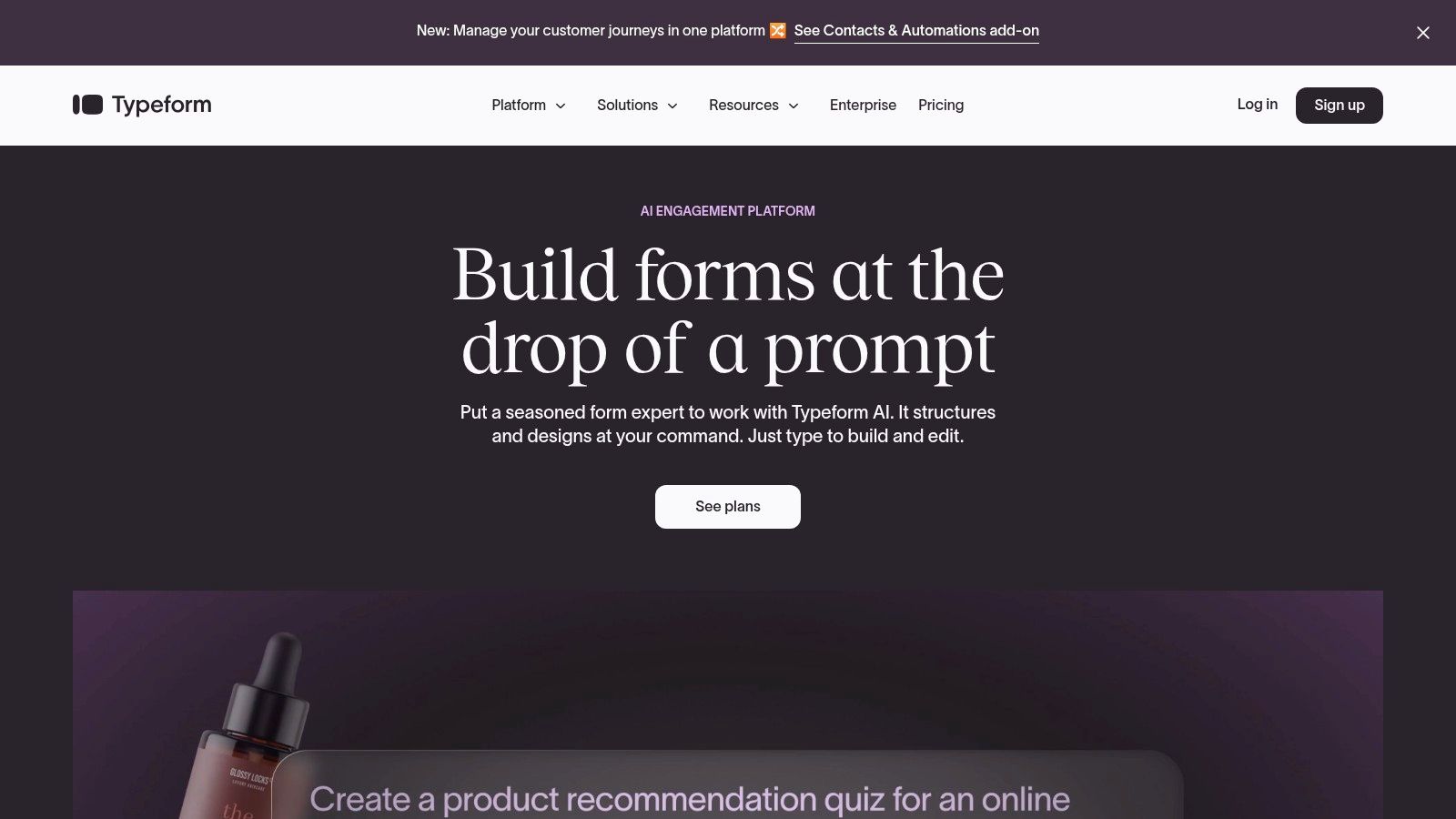
This engaging approach makes it perfect for HR departments collecting job applications or marketing teams running contests that require submissions. The platform’s strength lies in its ability to seamlessly integrate document uploads into a broader data collection workflow, guided by conditional logic and beautiful, branded themes.
Key Features and User Experience
The user experience is Typeform’s biggest differentiator. The smooth, one-question-at-a-time flow feels less like a chore and more like a chat, which is particularly effective for mobile users. Setting up file upload fields is simple, with configurable limits on file size and type. Powerful integrations with cloud storage and other business apps allow you to automate what happens after a document is received. However, be mindful of the response and storage caps tied to each pricing tier.
-
Pros:
- High completion rates due to its engaging, conversational form experience.
- Excellent for collecting documents alongside detailed customer data.
- Scales from small projects to enterprise use cases with robust analytics.
-
Cons:
- File upload is a paid feature, not available on the free plan.
- Monthly response and storage limits vary significantly by plan.
- Per-file upload size caps can range from 1 to 4 GB depending on the tier.
Best for: Businesses focused on customer experience, such as HR, marketing, and client onboarding teams, who need to collect documents as part of a polished, user-friendly intake form.
Website: https://www.typeform.com
12. Google Forms + Formfacade (File Upload No‑Login)
Google Forms is a go-to tool for simple data collection, but its native file upload feature requires respondents to have a Google account. The Formfacade add-on solves this problem, transforming it into a versatile tool for collecting documents from anyone, regardless of their email provider. This combination lets you leverage the familiarity of Google Forms for public-facing intake without the sign-in friction.
This setup is ideal for organizations deeply integrated with Google Workspace. All submitted files sync directly to a designated Google Drive folder, keeping your collection process centralized and easy to manage. Since many tools deposit files directly into cloud storage, it helps to be proficient. For more on managing your files, explore our guide on how to upload files to Google Drive.
Key Features and User Experience
By removing the login barrier, Formfacade significantly improves the respondent's experience, reducing drop-off rates for public surveys, applications, or feedback forms. You retain control within Google Forms to restrict file types, quantities, and maximum sizes. However, since it involves a third-party add-on, it’s crucial to be mindful of its separate costs and any storage quotas that may apply.
-
Pros:
- Creates a low-friction experience for respondents, as no Google sign-in is required.
- Leverages the familiar and easy-to-use Google Forms interface.
- Cost-effective way to build a public intake process within your existing Google Workspace.
-
Cons:
- The Formfacade add-on requires an additional subscription and has its own usage limits.
- Requires careful management of Google Drive folder permissions to secure submitted files.
- Less robust than dedicated portals for complex, multi-stage document collection.
Best for: Schools, non-profits, and small businesses using Google Workspace that need a simple way to accept file submissions from the general public without a login requirement.
Website: https://forms.google.com
12 Document Collection Tools Compared
| Solution | Core features | UX / Quality (★) | Price & Value (💰) | Target audience (👥) | Unique selling points (✨ / 🏆) |
|---|---|---|---|---|---|
| Superdocu 🏆 | Automated workflows, templates, branded portals, validation dashboard, expiry tracking, Zapier/DocuSign | ★★★★★ | 💰 Tiered — Starter €97/mo, Pro €247/mo, 7‑day trial; scalable per‑contact cost | 👥 SMBs & regulated teams (legal, HR, real estate, mortgage, immigration, transport, construction) | ✨ GDPR + France hosting, triple replication, white‑labeling, automated validation 🏆 |
| Dropbox — File Requests | Public upload links to chosen folder, deadlines, password options, large file limits on paid plans | ★★★★☆ | 💰 Included in Dropbox plans (free→paid tiers); uploads use your storage | 👥 General teams & individuals needing simple external intake | ✨ Very low friction for recipients; works without Dropbox account |
| Microsoft OneDrive & SharePoint — Request Files | Upload‑only links, link expiration policies, tenant/site admin controls, centralized storage | ★★★★☆ | 💰 Included with Microsoft 365 subscriptions (varies by plan) | 👥 Microsoft 365 organisations needing compliance & governance | ✨ Tight M365 integration, compliance/retention tooling |
| Box — File Request | Branded intake forms, metadata fields, multiple upload zones, Box Relay automation | ★★★★☆ | 💰 Business plan+ required; enterprise pricing | 👥 Enterprise & regulated teams needing auditability | ✨ Metadata capture at intake + enterprise governance/workflows |
| Content Snare | Request templates, item checklists, approvals/rejections, automated reminders, client portal | ★★★★☆ | 💰 Pricing by active requests; transparent tiers | 👥 Accounting, legal, financial services, agencies | ✨ Purpose‑built chasing workflows; ISO 27001 certified |
| FileInvite | Branded portals, templated workflows, automated reminders, audit trails, integrations | ★★★★☆ | 💰 Positioned at higher‑end; team/enterprise entry points | 👥 Lending, finance, professional services | ✨ Compliance‑focused intake with borrower experience emphasis |
| File Request Pro | White‑label upload pages, direct routing to Google/OneDrive/SharePoint/Dropbox, webhooks/API | ★★★★☆ | 💰 SMB‑friendly tiers; clear pricing | 👥 SMBs wanting branded intake into existing cloud drives | ✨ Custom domain/SMTP + direct drive routing |
| SmartVault | Branded client portal, templates, e‑signature, accounting integrations, activity logs | ★★★★☆ | 💰 Per‑user pricing with minimum seats; unlimited storage on core plans | 👥 Accounting & tax firms | ✨ Accounting‑focused workflows & integrations |
| ShareFile (by Progress) | Client portals, templated workspaces, e‑signature, automation, compliance features | ★★★★☆ | 💰 Per‑user pricing (min. seats); enterprise options | 👥 Professional services & regulated firms | ✨ Mature brand with strong regulatory support |
| Jotform — File Upload Forms | Form builder with file upload element, conditional logic, templates, cloud integrations | ★★★★☆ | 💰 Free→paid tiers; storage/limits vary | 👥 General users needing flexible form‑based intake | ✨ Powerful form logic + large template library |
| Typeform — File Upload Forms | Conversational forms with file uploads, conditional logic, analytics, integrations | ★★★★☆ | 💰 Paid tiers with response/upload caps | 👥 Customer‑facing intake needing high completion | ✨ Conversational UX for higher engagement |
| Google Forms + Formfacade (File Upload No‑Login) | File uploads to Google Drive without sign‑in (via Formfacade), size/type controls, Drive sync | ★★★★☆ | 💰 Cost‑effective (Forms free + Formfacade add‑on cost); Drive storage applies | 👥 Google Workspace users seeking low‑cost public uploads | ✨ Low friction public uploads into Drive; simple setup |
Making the Final Choice: How to Select Your Document Collection Tool
We've explored a wide range of solutions, from simple file request links to comprehensive client portals. The journey to find the perfect tool for collecting documents ends with a clear understanding of your unique business needs. What works for a freelance designer will not suffice for a multi-agent real estate firm or a growing legal practice.
The right choice isn't about finding the tool with the most features. It's about finding the tool that solves your most pressing problems, saves you the most time, and creates the smoothest experience for your clients.
Key Takeaways and Final Considerations
As you weigh your options, reflect on the core themes we discussed. Simple tools like Dropbox File Requests or OneDrive are excellent for occasional, informal file gathering. They leverage platforms you likely already use, making them a no-cost entry point for basic needs. However, their limitations become apparent when you need structure, automation, or enhanced security.
Form builders like Jotform and Typeform excel at capturing structured data alongside files, making them ideal for applications, registrations, or surveys. But they often lack the sophisticated follow-up sequences and client-centric portals that define dedicated solutions.
For professionals in legal, finance, real estate, and HR, a purpose-built platform is almost always the best investment. Tools like Superdocu, Content Snare, and FileInvite are designed specifically to manage the complexities of client onboarding and information gathering. They offer the critical combination of automated reminders, secure client portals, branding, and compliance features that transforms a frustrating administrative chore into a streamlined, professional workflow.
Your Action Plan for Selecting a Tool
Feeling overwhelmed by the choices? Follow these simple steps to find the perfect fit:
-
Identify Your Must-Haves vs. Nice-to-Haves: Create a checklist. Is robust security and encryption non-negotiable? Do you absolutely need automated email and SMS reminders to reduce manual follow-ups? Is a white-labeled, branded client portal essential for your brand image? Prioritize your list.
-
Evaluate the Client Experience: Your chosen tool is not just for you; it’s for your clients, candidates, or partners. Is the portal intuitive and easy to navigate? Can they upload files from their mobile devices without friction? A difficult process for them will create more work for you.
-
Calculate the True Cost: Look beyond the monthly subscription fee. Consider the time saved from eliminating manual follow-ups, the reduction in errors from incomplete submissions, and the professional impression you make on clients. The ROI of a dedicated tool for collecting documents often far exceeds its price tag.
-
Test Drive Before You Commit: Nearly every specialized tool on our list offers a free trial or a demo. Use it! Set up a real-world test case. Create a document request for a mock client and experience the process from both sides. This is the single best way to know if a platform will truly integrate into your daily operations.
Ultimately, the goal is to reclaim your time and elevate your client service. Implementing the right system frees you from chasing paperwork and allows you to focus on the high-value work that grows your business. And as you handle more sensitive information, it's vital to have a robust framework in place. Regardless of the tool you choose, it's crucial for your business to establish a solid data protection plan to safeguard the documents you collect.
Ready to transform your document collection process from chaotic to streamlined? Superdocu is a purpose-built platform designed to automate requests, securely manage client data, and provide a professional, branded experience. See how it can simplify your workflow by starting your free trial at Superdocu today.