
You're probably staring at a messy inbox right now, with sponsor replies spread across email threads, a PDF attachment waiting for a signature, and one prospect asking for logo placement details you can't find. That's usually the point where a template sponsor form stops being a nice-to-have and becomes the only sane way to keep commitments, approvals, and follow-up from slipping through the cracks.
A good form doesn't just collect contact details. It turns sponsor intake into a repeatable workflow, captures the terms that matter, and gives you a clean trail for review after submission. That matters because sponsor forms today are built to handle structured intake, payment, recognition preferences, and agreement terms in one place, with modern templates often adding payment integration and digital signature fields, and template libraries showing that the format has become standardized across many use cases with 90+ sponsorship form templates available in one major library, Jotform's sponsorship form category.
Table of Contents
- Why Your Sponsor Intake Needs a Structured Template
- Essential Fields and Copy for Your Template Sponsor Form
- Validation Rules and Upload Requirements
- Testing and Distributing Your Sponsor Form
- Automating Workflows and Tracking Sponsor ROI
- Common Mistakes and Your Deployment Checklist
Why Your Sponsor Intake Needs a Structured Template
The usual failure mode is familiar. Someone sends a sponsor prospect a deck by email, another person forwards a pricing sheet in a PDF, and a third thread contains the logo file, except the version you need is buried in attachments from last week. By the time the sponsor is ready to commit, nobody can tell which tier they picked, what benefits were promised, or whether the final approval even reached the right person.

A structured template sponsor form fixes that by forcing the intake into one consistent path. Instead of chasing scattered replies, you collect sponsor identity, contact details, contribution amount, recognition preferences, and agreement terms in a single submission, which is why sponsorship forms are treated as formal intake and commitment tools rather than simple contact pages. That same shift from static paper intake to configurable digital workflows is reflected in guidance that recommends branded URLs, automated confirmation emails, QR-code sharing, and centralized submission tracking, which is the practical difference between a form that merely exists and one that gets used, as outlined in a project intake workflow reference.
What breaks when intake lives in email
Email creates hidden work. A sponsor says they want the bronze package, but the person managing the event copies the gold benefits into the final note. Another sponsor agrees to support in kind, but the contribution description never makes it into a searchable system. These are not edge cases, they're the default outcome when the process lacks a single source of truth.
Practical rule: if a sponsor commitment can be lost in an inbox, it needs to move into a form.
A strong template also helps teams beyond events. Schools, nonprofits, and corporate organizers all use the same core data model, sponsor name, organization, payment amount, and legal acceptance. Once that model is standardized, the form becomes a reusable workflow asset instead of a one-off document that someone rebuilds from scratch every quarter.
Why the template matters after the click
The true value shows up after submission. A well-built form gives your team a clean handoff, which means you can review terms, confirm deliverables, and track every committed sponsor without reconstructing the deal from memory. That's why the shift to digital templates matters so much. You're not just improving convenience, you're reducing the number of places where commitments can get distorted.
If your current intake still depends on forwarded emails and copy-pasted notes, the process is already leaking time. A template gives you one place to capture the sponsor's offer, one place to confirm what they get, and one place to store legal acceptance for later review.
Essential Fields and Copy for Your Template Sponsor Form
A useful sponsor form is not long for the sake of being long. It captures the details that matter, then stops before people start guessing. The strongest templates group fields into four buckets, identity, payment, recognition, and agreement, then add optional logic only where it changes the next step in the workflow.
| Category | Field Name | Sample Label | Required |
|---|---|---|---|
| Identity | Sponsor contact details | Full name, email address, and phone number | Yes |
| Identity | Organization details | Company or organization name | Yes |
| Identity | Sponsor type | Individual, business, nonprofit, or in-kind partner | Yes |
| Payment | Contribution amount | Sponsorship amount or estimated value | Yes |
| Payment | In-kind description | Describe donated products or services | Yes |
| Payment | Payment method | Choose PayPal, Stripe, invoice, or manual payment | No |
| Recognition | Logo placement | Where should your logo appear? | No |
| Recognition | Event mentions | Would you like on-stage or social mentions? | No |
| Agreement | Terms acceptance | I agree to the sponsorship terms | Yes |
| Agreement | Digital signature | Typed name and signature date | Yes |
| Optional | Multi-year term | Annual or multi-year sponsorship term | No |
| Optional | Logique conditionnelle | Show fields based on sponsor type | No |
The copy matters as much as the field list. If a field only says “Amount,” people pause because they do not know whether you mean cash, fair market value, or a deposit. A better label is Contribution amount or in-kind value, followed by helper text that tells people to enter money or a short description of donated goods or services. That small change reduces back-and-forth after submission and makes later review faster.
Identity fields that prevent back-and-forth
Start with the sponsor's name, organization, email, and phone number. Add a sponsor type selector only if the workflow changes based on who is giving. A business sponsor may need invoicing, while an individual sponsor may only need a receipt and acknowledgment.
Keep helper text short and specific. For example, under organization name, use, “Enter the legal entity that should appear on the agreement.” That line prevents a lot of cleanup later when someone enters a nickname instead of the actual company name. It also makes downstream matching easier when the same sponsor appears again in a renewal or report.
Recognition and agreement fields that preserve the deal
Recognition fields are often skipped or buried, and that creates problems later. Sponsors care about where their logo appears, whether they will be mentioned during the event, and how their name is displayed in public materials. A clear recognition preferences section makes those expectations explicit before anyone promises the wrong thing, and it gives your team something to compare against delivery after the event.
The agreement block needs real weight. A checked box for terms and conditions, plus a digital signature field, gives you a clear record that the sponsor accepted the offer. That lines up with the field mix commonly recommended for sponsor forms, sponsor contact details, organization information, contribution amount or in-kind donation description, payment integration such as PayPal or Stripe, recognition preferences like logo placement or event mentions, and agreement to terms and conditions or a digital signature, as shown in a sponsorship form template reference.
Optional fields should stay optional. Multi-year sponsorship terms help when you sell renewals. Conditional logic helps when sponsor types follow different paths. If neither one changes the agreement or the review process, leave them out and keep the submission flow short.
After submission, the form should do more than collect a name and an amount. It should feed validation, compliance review, and ROI tracking so your team can confirm what was promised, what was approved, and what still needs follow-up. For a practical way to structure that handoff, see how to collect and validate documents.
Validation Rules and Upload Requirements
A sponsor form that accepts anything creates more work after submission. Bad email addresses, incomplete organization names, and logos in the wrong format all turn into follow-up tasks, and that is where sponsor intake slows down. Validation has to stop those errors before the sponsor clicks submit.
Start with the fields that drive the rest of the workflow. Make the required inputs mandatory, check formats where a mistake would break delivery, and reject uploads that do not fit the review process. A sponsor form is already built to capture sponsor identity, contact details, contribution amounts, recognition preferences, and agreement terms, so validation keeps that structure usable instead of turning it into messy input.
Validation that saves the review team
Use email validation on every sponsor contact field. If a sponsor types the wrong address, confirmation and follow-up messages never reach them, and your team ends up asking whether the form was received. Add character limits to open-text fields like organization notes or donation descriptions so the response stays readable in the dashboard and easier to scan during review.
File uploads need the same discipline. Sponsor logo fields should list accepted file types on the form, and the label should say exactly what to send. If you are collecting assets for public materials, ask for the format you need up front instead of sending the file to design and discovering later that it cannot be used. That is the kind of mismatch that slows production and creates avoidable back-and-forth.
Good intake is preventive work. Every rule added before submission removes a manual check after submission.
Compliance notes that belong on the form
The form should carry its own compliance language. Add a short privacy notice that explains what data you collect, why you collect it, and how long you will keep it. If you work with sponsors in regulated environments or across regions, make consent visible and explicit instead of hiding it in fine print.
A terms acceptance checkbox is an operational checkpoint as much as a legal one. The sponsor should know they are agreeing to the listed deliverables, branding use, payment terms, and follow-up rules, and your team should be able to prove that acceptance later. Keep the wording plain, direct, and close to the signature field so nobody misses it.
For a more detailed intake-and-proofing pattern, pair form validation with document review rules. The same approach is used in secure collection workflows, as outlined in how to collect and validate documents.
Keep uploads useful, not decorative
Do not ask for files unless someone on your team is prepared to use them. A logo upload field is useful when it feeds event signage, sponsor pages, or recap materials. It is useless when nobody knows who reviews the file or what happens after it arrives.
The same rule applies to post-submission tracking. If you need to measure ROI, add fields that support that job, such as campaign source, promised placement, approval status, and delivery confirmation. Those fields make it possible to compare what was submitted, what was approved, and what still needs follow-up without digging through email threads.
That is the test for every validation rule. If the rule protects a downstream task, keep it. If it only makes the form feel more thorough, cut it.
Testing and Distributing Your Sponsor Form
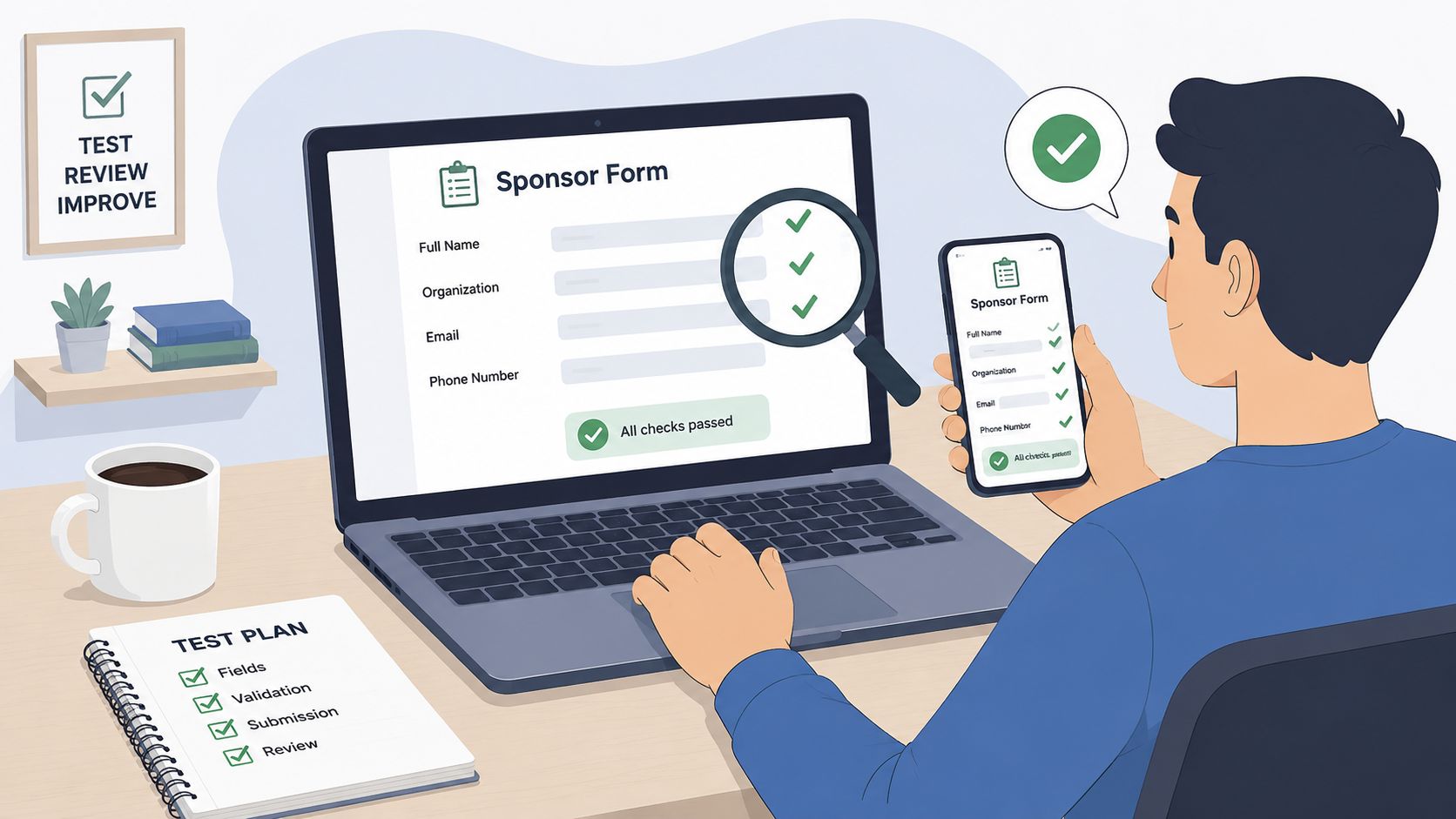
Before you send the form to real prospects, test it like a sponsor would. Submit it on desktop and mobile. Open every link. Check whether the payment path works, whether confirmation emails fire, and whether uploaded files land where your team can review them. The goal is to catch friction before a sponsor does.
Test the form like a real submission
Start with the smallest possible sponsor path and then test the edge cases. Submit one standard sponsor, one in-kind sponsor, and one sponsor who skips optional fields. That gives you a fast read on whether your logic breaks when people choose different options.
Verify the receipt before you trust the workflow.
The confirmation email should be boring in the best way. It should tell the sponsor their submission went through, recap the terms they selected, and point them to the next step if you have one. If that message is unclear or delayed, the sponsor will send a follow-up anyway, which defeats the purpose of automation.
Distribute it where sponsors already are
Branded URLs work well for direct outreach because they look professional and are easy to track. Embedding the form on an event landing page helps when sponsors are already evaluating the event itself. QR codes are useful for printed material and in-person conversations, especially when someone wants to scan and act later instead of typing a long address.
Automated email sequences help when a prospect starts but doesn't finish. A reminder sent from a branded invitation often brings the sponsor back faster than a manual nudge buried in a reply thread. If you're writing those outreach assets from scratch, it's worth collecting language and structure from a practical template library like download sponsorship templates for YouTubers, then adapting the format to your own sponsor audience.
Measure whether the form is actually working
Track submission quality, not just volume. If a channel brings in forms that need constant correction, that channel is not helping. If one version of the form gets more complete submissions because the field order is cleaner, keep that version and retire the weaker one.
A/B testing should stay simple. Change one thing, field order, helper text, or the first call to action, then compare completion behavior. The point isn't to chase novelty, it's to reduce friction until the sponsor path feels effortless.
For teams that need a more formal intake stack, a document-first workflow helps centralize submissions and routing, which is the same logic behind a structured document intake system, described in a document intake software overview.
Automating Workflows and Tracking Sponsor ROI
The sponsor's click is not the finish line. It is the handoff point between intake and operations, and that is where weak workflows show up fast. Once the form is submitted, the job is to route the record, validate it, and keep enough detail to prove value later.
A clean workflow does three things well. It moves the submission into a review queue, triggers the next step for the right owner, and captures the metrics the sponsor wants after the event. That post-submission layer is the part most template guides skip, even though it is where renewal decisions are usually made.
Automation should start with routing, not fireworks
Completed submissions should land in a validation dashboard first. Someone needs to confirm the sponsor type, terms, and upload quality before the agreement goes live. If a submission is incomplete, the team should see that immediately and request the missing pieces without rebuilding the record from scratch.
Use reminders for sponsors who start but do not finish. Use signature steps only when the agreement needs them. Use document storage when you need a durable record for renewal, audit, or internal review, and the same logic shows up in a structured intake workflow like the one described in this document intake software overview. The best automation is invisible to the sponsor and obvious to the operations team.
Build ROI questions into the form itself
Ask sponsors what proof they want back. Some care about attendance. Others care about social reach, engagement rates, click-through rates, or post-event survey results. Those measurement fields turn vague expectations into a reporting plan, and they are exactly the kind of detail template guides tend to leave out.
That matters because post-event reporting is easier when the sponsor has already said how success will be judged. If they want audience engagement data, you can plan that capture before the event begins. If they want visibility proof, you can gather the right screenshots, attendance notes, or recap metrics in the right format. For teams that need more sample language and structure, download sponsorship templates for YouTubers and adapt the field logic to your own sponsor mix.
Close the loop with reporting and renewal
A sponsor workflow should end with a report, not just a receipt. The report can be simple, but it should show that the partnership created value and that your team stayed organized. Once that reporting habit is in place, renewals stop feeling like cold outreach and start feeling like a continuation of an existing relationship.
Keep the handoff tight. Form submission, internal validation, agreement storage, post-event reporting, renewal follow-up. That sequence turns sponsorship from a one-off transaction into a managed lifecycle.
Common Mistakes and Your Deployment Checklist
The biggest mistake is asking for too much too soon. If the form feels like a tax return, sponsors stall. If it is too thin, your team ends up chasing missing information later. The better approach is a short front end with enough structure to capture the sponsor relationship properly, while leaving room for validation, compliance, and follow-up fields that support the work after submission.
Another common miss is treating sponsorship as cash only. Sponsors may provide products, services, promotional partnerships, or in-kind contributions, so the form has to support that range without forcing every response into a payment box, as noted in a sponsorship form template reference. That distinction matters after intake, because fulfillment, approvals, and reporting all depend on what the sponsor committed to.
Use the right form shape
Choose a single-page form when the sponsor decision is simple and the field set is tight. Use a multi-step layout when different sponsor types need different paths, or when you need to separate identity, payment, recognition, and agreement without overwhelming the user. Conditional logic belongs where it cuts clutter and routes people to the right fields, not where it adds clever branching that breaks the review process.
The shape of the form also affects what happens after submission. A short form is easier to complete, but it can leave your team with incomplete records if you do not require the right confirmation fields, file uploads, or consent checks. A longer flow gives you cleaner intake data and better reporting later, as long as each step serves a specific handoff or approval task.
Deploy with a short checklist
- Audit the fields: Remove anything your team will not use after submission.
- Test validation: Check email rules, required fields, file uploads, and rejected-format behavior.
- Review compliance: Confirm the consent text, terms acceptance, and any required policy language are visible.
- Map distribution: Decide whether you are sending the form by link, landing page, QR code, or email.
- Set automation: Make sure routing, reminders, status updates, and confirmation messages are ready before launch.
- Add tracking fields: Capture the sponsor type, internal owner, fulfillment status, and reporting outcome so the form supports ROI review after the event.
The final move is practical. Pick your template, customize the fields using the reference table above, configure the validation rules, test on three devices, and send your first branded invitation link this week. Then check the first few submissions by hand, because that is where bad dropdowns, missing uploads, and unclear consent language usually show up.
If your sponsor intake still lives in inboxes and spreadsheets, it is time to move it into one clean workflow. Start with a template sponsor form, then build the routing, validation, and follow-up around it so every commitment is easier to track, review, and renew. For a faster way to put that into practice, explore Superdocu and turn your sponsor intake into a managed document workflow instead of a pile of disconnected replies.