
If you’ve ever spent an afternoon chasing a client for a missing signature, you know the pain. Trying to find the latest version of a contract buried in a week-old email thread is a frustratingly common problem. That chaos is exactly what a SaaS for collecting documents is designed to fix.
At its core, this is specialized software that gets you out of your inbox and into a secure, professional client portal. It turns the tedious job of nagging clients for paperwork into a smooth, automated process. The result? You save countless administrative hours, and your clients get a great impression from the very start.
Why Modern Businesses Need Document Collection SaaS
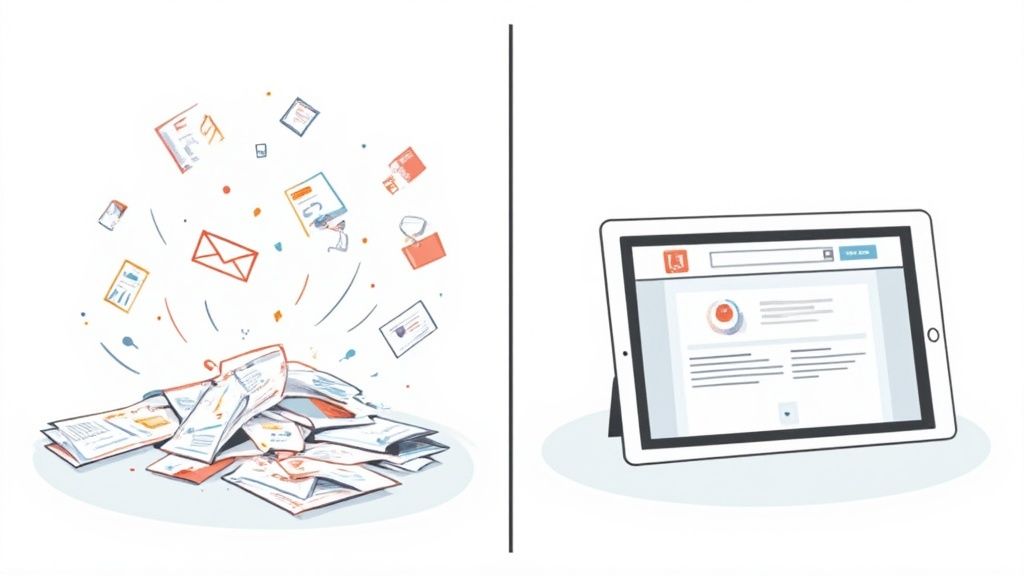
Let's be honest: using email to handle sensitive client information is inefficient and risky. It creates version-control nightmares and opens the door to serious data breaches. This is where a dedicated SaaS solution changes the game entirely.
Instead of messy back-and-forth emails, everything is centralized in one secure hub. Your client gets a single link to a professional, branded portal. There, they can see exactly what you need, upload files with a simple drag-and-drop, and track their progress. No more confusion, no more lost attachments.
Moving Beyond Manual Follow-Ups
The real magic of this technology is how it handles automation and improves the client relationship. These platforms are built to solve the big problems that manual processes just can't handle.
Here are a few of the headaches a dedicated SaaS tool eliminates:
- Constant Chasing: You can stop sending those "just following up" emails. Automated reminders do the nudging for you, saving you a ton of time.
- Poor Security: Get sensitive files out of email attachments. These platforms use encryption to protect client data.
- Lack of Visibility: A central dashboard gives you a bird's-eye view of every request. You know exactly who has submitted what and what's still outstanding.
This isn't just a minor upgrade; it's a fundamental shift in how professionals manage their work. The global market for SaaS-based document management is on track to hit USD 12.09 billion by 2032. With remote work becoming the norm, cloud-based tools are leading the charge.
When you bring in a platform built for this, you're not just fixing an administrative headache—you're gaining a real advantage. It helps you stay compliant, work more efficiently, and show every client that you're a modern, professional operation.
To learn more about putting these ideas into practice, check out our guide on effective document collection strategies.
5 Core Features Every Document Collection Platform Needs

Not all SaaS for collecting documents is built the same. While many tools can handle a basic file upload, the best platforms offer a smart set of features that do the heavy lifting for you and make life easier for your clients. It's this thoughtful combination that turns a simple utility into a core part of your business operations.
When you're evaluating your options, you'll quickly see a few features that stand out as non-negotiable. These are the tools that genuinely save time, reduce errors, and create a professional experience from start to finish.
Let's break down the essential features you should be looking for and why they matter so much.
The Essentials: What to Look For
1. A Secure, Branded Client Portal
A great system starts with a professional, secure client portal. This gives your clients one single, easy-to-remember link where they can see a clear checklist of every document you need. No more digging through old email threads—they know exactly what’s outstanding and what’s complete, which builds confidence and keeps things moving.
2. Automated Reminders and Follow-Ups
This is a game-changer. The right platform will automatically follow up with clients on your behalf, gently nudging them to submit their remaining documents. You can set the timing and customize the message, freeing your team from the awkward and time-consuming task of chasing people down.
3. Customizable Checklists and Templates
If you handle similar types of projects or onboard new clients regularly, you need templates. This feature lets you build standardized document request lists in advance. When a new project kicks off, you just apply the template and go. It’s a simple concept that saves countless hours of repetitive admin work.
4. Rock-Solid Security
Security isn't an optional add-on; it's the foundation. Look for platforms that offer end-to-end encryption for all data, both while it's being uploaded and when it's stored. Detailed audit trails that log every file view and download are also critical for compliance and peace of mind. For a deeper dive, check out our guide on choosing a secure document intake platform.
5. Seamless Integrations
Finally, a good document collection tool should play nicely with the other software you already use, like your CRM or project management system. This connectivity prevents you from having to manually move data between systems, which reduces errors and keeps your workflows connected. With cloud-based tools making up 68% of the document management market, this flexibility is what modern businesses expect. You can explore more on the growth of this market at Mordor Intelligence.
The real magic of a dedicated platform is its ability to create a predictable, professional, and secure process for everyone involved. It smooths over what is often the most frustrating part of any engagement: getting the right information on time.
Essential Features of Document Collection SaaS
To help you compare different tools, here's a quick summary of the most critical features and the direct benefit they bring to your business.
| Fonctionnalité | Core Benefit | Why It's Important |
|---|---|---|
| Secure Client Portal | Professionalism & Clarity | Gives clients a single, secure place to see requests and upload files. |
| Automated Reminders | Time Savings | Eliminates the need for manual follow-ups, freeing up your team. |
| Custom Templates | Consistency & Efficiency | Standardizes your workflows for recurring tasks, reducing setup time and errors. |
| End-to-End Encryption | Data Protection & Compliance | Protects sensitive client information and helps you meet regulatory standards. |
| Third-Party Integrations | Unified Workflow | Connects to your existing software (CRM, etc.) to automate data transfer. |
These five pillars are what separate a basic file-sharing tool from a true document collection solution. Focusing on them will help you find a platform that not only solves your immediate problem but also becomes a valuable asset for your entire team.
Comparing Your Document Collection Options
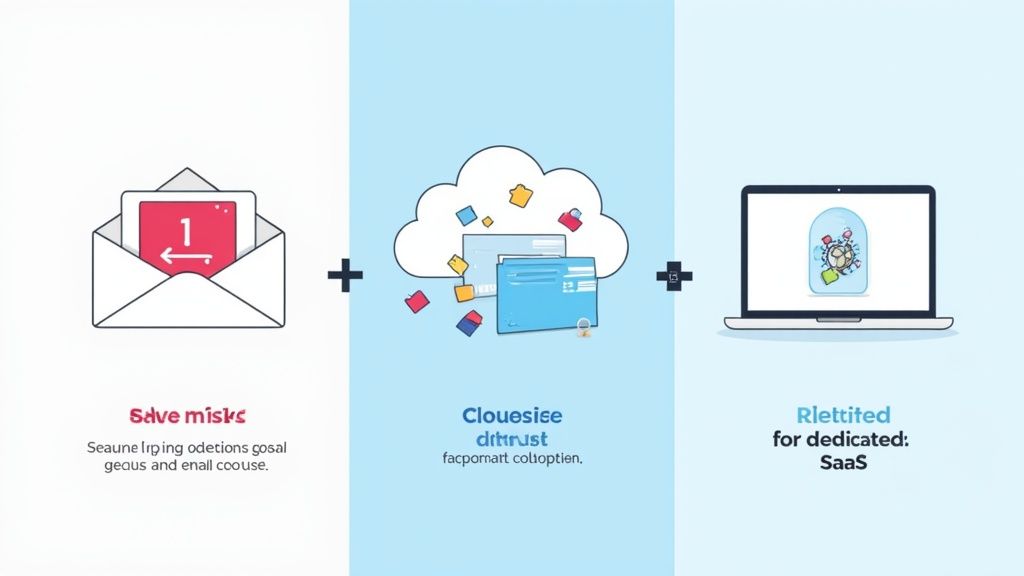
When you need to get files from clients, you've got a few ways to go. You can stick with what you know—email attachments—or use a generic cloud storage service like Google Drive or Dropbox. The third path is to bring in a dedicated SaaS for collecting documents.
Each choice has a ripple effect on your security, your team's efficiency, and the overall experience you give your clients. The best decision comes from really understanding the trade-offs. Email might feel easy, but it often leads to security risks and organizational headaches. Cloud storage is a step up, but it just doesn't have the smarts or professional polish needed for serious business.
Security and Client Experience
Let's be direct: the security gap between these options is massive. Email attachments are notoriously unsafe. They can be intercepted, get lost in spam filters, or accidentally sent to the wrong person. For anyone in finance, legal, or any field handling sensitive information, this is a non-starter.
Generic cloud storage is certainly more secure than email, but it can create a clunky, confusing experience for your client. Forcing them to figure out a messy folder structure or mess with sharing permissions is just adding friction. That friction causes delays and frustration.
A dedicated SaaS platform changes the game. It gives clients a secure, branded portal with a simple checklist of what's needed. This not only locks down their data but also shows your business is professional and organized, building trust right away.
Workflow and Operational Efficiency
This is where a specialized tool really pulls away from the pack. When you rely on email, your team is buried in manual tasks: chasing down missing files, sending endless reminder emails, and trying to sort through a flood of attachments. It’s a huge time sink.
Cloud storage platforms don't really fix this. They're just digital filing cabinets. You still have to manually check for new uploads, organize everything by hand, and keep a separate spreadsheet to track what's missing. There's no automation for reminders or status tracking. For a closer look at the different tools out there, check out our guide on finding the right tool for collecting documents.
A purpose-built SaaS platform, on the other hand, puts the whole process on autopilot. It sends out automatic reminders for you, gives you a dashboard to see everyone's progress at a glance, and makes sure every file is named and stored correctly. This automation frees up your team, cuts down on errors, and gets you the documents you need much, much faster.
Comparing Document Collection Methods
To see the differences side-by-side, let's break down how each method performs across the criteria that matter most to your business.
| Criterion | Email & Attachments | Generic Cloud Storage | Dedicated SaaS Platform |
|---|---|---|---|
| Security | Low. Prone to interception, data breaches, and human error. | Medium. Better than email, but relies on user-managed permissions. | High. End-to-end encryption, secure portals, and access controls. |
| Client Experience | Poor. Confusing email threads and no clear status tracking. | Clunky. Requires clients to navigate folders and manage uploads. | Excellent. Simple, branded checklists and a clear, guided process. |
| Automation | None. Completely manual process from request to reminders. | None. Just a storage location; all tracking is done manually. | Full. Automated reminders, status dashboards, and workflow triggers. |
| Efficiency | Very Low. High administrative burden and slow collection cycles. | Low. Reduces attachment chaos but still requires manual oversight. | Very High. Eliminates manual work and dramatically speeds up collection. |
| Branding | Minimal. Limited to your email signature. | Limited. Some co-branding options, but it's not your platform. | Full. Custom branding on portals and communications to build trust. |
As you can see, while email and cloud storage are familiar, they come with significant costs in terms of security risks and wasted time. A dedicated SaaS platform is built specifically to solve these problems, offering a superior solution for any business that regularly collects documents from clients.
Real-World Use Cases by Industry
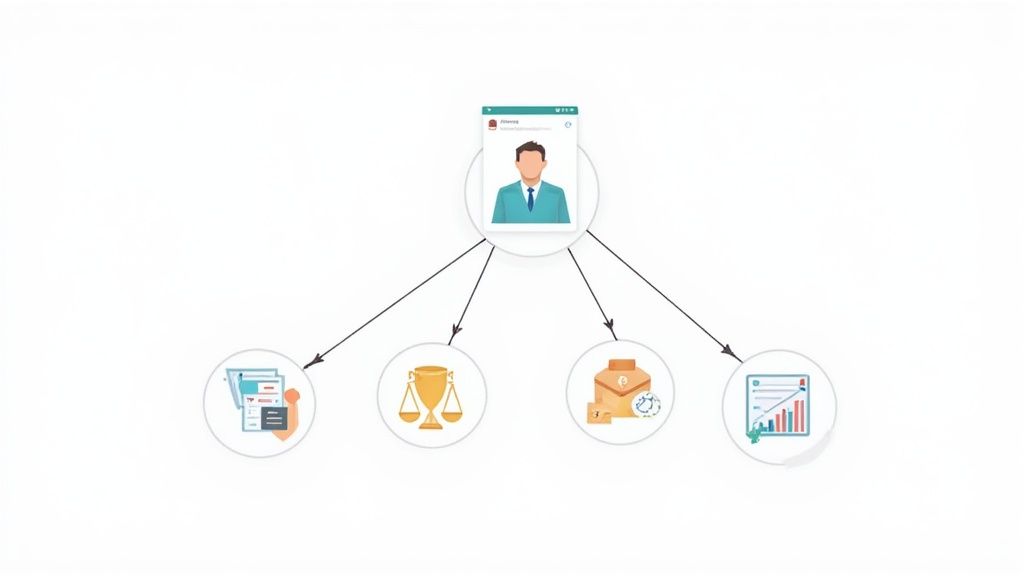
The real power of a SaaS for collecting documents comes to life when you see it in action. Every industry has its own unique headaches, whether it’s hitting impossible compliance deadlines or juggling highly sensitive client data. This is where a specialized platform really shines, offering solutions that generic file-sharing tools just can't touch.
Think about professional services, where time is literally money. A purpose-built system can turn a messy, unpredictable email thread into a smooth, automated workflow. The result? A direct boost to your team's productivity and happier clients.
Let's dive into how this looks in a couple of key industries.
Accounting and Financial Services
For accounting firms, deadlines are everything—especially during tax season. The old way of chasing clients for W-2s, 1099s, and endless receipts is a huge time suck. It's a manual process that’s just asking for mistakes and missed filing dates.
A document collection platform completely changes the game. Firms can set up standardized checklists for different clients—say, one for individuals and another for small businesses—and send them out in one go. The system then takes over with automated reminders, making sure everything gets submitted on time without anyone having to pick up the phone. It’s not just about speed; it's about providing a secure, centralized place for all that sensitive financial information.
Key Takeaway: For finance pros, the big win is the combination of automation and security. It creates a clear audit trail for compliance and gets sensitive data out of vulnerable email inboxes, protecting it with strong encryption.
Legal and Immigration Practices
Legal teams handle some of the most private information out there, from critical case evidence to personal ID for immigration filings. There is absolutely no room for error when it comes to security and confidentiality. One slip-up could have a massive impact on a client's case.
In this context, a dedicated SaaS platform functions like a secure digital evidence room. Attorneys can request specific documents, photos, and forms through a secure client portal that leaves email in the dust. Every file submission is tracked, creating an airtight chain of custody. For immigration consultants, this means all the required visa paperwork is collected correctly and kept organized, which helps prevent frustrating and costly delays in the application process.
Getting Your New System Up and Running
So, you've chosen a new SaaS platform to handle document collection. That's a big step. But the real magic happens in how you roll it out. Think of it less as flipping a switch and more as carefully paving a new road for your team and clients. A little planning here goes a long way to making sure the transition is smooth and you start seeing a return on your investment almost immediately.
Before you touch a single setting, ask yourself: what’s the number one problem we're trying to solve? Is it to slash the time it takes to onboard a new client? Is it to tighten up security and compliance? Or is it simply to free up your team from the endless cycle of chasing down paperwork? Pinpointing that main goal will be your north star for the entire setup.
Setting Yourself Up for a Smooth Launch
With your primary goal in mind, the first practical step is to create reusable templates. If you do one thing, do this. Build out a library of document request lists for your most frequent client needs. This isn't just a time-saver; it's how you standardize your process and ensure every client gets the same professional experience, no matter who on your team is helping them.
Next, it's time to build your new digital front door: the client portal.
- Make it yours: Upload your logo and set your brand colors. A familiar, professional-looking portal instantly builds trust.
- Keep instructions simple: Tell clients exactly what they need to upload and why. Clarity is key to avoiding back-and-forth emails.
- Automate the follow-up: Decide when and how often automated reminders should go out. You can adjust the tone to be friendly and helpful, not pushy.
A well-configured portal does more than just collect files. It becomes a core part of your client experience, showing them you value their time and take their security seriously. That’s a powerful message.
Finally, think about how you'll bring everyone over to the new system. Don't go for a big-bang launch. Start with a small pilot group—a few friendly, tech-savvy clients who can give you honest feedback. For your internal team, a short training session focused on the most common daily tasks will get them comfortable and ready to hit the ground running.
Frequently Asked Questions
Jumping into a new tool, especially one that handles client documents, always brings up a few questions. It's smart to dig into the details of security, client experience, and how it all fits with your current setup. Let's tackle some of the most common ones.
Getting these answers straight helps you see exactly how a document collection platform can slide into your workflow and make a real difference.
Is It Secure for Sensitive Information?
Absolutely. Think of it this way: sending sensitive files as email attachments is like sending a postcard—it can be easily intercepted or land in the wrong hands. Reputable document collection platforms are built like a digital vault.
They use heavy-duty security measures like end-to-end encryption, strict access controls, and detailed audit trails to track every action. Always check for industry-standard compliance certifications, like SOC 2 or HIPAA, to be sure the provider meets rigorous data protection standards.
Will My Clients Find It Difficult to Use?
This is a big one, and the answer is no. These platforms are designed for people who aren't tech-savvy. Your clients get a secure link that takes them to a simple, branded checklist. From there, it's just a matter of dragging and dropping files.
The best part? There’s no software installation needed on their end. This simple, professional process is a huge upgrade from sifting through confusing email chains and often gets you what you need much faster.
Can These Platforms Integrate with Other Software?
Yes, and this is where the magic really happens. Most top-tier document collection platforms connect with the tools you already rely on, like your CRM, practice management software, or cloud storage.
Imagine setting it up so that a document request is automatically sent the moment you add a new client in your CRM. Before you choose a platform, make sure to review its specific integrations. Getting this right is what transforms a helpful tool into a core part of your business operations.
Ready to stop chasing documents and start streamlining your client onboarding? Discover how Superdocu can automate your workflows with secure, branded portals and automated reminders. Start your free trial today