
Your team probably has at least one process that looks harmless on paper and chaotic in real life. Someone requests documents. A staff member sends an email. Then comes the follow-up. Then the reminder about the missing file. Then the note that the file expired, was unreadable, or arrived in the wrong format. Soon the whole process lives across inboxes, spreadsheets, shared drives, and people's memory.
That's often where interest in no code workflow automation software begins. Not with a grand digital transformation plan, but with a pile of repetitive admin work that keeps stealing attention from higher-value tasks. Document collection is one of the clearest examples because it mixes deadlines, approvals, reminders, status tracking, and sensitive files in one process. If that sounds familiar, you may also want practical ideas for how to automate repetitive tasks.
Table of Contents
- Reclaim Your Time from Repetitive Tasks
- Explaining No Code Workflow Automation Simply
- Key Benefits of Adopting Workflow Automation
- Must-Have Features in Modern Automation Software
- Selecting the Right Automation Tool for Your Business
- Real-World Examples of Workflow Automation
- Start Your Automation Journey with Superdocu
Reclaim Your Time from Repetitive Tasks
Maya runs operations for a growing firm. Her week isn't ruined by one giant problem. It's drained by small ones. She sends the same document request again and again, checks whether clients uploaded the right file, updates a spreadsheet, nudges coworkers for approval, then starts over when something is missing.
Nothing in that loop is especially complex. That's what makes it so frustrating. Skilled people spend hours doing work a system should handle automatically.
No code workflow automation software changes the story. Instead of asking a developer to build a custom tool, a business team can set up a process that requests documents, sends reminders, routes submissions, and flags missing items without writing code. That shift has moved far beyond early experimentation. Gartner estimated the global low-code/no-code development market at $26.9 billion in 2023, up 19.6% year over year, and projected it to reach $65 billion by 2027. Industry summaries in the same review also noted that 77% of organizations used no-code or low-code tools in 2023, while 94% of companies said they used low-code tools in 2022, which shows broad adoption across business operations, as summarized in Browsercat's review of no-code and low-code adoption.
Manual process chaos usually isn't caused by lazy teams. It's caused by a process that depends on people remembering every step.
Document collection is a perfect starting point because the pain is easy to spot. A missing ID card delays onboarding. An expired insurance certificate creates compliance risk. A half-complete tenant application slows leasing. These problems don't come from strategy. They come from manual follow-up.
When managers first see a workflow run on its own, the main reaction is relief. The requests go out consistently. Reminders happen on schedule. Files land in one place. Status becomes visible. People stop chasing and start reviewing.
Explaining No Code Workflow Automation Simply
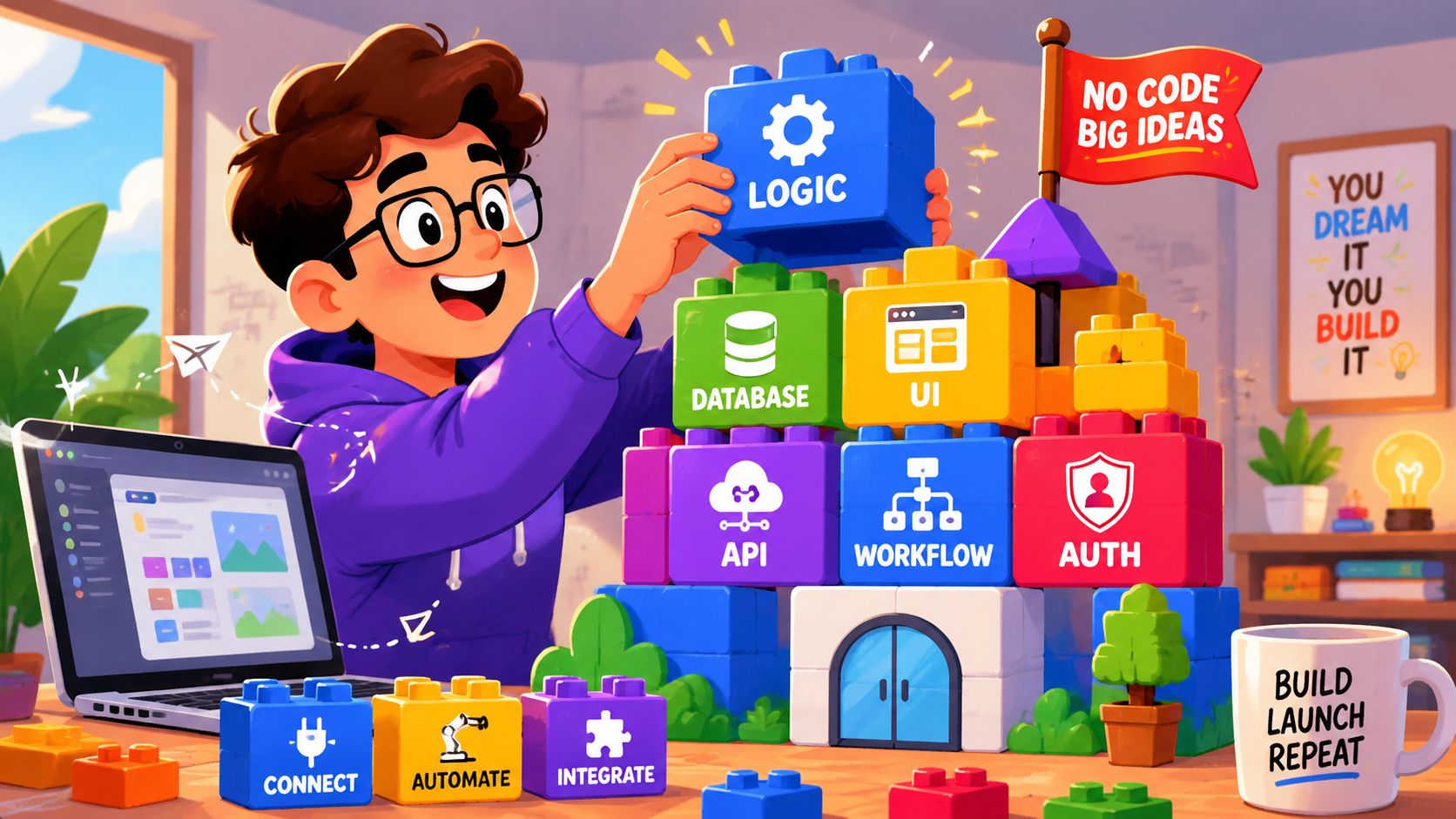
Think of no code workflow automation software like building with digital blocks. You don't program each step from scratch. You choose pieces that already know what they do, then connect them in the right order.
One block might say, “When a new client is added.” Another might say, “Send a document request.” A third might say, “If the file is missing after a few days, send a reminder.” Put those blocks together and you've built a working process. If you want a broader primer before going deeper, this guide on what workflow automation is gives a helpful starting point.
Think in triggers conditions and actions
Most confusion disappears once you understand three ideas.
- Trigger: This is the event that starts the workflow. A form gets submitted. A deal moves to a new stage. A new employee record appears.
- Condition: This is the rule that checks what should happen next. Is the file type correct? Is manager approval required? Has the deadline passed?
- Action: This is what the system does. Send an email. Request a signature. Notify a reviewer. Mark the task complete.
That structure matters because it turns a messy manual process into a visible sequence. According to Glean's explanation of no-code automation tools, a core advantage is the visual orchestration layer, where users connect triggers, conditions, and actions on a canvas instead of writing code. That makes automation easier for non-developers while still supporting branching and multi-step logic.
In plain language, the canvas is your process map. You're not guessing what happens after step three. You can see it.
Practical rule: If you can draw your process as a flowchart, you can usually build the first version in a no-code tool.
This is especially useful for document collection. A workflow can ask one person for tax documents, send a different list to another person, route completed files to review, and keep nudging only the contacts who still haven't responded. The team no longer has to manage every handoff manually.
No code versus low code
People often mix these terms together. That's understandable, but the difference is simple.
No code tools are built for business users. They rely on forms, templates, dropdowns, and drag-and-drop workflow builders.
Low code tools still use visual builders, but they may allow or require some developer input for advanced customization.
For many operations teams, HR managers, legal staff, and account managers, no code is enough. They don't need to engineer a system from zero. They need a reliable way to automate a process they already understand.
Key Benefits of Adopting Workflow Automation

The strongest argument for automation usually isn't “it looks modern.” It's that manual processes cost money, create avoidable delays, and pull skilled employees into repetitive work.
Why the business case is so strong
Industry reporting summarized by Integrate.io says organizations save an average of $187,000 annually with no-code platforms. The same summary says 60% of companies save between $100,000 and $200,000 per year, positive ROI often appears within 6 to 12 months, and some implementations reduce development time by up to 90%, as described in Integrate.io's roundup of no-code usage trends and ROI.
Those numbers help explain why teams automate more than back-office convenience tasks. They use no code workflow automation software because the savings come from several places at once:
- Less manual follow-up: Staff stop spending hours sending reminders and checking status.
- Less custom development work: Teams can launch practical workflows without waiting for engineering.
- Fewer bottlenecks: Requests move forward even when one employee is busy or out of office.
- Faster setup: A common process can often be built from existing logic rather than planned as a software project.
A document workflow shows this clearly. If a business collects compliance records, onboarding forms, or application files by email, someone has to monitor the whole chain. Automation removes that burden from the day-to-day.
The benefits people feel first
The first improvement most managers notice is speed. The process starts immediately. Every recipient gets the right request. Reminder timing becomes consistent. Reviewers know what's waiting for them.
The second improvement is focus. Team members stop acting like traffic controllers for basic admin work.
Good automation doesn't replace judgment. It protects judgment from being buried under repetitive tasks.
There's also a quality gain that matters more than many teams expect. Automated workflows are better at consistency than humans are. A person might forget to send a reminder or overlook a missing attachment. A workflow doesn't get distracted.
For client-facing teams, the experience improves on the outside too. Clients, candidates, tenants, and partners get one clean request instead of a scattered email thread. They know what to send, where to send it, and what's still missing. That reduces confusion before your team even gets involved.
Must-Have Features in Modern Automation Software
Not all automation tools are built for the same kind of work. Some are strong at moving data between apps. Others are better at approvals, intake, or document-heavy processes. If your real pain is collecting files from people outside your organization, the feature list matters a lot.
Independent tooling guides report that mature no-code platforms can deliver up to 90% faster development, around 40% lower development costs, and up to 85% fewer human errors in repetitive data-entry processes when organizations replace manual steps with automated workflows, according to WeWeb's guide to no-code workflow automation. Those outcomes depend on choosing software with the right building blocks.
The foundation features
Start with the basics. If a platform makes simple work feel complicated, adoption will stall.
- Drag-and-drop workflow builder: This is the heart of the no-code experience. A good builder lets your team map a process visually and adjust it without technical help. A dedicated workflow builder for document requests and approvals is especially useful when your process includes reminders, validation, and review steps.
- Templates for common use cases: Templates reduce setup time and help teams avoid designing from a blank page. They're useful for onboarding, client intake, document renewal, and approval flows.
- Conditional logic: Real processes branch. New hires need one document list. Contractors need another. High-value contracts may require an approval step that standard contracts don't.
- Status visibility: Teams need to see what's pending, submitted, approved, rejected, or overdue without opening ten different tools.
A strong platform should make those features feel ordinary, not advanced.
The features that matter most for document collection
At this stage, many buyers realize they don't need general automation alone. They need process control around documents.
Consider these capabilities carefully:
- Branded request portals: External users are more likely to complete requests when the experience looks organized and trustworthy.
- Automated reminders: The system should chase missing files on schedule so your team doesn't have to.
- Validation and review dashboards: Someone inside the business still needs to confirm that a document is correct, readable, signed, and current.
- Expiration tracking: Some documents don't just need to be collected once. They need to stay up to date over time.
- eSignature support: In many workflows, collection and signature belong in the same chain.
- Integrations: The tool should connect with the systems your team already uses, whether that's a CRM, cloud storage, Zapier, or an eSignature platform.
- Security controls: Encryption, access controls, hosting choices, and GDPR alignment matter when the workflow involves personal or regulated data.
A simple test helps here. Ask yourself, “Can this tool handle the full life of the document, or only the first request?” Many teams automate the front end, then fall back to spreadsheets for tracking, validation, and renewal. That's where manual work creeps back in.
When software saves clicks but doesn't reduce follow-up, it hasn't solved the real process problem.
The best-fit tool is usually the one that matches the shape of your workflow. If your bottleneck is document collection, choose software that treats requests, submissions, reviews, and renewals as one connected process.
Selecting the Right Automation Tool for Your Business
Choosing software gets easier when you stop asking, “Which platform has the most features?” and start asking, “Which process hurts us the most right now?”
Start with one painful process
A common early mistake is trying to automate everything at once. This creates confusion, delays the rollout, and makes the platform seem harder than it is.
Start smaller. Pick one process with these traits:
- It happens often. Repetition creates the best automation opportunities.
- It follows rules. The clearer the steps, the easier the workflow is to build.
- It frustrates people. Pain creates adoption because staff want the problem gone.
- It affects customers or compliance. That gives the project visible value.
Document collection often checks every box. It repeats. It follows a pattern. It annoys staff. And if it breaks, the business feels the consequences.
After that, compare tools with a practical lens. Ease of use matters. So do integrations, security, and visibility. But the biggest question is whether a non-technical manager can confidently maintain the workflow after launch. If every change still requires a specialist, you haven't really escaped the old bottleneck.
Evaluation checklist
Use this table when comparing no code workflow automation software options.
| Evaluation Criterion | What to Look For | Score (1-5) |
|---|---|---|
| Ease of use | Clear interface, visual builder, simple setup for non-technical staff | |
| Workflow flexibility | Supports branching, approvals, reminders, and exceptions | |
| Modèles | Prebuilt flows for your use case such as onboarding or document collection | |
| External user experience | Clean request portal, easy uploads, mobile-friendly completion | |
| Validation tools | Ability to review submissions, flag issues, and approve or reject items | |
| Reminder automation | Scheduled follow-ups for incomplete requests and renewals | |
| Intégrations | Works with your current tools such as CRM, storage, Zapier, or eSignature apps | |
| Security and compliance | Encryption, access controls, audit visibility, GDPR support if needed | |
| Reporting and visibility | Dashboard view of pending, completed, overdue, and expiring items | |
| Scalability | Can handle more workflows, more users, and more complex steps over time | |
| Support and onboarding | Useful documentation, responsive help, and a clear trial experience | |
| Pricing fit | Cost matches the value of the process being automated |
A few buying questions are worth asking during demos:
- Who on our team can edit this workflow after launch?
- How does the system handle missing or invalid documents?
- What happens when a document expires later?
- Can recipients complete the process without creating friction for themselves?
These questions keep the evaluation grounded in real work instead of feature theater.
Real-World Examples of Workflow Automation
The easiest way to understand automation is to look at everyday workflows that teams already struggle with. These aren't edge cases. They're common business processes that become messy when handled through email and shared folders.
Four common document workflows
A legal firm starts a new client matter. Staff need ID documents, signed engagement forms, and supporting records. In a manual process, the intake coordinator sends multiple emails, checks attachments, follows up on missing items, and updates internal notes. In an automated process, the client receives one structured request, uploads files through a secure link, and the legal team reviews everything in one place.
An HR team hires a new employee. The candidate needs to submit identification, tax forms, bank details, and signed policy documents. Without automation, recruiters and HR staff keep switching between inboxes, cloud folders, and payroll systems. With automation, each hire receives the right checklist, reminders go out automatically, and reviewers can quickly spot what's complete or still missing.
A real estate agency processes tenant applications. Applicants often send income proof, ID, references, and supporting paperwork in different formats and at different times. Agents waste time chasing incomplete submissions. A structured workflow requests the right documents up front, routes completed files for review, and gives the agency a cleaner way to compare applications.
The most useful automations are often the least glamorous. They remove the repeated friction that everyone has quietly accepted.
A transportation company needs current driver and vehicle documents. Licenses, insurance records, certifications, and compliance files can expire, which means collection isn't a one-time event. A document-centered workflow tracks what has been submitted, flags what needs attention, and prompts renewal before files become outdated.
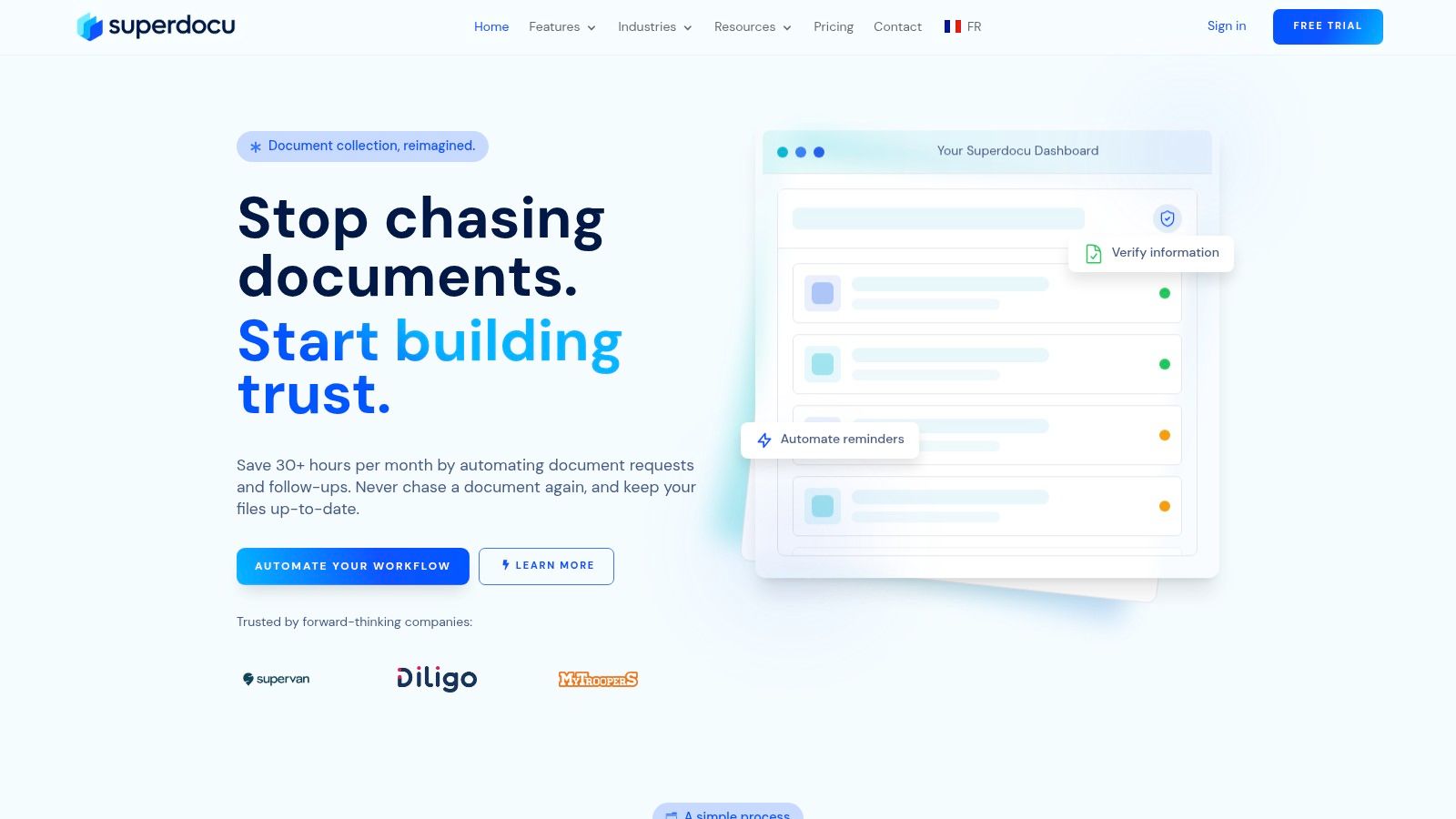
One option in this category is Superdocu, which is built around document collection workflows with branded request links, automated reminders, validation dashboards, expiration tracking, and integrations including Zapier and DocuSign. That makes it relevant for teams in legal, HR, real estate, transportation, and similar industries where the workflow revolves around gathering and checking files.
Across these examples, the pattern stays the same. The automation doesn't remove human judgment. It removes the admin drag around requesting, receiving, sorting, and tracking documents.
Start Your Automation Journey with Superdocu
If document collection is where your team loses time, a focused workflow usually beats a patchwork of email, spreadsheets, and generic forms. The practical goal is simple. Ask for the right documents, make submission easy, review what comes in, and keep files current without constant manual chasing.
A straightforward starting path looks like this:
- Choose a template. Start with a workflow that already matches your use case.
- Customize the portal. Adjust branding, required files, messages, and reminder timing.
- Share the link. Send one clear request and let the workflow handle the follow-up.
That approach is useful because it lowers the barrier for non-technical teams. You don't need to design an entire software system. You need to make one broken process reliable.
For businesses that manage onboarding files, compliance records, client intake paperwork, or recurring renewals, a document-focused no code workflow automation software setup can turn a daily headache into a repeatable process your team can trust.
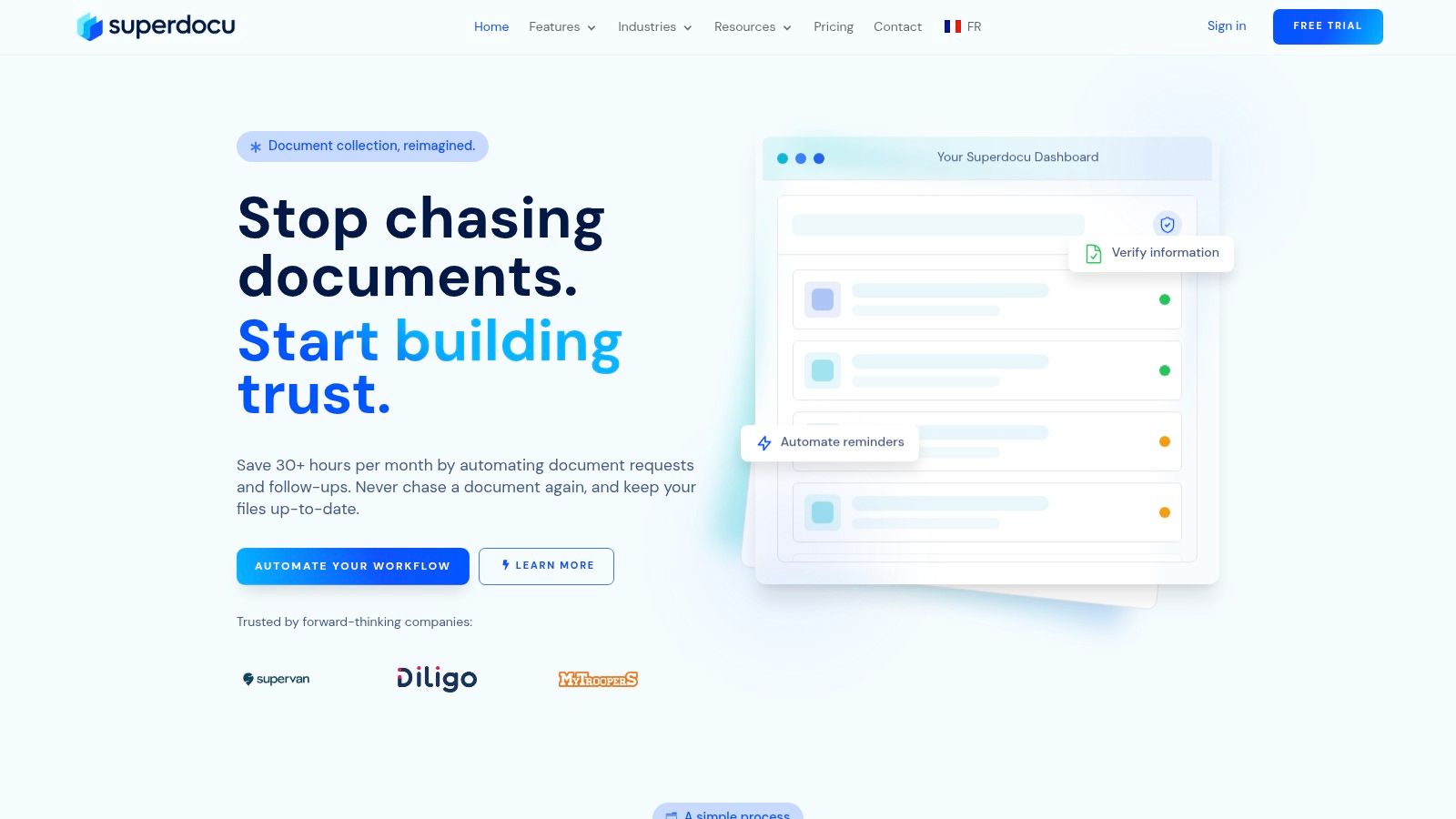
If you want to replace manual document chasing with a structured workflow, Superdocu offers a simple place to start with templates, branded portals, automated reminders, validation dashboards, and a seven-day free trial.