
Chasing clients for documents via email is a familiar pain point for professionals in legal, HR, real estate, and finance. It's a manual, error-prone process that creates friction, delays projects, and introduces security risks. The right document collection software replaces chaotic email chains with secure, automated, and professional client portals, saving you significant time and elevating your client experience.
This guide breaks down the 7 best platforms to streamline how you gather information. We'll explore core features, industry-specific benefits, and key evaluation criteria to help you find the perfect solution for your business. Each option includes screenshots and direct links to simplify your decision-making process.
1. Superdocu
Superdocu is a powerful, cloud-first document collection software engineered to automate the complete lifecycle of requesting, tracking, and renewing client or employee files. It stands out for its intuitive workflow builder and extensive library of industry-specific templates, allowing even non-technical users in sectors like legal, HR, and real estate to launch secure, branded collection portals in minutes. This focus on repeatability makes it an excellent choice for teams looking to standardize their intake processes and eliminate administrative bottlenecks.
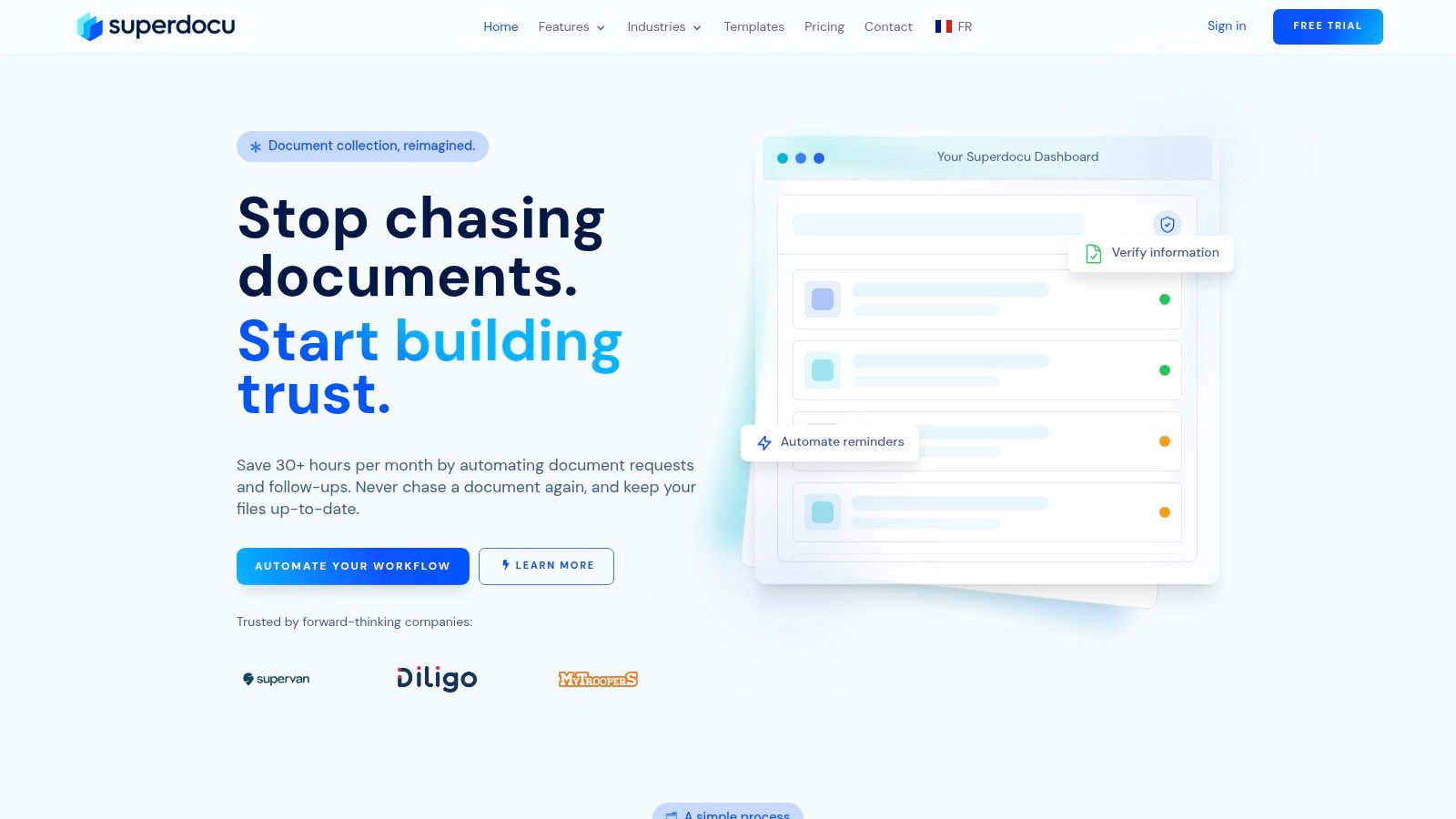
The platform excels at reducing manual follow-up. By leveraging automated reminders, progress tracking, and document expiration alerts, Superdocu helps businesses save significant time and reduce collection cycles by a claimed 70%.
Key Features & Benefits
- End-to-End Automation: Build reusable workflows, send branded request links, and trigger automated reminders to drastically cut down on manual chasing.
- High Security & Compliance: With GDPR compliance, data encryption, and secure European hosting, Superdocu provides a robust framework for handling sensitive information.
- Powerful Integrations: Native connections with DocuSign and Zapier (linking to over 3,000 apps) let you embed e-signatures and automate downstream tasks without any code.
Tarifs
Superdocu offers tiered pricing, starting with its Starter plan at €97/month for up to 100 active contacts. The Pro plan at €247/month expands limits and adds key integrations. An Enterprise plan is available for teams needing API access and custom solutions. All plans include a 7-day free trial to test the platform.
Website: Superdocu
2. FileInvite
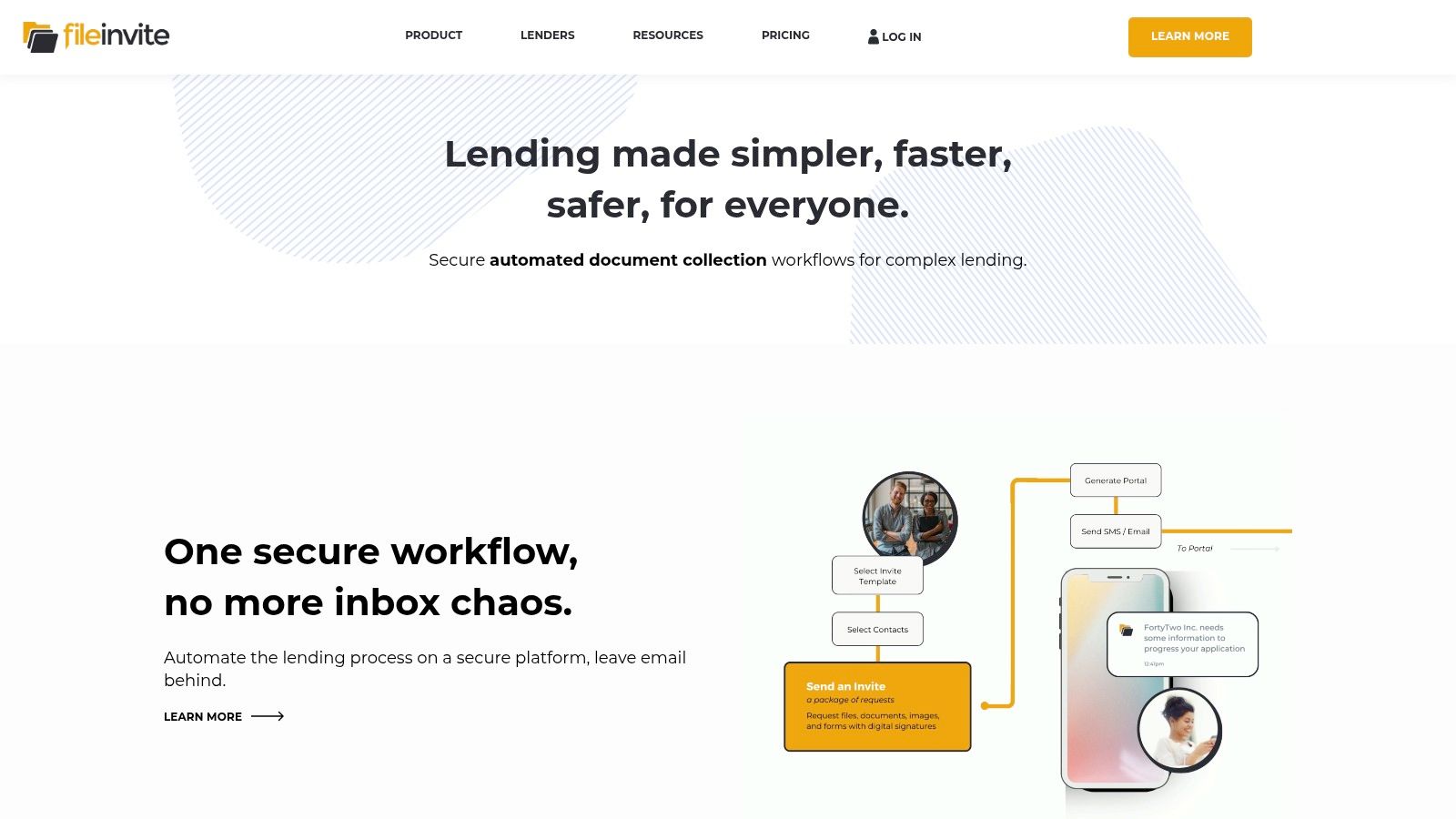
FileInvite is a specialized document collection software designed for high-compliance and high-volume environments like lending, legal, and financial services. It replaces chaotic email threads with a secure, branded client portal where you can request files, forms, and e-signatures in a single, structured workflow. This focus on regulated industries makes it a standout choice for teams that need auditable, professional-grade document management.
The platform streamlines the client experience with automated reminders and a clear checklist, reducing the back-and-forth communication that often delays projects. For internal teams, features like request templates, automatic PDF conversion, and standardized file naming save significant administrative time.
Key Features & Details
- Best For: Mortgage brokers, legal firms, accountants, and other regulated professionals.
- Unique Feature: Integrated e-signature and PDF form-filling capabilities directly within the request, eliminating the need for separate tools.
- Tarifs: Plans are enterprise-focused and often require a demo for a custom quote. Pricing starts higher than general file-sharing tools, and billing is typically annual.
Pros & Cons
- Pro: Strong compliance orientation with detailed audit trails and secure access controls.
- Con: May be overly complex for simple, one-off document collection needs.
You can learn more by reading a detailed review of FileInvite to see if its features align with your workflow.
3. Suralink
Suralink is a request-list-driven document collection platform designed specifically for accounting and professional services firms. It replaces insecure email chains with a centralized, secure portal for managing Provided by Client (PBC) lists, audits, and tax preparations. This sharp focus on accounting workflows makes it a premier choice for firms looking to enhance client collaboration, improve transparency, and secure sensitive financial data.
The platform is built around dynamic request lists, allowing teams to track the status of every item in real-time. Clients get a clear, user-friendly interface to upload files, ask questions, and sign documents, while firms gain a complete audit trail of every action. This structure significantly reduces administrative overhead and tightens compliance.

Key Features & Details
- Best For: CPA firms, auditors, tax professionals, and financial advisory services.
- Unique Feature: Its purpose-built PBC list management system, with templates and roll-forward capabilities that streamline recurring client engagements.
- Tarifs: Custom pricing is provided after a consultation. The platform is sold as a firm-wide solution, and pricing is not publicly listed.
Pros & Cons
- Pro: Unlimited client access, meaning clients are not billed per seat, making it highly scalable.
- Con: Its specialization in accounting workflows may make it less adaptable for other industries with different needs.
To see how Suralink compares to other tools, you can explore this overview of client document request software to find the best fit.
4. ShareFile
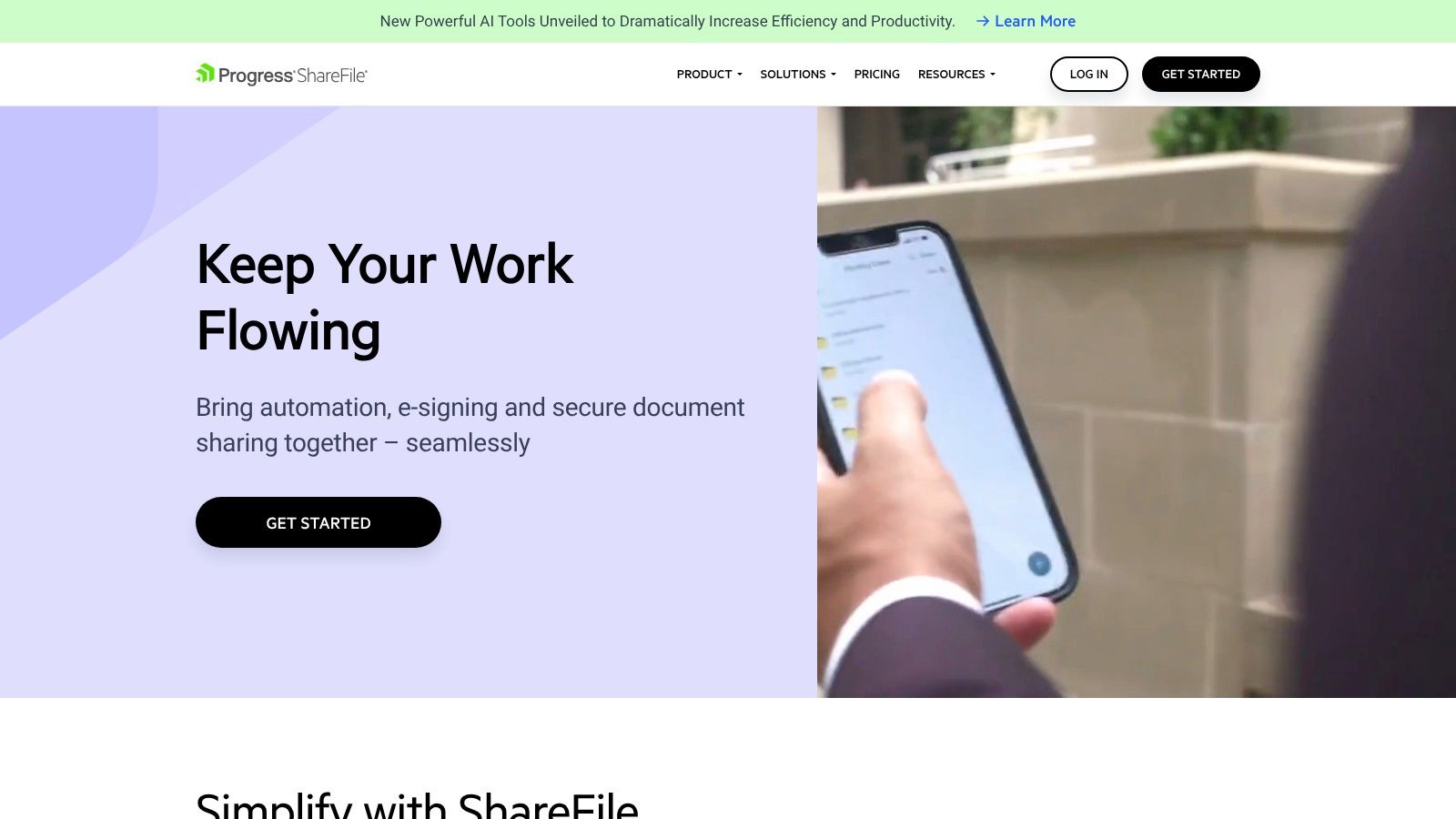
ShareFile, part of Progress Software, offers an all-in-one platform that combines secure file sharing, e-signatures, and automated document requests. It’s designed for SMBs and professional firms that need a branded client portal with strong compliance controls. The platform excels at creating structured, repeatable workflows to replace insecure email chains and manual follow-ups, making it an excellent piece of document collection software.
It centralizes client interaction by providing a secure space for collaboration, document approvals, and signing. With features like Document Request Lists, teams can create templates with set due dates, track progress, and ensure they receive the correct information the first time. This blend of security and automation is ideal for regulated industries.
Key Features & Details
- Best For: Accounting firms, legal teams, wealth management, and businesses needing a secure, end-to-end client portal.
- Unique Feature: Combines client portal, document requests, and unlimited e-signatures in a single subscription, providing comprehensive client workflow management.
- Tarifs: Transparent per-user pricing with free trials available. Paid plans have a three-user minimum, with options for HIPAA and FINRA compliance.
Pros & Cons
- Pro: Creates a complete client document workflow in one product, from request to signature.
- Con: Advanced automation features may require dedicated onboarding to fully realize their value.
You can explore its features to see how it consolidates client-facing tasks into one secure system.
5. Content Snare
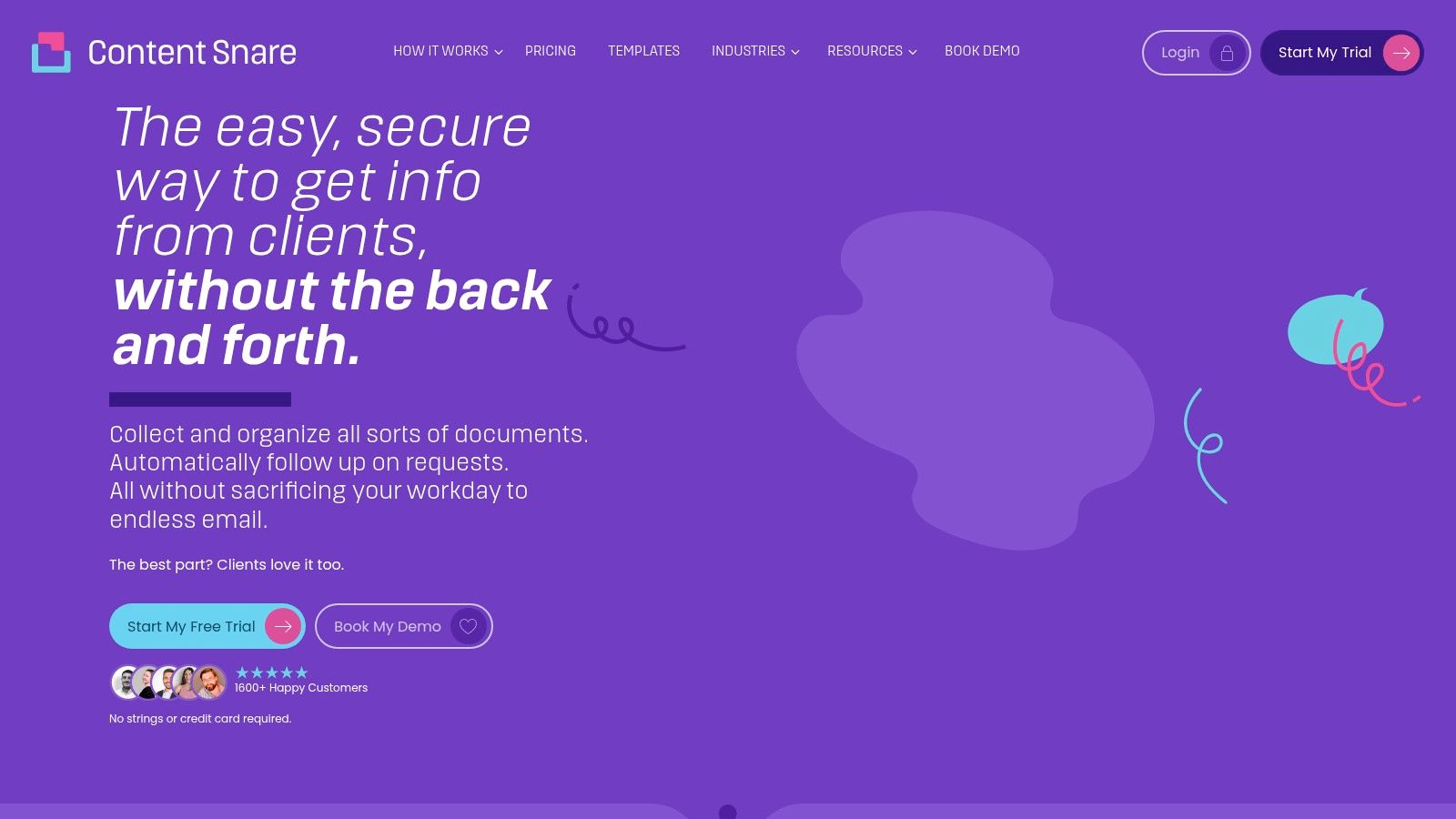
Content Snare is a streamlined document collection software designed for agencies, marketers, and client-facing teams who need to gather files and information simultaneously. It replaces messy email chains with simple, form-style requests where you can ask questions and request files in a single, guided workflow. This makes it ideal for onboarding new clients, gathering project assets, or collecting application information where context is key.
The platform excels at simplifying the client experience. Automated reminders gently nudge clients to complete their requests, while a clean, checklist-style portal shows them exactly what’s left to submit. For internal teams, the drag-and-drop request builder and pre-made templates make creating and sending requests incredibly fast.
Key Features & Details
- Best For: Marketing agencies, web designers, coaches, and professionals who need both documents and contextual information from clients.
- Unique Feature: The form-style builder that seamlessly combines text fields, multiple-choice questions, and file upload areas into one request.
- Tarifs: Offers clear, tiered plans starting from a basic plan for individuals up to business plans for larger teams, with pricing based on active requests and features.
Pros & Cons
- Pro: Very intuitive and fast to set up, making it accessible for non-technical users.
- Con: Less focused on the high-level compliance and security features required by regulated industries like finance or legal.
6. Dropbox (File Requests)
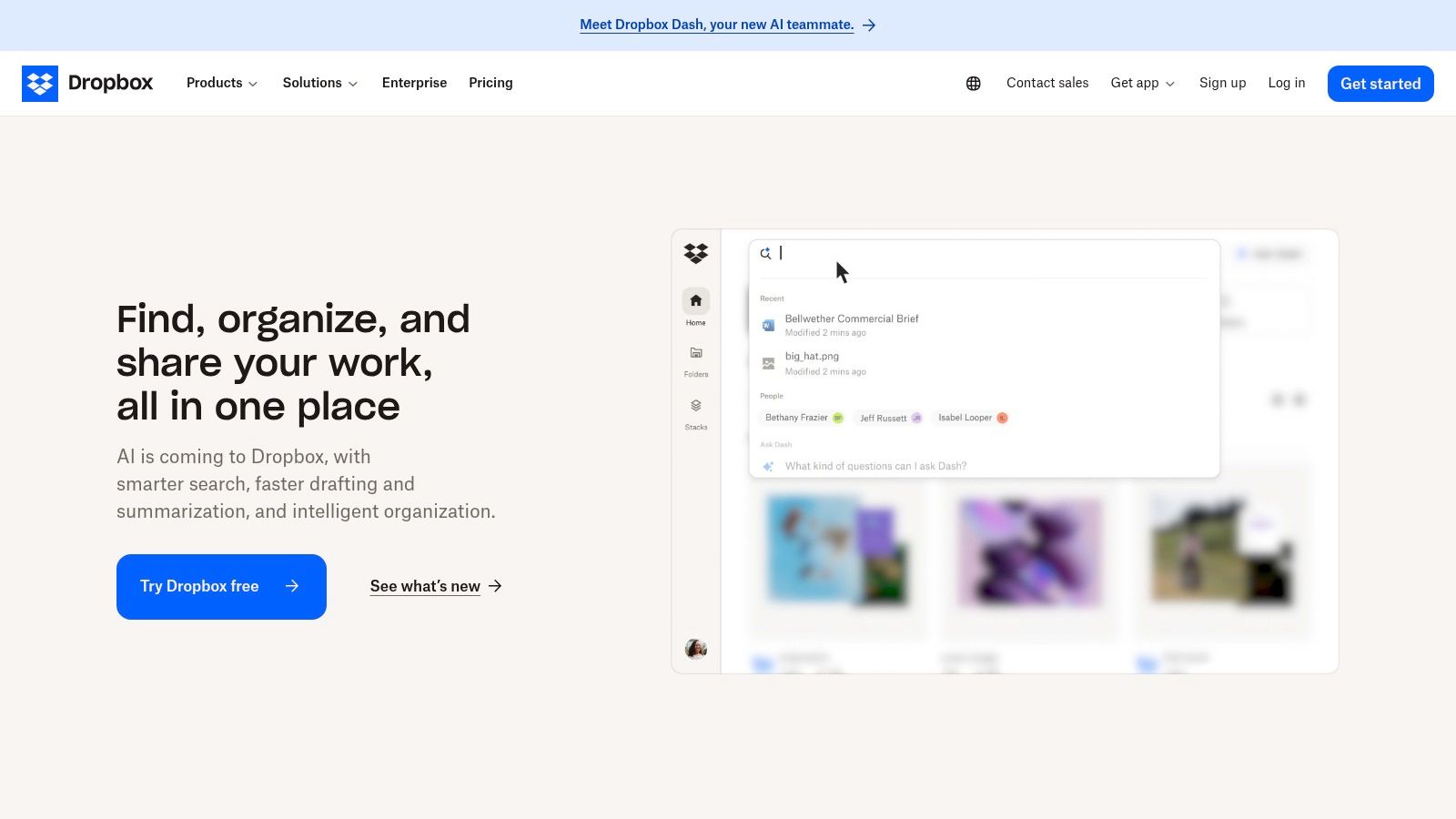
While known primarily as a cloud storage leader, Dropbox offers a powerful document collection software feature called File Requests. This tool allows users to collect and receive files from anyone, even if the sender doesn't have a Dropbox account, directly into a designated folder. It’s an excellent solution for businesses and individuals who need a simple, low-friction way to gather documents without the complexity of a dedicated portal.
The functionality is built into the familiar Dropbox ecosystem, making it easy to adopt for teams already using the platform for storage. For recurring needs, the process is straightforward, and on advanced plans, features like larger file upload limits, team management, and branded sharing enhance its utility for professional use cases.
Key Features & Details
- Best For: Creative agencies, freelancers, and small businesses needing a simple way to receive large files from clients and collaborators.
- Unique Feature: The seamless integration into its core cloud storage service, allowing collected files to be instantly organized, shared, and managed within existing workflows.
- Tarifs: Available on all plans, including the free tier. Business plans, starting around $15 per user/month, add larger upload limits (up to 250 GB), more storage, and team controls.
Pros & Cons
- Pro: Extremely user-friendly and familiar interface for submitters, removing barriers to document submission.
- Con: Lacks the advanced checklist, form-filling, and automated follow-up features found in specialized document request tools.
Discover how Dropbox compares to other solutions by reading this guide on document request software to ensure it meets your needs.
7. Box (File Request)
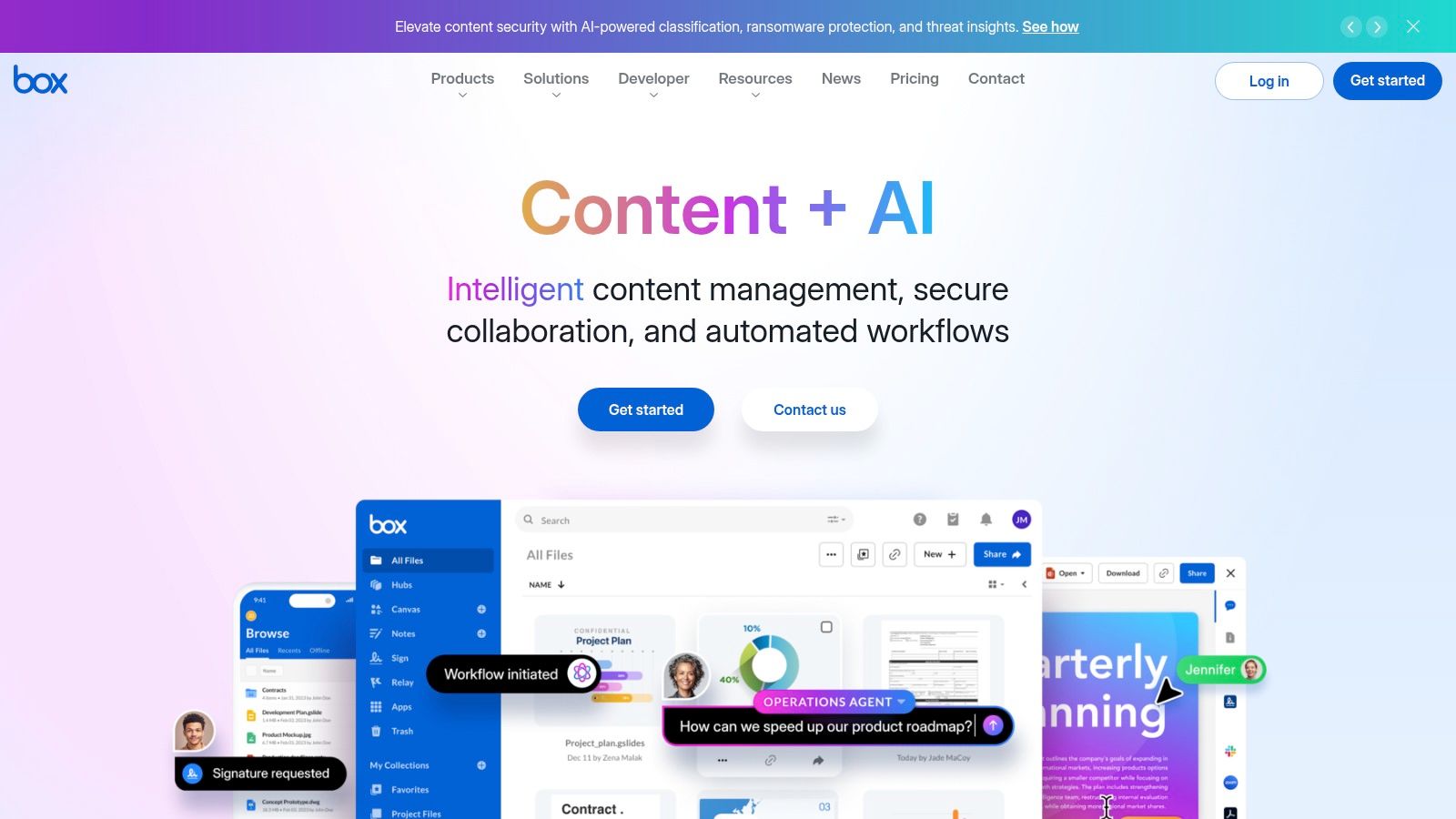
Box is a well-known enterprise content cloud that extends its functionality into a powerful document collection software through its File Request feature. This tool allows users to create simple, secure upload links where external parties can submit files directly into a designated Box folder. Unlike basic file-sharing links, File Requests can be enhanced with custom metadata fields to capture necessary information, such as project IDs or client names, ensuring every submission is organized from the start.
The platform excels in regulated environments by integrating with Box Relay, its native workflow automation tool. This connection allows incoming documents to automatically trigger multi-step processes like review, approval, or data extraction. This combination of structured intake and automated governance makes Box an ideal solution for large organizations that already rely on its ecosystem for content management and need a compliant way to handle external submissions.
Key Features & Details
- Best For: Large enterprises, IT departments, and businesses in regulated industries that need secure intake integrated into their existing content management system.
- Unique Feature: The ability to add custom metadata fields to the upload form and trigger powerful, multi-step workflows with Box Relay upon submission.
- Tarifs: The File Request feature requires a Business-tier plan or higher, starting at around $15 per user/month, with more advanced workflow features available on higher-tier enterprise plans.
Pros & Cons
- Pro: Leverages Box’s enterprise-grade security, governance, and granular permissions for every submission.
- Con: File Request creation is not available on lower-tier or personal plans, and it can be more complex to administer than simple file-drop tools.
You can learn more by exploring the features of Box's content cloud.
Top 7 Document Collection Tools Comparison
| Produit | Implementation complexity (🔄) | Resource requirements (⚡) | Expected outcomes (📊 ⭐) | Ideal use cases (💡) | Key advantages |
|---|---|---|---|---|---|
| Superdocu | 🔄 Low–Medium — template + workflow builder for quick launches | ⚡ Moderate — Starter €97/mo; Pro adds Zapier & DocuSign; contact/storage caps | 📊 Streamlined, automated collection; claims ~70% faster, ~30+ hrs/month saved ⭐⭐⭐ | 💡 SMEs in legal, HR, real estate needing branded automated intake | White‑label portals; GDPR & France hosting; Zapier & eSign integrations; expiration monitoring |
| FileInvite | 🔄 Medium — structured setup for regulated workflows | ⚡ High — pricing above generic tools; potential setup/service fees | 📊 Reliable, compliant high‑volume intake ⭐⭐ | 💡 Lending and regulated, borrower‑centric workflows | Integrated e‑sign and PDF form‑fill; audit trails; client portals and templates |
| Suralink | 🔄 Medium–High — request‑list customization and firm onboarding | ⚡ High — sales‑assisted, enterprise orientation | 📊 Reduces email sprawl and centralizes audit trails ⭐⭐ | 💡 Accounting, PBC/tax/audit workflows and professional services | Dynamic request lists; unlimited client access; KBA e‑signature and progress dashboards |
| ShareFile | 🔄 Medium — per‑user setup and policy configuration | ⚡ Moderate — per‑user pricing, 3‑user minimum | 📊 End‑to‑end client workflows with compliance controls ⭐⭐ | 💡 SMBs and regulated firms needing branded client portals | Secure file sharing + e‑sign; granular permissions; industry‑specific plans |
| Content Snare | 🔄 Low — drag‑and‑drop request builder, fast setup | ⚡ Low–Moderate — clear tiers; storage/SMS vary by plan | 📊 Fast onboarding and guided question+file collection ⭐⭐ | 💡 Agencies, marketing teams, client onboarding and creative intake | Quick setup; templates; unlimited reminders; Zapier integrations |
| Dropbox (File Requests) | 🔄 Low — simple file‑drop links, minimal setup | ⚡ Low–Moderate — depends on storage plan/tier | 📊 Low‑friction ad‑hoc intake with familiar UX ⭐ | 💡 General ad‑hoc or recurring collection across teams | Familiar interface; broad ecosystem; high per‑file limits on higher plans |
| Box (File Request) | 🔄 Medium — form creation requires Business tier and admin setup | ⚡ High — enterprise pricing and governance overhead | 📊 Governed, auditable intake with metadata and workflow triggers ⭐⭐ | 💡 Enterprises needing governance, metadata capture and automation | Metadata fields; optional submitter authentication; Box Relay automation |
Making Your Final Decision: A Quick Checklist
Choosing the right document collection software is a pivotal step toward eliminating administrative bottlenecks and enhancing your client experience. We've explored a range of powerful tools, from comprehensive platforms like Superdocu and FileInvite to specialized solutions like Suralink and simpler options like Dropbox File Requests. The best choice ultimately hinges on your unique operational needs, industry-specific compliance requirements, and the scale of your business.
To confidently select the ideal platform, revisit the core benefits we discussed. Are you in a highly regulated field like legal or finance that demands robust security and audit trails? Or is your primary goal to streamline HR onboarding with automated reminders and templates? Your answer will guide you toward the right feature set.
Before you commit, use this final checklist to evaluate your top contenders:
- Security & Compliance: Does the software meet your industry's standards (e.g., GDPR, HIPAA)? Confirm data encryption practices both in transit and at rest.
- Workflow Automation: Can you create custom, multi-step workflows with automated reminders and deadline tracking? This is crucial for reducing manual follow-ups.
- Client Experience: Does it offer a branded, user-friendly portal for your clients? A seamless experience reflects positively on your business and improves submission rates.
- Essential Integrations: Verify that the tool connects with your existing tech stack, such as your CRM, cloud storage, or e-signature software like DocuSign.
- Scalability & Pricing: Does the pricing model align with your business growth? Consider whether it’s based on users, contacts, or volume, and ensure it fits your budget long-term.
By focusing on these key areas, you can move beyond chasing documents and start building more efficient, secure, and professional processes. The right document collection software doesn't just gather files; it transforms how you work.
Ready to stop chasing documents and start streamlining your workflows? Superdocu provides a secure, all-in-one platform to automate requests, manage client onboarding, and ensure compliance. Start your free trial of Superdocu today and see how easy document collection can be.