
You already know the pattern. A client says they sent everything. Your team opens the folder and finds half the files missing, one ID expired, two documents named “scan.pdf,” and no one can tell which version is final. That's how simple admin work turns into delays, compliance risk, and endless follow-up.
A good document checklist to collect fixes more than missing paperwork. It standardizes how documents come in, how they're named, what fields are required, and who reviewed them. That matters because the strongest collection guidance across research and operations practice points to a sampled, standardized workflow with defined selection rules, required fields, and organized recording, rather than ad hoc intake through email and shared drives. The same logic shows up in field data collection guidance from the Farmers Market Coalition data collection best practices.
If you manage leases, onboarding packets, lending files, or client intake, the operational problem is the same. You need a repeatable system that collects complete, valid, reviewable documents without chasing people for every missing page. That's also central to maintaining legal compliance in property management, where poor records quickly become legal problems.
This guide gives you 10 battle-tested checklists you can adapt by function. Each one includes what to request, where teams usually get it wrong, and the risk controls that keep the process clean.
Table of Contents
- 1. Identity Verification Documents
- 2. Financial Documents and Bank Statements
- 3. Employment and Income Verification Documents
- 4. Educational Credentials and Certifications
- 5. Legal and Background Check Documents
- 6. Property and Real Estate Documents
- 7. Tax Documents and Returns
- 8. Insurance Documentation
- 9. Visa and Immigration Documentation
- 10. Driver's License and Vehicle Registration Documents
- Comparison of 10 Essential Document Types
- Automate Your Checklists and Reclaim Your Time
1. Identity Verification Documents
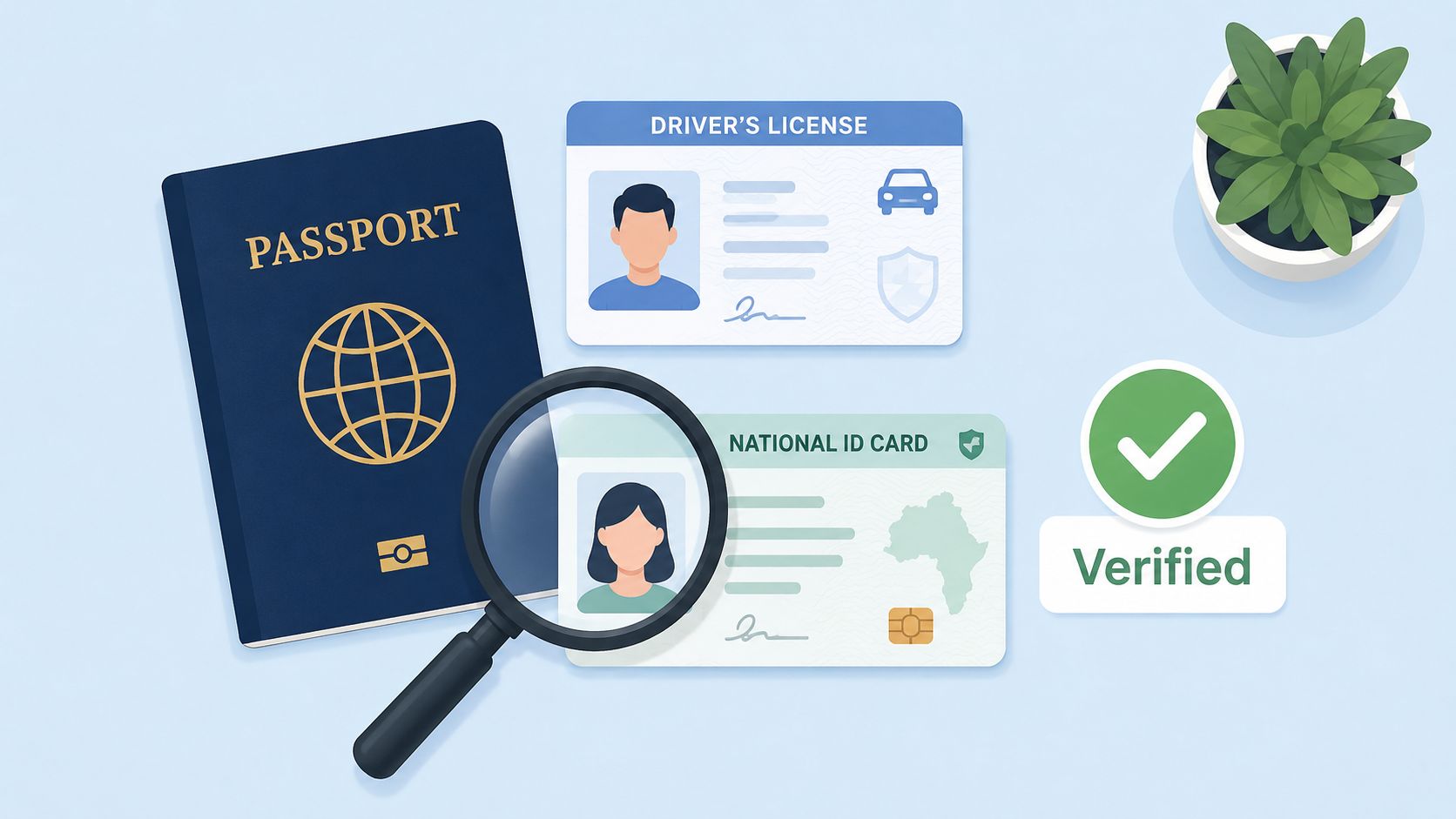
Identity files are where many workflows succeed or fail early. If the name, date of birth, address, or document status is wrong at intake, every downstream review slows down. Real estate teams, HR staff, lenders, and immigration firms all run into the same issue: they received a document, but not one they can rely on.
A practical document checklist to collect for identity starts with primary government-issued documents and a strict intake rule. Don't accept “whatever they have handy.” Ask for the exact accepted document types, define whether you need front and back, require expiry dates, and capture who collected the file and when.
Primary documents to request
- Government-issued photo ID: Passport, driver's license, national ID card, or other accepted regional equivalent.
- Front and back images when applicable: This matters for licenses and cards that carry issue details, restrictions, or address changes on the reverse.
- Proof of address if your process requires it: Utility bill, bank correspondence, or approved address record, depending on the use case.
- Metadata with the file: Collector name, submission date, subject name, document type, expiration date, and version label.
Modern collection works better when intake is standardized through templates, naming rules, and field-level validation. That's the operational lesson behind Artsyl's guidance on tools and trends in data collection methods, which emphasizes templates, controlled vocabularies, metadata standards, and validation during collection.
What works in practice
In operations, the best control is simple. Build one request flow for domestic IDs, one for foreign passports, and one for special cases such as minors or business representatives. That branching logic prevents reviewers from sorting mixed document types by hand later. A secure portal for secure document collection also beats email attachments because it gives you one controlled intake path.
Practical rule: If a document has an expiration date, your checklist also needs a recollection rule.
For identity theft recovery workflows, teams often need to pair identity records with dispute or remediation files. If that's part of your process, related steps in an identity theft credit resolution plan should sit outside the basic ID checklist so you don't mix proof-of-identity with case-action documents.
2. Financial Documents and Bank Statements
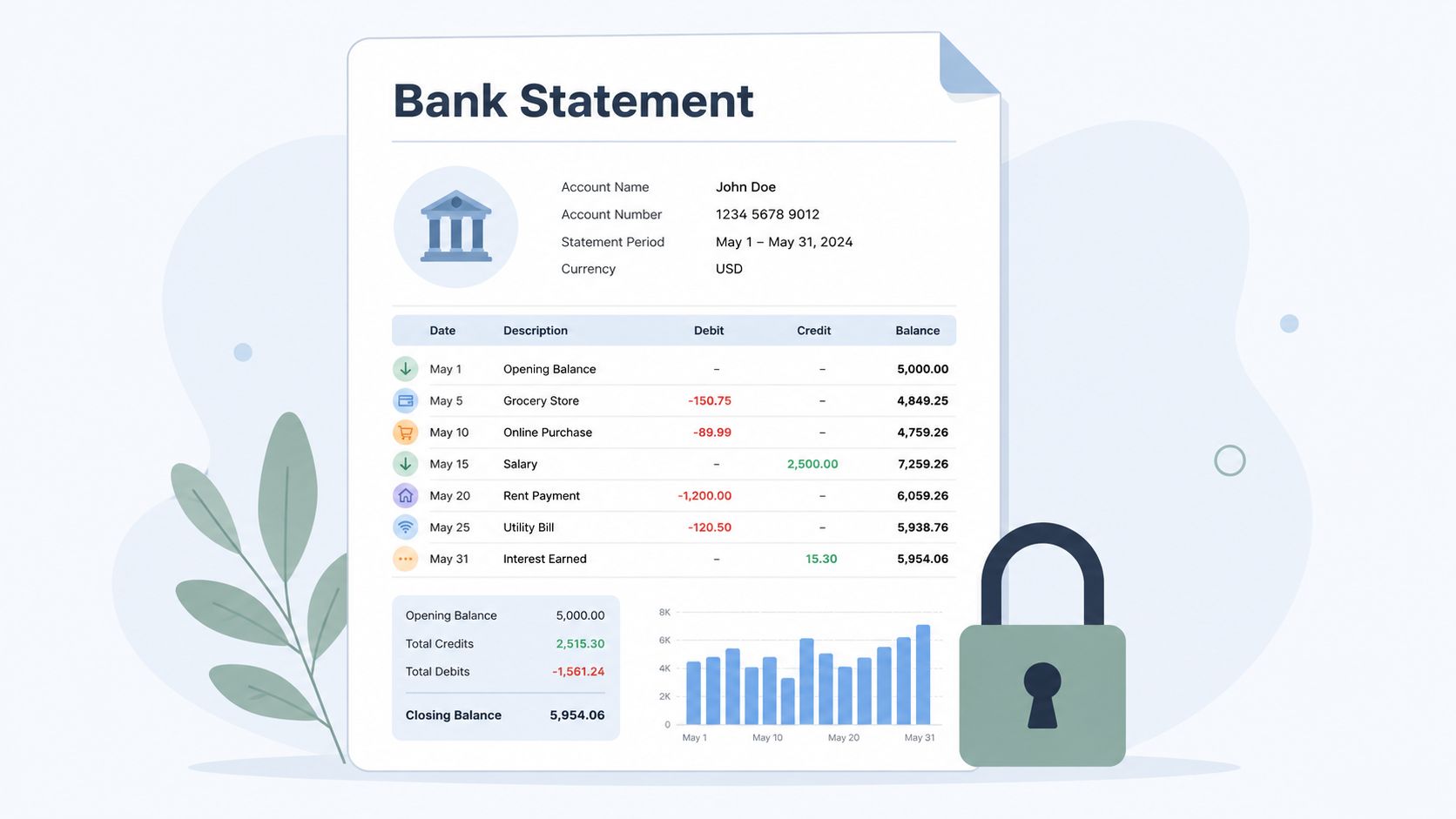
Financial documents create risk in two directions. Ask for too little and your review is weak. Ask for too much and clients get confused, delay submission, or send irrelevant files that waste everyone's time.
Mortgage brokers, landlords, portfolio managers, and HR teams usually need a clean picture of income consistency, account ownership, and recent activity. The checklist should say exactly which statement types are acceptable, what date range is required, whether screenshots are allowed, and what must remain visible.
Core financial file set
A usable request usually includes bank statements, pay records, tax-related income support, and any business financials tied to the decision. For a lending or tenant review scenario, I'd also require account holder name visibility, statement period, and complete page sets. Partial uploads are a constant source of rework.
If your process touches regulated financial checks, connect the request list to your compliance flow from day one. Teams handling anti-money laundering or customer verification should align financial requests with their AML and KYC compliance process, not treat statements as a separate admin task.
The review standard that prevents rework
The strongest approach is to review statements as structured inputs, not as random files dropped into a folder. Require fixed metadata, enforce naming conventions, and define who validates completeness before underwriting, tenancy review, or investor onboarding begins. That's consistent with the broader process-control view in a document checklist to collect: quality comes from mandatory fields and reproducible intake, not from heroic cleanup after the fact.
- Accepted format: State whether PDF exports, scanned paper statements, or institution downloads are allowed.
- Visible details: Require account holder name, institution name, statement dates, and full-page submission.
- Freshness rule: Mark when a statement is too old for the decision being made.
- Exception path: Give clients a clear route for cash-based income, newly opened accounts, or nontraditional financial histories.
What doesn't work is vague language like “upload recent bank records.” That almost guarantees inconsistent submissions.
3. Employment and Income Verification Documents
Employment verification looks straightforward until you start reviewing files. One employer letter is missing contact details. Another lists a title but not whether the person still works there. A pay stub shows income, but not whether it's recurring. That's why this checklist needs both document rules and cross-check rules.
A lender reviewing a mortgage file, a rental agency reviewing an applicant, and an HR team verifying prior employment all need the same core answer. Is the person employed, in what capacity, and can that claim be independently verified?
What to collect from employers and applicants
Request an employment letter on official letterhead when possible, recent pay documentation, and any supplemental proof needed for variable income, contract work, or multiple household earners. Include employer phone number or professional email contact so your team can verify the document without another round of applicant emails.
For new hires, I'd separate “eligibility to work” from “income and employment history.” Those are related, but they're not the same review. Mixing them inside one folder creates permission and retention problems.
- Employment confirmation letter: Employer name, employee name, job title, start date, status, compensation, and contact details.
- Recent income proof: Pay stubs, contractor invoices, or employer-issued compensation summaries, depending on worker type.
- Secondary support when needed: Tax records or bank deposits for self-employed or variable-income applicants.
Common failure points
The biggest mistake is treating all income as equally stable. Salary income, hourly income, overtime, commissions, and self-employed income need different review notes. Your checklist should branch based on worker type so reviewers aren't guessing.
Reviewers should never have to infer whether a file proves current employment. The checklist should force that answer into a required field.
Another common issue is stale letters. Employment status changes quickly, so recollection rules matter. If a file is time-sensitive, set a short validity window in your workflow and trigger follow-up automatically instead of relying on someone's calendar reminder.
4. Educational Credentials and Certifications

Credentials are easy to under-manage because they look static. A diploma feels permanent, so teams assume the problem is solved once they have a copy. In practice, the operational risk sits in licenses, renewals, jurisdiction limits, and role-specific training that changes over time.
Law firms, construction companies, transport operators, and regulated finance teams should avoid one generic credentials folder. A better system ties each role to a specific document set and to a reviewer who understands what makes that credential valid in that jurisdiction.
Role-based credential checklist
Build the list around the job, not around a generic “education” category. A commercial driver needs a different set of records than a compliance officer or a site supervisor. Your checklist should state whether a copy is enough, whether direct verification is required, and whether the credential has an expiration or continuing education requirement.
Examples include diplomas, transcripts, trade certificates, bar or professional licenses, safety training records, and continuing education proof. For staffing teams, add issuing institution details and license numbers where applicable.
How to keep credentials reviewable
The weakest setup is a spreadsheet with titles like “certificate received: yes/no.” That tells you nothing about validity, scope, or renewal. Research on source-data collection and documentation practice points to a better model: map each required document to a process step, capture metadata such as date, collector, subject ID, version, and source, and maintain an audit trail rather than relying on loose spreadsheets. That distinction between a simple checklist and a true workflow is highlighted in the Boston University source-data collection workshop material.
- Role-linked requirement: Match each credential to a specific job function or legal requirement.
- Verification field: Record issuer, issue date, expiration date, and reviewer decision.
- Renewal tracking: Trigger recollection before a certification lapses.
- Audit notes: Keep a clear record of what was reviewed and by whom.
A document checklist to collect credentials should answer one operational question fast: can this person legally and safely do the job today?
5. Legal and Background Check Documents
Background checks carry more procedural risk than typically expected. The problem usually isn't collecting the report. It's proving that you had permission, used a consistent process, stored the records appropriately, and handled findings in a defensible way.
HR departments, transportation companies, landlords, and financial firms often need different legal screening inputs, but the intake discipline is the same. Collect consent first, keep the scope aligned to the role or decision, and separate sensitive screening records from general onboarding files.
Documents and approvals to gather
Your file should include signed disclosure and consent forms, vendor reports where applicable, adjudication notes, and records of any applicant communication tied to the screening result. If your process includes sanctions, license checks, or court records, define those as separate request types instead of burying them under one broad label.
A standardized employee background check process helps because it forces your team to collect approvals, reports, and review actions in the same sequence every time.
Separate storage is the safer default
Don't keep background reports in the same folder as resumes, payroll forms, or routine onboarding documents. Restrict access and maintain a clear access log. When teams mix everything together, people who don't need legal screening details end up seeing them anyway.
What works: one intake path for consent, one secure storage area for reports, and one documented review standard for decisions.
Consistency matters here more than speed. If two applicants are screened under different rules because one recruiter was “being flexible,” you've created a process problem, not a people problem.
6. Property and Real Estate Documents
Property files become messy fast because every transaction has its own history. One deal has HOA records, another has lien issues, another has missing surveys, and another falls apart because no one requested the right title material early enough.
Real estate agencies, title teams, lenders, and property managers need a checklist that reflects the stage of the transaction. Acquisition, leasing, refinancing, and disposition don't require the same paper set. If you use one master list for all of them, people either over-collect or miss critical items.
The property file that actually closes deals
For most transactions, the useful core set includes title-related documents, deed or ownership evidence, tax records, surveys where relevant, lease records if occupied, and property-specific disclosures. For condominiums or managed communities, add HOA materials, governing documents, and association financial records if your review depends on them.

The checklist should also capture version and source. A property manager might receive a lease amendment from a broker, a seller disclosure from an owner, and tax records from a county portal. If source isn't recorded, your reviewers won't know what can be trusted first.
Where property teams lose control
Most delays come from handoffs, not from complexity. Sales sends one list. Operations asks for a different one. Legal wants an updated version. The client resubmits the same file three times with different names. That's avoidable if the request portal uses required fields, standard labels, and a single review queue.
- Transaction type branch: Lease, sale, refinance, acquisition, or portfolio review.
- Property metadata: Address, parcel reference if used, owner name, occupancy status, and transaction stage.
- Source capture: Note whether the file came from owner, broker, title company, public record, or association.
- Review hold points: Flag missing title, survey, tax, or disclosure items before the deal advances.
A clean property checklist reduces legal exposure because reviewers can prove what they received, when they received it, and what was still outstanding.
7. Tax Documents and Returns
Tax records answer questions that pay stubs and bank statements often can't. They help validate income source, business activity, filing status, and, in some cases, consistency across other submitted records. But tax requests go wrong when teams ask for “tax documents” without naming the exact return, year, schedule, or format needed.
That confusion shows up in lending, contractor onboarding, investor review, and immigration support files. People send partial returns, signature pages only, or internal summaries that don't match the request.
The minimum tax package
A workable checklist identifies whether you need personal returns, business returns, transcripts, supporting schedules, or proof tied to a specific filing period. If the subject has both personal and business income, say so directly in the request. Don't make the applicant guess.
Where teams get into trouble is mixing tax collection with financial document collection too early. Tax records often require narrower access, separate review notes, and a different retention approach than routine bank statements.
How to request tax files without confusion
Use a template with exact labels. State the filing year, the accepted format, whether complete returns are required, and whether missing pages will be rejected. If schedules matter, list them by name inside the request flow.
- Document naming rule: Include tax year, filer name, and return type in the filename.
- Completeness check: Require all pages, attachments, and supporting schedules that matter to the review.
- Access control: Limit visibility to staff who require tax data.
- Exception handling: Give self-employed applicants or new businesses a separate path.
The strongest document checklist to collect tax files isn't just a list. It's a decision tool that tells the submitter exactly what “complete” means.
8. Insurance Documentation
Insurance documents often look current when they aren't useful. A team receives a certificate, checks the box, and moves on. Later they learn the coverage type was wrong, the named insured didn't match the contracting party, or the policy expired during the project.
Construction firms, lenders, real estate operators, logistics teams, and professional services companies all deal with this. Insurance collection needs to focus on active coverage, relevant risk type, and contractual fit, not just proof that a policy exists somewhere.
Coverage records to request
For most business processes, start with certificates of insurance, policy declarations when needed, proof of active status if required by your process, and any endorsements or additional insured language relevant to the contract. If claims history matters for your review, request that separately rather than assuming it's included.
The request should also tie each policy to a business purpose. Site access, vendor approval, loan closing, fleet onboarding, and landlord compliance all involve different insurance expectations.
The compliance view
This category is where expiration tracking really pays off. Insurance files have a shelf life, and teams lose coverage visibility when there's no automated reminder tied to the expiration field. If you rely on spreadsheets, one missed renewal can create unnecessary exposure.
Expiration tracking only works when the original intake captured the policy type, insured party, effective dates, and reviewer decision in structured fields.
What doesn't work is storing insurance PDFs in a shared folder with no metadata. You'll end up re-reading the same documents every time someone asks whether a vendor or driver is still covered.
9. Visa and Immigration Documentation
Visa and immigration files are highly document-heavy and highly context-sensitive. A passport copy by itself doesn't answer work authorization. A work permit may be valid for one employer, one role, or one period. The checklist must reflect that nuance or your team will keep asking for “one more document” after the fact.
Immigration law firms, global employers, staffing agencies, and HR teams need country-aware intake paths. One universal upload page rarely works when document rules vary by nationality, permit category, sponsoring employer, and renewal stage.
Country-sensitive document intake
A strong workflow requests the travel document, the immigration status document, any employer or sponsor support material, and any local forms needed for the matter at hand. More importantly, it maps each file to a specific review step. That way the reviewer knows whether a document proves identity, entry status, current authorization, or sponsorship history.
Cross-border collection also raises privacy and usability concerns that generic checklists often ignore. Documentation guidance notes the importance of anonymization, legal variation across countries, and ethical handling, while newer accessibility expectations expand “document quality” beyond file presence alone. Those accessibility and cross-border considerations are discussed in the Discuss Data checklist for documentation of data collection.
Accessibility matters here too
Many applicants submit from a phone, not a desktop. If your checklist uses hard-to-read PDFs, unclear labels, or portals that don't work well with assistive technology, completion drops and support tickets rise. Good intake design means mobile-friendly requests, clear file labels, screen-reader-aware forms, and properly tagged documents when you provide templates.
For matters involving detention or bond processes, supporting legal notices can become part of the broader case file. If your team handles those cases, related process documents such as how to handle ICE bond notices should sit in a dedicated legal workflow rather than inside the initial identity request.
10. Driver's License and Vehicle Registration Documents
Transportation teams can't treat driver and vehicle paperwork as a one-time onboarding event. Licenses expire. Registrations lapse. Insurance renews. Endorsements change. Vehicle assignments shift. If you don't build the checklist around ongoing monitoring, the file is out of date almost as soon as it's complete.
This matters for rideshare platforms, fleet operators, delivery companies, field service businesses, and any employer that allows staff to drive for work. The review has two subjects, the driver and the vehicle, and each needs its own required fields.
Fleet and driver checklist
Request the front and back of the driver's license when applicable, current vehicle registration, proof of insurance, and any role-specific records such as commercial licensing support, endorsements, or inspection documents. For employer-owned vehicles, you may also need assignment records and maintenance evidence tied to the asset, not just to the individual.
A good intake form also distinguishes personal-vehicle use from commercial-vehicle use. Those are different risk categories and often involve different insurance and compliance checks.
- Driver file: License, endorsements, restrictions, expiration date, and review status.
- Vehicle file: Registration, plate or asset identifier, insurance, inspection records, and renewal dates.
- Operational link: Tie the driver and vehicle records together when the assignment matters.
- Recollection trigger: Send reminders before any critical document expires.
How transportation teams stay ahead of expirations
The strongest process is simple: one checklist for drivers, one for vehicles, and one combined rule set for assignment-based reviews. Don't bury all of it in a single upload page. Reviewers need to know what belongs to the person, what belongs to the vehicle, and what belongs to the active operating relationship between them.
Teams also benefit from validation at intake. If a license image is blurry, a plate number doesn't match the registration, or an insurance card has already expired, reject it before it enters the live file.
Comparison of 10 Essential Document Types
| Document Type | 🔄 Implementation Complexity | ⚡ Resource Requirements | ⭐ Expected Outcomes | 📊 Ideal Use Cases | 💡 Key Advantages / Tips |
|---|---|---|---|---|---|
| Identity Verification Documents | Medium, standardized capture & verification workflows | Moderate, secure storage, OCR, verification APIs | High, reliable identity proofing and fraud prevention | KYC, onboarding, HR, immigration | Universally accepted; implement expiration alerts & OCR; encrypt copies |
| Financial Documents and Bank Statements | Medium, format normalization and secure collection | High, encrypted portals, extraction tools, AML checks | High, objective financial assessment for underwriting | Lending, underwriting, tenant screening, investment | Request 2–6 months; use secure portals; automate data extraction |
| Employment and Income Verification Documents | Low–Medium, template requests + employer checks | Low, templates, employer contact verification | Medium–High, verifies income source and stability | Loans, rentals, onboarding, background checks | Require letterhead + verifier contact; cross-check with pay stubs |
| Educational Credentials and Certifications | Medium, institution verification may be needed | Low–Medium, verification services, transcripts | High, confirms qualifications and licensing eligibility | Hiring, professional licensing, regulated roles | Obtain direct verification; track expirations for certifications |
| Legal and Background Check Documents | High, strict consent, legal procedures, variability by jurisdiction | High, certified providers, secure storage, legal review | High, objective legal risk and liability assessment | Pre-employment screening, tenant vetting, compliance checks | Obtain consent; follow FCRA/GDPR; store separately with restricted access |
| Property and Real Estate Documents | High, title searches, appraisals, lien resolution | High, title companies, surveys, legal expertise | High, establishes ownership, value, and title risk | Real estate transactions, mortgage lending, escrow | Request title reports early; use standardized checklists; verify liens |
| Tax Documents and Returns | Medium, multi-year collection and secure verification | Medium, secure portals, tax verification services | High, verified income trends and tax compliance | Mortgage lending, business loans, underwriting | Request 2–3 years; consider IRS verification (Form 4506-C); secure handling |
| Insurance Documentation | Low–Medium, certificate validation and expiry tracking | Low, carrier checks, automated reminders | Medium–High, confirms active coverage and limits | Construction, transportation, contractual compliance | Require COIs; verify limits and proof of payment; set expiry alerts |
| Visa and Immigration Documentation | High, jurisdictional rules and specialist interpretation | High, legal expertise, verification services, alerting | High, confirms legal work/residency authorization | International hiring, visa sponsorship, immigration services | Collect passport + visa docs; use country-specific templates and expiry alerts |
| Driver's License and Vehicle Registration Documents | Low, image capture and DMV/MVR verification | Low, MVR checks, image capture, insurance validation | High, verifies driving privileges and vehicle legality | Transportation, rideshare, fleet management, rentals | Capture front/back; run MVRs; verify insurance and set reminders |
Automate Your Checklists and Reclaim Your Time
A strong checklist is only the starting point. Static lists help people remember what to ask for, but they don't solve the day-to-day problems that consume time. Missing files, expired documents, duplicate uploads, inconsistent naming, unclear ownership, and weak review trails all come from process gaps, not from a lack of bullet points.
That's why the shift is from a document checklist to collect toward a document-collection workflow. In practice, that means every request should have a defined purpose, required fields, naming rules, document-specific validation, ownership, and a review status. It should also capture metadata that makes the file auditable later, such as who submitted it, who reviewed it, what version is current, and whether a recollection date applies.
The most reliable workflows also reduce ad hoc intake. Email is convenient in the moment, but it creates fragmented records and weak traceability. Shared drives improve storage, but they still leave too much room for inconsistent submission quality. A controlled portal or workflow builder gives you a better operating model because it standardizes intake before the review team gets involved.
That matters across every category in this guide. Identity documents need expiration tracking. Financial files need clear completeness rules. Employment verification needs structured employer details. Credentials need renewal logic. Background checks need restricted access. Property files need source tracking. Tax documents need narrow permissions. Insurance documents need active coverage checks. Immigration records need privacy-aware and accessible intake. Transportation files need driver and vehicle records managed separately.
If you're building this from scratch, keep the rollout simple. Start with the highest-friction process in your business. That's usually the one where your team sends the most follow-up emails or where files expire and cause avoidable delays. Standardize that process first. Lock down the accepted document types. Add required metadata fields. Set naming conventions. Create one review queue. Then add reminder rules and expiration tracking.
Superdocu is one option that fits this kind of setup because it's built around secure document collection workflows, customizable request portals, automated reminders, validation, and expiration tracking. For teams that handle recurring client intake, onboarding, compliance, or regulated reviews, that kind of workflow approach is more useful than another static spreadsheet or email template.
The operational payoff is straightforward. Your team spends less time chasing documents and more time reviewing complete files. Clients get clearer requests. Reviewers make fewer judgment calls about whether something is “good enough.” Managers get better visibility into what's missing, what's approved, and what needs to be recollected.
That's how you reclaim time. Not by asking people to work harder, but by removing the avoidable friction from the collection process itself.
If you want to turn these checklists into secure, repeatable workflows, Superdocu gives you a practical way to request documents, validate submissions, send reminders, and track expirations without managing everything by email and spreadsheets.