
You're probably dealing with the same mess most growing teams hit at some point. Requests arrive in email, approvals live in chat, someone updates a spreadsheet, and nobody is fully sure what's waiting, what's blocked, or who owns the next step. The work gets done, but it takes too much chasing, too many reminders, and too much rework.
That's where the best workflow management software earns its keep. A good platform doesn't just organize tasks. It gives your team a repeatable way to intake work, assign ownership, route approvals, surface bottlenecks, and keep stakeholders out of endless status-check threads. If your team also handles sensitive documents, onboarding packets, compliance files, contracts, or property paperwork, the right tool matters even more.
This guide is built for SMBs that need practical workflow software, not theory. It also looks closely at document-heavy use cases in legal, HR, and real estate, where generic task tools often fall short. If scheduling is part of your operations stack too, this roundup of best scheduling programs for support is worth reviewing alongside your workflow shortlist.
Table of Contents
- 1. monday.com
- 2. Asana
- 3. Smartsheet
- 4. Wrike
- 5. Airtable
- 6. ClickUp
- 7. Pipefy
- 8. Kissflow
- 9. Process Street
- 10. Superdocu
- Top 10 Workflow Management Software Comparison
- Automate Your Processes, Not Your Decision
1. monday.com
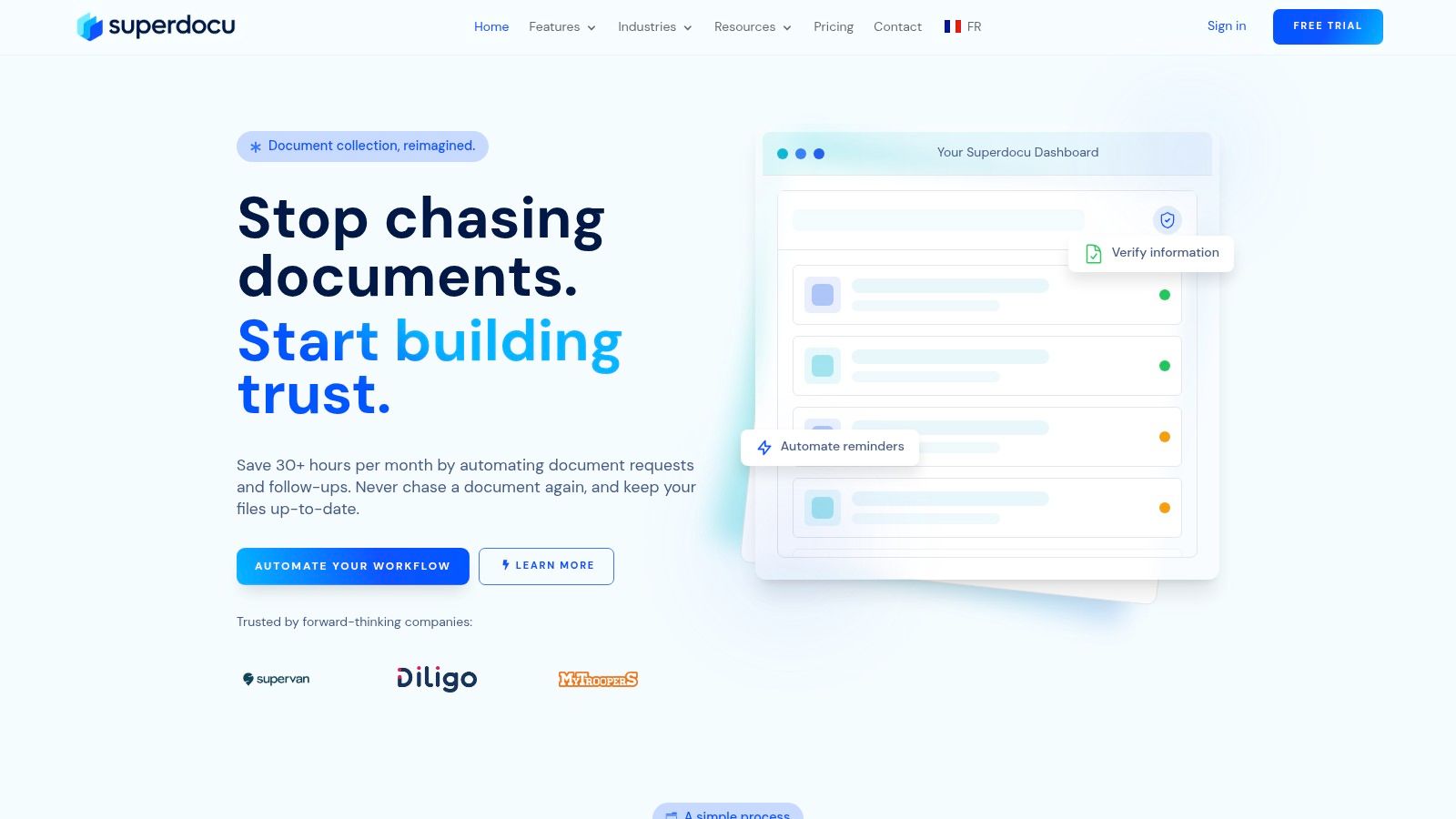
monday.com is one of the easiest platforms to put in front of a non-technical team and get traction fast. It combines boards, timelines, forms, dashboards, automations, and integrations in a way that feels approachable instead of intimidating. For SMBs trying to replace spreadsheets and disconnected handoffs, that matters.
It's especially good when multiple departments need a shared operating layer. I've seen this type of tool work well for marketing intake, HR onboarding, legal request tracking, operations queues, and client delivery workflows. monday.com also does a solid job of making workflow automation feel accessible, which is why teams often move from ad hoc work to standardized processes quickly after learning the basics of workflow automation in practice.
Where monday.com works best
Its strength is flexibility. You can start simple with a board and build toward intake forms, SLA tracking, guest collaboration, portfolio reporting, and role-based permissions as the team matures.
Helpful strengths include:
- Fast setup: Teams can launch useful workflows without waiting on IT.
- Template coverage: The template library gives operations, HR, client service, and project teams a practical starting point.
- Strong integrations: Slack, Google Drive, HubSpot, and similar tools fit naturally into the workflow.
Practical rule: monday.com is a strong choice when your process needs structure, but your team still wants room to adapt fields, views, and automations without rebuilding everything.
The trade-off is that some capabilities only show up on higher tiers or in specific monday products. That can create confusion if you assume every feature is included everywhere. It's one of the best workflow management software options for adaptable SMB teams, but you'll want to map your exact needs before committing.
Use monday.com if you want broad workflow coverage with a low learning curve.
2. Asana
Asana is often a better fit than lighter task tools when work crosses departments and needs clearer governance. It handles planning and execution well, but its real value shows up when leadership wants visibility into portfolios, goals, workload, approvals, and administrative controls.
For SMBs that are becoming more process-heavy, Asana gives structure without forcing a full BPM-style implementation. It's also a practical option if your team is actively trying to streamline business processes across departments, not just assign tasks more cleanly.
Best fit for structured cross-team work
Asana tends to work best when there are formal handoffs between teams. Marketing submits requests to design, operations hands off to finance, HR routes approvals, and managers need to see what's slipping without digging through individual project boards.
A few reasons teams choose it:
- Portfolio and goal visibility: Managers can track work at a higher level without losing task detail.
- Approvals and forms: Intake and sign-off workflows are straightforward to build.
- Admin controls: Governance is stronger than what many SMB tools offer by default.
Asana Intelligence also adds useful support in the right environment, though AI shouldn't be the main reason you buy it. The foundation is still its process clarity.
Asana is less about inventing a process from scratch and more about giving a growing company a cleaner operating system for work it already knows it needs to manage.
The main downside is cost complexity. Small teams can feel the impact of seat buckets and add-ons faster than expected, especially if they need more advanced controls. Still, if you want mature workflow structure and solid cross-functional visibility, Asana remains one of the strongest options in this category.
3. Smartsheet
Smartsheet makes sense for teams that think in rows, columns, dependencies, and status fields. If your operations staff already lives in spreadsheets, Smartsheet gives them a familiar working style with far better automation, reporting, form intake, and control.
That spreadsheet-like model is exactly why many PMOs, operations groups, and field teams stick with it. Instead of forcing everyone into a task app mindset, Smartsheet lets teams formalize workflows in a structure they already understand.
Why operations teams keep choosing it
Smartsheet is especially strong for structured workflows that don't need a lot of visual storytelling. Procurement trackers, implementation plans, field request queues, compliance logs, and recurring operational programs all fit well here.
Key capabilities worth noting:
- Multiple views: Grid, Gantt, calendar, and board views help different users work from the same underlying process.
- Forms and reminders: Good for intake, recurring updates, and deadline management.
- Reporting at scale: Dashboards and roll-up reporting are useful when leadership needs a broader view.
Its biggest advantage is familiarity. Teams that resist more modern project tools often accept Smartsheet because it feels closer to Excel, while still giving them workflow logic and better accountability.
The downside is that some of the more powerful pieces, especially integration and advanced workflow capabilities, can sit behind add-ons or higher tiers. That doesn't make it a bad choice. It just means Smartsheet works best when you already know you want a structured operations platform and you're comfortable paying more for depth over simplicity.
For spreadsheet-native workflow management, Smartsheet is still one of the safest picks.
4. Wrike
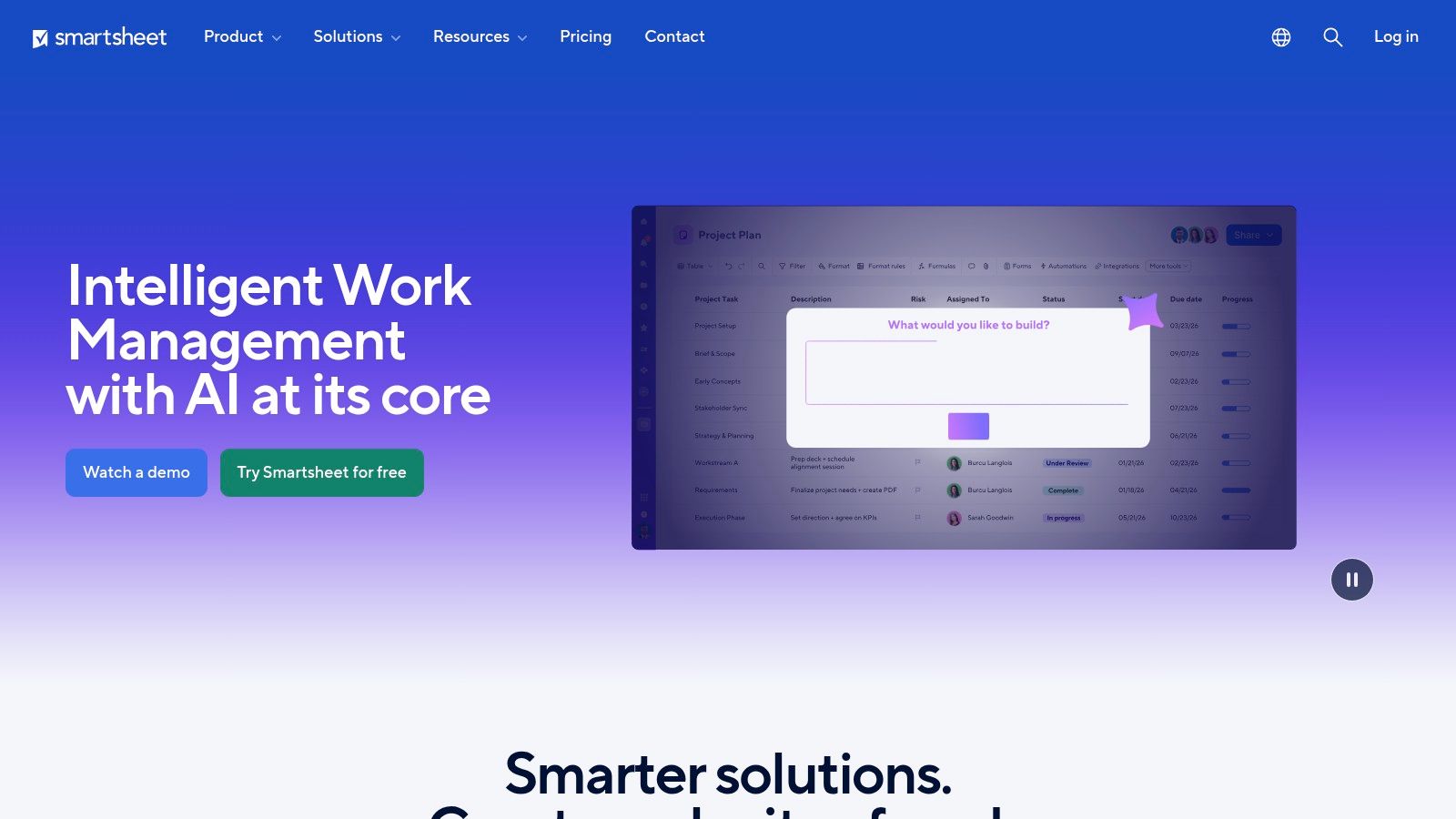
Wrike sits in an interesting middle ground. It's more operationally serious than lightweight collaboration tools, but it's still usable by business teams that don't want a full enterprise process platform. That makes it a good fit for agencies, marketing teams, PMOs, and service groups with strict turnaround expectations.
Its request forms, proofing, approvals, dashboards, and reporting are where it starts to separate itself. If your workflow includes intake, internal routing, review cycles, and a final handoff, Wrike handles that chain well.
Where Wrike earns the extra setup effort
Wrike isn't the fastest tool to master, but teams that invest in setup usually get good control over recurring work. Templated spaces, automation, cross-project reporting, and resource planning can clean up a lot of chaos once the architecture is in place.
It's particularly useful when your workflow includes:
- Formal request intake: Good for teams managing work from many stakeholders.
- Review-heavy delivery: Proofing and approvals help creative and content teams.
- Capacity management: Resource and workload planning are more mature than in many SMB-first platforms.
If your team has service-level expectations and constant incoming work, Wrike often feels more operational than general project tools.
The trade-off is predictable. Some of the premium features people want, such as deeper integrations, sync options, or advanced controls, may require upper tiers or add-ons. The free plan is fine for testing, but serious teams should evaluate the paid feature boundaries early.
For workflow-heavy service operations, Wrike is a strong contender.
5. Airtable
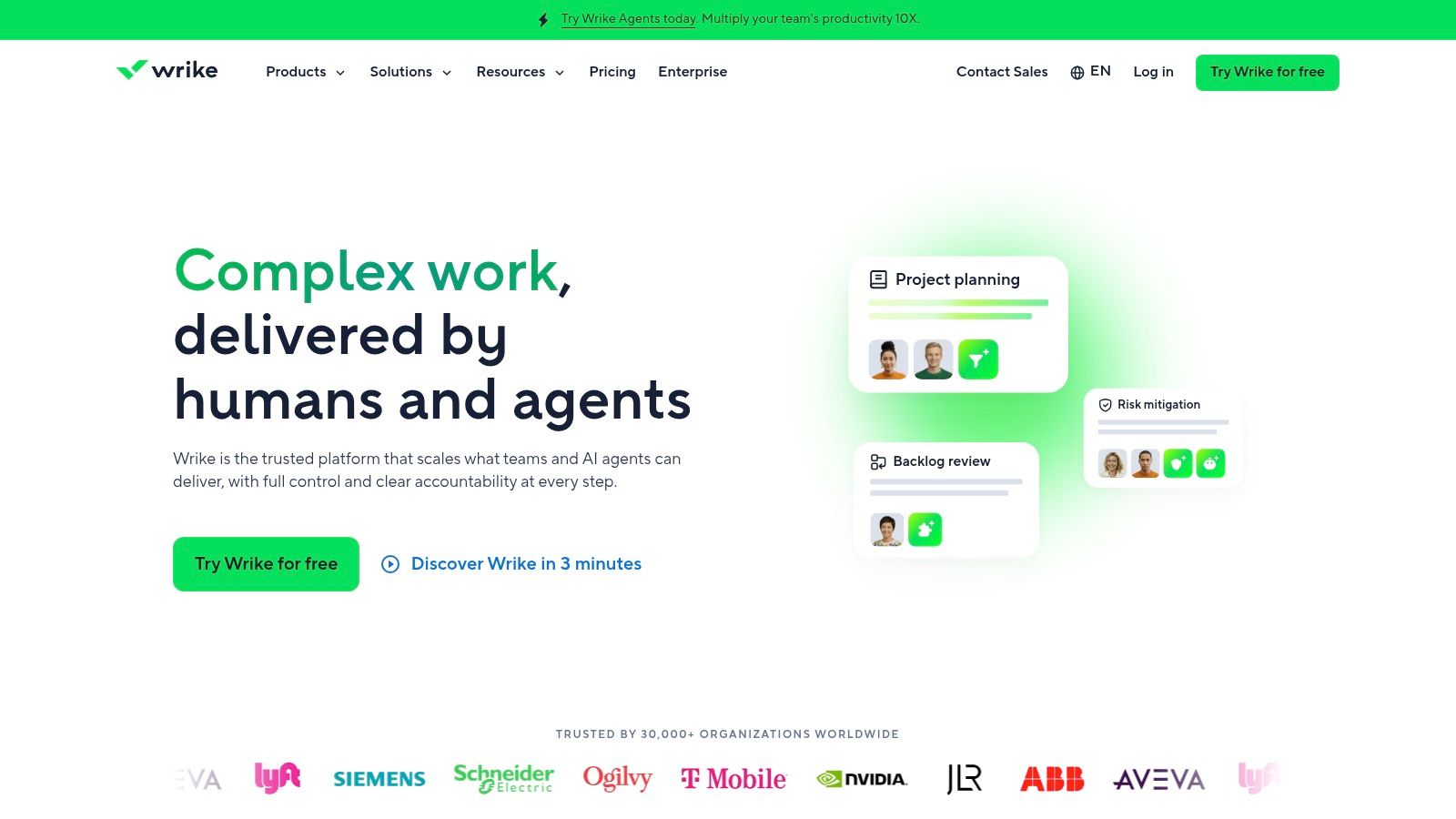
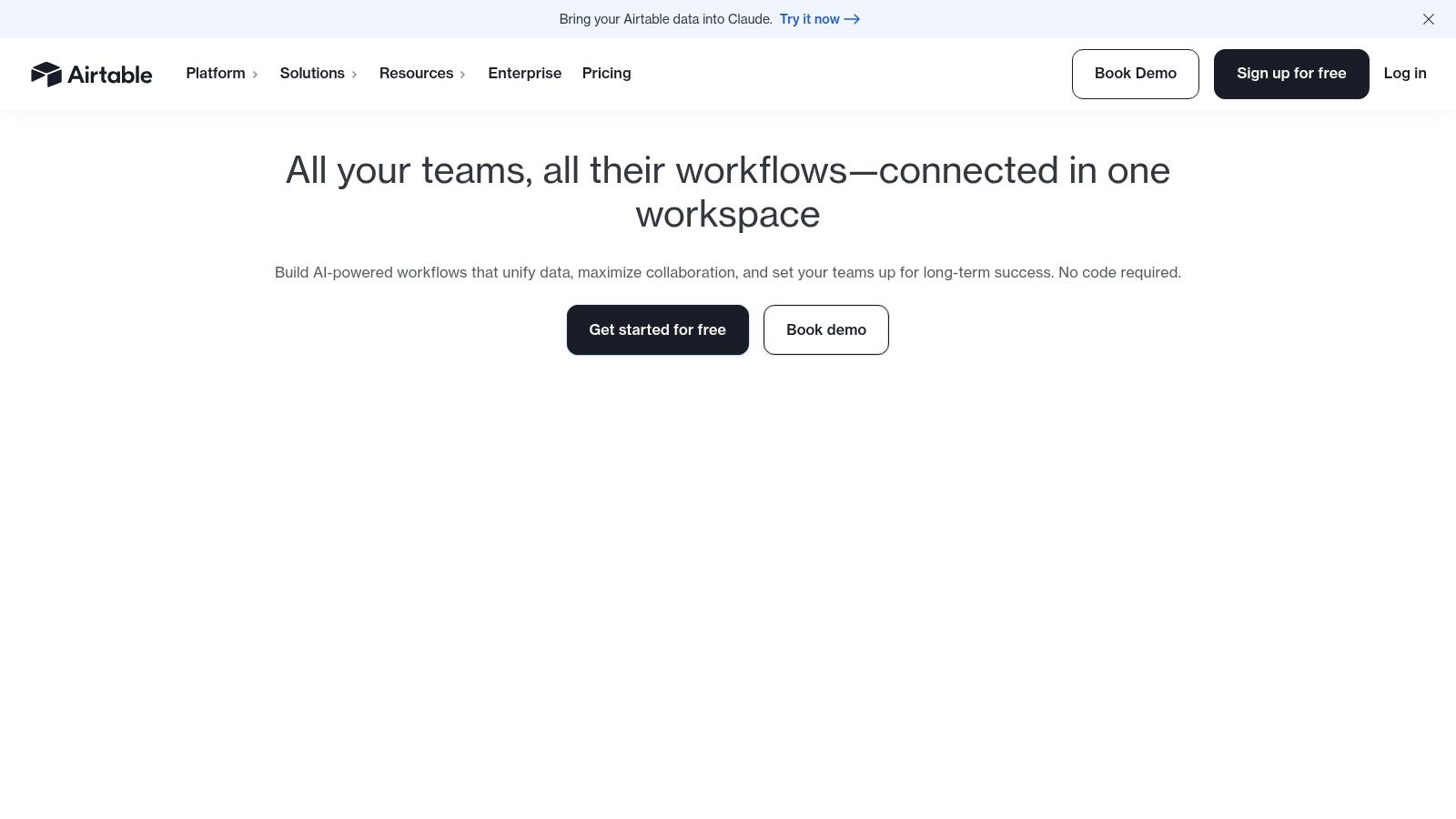
Airtable is one of the best workflow management software choices when the workflow is really a data problem. If your process revolves around records, relationships, custom fields, intake forms, and filtered views, Airtable often beats traditional task tools.
This matters a lot in document-heavy SMB environments. Legal teams manage matter records. HR teams manage applicants, employee files, and onboarding status. Real estate teams track properties, documents, contacts, and transaction stages. Airtable is built for that style of work.
Best when workflow depends on structured records
The core strength is the data model behind the workflow. Instead of forcing everything into a task list, Airtable lets you create structured systems with interfaces, automations, synced tables, and forms sitting on top.
That makes it useful for:
- Case and file tracking: Good for legal intake and ongoing matter organization.
- Property and listing workflows: Useful when each record has many related assets and stages.
- Applicant or employee process tracking: Helpful when HR needs more than a basic checklist.
Airtable also gives teams the freedom to shape workflows around the business instead of bending the business around a rigid template. That flexibility is powerful, but it's also the main risk. Poorly designed bases become hard to govern, and billing rules around collaborators can surprise teams that involve many outside participants.
If your workflow is record-centric rather than project-centric, Airtable is often the smarter fit.
6. ClickUp
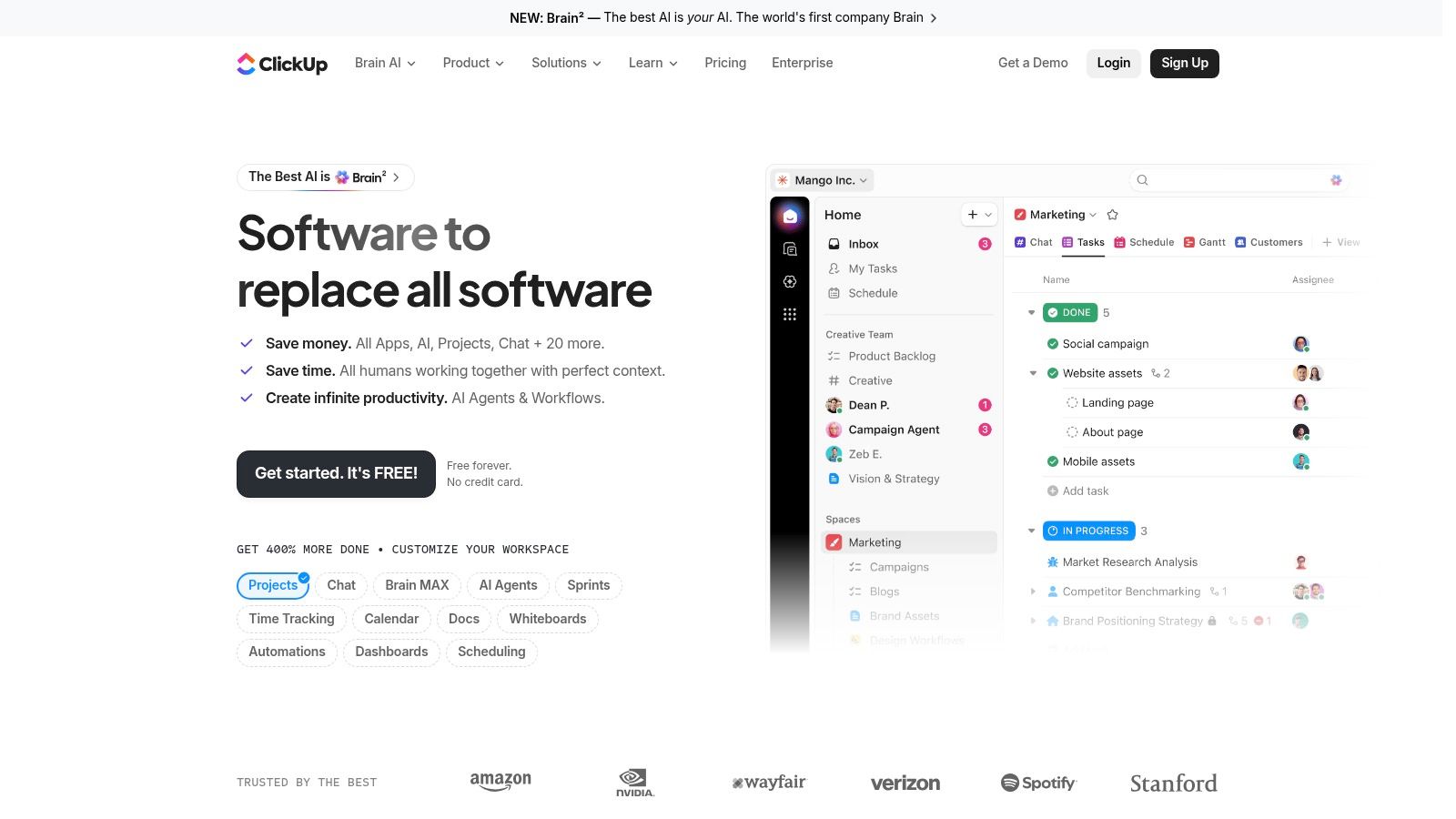
ClickUp appeals to SMBs for a simple reason. It tries to give you almost everything in one place. Tasks, docs, goals, dashboards, forms, whiteboards, automations, and time tracking all live under one roof, which can be attractive if you're tired of stitching together multiple tools.
For operations teams, agencies, and client delivery groups, that breadth can be useful. You can run internal planning, capture process documentation, collect requests, and track execution without bouncing between platforms.
Strong value, but you need discipline
ClickUp's feature depth is impressive, especially for teams that want broad functionality without jumping immediately to enterprise pricing. It also tends to offer generous automation and storage on paid plans, which helps smaller teams stretch value.
Where it works best:
- All-in-one work hubs: Teams that want tasks and documentation together.
- Service and delivery teams: Forms, dashboards, and status workflows fit recurring delivery.
- Process-minded SMBs: There's room to build fairly detailed systems.
The caution is simple. ClickUp can become messy fast if nobody owns the structure. Too many custom statuses, spaces, folders, and docs can turn the platform into its own form of workflow sprawl.
ClickUp is powerful when one person sets standards for naming, permissions, templates, and automation. Without that owner, teams often overbuild.
Governance and advanced AI features can also push costs up depending on what you need. Still, for feature-hungry SMBs that want one platform to cover a lot of ground, ClickUp deserves a serious look.
7. Pipefy
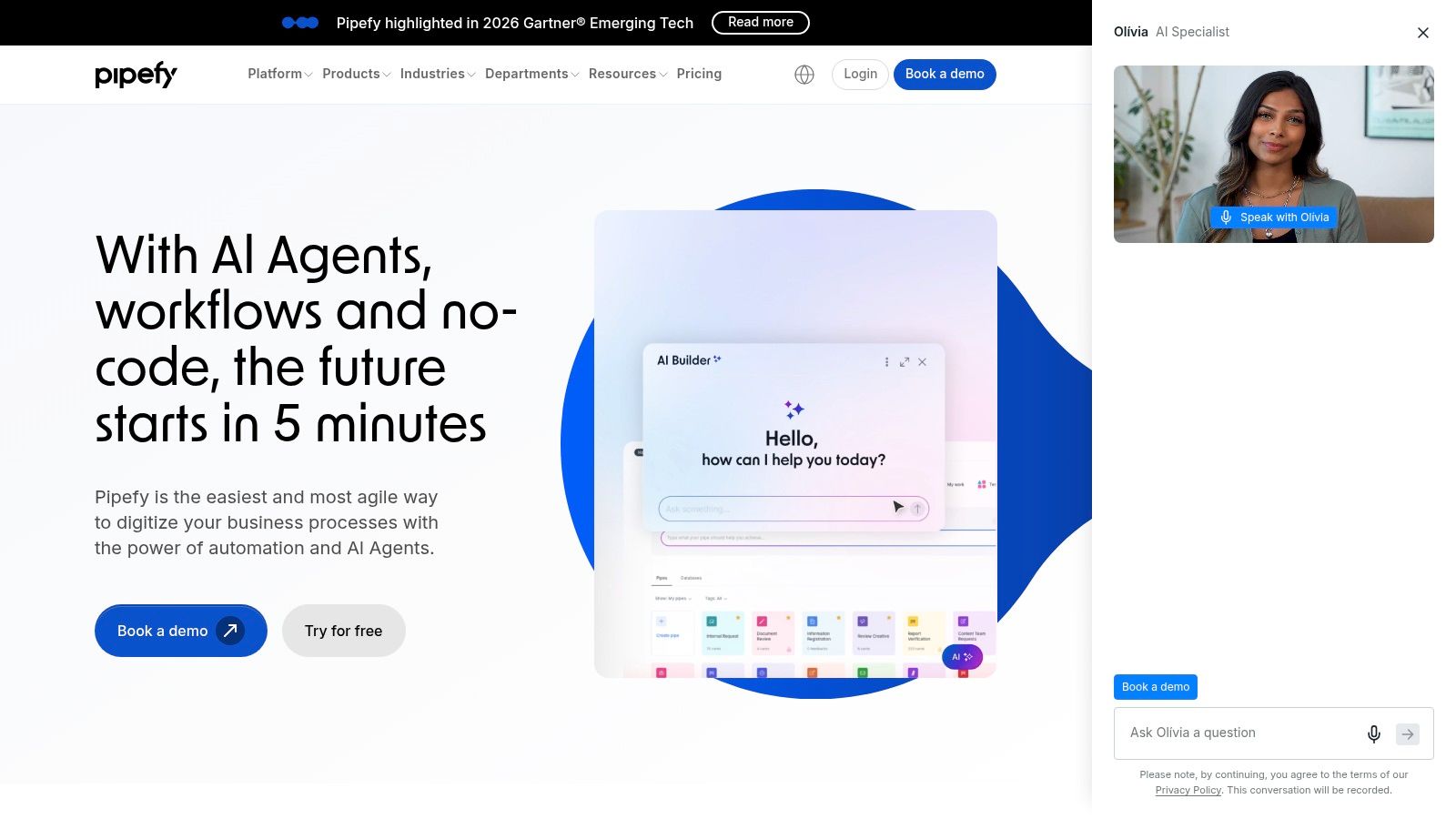
Pipefy is much closer to a process operations tool than a general project manager. That distinction matters. If your team runs requests through repeatable stages, with clear owners, SLAs, permissions, and intake forms, Pipefy feels purpose-built in a way many broad work platforms don't.
It's especially relevant for HR, finance, procurement, and shared services. Those teams usually don't need a creative collaboration workspace. They need a clean way to capture requests, move them through controlled steps, and keep service delivery consistent.
Best for service intake and back-office flows
Pipefy's visual pipelines and form-based intake are the main draw. You can standardize a process, lock down the stages that matter, and give internal requesters a more reliable path into the workflow.
What it does well:
- Back-office templates: Strong for internal service processes.
- SLA-oriented flow: Good for teams that need to track queue health and turnaround.
- Permissions and privacy: Useful when workflows contain sensitive requests or employee data.
It also scales nicely from one process to several connected department workflows, which is often what SMBs need as they mature. The challenge is commercial rather than operational. Pricing is more sales-led, and public visibility into plan detail isn't as straightforward as with some rivals.
That doesn't rule it out. It just means Pipefy is best evaluated when you already know your process is service-driven and you're comfortable having a vendor-guided buying conversation. For internal operations workflows, Pipefy is a strong specialist option.
8. Kissflow
Kissflow belongs in a different conversation from lightweight SMB task tools. It's for organizations that need workflow automation, case management, governance, and low-code app building in the same environment. That can be overkill for a small business with a handful of approvals. It can be exactly right for a growing company with more complex internal operations.
Its workflow designer, simulation tools, impersonation features, connectors, and governance controls make it suitable for more demanding use cases. Think compliance-heavy approvals, multi-step internal service processes, or custom business apps tied to workflow logic.
When Kissflow makes sense
Kissflow works best when business teams and IT are both involved. Business users define the process. IT helps make sure governance, integration, and scale don't become a problem later.
It stands out in a few scenarios:
- Complex approval chains: Good when requests branch based on rules or roles.
- Case-based work: Useful where one request can generate multiple actions over time.
- Custom internal apps: Helpful if workflow and application logic need to live together.
This is not the tool I'd put in front of a small team just trying to clean up marketing requests. It's better suited to companies with multi-team process complexity and at least some operational maturity.
The biggest friction point is buying clarity. Pricing isn't public, and value usually appears only when the business is large enough to use more of the platform. For mid-market teams moving beyond simple workflow builders, Kissflow is worth considering.
9. Process Street
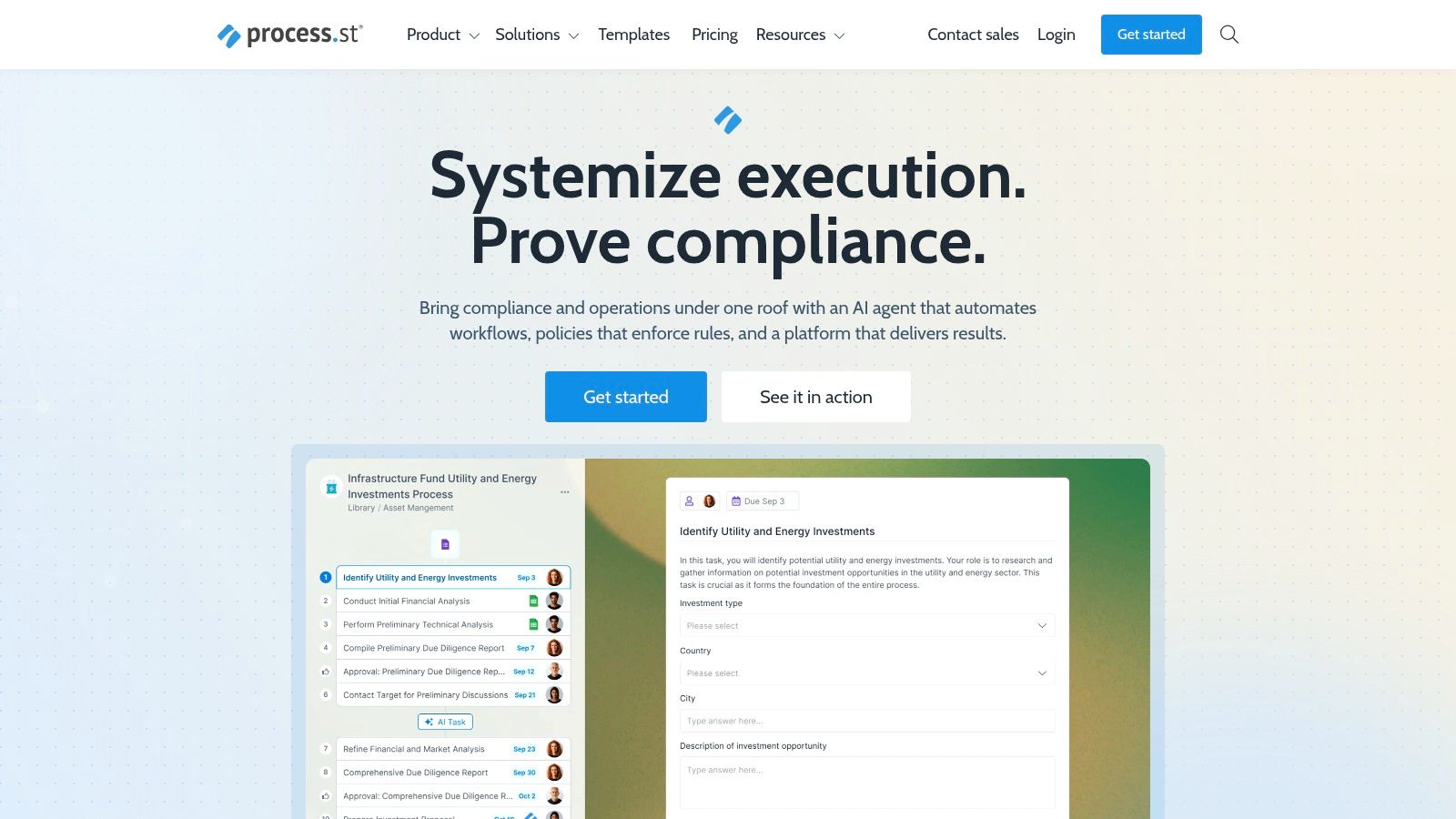
Process Street is excellent when the primary challenge isn't project planning. It's execution consistency. If your business runs recurring SOPs like client onboarding, HR processes, compliance reviews, or loan file checklists, Process Street gives you a practical way to document and enforce those steps.
That focus is important. Many workflow tools can model recurring work, but Process Street is especially good at making sure people follow the process. If your team still needs a clearer foundation, start by defining what a workflow is in operational terms, then map it into Process Street.
Great for repeatable SOP execution
Conditional logic, approvals, role assignments, automation options, and run-links make it well suited to repeatable operational sequences. You can assign the same framework again and again without rebuilding the process each time.
It's a good fit for:
- HR onboarding: Consistent steps, documents, approvals, and reminders.
- Compliance routines: Clear guardrails and repeatable evidence collection.
- Client implementation: Standardized delivery across accounts.
The best use of Process Street is not “project management.” It's recurring operational discipline.
The limitation is that advanced governance and reporting sit higher up the ladder, and pricing for advanced tiers is more sales-assisted. It's also less ideal if your team wants rich portfolio planning or highly relational data structures. For SOP-driven workflow management, though, Process Street is one of the clearest specialist tools available.
10. Superdocu
A common SMB workflow breaks down at the same point. The task gets assigned, the request goes out, and then the team starts chasing PDFs, IDs, signed forms, and missing attachments across inboxes.
Superdocu is built for that part of the process. It focuses on document collection and follow-up, which makes it different from general workflow platforms that handle tasks well but still leave staff managing uploads, reminders, and validation by hand.
That matters in document-heavy operations. Legal firms collecting case files, HR teams managing onboarding packets, real estate offices gathering transaction documents, and mortgage or immigration teams handling regulated paperwork often do not need another broad project tool. They need a controlled intake process with visibility into what has arrived, what is missing, and what needs review.
Best for document-driven workflows
Superdocu gives teams reusable document request workflows, client-facing request links, embedded forms, automated reminders, and a review layer for checking submissions. In practice, that cuts down on manual follow-up and reduces the usual mess of shared drives, email threads, and ad hoc checklists.
Useful capabilities include:
- Reusable workflows: Standardize collection for onboarding, compliance, hiring, case intake, and transaction files.
- Automated reminders: Keep requests moving without staff sending repeated follow-up emails.
- Validation dashboard: Let reviewers verify submissions and spot gaps quickly.
- Expiration monitoring: Track documents that need renewal or periodic updates.
The white-label options are especially relevant for client-facing teams. A branded request flow looks more credible than a generic file request, and it usually gets better response rates from applicants, tenants, candidates, or clients who are already juggling multiple documents.
Superdocu also stands out on privacy and hosting. European hosting, GDPR compliance, encryption, and data replication in France will matter to firms that have data residency requirements or prefer less ambiguity around where sensitive files sit. Zapier support and DocuSign integration also make it easier to fit into an existing stack instead of forcing a full process rebuild.
Why it works well for legal, HR, and real estate
This is one of the few tools in the list where the document is the center of the workflow.
That distinction affects adoption. In legal, teams often need to collect IDs, signed authorizations, supporting evidence, and client records in a structured sequence. In HR, the same pattern shows up in onboarding, employee verification, and recurring compliance collection. In real estate and mortgage workflows, missing paperwork can delay the entire transaction, so status tracking on each document matters more than generic task movement.
For SMBs in those categories, Superdocu usually makes more sense as a specialist layer than as a full replacement for project management software. It handles a narrow operational bottleneck very well. Teams still may need another system for broader planning, collaboration, or reporting across departments.
The pricing model follows that same logic. Lower tiers can work well for smaller teams with moderate document volume, but active contact limits, storage needs, and higher-end features such as webhooks, API access, and expanded admin controls can push larger operations into upper plans fairly quickly.
If your workflow lives or dies on getting the right documents from the right people on time, Superdocu is a strong specialist option. If your bigger problem is cross-functional project planning, resource management, or portfolio reporting, one of the broader platforms above will be a better fit.
Top 10 Workflow Management Software Comparison
A 20-person team can live with the wrong workflow tool for months. Then the cracks show up all at once. Approvals stall, reporting turns manual, and document-heavy work ends up spread across email, shared drives, and whatever project board the team chose first.
This comparison is useful for two buying paths: SMBs choosing a general platform for cross-team work, and legal, HR, and real estate teams that need tighter control over records and document collection.
| Solution | Core features ✨ | Quality ★ | Pricing/value 💰 | Best for 👥 | Unique strengths |
|---|---|---|---|---|---|
| monday.com | Boards, timelines, forms, automations, 200+ templates | ★★★★☆ visual and fast to adopt | 💰 Mid-tier; advanced features on higher plans | 👥 Visual teams (ops, marketing, HR) | Strong templates and dashboards for quick standardization |
| Asana | Portfolios, Goals, workload, approvals, automations | ★★★★☆ strong governance for larger teams | 💰 Higher with seat/add-ons | 👥 Companies needing project and portfolio oversight | Strong portfolio reporting and admin controls |
| Smartsheet | Grid/Gantt/Calendar, forms, dashboards, connectors | ★★★★☆ scalable reporting | 💰 Enterprise-focused; paid add-ons | 👥 PMOs, ops, field teams | Spreadsheet model plus enterprise integrations |
| Wrike | Request forms, proofing, Gantt, automations, reporting | ★★★★☆ well suited to review cycles and SLA tracking | 💰 Free tier; premium capabilities cost more | 👥 Agencies, marketing, PMOs | Advanced proofing, resource planning, and capacity views |
| Airtable | Bases, interfaces, synced tables, automations | ★★★★☆ flexible data structure | 💰 Variable; collaborator billing can add cost | 👥 Data-rich workflows (inventory, ATS) | Database-style flexibility for complex records |
| ClickUp | Tasks, docs, goals, time tracking, automations | ★★★★☆ broad all-in-one feature set | 💰 Competitive; generous limits on paid plans | 👥 Teams wanting a single platform | Deep feature set at lower price points |
| Pipefy | Visual pipelines, form intake, SLA tracking, automations | ★★★☆☆ process-focused and scalable | 💰 Sales-led pricing; tiered quotas | 👥 Back-office teams in HR, finance, procurement | Purpose-built templates and SLA management |
| Kissflow | Low-code app builder, workflow designer, connectors | ★★★★☆ strong governance for custom processes | 💰 Sales-led; enterprise pricing | 👥 Larger orgs needing custom apps and IT control | Low-code workflows with governance and simulation |
| Process Street | Checklists/SOPs, conditional logic, approvals, automations | ★★★★☆ strong for repeatable execution | 💰 Free trial; sales-assisted advanced tiers | 👥 Teams enforcing SOPs (onboarding, compliance) | Run links and checklist control for recurring processes |
| Superdocu 🏆 | Automated document collection, templates, branded portals, reminders, validation dashboard, Zapier and DocuSign, GDPR EU hosting | ★★★★★ secure, easy to use, fast for document workflows | 💰 Transparent tiers (Lite €27 to Pro €247), 7-day trial | 👥 SMBs and regulated teams (legal, HR, real estate, mortgage, immigration, construction) | GDPR and EU hosting, branded UX, expiry monitoring, broad integrations, recommended for document-driven operations |
Automate Your Processes, Not Your Decision
A 20-person team can lose weeks choosing workflow software and still end up with the wrong category of tool. I see this most often when an SMB buys a feature-heavy work management platform for a process that is really about records, approvals, or document collection.
Start with the shape of the work. Teams that need visibility across projects, owners, deadlines, and handoffs usually get the most value from monday.com, Asana, ClickUp, or Wrike. Smartsheet is often the better call for operations teams that already run planning and reporting in grids and want tighter control without leaving that model behind.
Airtable fits a different job. It works well when the record is the center of the process, not the task. That matters in legal intake, recruiting, property management, and other cases where each item carries fields, statuses, files, and history that need to stay organized.
Pipefy, Kissflow, and Process Street solve narrower problems, but that focus is their advantage. Pipefy and Kissflow suit teams formalizing internal workflows such as procurement, HR operations, finance requests, and approvals. Process Street is stronger when the goal is repeatable execution of the same process every time, especially for onboarding, compliance checklists, and SOP-driven work.
Document-heavy teams should judge software more strictly.
Legal, HR, real estate, mortgage, immigration, transportation, and construction teams usually do not fail because a task was not assigned. They fail when a form never arrives, an ID is outdated, a signature is missing, or a reviewer cannot see what is still outstanding. General project tools can track those steps, but they often require more setup and more manual policing than teams expect. A document-first system is often the better fit if file collection, reminders, validation, renewal tracking, and client-facing portals are part of daily work. That is why Superdocu sits in this comparison as a separate type of option, not just another task manager.
The safest buying process is simple. Shortlist no more than three tools. Test one broad work management platform, one process-focused platform, and, if documents drive the workflow, one document-first platform. Build a live version of a real process during the trial. Include the intake form, approval path, reminder logic, reporting view, and permissions your team needs. Friction during a trial rarely disappears after rollout.
Implementation decides whether the purchase pays off. Put one owner in charge. Set naming rules early. Keep templates under control before every team creates its own version of the same workflow. Start with one process people already want fixed, such as employee onboarding, legal intake, client onboarding, or transaction document collection. One process that saves time every week will usually drive adoption faster than a broad rollout with unclear ownership.
If your biggest bottleneck is chasing files, checking what is missing, and following up manually, Superdocu is worth trialing first. It fits SMBs that need branded document requests, automated reminders, validation checks, expiration tracking, and a more secure client experience without building a custom system.