
Monday starts with a simple request. A hiring manager needs to onboard one new employee by Friday. By noon, HR has sent six emails, attached the wrong version of a tax form once, chased a missing ID twice, and answered the same question about pay dates three times. By Tuesday, payroll has one spreadsheet, the manager has another, and the employee has uploaded a document through a personal email account because “it was easier.”
That's how small and medium-sized businesses end up running people operations through inboxes, shared drives, and memory. It works until it doesn't. One missed attachment becomes a delayed start date. One forwarded file becomes a privacy problem. One unclear process becomes ten support messages.
An HR client portal fixes that by giving employees, candidates, managers, and sometimes clients one secure place to submit documents, complete tasks, and track what's still missing. For service-based SMBs, that matters even more because people work often overlaps with client work. The same business that collects signed offer letters may also collect licenses, certifications, NDAs, or client-facing compliance documents.
This shift isn't theoretical. Client portal usage is projected to reach 92% among service-based firms by 2030, and SMB adoption is projected to grow from 58% in 2025 to 83% by 2030 according to client portal adoption projections. That tells you where the market is heading. The businesses still running HR through email are moving against the tide.
Table of Contents
- The End of HR Inbox Overload
- What Is an HR Client Portal Really
- Core Features That Drive Efficiency and ROI
- Choosing the Right HR Portal for Your Business
- HR Client Portals in Action Across Industries
- Your Implementation and Adoption Checklist
- Frequently Asked Questions About HR Portals
The End of HR Inbox Overload
Email feels cheap because you already have it. The actual cost shows up later.
A new employee joins. HR sends forms. The employee misses one attachment and replies only to the manager. Payroll can't process the file because the document is blurry. Someone saves a corrected version in a folder with “final” in the name, then another person creates “final final.” Nobody is trying to make a mess. The mess is built into the process.
That same pattern shows up in service businesses every day. A staffing team collects certifications from candidates. A brokerage gathers licenses from agents. A law office requests signed internal policies from new hires while also asking clients for case documents. When those requests run through scattered channels, staff spend their day searching, reminding, renaming, and forwarding.
Practical rule: If HR has to ask “Did you send that already?” more than once a day, the process is broken.
The strongest change an HR client portal brings is control. Not control in a bureaucratic sense. Control in the sense that every person sees the right request, uploads to the right place, and knows what happens next. The portal becomes the front door for routine HR work and the record of what was completed.
Three things usually improve first:
- Visibility: HR can see what's missing without opening ten message threads.
- Consistency: Every new hire, employee, or client contact gets the same steps.
- Security: Sensitive files stop bouncing around inboxes and personal devices.
An HR client portal also changes the tone of the business. Instead of looking like a company held together by reminders, you look organized. Employees trust the process more when it looks intentional. Clients notice it too, especially in service firms where document handling is part of the experience.
What Is an HR Client Portal Really
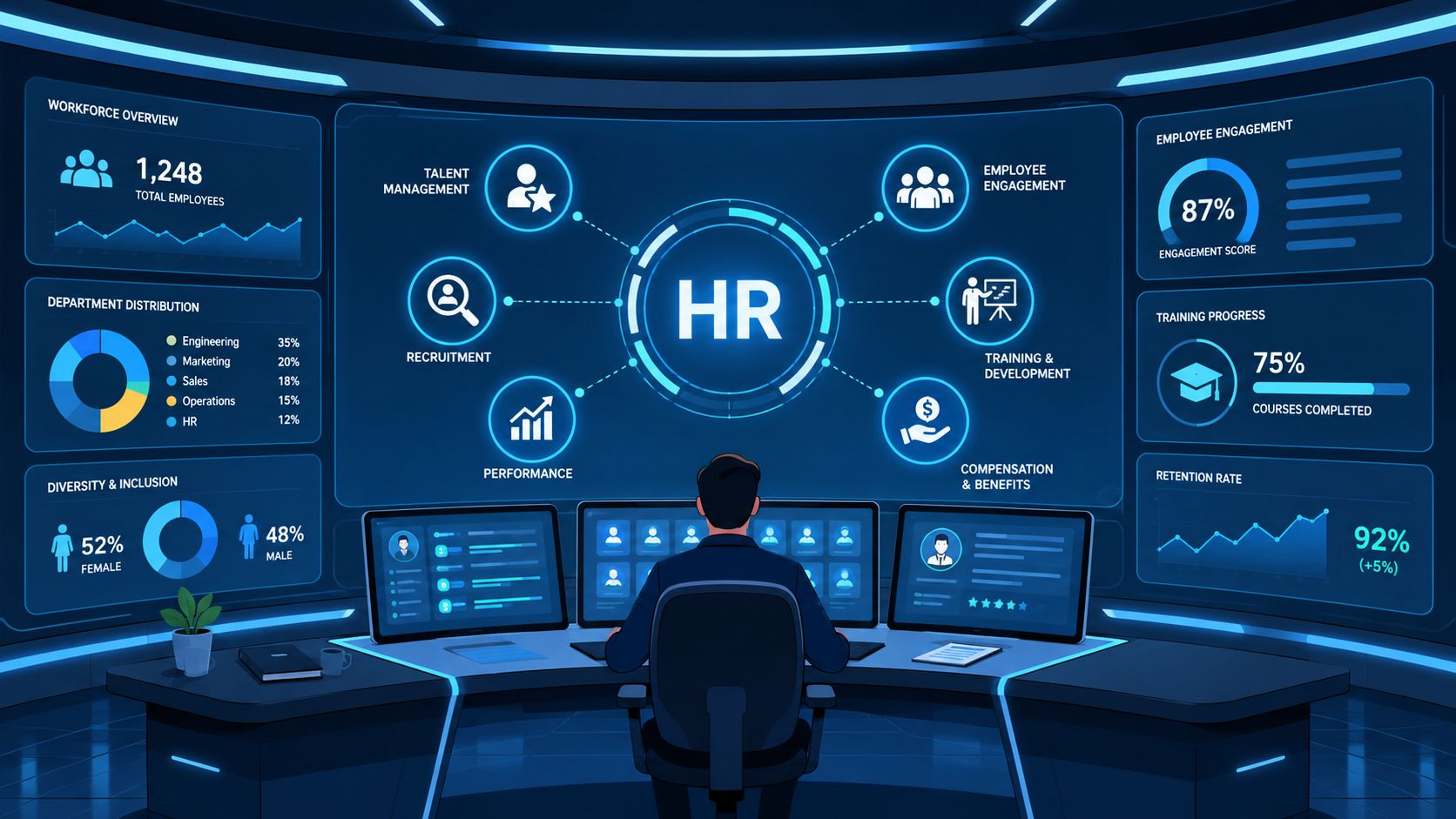
An HR client portal isn't a prettier shared folder. It's closer to a central nervous system for people operations.
When a business runs on email and spreadsheets, information moves like handwritten notes passed around a room. A portal acts more like a reception desk, records office, and traffic controller in one place. It routes the right request to the right person, stores the result, and shows what still needs attention.
More than storage
A lot of teams think they need a file repository. What they need, instead, is a structured process.
Storage answers one question: where is the file?
A real HR client portal answers several better questions:
- what document is missing
- who needs to submit it
- whether it's valid
- who reviewed it
- when it expires
- what step should happen next
That's why portals outperform generic folders for onboarding, policy acknowledgments, benefits paperwork, and recurring compliance collection. The value isn't just keeping files. The value is collecting the right files in the right sequence.
A good portal doesn't just hold documents. It reduces the need for follow-up.
This matters in service businesses because HR work often touches regulated work. If you manage teams in healthcare support, legal services, field staffing, transport, property management, or financial administration, paperwork isn't optional. It's operational. Alongside workflow design, leaders should also keep up with essential HR regulations for service businesses so the portal reflects real compliance needs instead of generic assumptions.
One system for employee and client interactions
The phrase “HR client portal” can confuse people because the users aren't always just employees. In many SMBs, the portal serves several groups:
| User | Typical portal use |
|---|---|
| Employees | Pay information, leave requests, personal data updates, policy acknowledgments |
| Candidates | Application documents, ID submission, onboarding forms, certifications |
| Managers | Approvals, review tasks, hiring packets, document checks |
| Clients or partner contacts | Secure document exchange tied to staffing, onboarding, compliance, or service delivery |
That dual use is what makes the tool so powerful for service firms. One branded, secure environment can support both internal HR operations and external document collection tied to client delivery.
The wrong way to think about a portal is “a place to upload files.” The right way is “the operating layer that keeps people, documents, and approvals moving without confusion.”
Core Features That Drive Efficiency and ROI
The best HR portals earn their keep by removing repetitive work. They don't win because they have more buttons. They win because they reduce chasing, checking, and re-entering.
Self-service removes repetitive work
Usually, the largest operational gain manifests initially. Employee self-service portals handle 60–80% of routine HR inquiries without human intervention, and a typical 200-person company saves 15–25 hours per week in HR admin time. Organizations implementing these features achieve 200–400% ROI within 18 months according to employee self-service portal ROI data.
That changes the job of HR. Staff stop acting like a help desk for basic access and start spending more time on hiring support, employee relations, policy clarity, and compliance review.
Self-service usually works best when it covers tasks people already expect to do on their own:
- Personal updates: Employees can change contact details without sending requests.
- Routine documents: People can retrieve common records without waiting for HR.
- Standard requests: Time-off and acknowledgment workflows move through a defined path.
When teams skip self-service and keep “easy” tasks manual, the portal turns into a passive archive. That's a mistake.
Document collection becomes a workflow
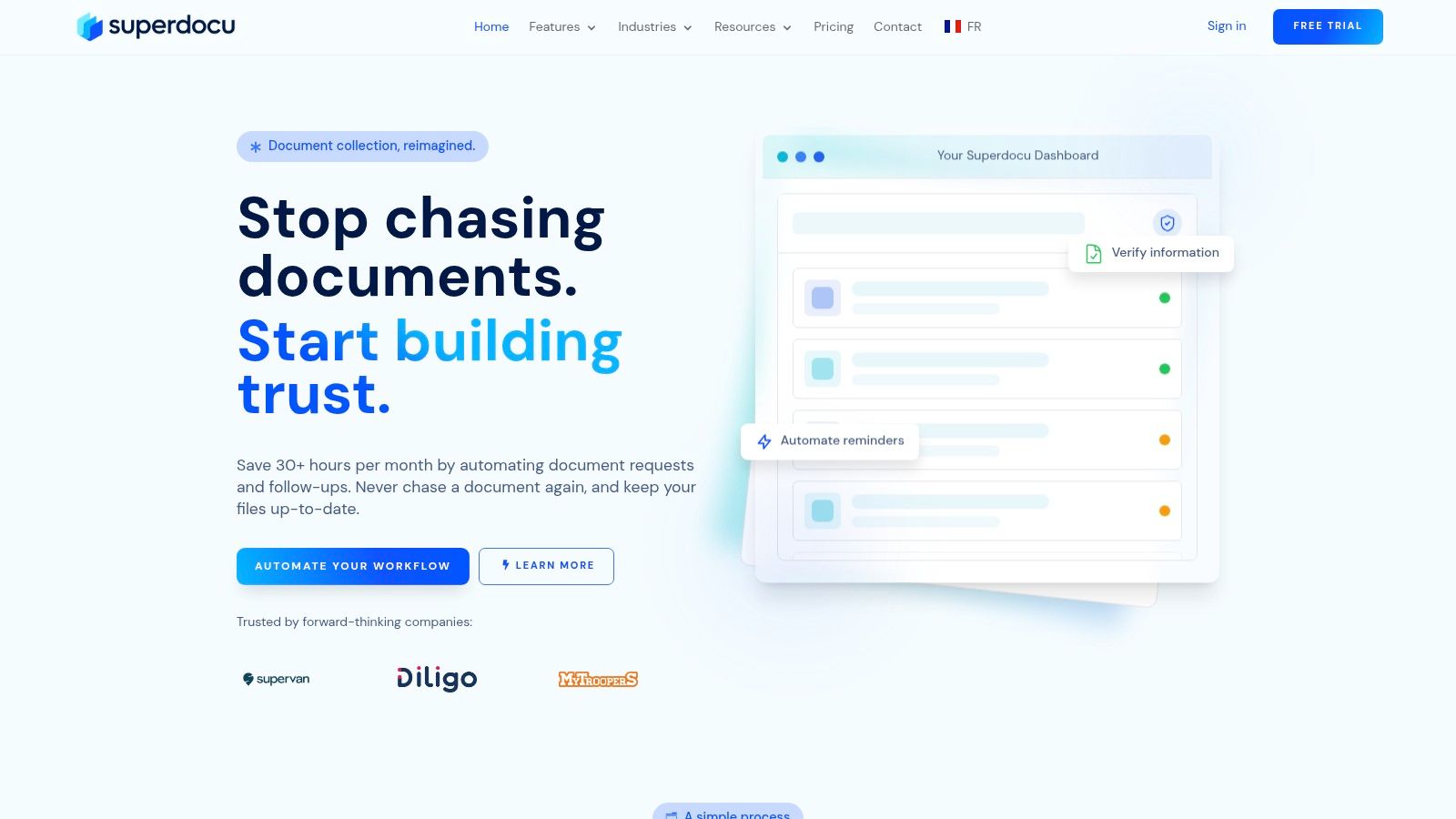
For service-based SMBs, document collection is usually the beating heart of the whole system. New hires need IDs, signed forms, certifications, direct deposit details, and policy acknowledgments. Existing staff need renewals, updated licenses, and refreshed compliance records. Clients or partner contacts may need to submit documents that trigger downstream HR or staffing actions.
What works is a request-driven model. One request goes out. The user sees exactly what to upload. Reminders happen automatically. Review happens in a single queue. Expiration dates are tracked before they become emergencies.
A portal should also support process automation beyond the upload itself. If you're thinking through workflow logic, this guide to business process automation in document workflows is useful because it connects repetitive admin work to automation design, not just software features.
The strongest HR portals don't ask staff to remember the process. They build the process into the request.
Another practical area is recruiting. Staffing teams and internal recruiters often need resumes in formats that work cleanly downstream. If your hiring process includes early document quality checks, this short guide on how to verify resume ATS readiness can help recruiters standardize intake before records move deeper into the hiring workflow.
Good adoption depends on low friction
Features don't create efficiency on their own. People have to use them.
That's why the highest-value portals are easy to understand the first time someone logs in. The user should know what's needed, what's optional, and what's complete without reading a manual. If the portal asks users to hunt through menus or interpret internal jargon, HR will end up doing the work manually again.
A simple test helps:
| If users can do this quickly | The portal is probably well designed |
|---|---|
| See outstanding tasks | They won't email HR for status |
| Upload from any device | They won't delay submission until they reach a laptop |
| Understand document labels | They won't submit the wrong file |
| Receive automatic reminders | HR won't need to chase every missing item |
The trade-off is straightforward. Highly flexible systems can become cluttered if every department adds its own naming rules and steps. Tighter workflow templates usually deliver better consistency. For most SMBs, consistency wins.
Choosing the Right HR Portal for Your Business
Buying the wrong portal creates a new kind of chaos. The inbox shrinks, but confusion moves into the platform. That's why selection has to start with risk and usability, not aesthetics.
Security is the floor, not a bonus
HR data includes payroll records, IDs, tax forms, contracts, health-related documents, performance notes, and conduct reports. A portal handling that information needs hard boundaries.
Secure portals require role-based access control so employees only access their own data, while HR has full CRUD permissions. End-to-end encryption, MFA, and SSO are the technical benchmarks for protecting sensitive data and meeting GDPR and SOC 2 compliance, as outlined in this guide to secure client portal requirements.
In plain terms, consider this analogy: a building with keycards:
- RBAC decides which doors each person can open.
- Encryption keeps the contents unreadable if intercepted.
- MFA asks for more than a password.
- SSO connects identity to a trusted access system.
- Audit logs show who entered, what they touched, and when.
If a vendor treats these features like premium extras, walk away.
Usability decides whether the portal lives or dies
I've seen secure systems fail because employees hated using them. I've also seen simpler systems succeed because they reduced mental effort.
Look for evidence that the portal works for three groups at once:
- Administrators need to create workflows without filing a support ticket.
- Employees and candidates need to complete tasks on mobile and desktop without training.
- Managers need approvals and visibility without digging through clutter.
If people need a cheat sheet for basic uploads, adoption will stall.
This is also where branding matters. A portal should feel like part of your company, not a generic utility page. Branded emails, clear language, and a familiar interface reduce hesitation. People are more likely to trust a process that looks official and consistent.
If your business model includes outsourced HR support, co-employment arrangements, or complex employee access patterns, this article on choosing a PEO partner portal is a good reference point for the kinds of access and workflow questions worth asking during evaluation.
Customization and integration matter after week one
A lot of portal demos look good because they show the first login, not the fifth recurring process.
What matters after launch is whether you can adapt the system to the way your business runs. A law office needs one intake path. A staffing team needs another. A property business may need separate flows for agents, employees, and applicant-related documents. If every change requires custom development, your portal will age badly.
Use this shortlist when evaluating options:
- Workflow fit: Can you build different request paths for different roles?
- Brand control: Can emails, portals, and notifications match your company identity?
- Review process: Can HR validate submissions without exporting files everywhere?
- Integration path: Can the portal connect cleanly to the rest of your stack?
A practical place to sharpen your evaluation criteria is this guide to best client portal software decision factors. It's useful because it pushes the conversation beyond feature checklists and into workflow fit.
No text on images inside the article.
HR Client Portals in Action Across Industries
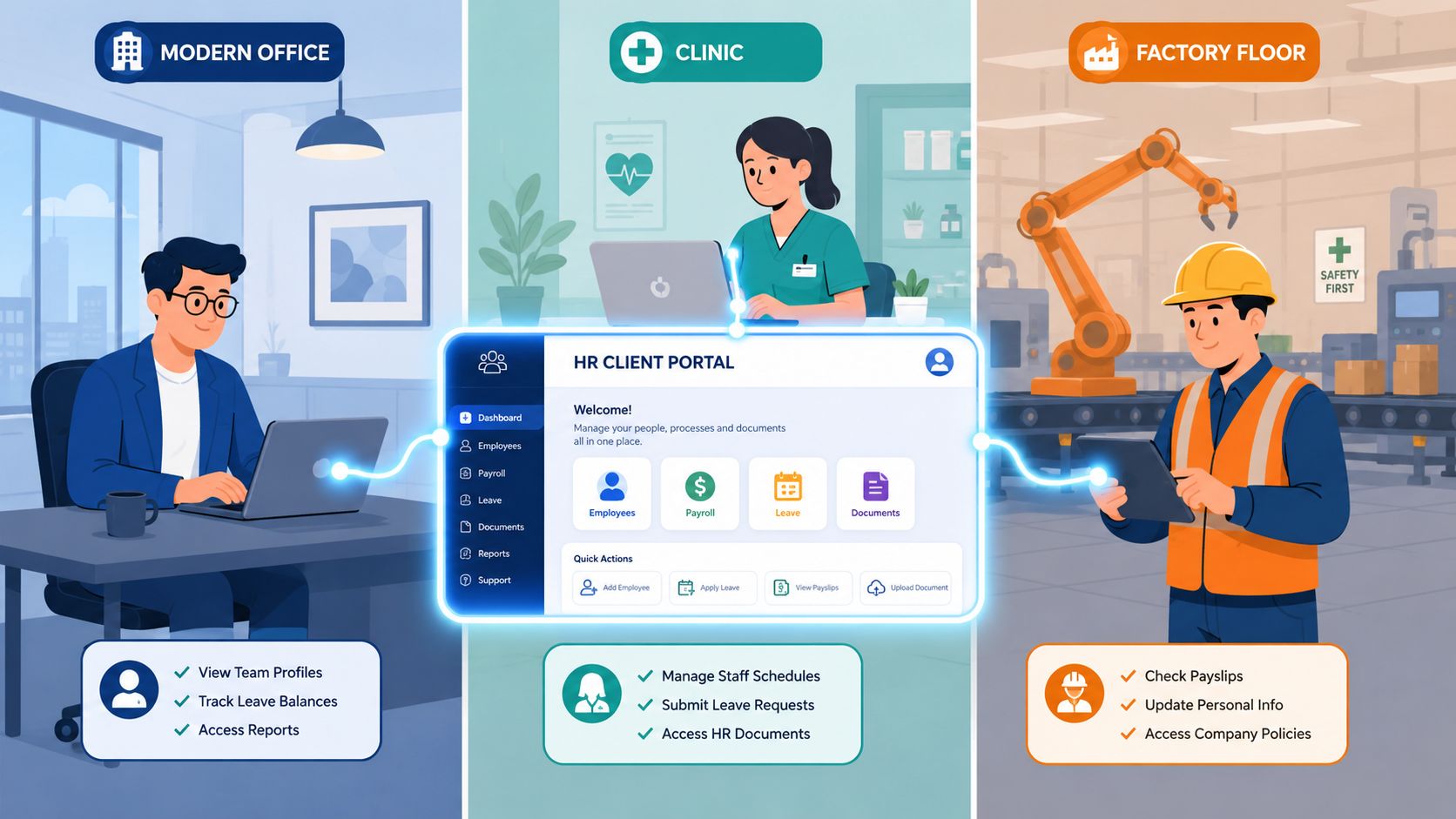
The same core system can solve very different problems. That's what makes the HR client portal useful across service businesses.
Staffing agency
A recruiter places temporary workers across multiple client sites. Every candidate needs identification, signed onboarding forms, role-specific certifications, and updated availability. Before the portal, recruiters chase missing documents by phone and email, and client start dates slip because one required file is buried in an inbox.
With a portal, each candidate receives a single request flow. The recruiter can see which items are complete, which are still missing, and which certifications need review. The agency also gains a cleaner client experience because onboarding stops feeling improvised.
Law firm
A law firm has two sensitive streams running at once. One is internal HR for new hires, especially paralegals and support staff who need policy sign-off, confidentiality paperwork, and compliance acknowledgments. The other is client document exchange.
Those streams should never rely on ordinary email. A portal gives the firm one secure structure for both. New employees complete internal tasks through role-based access, while clients submit case-related documents in a separate, controlled path. The operational benefit is simple. Staff stop forwarding files and start reviewing them in place.
Separate workflows matter most when the business handles both employee records and client records under the same roof.
Real estate brokerage
A brokerage has employees, independent agents, applicants, and property-related paperwork moving at the same time. One agent needs a license renewal reminder. Another needs onboarding documents. A tenant applicant may need to submit identification and supporting files through a branded request process.
Without a portal, that work spreads across office admins, transaction coordinators, and managers. With a portal, each request is tied to a specific purpose and deadline. That makes the brokerage faster, but more importantly, it makes the process easier to trust. People know where to send documents and what happens after submission.
Across all three industries, the pattern is the same. The portal creates order by turning scattered document chasing into a repeatable operating process.
Your Implementation and Adoption Checklist
Portal rollouts usually fail for one of two reasons. The team overbuilds before launch, or it launches too fast with no ownership. A good implementation stays narrow at first and disciplined throughout.

Phase one planning
Start with one or two workflows that hurt the most today.
- Map the current process: Write down every step for onboarding, document renewal, or employee requests.
- List required documents: Separate must-have items from nice-to-have items.
- Assign one owner: One person should make final decisions on setup and launch timing.
- Clean the data first: Remove duplicates and outdated files before migration.
If the team can't describe the current process in plain language, the portal won't fix it. It will only hide the confusion.
Phase two configuration
At this stage, the portal becomes usable instead of theoretical.
Set up roles carefully. Create request templates with clear labels. Build reminders that nudge without overwhelming. Keep naming conventions obvious. “Government ID” beats “Verification Artifact A” every time.
For onboarding-heavy teams, it helps to review a practical approach to automating the onboarding process before you configure your first workflow. The strongest setups usually start with one repeatable sequence and expand from there.
Phase three launch
Don't announce the portal like a software upgrade. Announce it like a better way to get work done.
Use a small pilot first. Pick a group with a real use case, such as new hires this month or one department with frequent document requests. Watch where users hesitate. Fix those spots before rolling out company-wide.
A launch message should answer four questions fast:
| Question | What users need to know |
|---|---|
| Why are we using this | It replaces scattered email and makes submissions easier |
| What do I need to do | Complete the listed tasks in the portal |
| When do I need to do it | Give a clear deadline |
| Where do I get help | Name a person or support path |
Phase four adoption and optimization
The first version doesn't need to be perfect. It needs to be clear.
After launch, review where submissions stall. Fix confusing labels. Remove extra fields. Add templates for the next workflow only after the first one runs smoothly. Early wins matter. If staff see one process become easier, they'll trust the next one.
Launch the smallest useful version, then improve what people actually use.
The teams that succeed treat adoption as operational design, not a training event. They keep refining until the portal becomes the default way work gets done.
Frequently Asked Questions About HR Portals
How do you measure success beyond login counts
Login numbers tell you almost nothing on their own. A better approach is to track whether users complete the actions that matter, where they get stuck, and what search behavior reveals about missing information. Such tracking is essential as data-driven HR portal strategies should measure completion of key actions and search patterns to reveal knowledge gaps, and portals that prioritize engagement over mere access see significantly higher ticket reduction and workflow efficiency, as explained in this HR self-service engagement guidance.
Look at outcomes like completed onboarding packets, fewer repeated questions, fewer manual reminders, and cleaner submission quality.
Can a portal handle anonymous or sensitive employee feedback
Yes, but only if the workflow is designed for it. Sensitive reporting needs two things at once: an option to ask anonymously and a secure follow-up path for clarifying questions without exposing identity. Many teams forget the second part. They offer an anonymous form, then have no safe way to continue the conversation.
For conduct concerns, harassment reports, or ethics questions, build a separate intake path with restricted access and a clear escalation process.
What's the best way to migrate existing documents
Don't dump everything in at once. Sort files by workflow, owner, and retention value first. Rename documents consistently before import. Archive what you no longer need. Then migrate the records tied to active workflows before moving historical material.
That order matters. If you import years of messy files without structure, users will inherit the same confusion you were trying to eliminate.
If your team is drowning in onboarding emails, missing attachments, and manual reminders, Superdocu is worth a look. It's built for structured document collection, branded portals, automated reminders, and secure workflows that help service-based SMBs move from scattered admin to controlled, repeatable processes.