
Let's be honest: chasing clients for documents over email is a special kind of nightmare. You’re wading through endless threads, searching for missing attachments, and constantly worrying if you have the latest version. A document submission portal is the cure for that chaos.
Think of it as a secure, online mailbox designed specifically for your business. Instead of a messy, free-for-all inbox, it gives your clients, employees, or partners a branded, easy-to-follow space to upload exactly what you need. It turns a frustrating process into a smooth, professional interaction.
Ending the Email Chaos
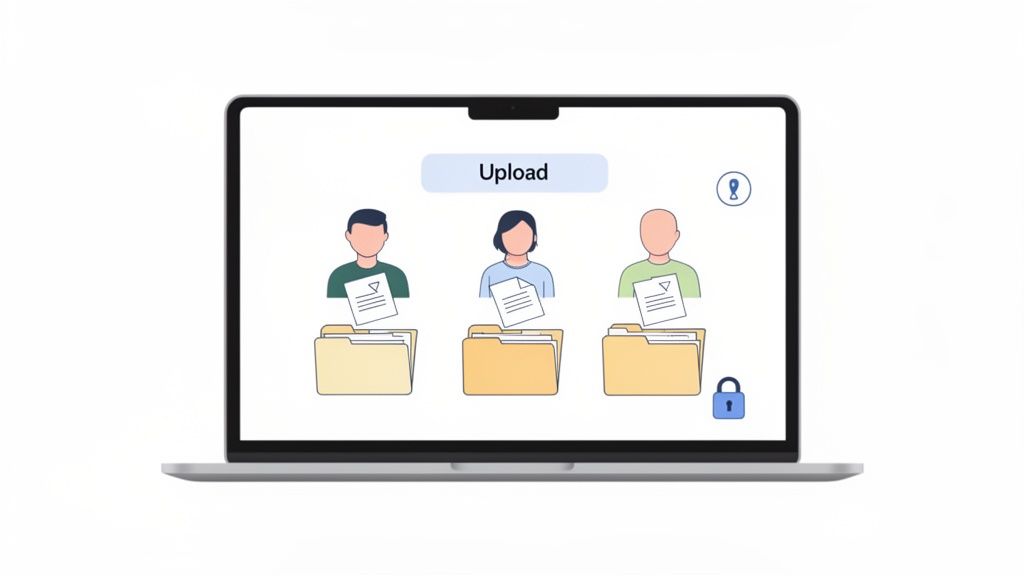
Picture this: you’re an accountant during tax season. You need W-2s, 1099s, and a dozen other forms from each client. The old way means sending a long, confusing email, then dealing with a flood of replies—some with the right files, some with the wrong ones, and some with none at all. It's inefficient, error-prone, and frankly, a bad look for your firm.
Now, imagine sending each client a single, secure link. They land on a page with your logo and a simple checklist of every document you need. As they upload each file, the list updates in real-time. This is what a document submission portal does. It’s like having a dedicated digital assistant who works 24/7, guiding every client through the process perfectly.
From Manual Mess to Automated Success
Swapping out email for a dedicated portal isn't just about tidying up your inbox; it’s a total upgrade to your workflow. The old way of doing things creates massive bottlenecks and opens you up to serious security risks.
A document submission portal creates a single source of truth for all incoming files. It stops version control confusion, prevents sensitive information from landing in the wrong inbox, and automatically logs every action for compliance.
This shift to a more organized system is a big reason why the global market for document management systems (which power these portals) is booming. It's projected to grow from USD 11.81 billion in 2026 to USD 21.39 billion by 2031. Businesses of all sizes are finally moving away from email and paper, and for good reason. Read the full research about the growing DMS market.
The table below shows just how much of a difference a modern portal can make compared to sticking with email.
Traditional Document Collection vs a Modern Portal
See how a document submission portal modernizes the outdated process of collecting files via email.
| Aspect | Traditional Method (Email & Attachments) | Document Submission Portal (e.g., Superdocu) |
|---|---|---|
| Submission Process | Client manually attaches files to an email. Often messy and confusing. | Client gets a guided, checklist-based experience. Simple and clear. |
| Tracking Status | Manual tracking in spreadsheets or memory. "Did they send it yet?" | A central dashboard shows the real-time status of every request. |
| Security | Low. Email is easily intercepted; attachments can carry malware. | High. End-to-end encryption protects files in transit and at rest. |
| File Organization | You have to download, rename, and manually file everything. | Files are automatically named and organized into the correct folders. |
| Reminders | You have to remember to send follow-up emails manually. | Automated reminders go out for any outstanding documents. |
| Client Experience | Can be frustrating and unprofessional, leading to delays. | Branded, polished, and friction-free, making your business look good. |
For small and mid-sized businesses—who are at the heart of what we do at Superdocu—the advantages of a portal over email are crystal clear:
Enhanced Security: Portals use strong encryption to protect sensitive data both on its way to you and while it’s stored. Standard email just can't offer that level of safety.
Improved Client Experience: A clean, branded interface makes your business look sharp and makes submitting documents a breeze for your clients. No more frustration, just a simple, positive interaction.
Increased Efficiency: Automation takes care of the annoying follow-ups, and a dashboard gives you a bird's-eye view of everything. This saves countless administrative hours every week.
The Core Features of an Effective Document Portal
Not all document portals are the same. Sure, they all aim to replace those messy, never-ending email chains, but the best ones are loaded with features that cut out the busywork and seriously ramp up security. A truly effective document submission portal isn’t just a glorified upload folder; it's a smart system that orchestrates the entire collection process for you.
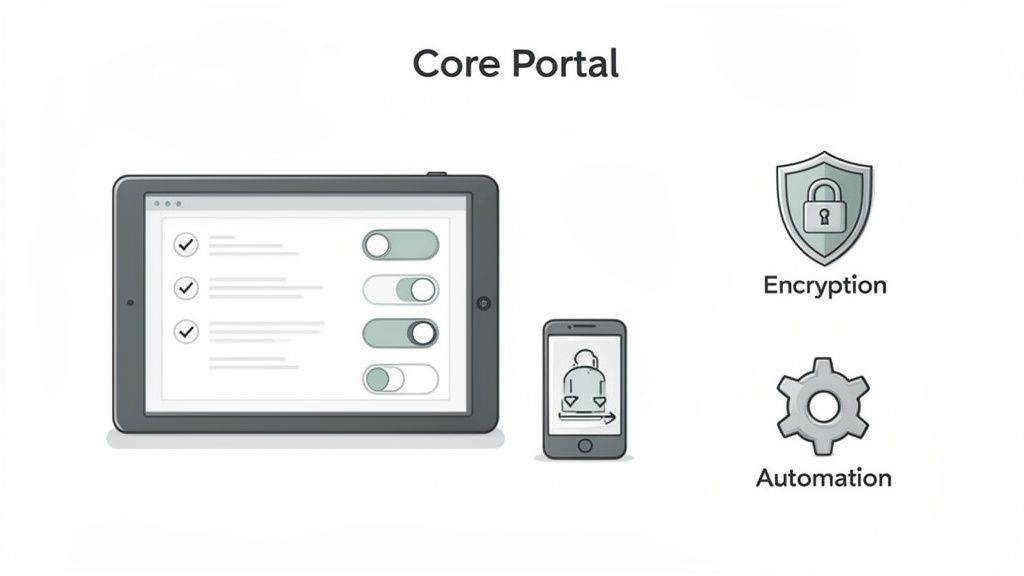
A great portal experience starts with a custom-branded interface. This is where you can add your own logo and colors, creating a seamless and professional look for your clients. It’s a small touch that makes a big difference—it instantly tells them they're in the right place and using a system they can trust, not some random third-party tool.
Automation and Intelligent Workflows
The real magic of a modern document portal is workflow automation. Instead of manually typing out a list of required files in an email, you simply create a digital checklist. From there, the portal takes the wheel, guiding your client step-by-step through each document they need to upload.
This automation also handles the nagging for you. You can set up automatic reminders for any outstanding documents, freeing up your team from the tedious task of chasing people down. This feature alone can slash administrative time and get projects moving much faster.
An automated workflow ensures nothing falls through the cracks. It provides a clear, step-by-step path for the user and a single dashboard for you to track progress, turning a disorganized process into a predictable one.
Centralized Validation and Mobile Access
Once a document is uploaded, the job's not done. A top-tier portal has a built-in validation dashboard that acts as your mission control.
This central hub lets your team:
- Review submitted files right in the portal—no downloading necessary.
- Approve correct documents with a single click.
- Reject incorrect or poor-quality files, which automatically notifies the client and asks them to try again.
On top of that, mobile accessibility is an absolute must. Your clients expect to be able to snap a picture of a document with their phone and upload it on the spot. A clean, responsive design that works perfectly on any device makes the whole process effortless for users, so they can get you what you need, wherever they are. If you want a deeper look into the specifics, check out our guide on what to look for in a document portal.
Uncompromising Security and Compliance
Security is the foundation of any document submission portal. After all, you’re handling sensitive information. The platform you choose has to be a fortress. When looking at different options, it's critical to select a solution that follows robust security practices to keep client data safe.
Look for essential security features like end-to-end encryption, which scrambles files while they're being uploaded and while they're stored. The portal must also be compliant with data privacy laws like RGPD, ensuring everything is handled legally and ethically. With secure, redundant storage, you can be confident that your files are both safe and always available. When these features come together, they create a powerful tool that makes life easier for everyone.
Why Your Business Needs a Cloud-Based Portal
The old way of doing business—with clunky software tethered to a physical office—is quickly becoming a thing of the past. We've shifted to a world where work happens anywhere, and our tools need to keep up. This is where a cloud-based document submission portal comes in.
Instead of installing and managing complex software on your own servers, a cloud portal lives online. All you need is an internet connection to access it. Think about it: your team can review documents from home, and clients can upload essential files from a coffee shop halfway across the world. This isn't a futuristic dream; it's the new standard for getting things done.
Scalability and Simplicity
One of the best things about a cloud platform is how easily it grows with you. As your business expands, a cloud portal can handle more users, more document requests, and a flood of new files without a hitch. You never have to worry about buying or setting up new hardware. The system simply scales to meet your needs.
And what about updates? They happen automatically. You get the latest features and security patches without having to lift a finger or schedule any downtime with your IT team. The provider handles all the backend maintenance, so you can stay focused on what you do best.
A cloud-based document submission portal levels the playing field. It gives small and medium-sized businesses access to the same powerful technology as large corporations, but with pricing that is both affordable and predictable.
The Clear Market Shift to Cloud
This move to the cloud isn't just a passing trend—it's a massive shift in how businesses operate. The data tells a clear story: cloud-based document management systems are not only the biggest part of the market but also the fastest-growing.
Projections show the cloud segment is on track to capture 68.18% of the software market by 2026. At the same time, the overall market is expected to balloon from USD 9.74 billion in 2026 to USD 29.78 billion by 2034. A huge part of this explosive growth is coming from small and medium-sized businesses (SMEs) finally getting their hands on affordable, scalable tools that were once out of reach. You can explore more about this trend in the document management system market report from Fortune Business Insights.
While large enterprises still hold a big piece of the pie, SMEs are catching up fast. They're drawn to the low cost of entry and powerful features, like automated reminders that keep documents current and compliant without anyone having to chase them down manually. If you're curious, we wrote a detailed guide on the benefits of a cloud-based document management system.
Ultimately, this transition is about more than just technology. It’s about creating a smooth, modern experience for your clients that builds trust and makes you easy to work with. For today's SMEs, a cloud-based portal isn't a luxury anymore—it's a fundamental part of running a competitive and efficient business.
How Different Industries Use Document Portals
A document submission portal isn't just a technical tool; it's a practical solution to real-world problems that pop up in almost every industry. While the basic idea is always the same—getting documents from point A to point B securely—how it's used can look very different depending on the specific needs of a business.
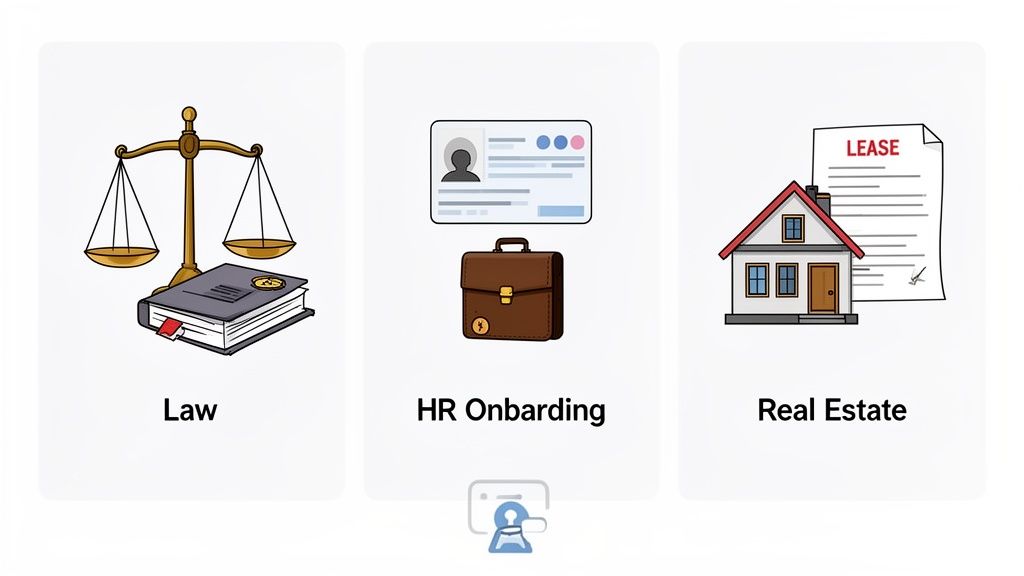
Let's look at how this plays out in a few key sectors. Something as simple as a single, branded upload link from a platform like Superdocu can completely overhaul workflows that used to be slow, messy, and full of human error.
Legal and Professional Services
In the legal world, security isn't just a feature; it's an absolute requirement. A document submission portal gives law firms a secure, encrypted channel for collecting highly sensitive client information, moving away from the risks of standard email.
Attorneys can use it to request things like:
- Signed client intake forms: Gathering all the initial case details without the back-and-forth.
- Evidence and case files: Collecting photos, statements, and other crucial documents with a clear, time-stamped audit trail.
- Signed agreements and retainers: Making sure all the essential legal paperwork is sorted out before any work starts.
Think of a portal for a law practice as a digital evidence locker. It ensures that sensitive client data is handled with the utmost care and creates a perfect, unchangeable record of every submission—a must-have for compliance and court proceedings.
This structured approach is catching on fast. The market for client portal software is expected to jump from USD 3.2 billion in 2025 to a whopping USD 7.5 billion by 2033. For good reason, too. These portals can slash manual follow-up time by 50%, and with automated reminders, they can push submission rates as high as 95%. You can dig deeper into these trends in the client portal software market.
Human Resources and Onboarding
HR departments are buried in paperwork, especially when bringing on new hires. This makes onboarding a perfect fit for a portal-based system. The whole process becomes incredibly straightforward: a new employee gets one link where they can submit everything they need to before day one.
This single point of collection simplifies getting:
- Identification documents (like a driver's license or passport)
- Tax forms and direct deposit information
- Signed employment contracts and policy acknowledgements
With automated nudges to make sure nothing is missed, HR teams can get new hires onboarded up to 30% faster. That frees them up to focus on what really matters—the people, not the paperwork.
Real Estate and Property Management
Real estate moves fast, and a deal can fall apart over missing documents. For agents and property managers juggling multiple applications, a document submission portal is a lifesaver.
A common workflow involves collecting a mountain of documents from potential tenants or buyers—proof of income, reference letters, rental history, you name it. A portal centralizes everything, ends the confusing email chains, and gives agents a clear dashboard showing exactly where each applicant stands. In fact, a mid-sized real estate agency can save an estimated 20 hours per week on tenant applications alone just by making this switch.
Ready to Build Your Own Document Submission Portal?
If you're tired of chasing documents through endless email chains, it's time to set up your own portal. Getting started is probably a lot easier than you think, especially with today's tools. Let's walk through how to get your own system up and running.
The first big decision you'll face is whether to build a system from scratch or use a ready-made platform. There are good reasons for both, and this is often discussed as the choice between custom software vs off-the-shelf solutions. Honestly, for most small and medium-sized businesses, a pre-built solution offers the quickest and most efficient path forward.
Setting Up Your Branded Portal
Once you've picked a tool like Superdocu, the initial setup is surprisingly quick. The main goal here is to make the portal feel like a natural part of your company, which instantly builds trust with your clients.
You'll start with a few simple steps:
- Upload your company logo. This is the first thing people will see, so it's a must.
- Set your brand colors. Adjust the buttons, links, and headers to match your company's visual identity.
- Customize the default text. Tweak the wording in invitation emails and reminders so it sounds like it's coming from you, not a robot.
These small branding touches make a huge difference. They transform a generic tool into your portal, reassuring clients that they're in a secure, official place managed by your business. That's a big deal when you're asking them to upload sensitive information.
Building Your First Document Request Workflow
With your branding locked in, it's time for the fun part: creating your first document request. This is where you tell the system exactly what you need and let automation take over the nagging. With the right tool, you can go from signing up to sending your first request in less than an hour.
The process is straightforward:
- Create a New Request: Start by giving your request a clear, simple name like "New Client Onboarding" or "Loan Application Paperwork."
- Define Required Documents: Make a checklist of every single file you need. For instance, an HR manager might list "Signed Offer Letter," "Driver's License," and "Direct Deposit Form."
- Customize the Invitation: Write a short, welcoming message for the email your client will receive, explaining what you're asking for.
- Set Automated Reminders: This is the magic step. Tell the system to automatically send follow-ups for any missing documents. You can set it to check in every three days, for example, until everything is submitted.
This simple, structured workflow takes all the guesswork out of the process for your clients. More importantly, it completely frees you from the tedious job of manually tracking and chasing down files.
Automating Your Workflows with Portal Integrations
A standalone document submission portal is a massive step up from the chaos of email, that's for sure. But its real power shines when it starts talking to the other tools you use every single day. Think of integrations as building bridges between your software, letting them share information automatically and work together like a well-oiled machine.
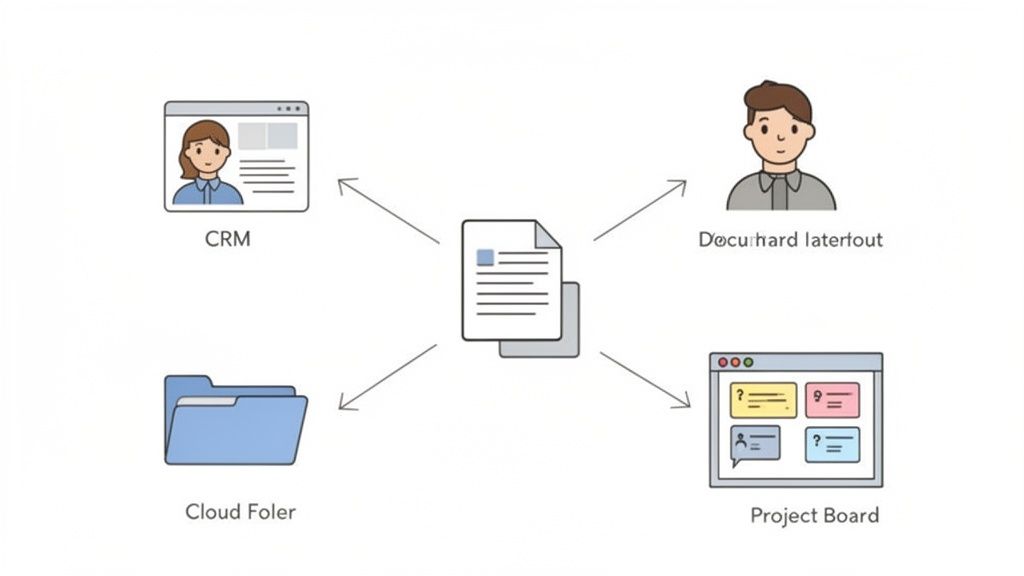
When your portal is connected to your other systems, manual data entry practically disappears. This gets your team off the hamster wheel of tedious, repetitive tasks and slashes the risk of human error. The result? A business that runs more efficiently, with better accuracy and fewer disconnected parts.
Creating a Connected Business Ecosystem
Let’s get practical. Imagine a new client uploads a signed contract to your document submission portal. An integration can instantly kick off a chain reaction without anyone needing to lift a finger.
For instance, that one submission could automatically:
- Create a new client profile in your CRM like Salesforce or HubSpot.
- Spin up a new project in your project management tool, maybe Asana or Trello.
- Set up a dedicated client folder in your cloud storage, such as Google Drive or Dropbox.
This smooth flow of information means your team can finally focus on high-value work instead of administrative busywork. The best portals, like Superdocu, offer powerful integration options through platforms like Zapier, connecting you to literally thousands of popular business apps.
By connecting your portal to your key business software, you build a fully automated system that eliminates redundant tasks. This not only saves hundreds of hours but also ensures data consistency across all your platforms.
Embedding Signatures for a Seamless Experience
One of the most effective integrations you can have is with eSignature software. Instead of asking clients to download a document, sign it with a different tool, and then re-upload it, you can embed the entire signing process right into your document request.
With an eSignature integration (think DocuSign), your client gets one link. They click it, upload any files you need, and sign agreements all in the same place. It's a single, seamless workflow.
This simple connection removes friction, dramatically speeds up turnaround times, and gives your clients a much better experience. To see how this plays out in the real world, you can learn more about how to automate your document workflow with these kinds of connections.
Still Have Questions? Let's Clear Things Up
Diving into a new tool always brings up a few questions. It's only natural. Let's tackle some of the most common ones we hear about document submission portals and how they can make your business run smoother and safer.
Is It Really Secure Enough for My Clients' Sensitive Information?
Absolutely. Security is the bedrock of any reputable document portal. Think of it less like an email and more like a digital safe. These platforms use heavy-duty security measures like end-to-end encryption, which essentially scrambles the data from the moment it leaves your client's device until it lands securely with you.
Unlike email, where attachments can be easily forwarded, lost in a messy inbox, or sit on an unsecured server, a portal creates a completely controlled environment. Every action is tracked, and access is tightly restricted. This drastically cuts down the risk of a data breach.
Will My Clients Find It Confusing or Difficult to Use?
Not at all. The best portals are designed with your clients in mind. They won't need to create an account, remember a password, or download special software. It's as simple as clicking a secure link you send them.
That link opens a clean, simple checklist that works beautifully on any device—phone, tablet, or desktop.
The whole point is to guide them step-by-step. Instead of a vague email asking for "the documents," the portal tells them exactly what to upload and where. It’s built for a zero-friction experience.
The process feels professional and intuitive from start to finish, which reflects well on your brand and makes life easier for everyone.
Can I Make the Portal Look and Feel Like My Own Company's Website?
Yes, and you absolutely should. A good document submission portal lets you fully customize the experience to match your brand. This is a core feature, not an afterthought. You can typically:
- Upload your company logo.
- Match the portal's colors to your brand palette.
- Customize the wording in invitation emails and reminders.
This turns a third-party tool into a seamless extension of your business. When clients land on the page, they feel confident they're in the right place, reinforcing trust and professionalism.
Ready to ditch the email chaos for good and give your clients a truly professional experience? Superdocu helps you build secure, branded portals that automate your entire document collection workflow. See the difference for yourself with a free trial. Find out more about how Superdocu works.