
At its core, document collection is the simple act of asking for, gathering, and then organizing all the files you need from people like clients, new hires, or business partners. It's the first—and most critical—step in countless business processes. Think about it: you can't onboard a new employee, close a mortgage, or start a legal case without the right paperwork. Getting this initial stage right has a massive impact on your team's efficiency and your client's happiness.
From Paper Chase to Strategic Asset
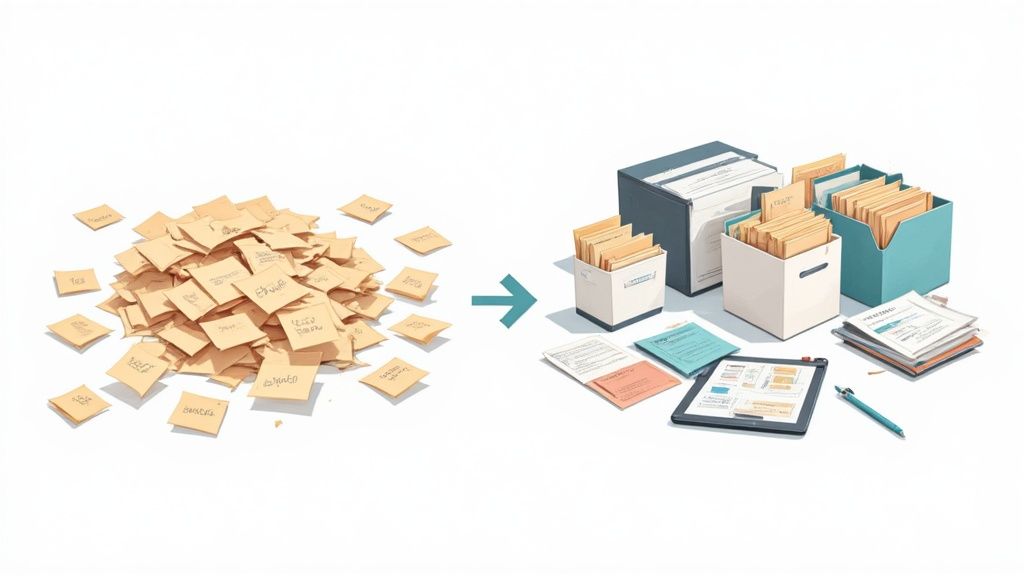
Have you ever tried to bake a cake but couldn't find the flour, eggs, or sugar because they were scattered all over the house? It’s frustrating, wastes a ton of time, and you might just give up. That's exactly what disorganized document collection feels like for a business—a chaotic scavenger hunt that drains your team's energy and leaves clients wondering what's going on.
Now, picture a professional chef's kitchen. Everything is prepped and in its place before cooking even starts. This is "mise en place," a system that guarantees a smooth, efficient process. A modern, well-thought-out document collection system is the "mise en place" for your business.
The Shift From Chore to Core Function
For years, gathering documents was seen as just another tedious administrative task. But that mindset is changing. Today, it’s being recognized as a core function that can give you a real strategic advantage. It's the foundation for nearly every important workflow. Whether you're processing a loan application or verifying an employee's credentials, the speed and accuracy of this first step dictate the success of everything that follows.
When you put a proper system in place, this once-manual chore becomes a secure, organized, and often automated part of your operations. The benefits are immediate and clear:
- A Better Client Experience: Instead of messy email threads and constant follow-up calls, clients get a single, professional place to upload everything.
- A More Productive Team: Your staff gets the right information right away, which means no more chasing down missing files or manually entering data from a dozen different places.
- Tighter Security and Compliance: Every file has a secure, auditable trail. This not only protects sensitive information but also makes it much easier to meet regulatory requirements.
The old way meant lost attachments, endless back-and-forth, and genuine security risks. The new way is all about creating one secure channel where information flows right from your client to your team, making life easier for everyone involved.
Market Growth and Going Digital
This isn't just a passing trend; it's a huge shift in how business gets done. The global market for document management and collection was on track to be worth between USD 8.7–10.5 billion by 2025. This growth is fueled by the move to the cloud, stricter compliance rules, and the simple reality of remote work.
With cloud-based platforms now the go-to choice, businesses are jumping on board to keep up. By getting your document collection process in order, you're not just tidying up files—you're building a stronger, more efficient, and client-friendly company. To do this, many are turning to new systems, and you can learn more about these powerful paperless document management solutions in our detailed guide.
Why Getting Document Collection Right Is a Business Superpower
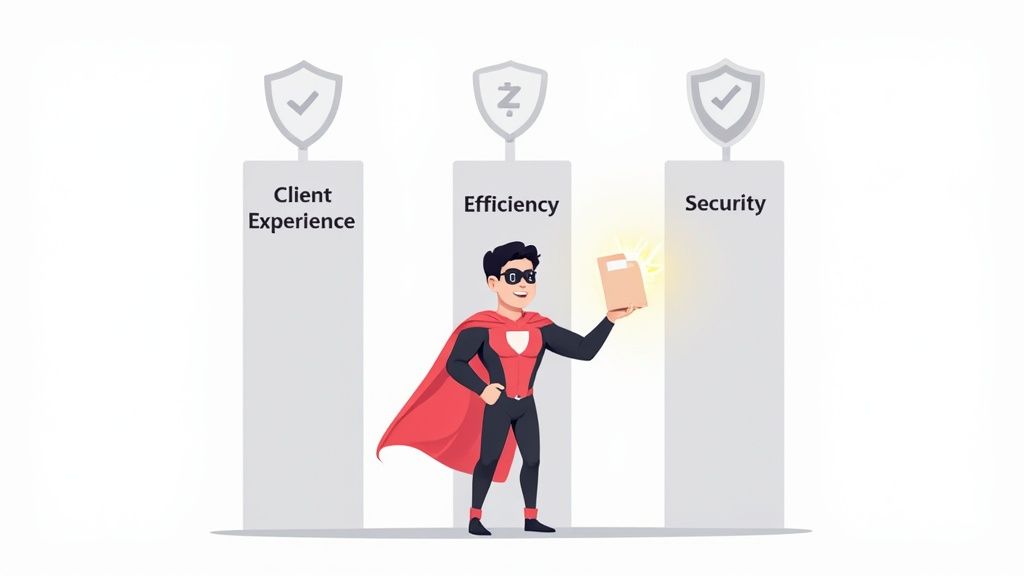
It’s easy to write off document collection as just another administrative chore, like filing paperwork. But that's like saying a superhero's power is just a neat party trick—it totally misses the point. A smart, well-oiled system for gathering information is far more than just being organized. It's an engine for growth that directly hits your bottom line, builds client trust, and makes your entire operation run faster.
When you nail your document collection process, you’re not just shuffling digital files better. You're actually rewiring your business from the inside out. Let's dig into the three key areas where this superpower really makes a difference.
Elevate the Client Experience
Remember the last time you had to apply for something big, like a mortgage? You probably got hit with a blizzard of emails, each one asking for a different "Form A" or "Schedule B." That chaotic back-and-forth, with its lost attachments and confusing instructions, is frustrating. It’s a terrible first impression that can make anyone second-guess a company’s competence.
Now, picture this instead: you get a single link to a clean, professional portal. It has a simple checklist of exactly what’s needed, lets you upload photos of documents from your phone, and even shows a progress bar. That’s not just convenient; it’s a powerful statement. It tells your client you respect their time and take their security seriously. A smooth collection process is often the first real interaction a client has with you, and it sets the tone for everything that follows.
By ditching messy email chains for a simple, self-service portal, you turn a moment of potential client frustration into one of confidence and trust. That professional polish is a massive competitive advantage.
Accelerate Your Internal Workflows
A clunky document collection process doesn’t just frustrate clients—it brings your internal teams to a screeching halt. When files trickle in incomplete, poorly named, or spread across five different email threads, your staff has to play detective instead of doing their real jobs. They burn countless hours chasing down missing paperwork and piecing everything together.
This constant administrative drag creates huge bottlenecks. Projects get delayed, deadlines slip, and your team gets bogged down in low-value work. A better system flips the script. When your team gets complete, validated document packages in one central spot, they can get to work instantly.
- Onboarding: HR can process new hires in a fraction of the time, getting them set up and ready to go on day one.
- Legal Cases: Lawyers receive all the evidence they need upfront, so they can start building a strong case without delay.
- Financial Audits: Accountants find every receipt and statement perfectly organized and ready for review.
Fortify Security and Compliance
With data breaches and strict privacy laws always in the headlines, how you handle sensitive information is more important than ever. Relying on insecure methods like email to collect documents is a major liability. It creates a scattered, unauditable mess that puts both your business and your clients at risk. A proper document collection system acts as a digital fortress for this critical information.
Modern platforms use features like end-to-end encryption and secure access controls to shield every file from prying eyes. Even better, they create a full audit trail that logs every action—who requested a document, who uploaded it, and who viewed it. This unbroken chain of custody is non-negotiable for meeting compliance standards like RGPD and HIPAA, turning a potential weak spot into a rock-solid strength. It’s definitive proof that you’re serious about protecting client data.
The difference between a manual, disorganized process and a modern, efficient one is stark. The impact goes far beyond just saving time; it touches every part of the business.
Impact of Inefficient vs. Efficient Document Collection
| Business Area | Inefficient Process (Manual & Ad-Hoc) | Efficient Process (Automated & Structured) |
|---|---|---|
| Client Experience | High friction, confusing, and frustrating. Creates a poor first impression and can lead to client churn. | Seamless, transparent, and professional. Builds trust and confidence from the very first interaction. |
| Operational Speed | Plagued by delays and bottlenecks. Staff wastes hours on manual follow-ups and administrative tasks. | Fast and fluid. Workflows are triggered instantly upon receipt of complete information, accelerating project timelines. |
| Employee Morale | Frustrating and repetitive. Team members get bogged down in low-value "paper chasing" instead of their core roles. | Empowering and productive. Teams can focus on high-impact work, knowing the necessary information is at their fingertips. |
| Security & Risk | High risk of data breaches. Scattered files, lack of audit trails, and insecure channels (like email) create major liabilities. | Low risk and highly secure. Centralized, encrypted storage and a clear audit trail ensure compliance and data protection. |
| Business Scalability | Difficult to scale. More clients mean more administrative chaos, higher costs, and a greater chance of errors. | Highly scalable. The system handles increased volume effortlessly without a proportional increase in manual work. |
Ultimately, moving to an efficient document collection process isn't just an upgrade—it's a fundamental shift in how you operate, delivering tangible benefits in client satisfaction, speed, and security.
How Automation Unlocks Flawless Document Collection

Relying on manual document collection is like having a team of receptionists who can only handle one task at a time. They have to personally chase every client for every missing file, physically sort every piece of paper, and then update a spreadsheet by hand. It’s slow, full of potential for mistakes, and just plain draining for your staff.
Think of automation as the upgrade that gives each person on your team a smart, tireless assistant.
This assistant works around the clock, taking care of all the repetitive tasks that bog your business down. It’s the engine that turns a clunky, manual process into a smooth, nearly error-free machine. When you let technology handle the administrative grunt work, your team is free to focus on what they do best—serving clients and growing the business.
Meet Your New Smart Assistant: Intelligent Document Processing
One of the most powerful tools in the automation toolkit is Intelligent Document Processing (IDP). Picture IDP as a super-smart assistant that doesn't just receive documents but can actually read, understand, and categorize them. It uses technology like Artificial Intelligence (AI) to do things that, until recently, required a human eye.
For instance, when a client uploads their driver's license, an IDP system can:
- Identify the Document Type: It instantly recognizes the file as a "driver's license."
- Extract Key Information: It pulls out the name, address, and expiration date automatically.
- Validate the Data: It can even check if the license is expired and flag it for review.
This kind of tech is no longer reserved for giant corporations. The market for IDP is expected to hit USD 6.8 billion by 2025, and more than 80% of businesses are planning to invest more in document automation. Why the boom? Because the gains in efficiency are clear and measurable.
Practical Automation That Delivers Real Wins
Beyond the advanced AI of IDP, automation offers a ton of practical features you can start using today. These tools work in concert to create a seamless experience for both your team and your clients.
The goal of automation isn’t to replace people; it’s to eliminate tedious tasks. When you automate the chase, you empower your team to focus on building relationships and solving complex problems.
Here are a few key features that make a huge difference:
-
Automated Reminders: Instead of your team spending hours sending follow-up emails, the system can send polite, persistent reminders for outstanding documents on a schedule you define. Nothing falls through the cracks, and no one has to play phone tag.
-
Dynamic Forms: Standard PDFs are static and rigid. Dynamic forms, on the other hand, are interactive and guide the user, ensuring you get clean, consistent data every time. They can even prevent someone from submitting an incomplete form, guaranteeing you get what you need upfront.
-
Conditional Logic: This is a truly smart feature that adapts the document request based on a client’s answers. For example, if a client says they are a business owner, the form will automatically ask for their business tax returns. If not, that request stays hidden, simplifying the process for everyone.
By putting these systems to work, you achieve real-world wins. You slash human error, speed up your business cycles, and give your team back their most valuable resource—time. Our guide on document workflow automation dives deeper into how these pieces fit together to create a powerful, efficient system.
Building a Secure and Compliant Workflow
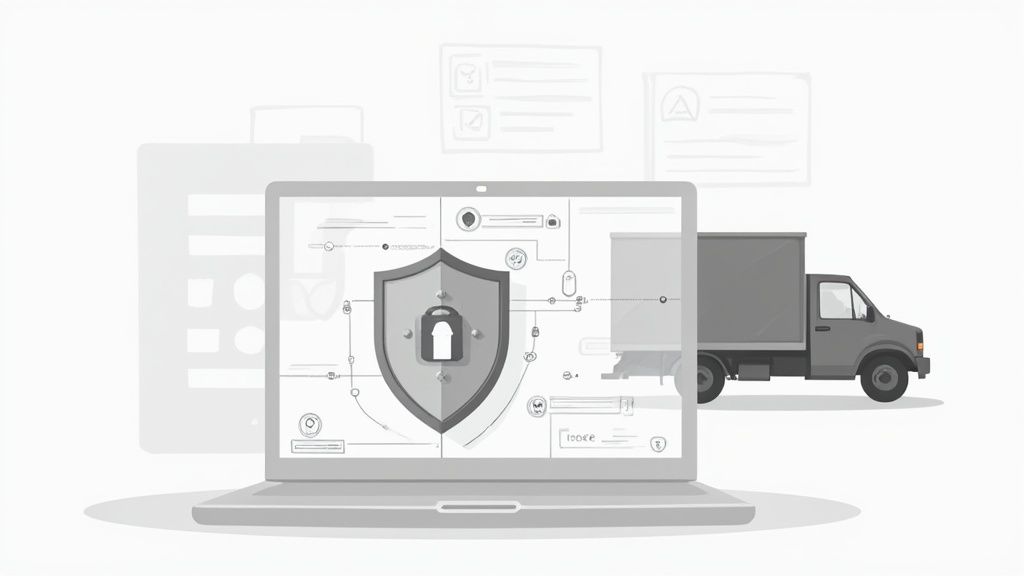
Security isn't just a box to tick on a feature list. It's the very foundation of trust in any professional relationship that involves sensitive documents. When a client sends you their personal or financial information, they are putting an incredible amount of faith in your ability to protect it. A single data breach can destroy that trust in an instant, causing serious financial and reputational harm.
Think of your document collection process like a digital fortress. It’s not enough to have a strong front gate; you need overlapping layers of defense to keep everything inside safe. Modern, secure systems are built from the ground up with this in mind, weaving security into every step rather than tacking it on as an afterthought.
The Three Pillars of Document Security
To build a genuinely secure workflow, you need to focus on three core components. Think of them as the pillars holding up your fortress—each one addresses a different vulnerability, and together, they create a powerful defense for sensitive data.
-
Data Encryption
Encryption essentially scrambles data so it becomes unreadable to anyone without the right key. It’s the difference between sending a valuable package in a locked, armored truck versus a plain paper envelope. Even if someone intercepts it, the contents are useless to them. Good systems use end-to-end encryption, which protects files both while they're being uploaded (in transit) and while they're stored on a server (at rest). -
Access Controls
This pillar is all about making sure only the right people have the keys to the fortress. Strong access controls let you decide precisely who can request, view, and manage specific documents. This means your new HR assistant can get onboarding paperwork, but they can't peek at the company's confidential financial records. -
Complete Audit Trails
An audit trail is your digital security camera, recording every single interaction with a document. It creates a detailed, unchangeable log that shows who uploaded a file, when they did it, and who has viewed it since. This complete chain of custody is non-negotiable for accountability and for figuring out what went wrong if there's ever an issue.
A secure system doesn't just protect you from hackers; it gives you internal control and visibility. Knowing exactly who touched what and when is crucial for maintaining data integrity and accountability within your own team.
Navigating the Maze of Compliance
Beyond general security practices, many industries have to follow strict regulations like RGPD in Europe or HIPAA in healthcare. These aren't just suggestions—they're legal requirements with hefty penalties for getting it wrong. The average cost of a data breach has now hit $4.45 million, making compliance a financial necessity, not just a legal one.
A well-designed document collection system is built with these rules in mind, helping you meet compliance requirements by design, not by accident. Features like data residency (letting you choose where your data is stored geographically) and clear consent management are often built right into the workflow.
This shifts compliance from a confusing headache into a manageable part of your process. For a closer look at what to look for, you can learn more about how to choose a secure document intake platform that fits your specific needs. Ultimately, building a secure and compliant workflow isn't just about avoiding fines; it’s about proving to your clients that you are a responsible guardian of their most sensitive information.
How Document Collection Works in the Real World
Theory is great, but seeing how this stuff works on the ground is what really matters. A law firm trying to gather evidence for a case has a completely different set of problems than an HR manager onboarding a new hire. The secret to making this work is tailoring your approach to what your industry actually needs.
Let's look at how a smart document collection process can completely change the game in a few key sectors. Each one has its own unique headaches and document requirements, but they all benefit from a more organized, modern system. Think of these as mini-case studies—you'll likely see parallels to your own work.
Legal: From Chaos to Case-Ready Evidence
The legal world is built on a foundation of paperwork. For any law firm, getting the right documents from a new client and collecting evidence are the first, most crucial steps to building a case. Too often, this turns into a chaotic mess of email attachments, faxes, and last-minute document drop-offs, which causes delays and creates serious security risks.
A solid document collection system cleans all of that up.
- Client Intake: Instead of a long, confusing back-and-forth, new clients get a secure link to a private portal. From there, they can easily upload their ID, signed retainer agreements, and any initial files related to their case, right from their phone or computer.
- Evidence Gathering: As the case moves forward, lawyers can request specific items—like medical records, financial statements, or witness affidavits—through that same portal. The system can even send out automatic reminders so nothing gets missed.
This creates a single, central hub for the case, which not only speeds things up but also builds a perfect, auditable chain of custody for every piece of evidence—something that is absolutely critical for court.
HR: A Better First Day for New Hires
Bringing a new person onto the team involves a mountain of paperwork. Between employment contracts, tax forms, I-9 verification, and benefits enrollment, the whole process can feel overwhelming for both the new employee and the HR team. When documents are scattered everywhere, you end up with incomplete files and a clunky first impression.
This is where automation can turn an administrative headache into a smooth, welcoming experience.
By creating a single, guided onboarding journey, HR teams can cut down on manual data entry and follow-ups by over 50%. This frees them up to focus on what’s really important: making the new team member feel welcome and ready to contribute.
For the new hire, the process becomes a simple, step-by-step checklist. They get one link where they can digitally sign their contract, upload direct deposit information, and submit copies of their ID. This makes sure every required document is collected and checked before their first day, setting everyone up for success from the start.
Real Estate: Closing Deals Faster
In real estate, time is money. A delay in getting the right documents for a purchase agreement or a mortgage application can literally cause a deal to fall apart. Agents and brokers are constantly chasing clients for proof of funds, pre-approval letters, inspection reports, and dozens of other files.
A dedicated document collection platform basically acts as a digital transaction coordinator, keeping the entire deal moving forward.
- Purchase Agreements: The buyer, seller, and both agents can upload all the necessary disclosures and signed documents to one central place. No more wondering who has the latest version.
- Mortgage Applications: Lenders can send a clear checklist requesting tax returns, pay stubs, and bank statements through a secure portal. This cuts down on the endless back-and-forth that frustrates everyone involved.
An organized approach like this builds trust and transparency, helping to close deals faster while giving clients a much better experience.
Finance: Nailing KYC Compliance
Financial institutions are under a microscope when it comes to regulations. Rules like Know Your Customer (KYC) and Anti-Money Laundering (AML) require banks and investment firms to collect and verify a huge amount of sensitive client information. A single slip-up can lead to massive fines.
An automated document collection workflow is no longer a "nice-to-have"—it's essential for airtight compliance. When a new client opens an account, the system can automatically request everything needed:
- Government-issued photo ID
- Proof of address (like a recent utility bill)
- Source of wealth documentation
The system can help validate these documents, flag anything that’s expired, and create a perfect audit trail for regulators. This not only makes compliance easier but also gets clients onboarded and ready to invest much faster.
This focused need for specialized tools is a fast-growing slice of the larger document management pie. While the general document management industry in the U.S. generated $8.7 billion in 2025, the niche market for document collection software is projected at $1.19 billion, highlighting its critical role. You can dive deeper into this growth with these document management industry statistics.
How to Choose the Right Document Collection Software
Picking the right software to handle your document collection is a huge deal. It's a choice that will directly affect your team's sanity and your clients' happiness. With so many options out there, it’s easy to feel like you’re drowning in choices. But if you focus on what really matters—usability, integrations, and security—you can find a tool that solves today’s headaches and is ready to grow with you.
Think of it like buying a new car. You wouldn't just pick one based on the paint job. You’d pop the hood, check the safety ratings, and make sure it actually fits your family. The same thinking applies here. The right platform should feel like it was always part of your workflow, making life easier for everyone involved, not adding another layer of complexity.
Define Your Core Needs First
Before you even think about watching a demo, take a step back and figure out what problem you're actually trying to solve. A law firm collecting evidence has a completely different set of needs than an HR team onboarding new hires.
Start by mapping out your current process. Where are the cracks? Get your team involved and ask them a few key questions:
- What’s our biggest time-waster? Is it the endless follow-up emails or the mind-numbing data entry?
- What drives our clients crazy? Are they confused by long email threads or struggling to upload a simple file?
- What other tools does this need to play nice with? Does it need to connect to your CRM, cloud storage, or email?
Getting clear answers to these questions gives you a ready-made checklist. It helps you cut through the marketing fluff and focus on features that will make a real difference in your day-to-day work.
Must-Have Features on Your Checklist
While every business has its quirks, some features are simply non-negotiable in a modern document collection tool. These are the things that separate a genuinely helpful platform from a glorified online folder. You’re looking for a solid mix of an intuitive design, smart automation, and iron-clad security.
The best software doesn't just collect documents; it orchestrates the entire process. It should guide your clients, empower your team, and protect sensitive data at every step, turning a chaotic task into a smooth, predictable workflow.
So, as you start comparing options, you’ll want to have a clear idea of what to look for.
Key Features to Evaluate in a Document Collection Solution
Use this checklist to compare different document collection tools and ensure you choose a solution that meets your business's core needs for efficiency, security, and usability.
| Feature Category | Essential Capabilities to Look For | Why It Matters |
|---|---|---|
| User Experience | A clean, intuitive interface for both your team and your clients. Mobile-friendly design is a must. | A confusing portal will frustrate clients and slow down your team. A good UX drives adoption and ensures a professional first impression. |
| Automation | Relances automatiques, conditional logic that adapts requests, and pre-built workflow templates. | This is where you save the most time. Automation eliminates manual follow-ups, reduces errors, and keeps processes moving 24/7. |
| Intégrations | The ability to connect seamlessly with tools you already use, like your CRM, cloud storage (Google Drive, Dropbox), and e-signature platforms. | Integrations prevent your new tool from becoming another data silo. They ensure information flows smoothly across your entire tech stack. |
| Security & Compliance | End-to-end encryption, granular access controls, and a complete audit trail. It should also meet standards like RGPD. | Protecting client data is non-negotiable. Strong security builds trust and helps you meet legal and regulatory requirements effortlessly. |
This table should serve as your guide, helping you ask the right questions and ensuring no critical capability gets overlooked during your evaluation.
Test Drive Before You Buy
Finally, never sign a contract without taking the software for a spin. Most vendors offer a free trial, and you should absolutely take advantage of it. This is your chance to test the platform in a real-world scenario.
Pick a small, low-risk project, like onboarding a single new client or collecting paperwork from one new employee. This hands-on experience will tell you more than any sales pitch ever could. You'll see how easy it really is to set up, how your clients respond to the portal, and how smoothly it fits into your daily routine. A successful test run gives you the confidence you need to make the right call for your business.
Frequently Asked Questions
When you start digging into document collection, a few common questions always pop up. Let's tackle them head-on so you can move forward, whether you're just exploring a better system or you're ready to pick a tool.
Collection vs. Management: What's the Difference?
It’s really easy to lump these two together, but they’re actually two very different parts of a document's journey. I like to think of it like running a restaurant kitchen.
- Collecte de documents is all about getting the fresh ingredients delivered to your back door. It’s that initial, critical step of gathering everything you need from outside your organization—from clients, partners, or applicants—in a secure and organized way.
- Document Management is what you do after the ingredients are inside. This is how you store, organize, and use those documents within your own kitchen (your business) to actually get the work done.
You can't have great document management without a solid collection process first. After all, you can’t organize ingredients you haven’t even received yet.
How Can Small Businesses Automate on a Budget?
"Automation" can sound like a big, expensive word, but it absolutely doesn't have to be. For small businesses, the key is to start with high-impact, low-cost tools. Forget massive enterprise software; look for cloud-based platforms with simple subscription models to avoid those scary upfront fees.
Many affordable tools pack a punch with a few core features:
- Automated Reminders: This one feature alone can free up countless hours your team spends sending follow-up emails.
- Workflow Templates: Start with pre-built templates for common jobs like client onboarding or new hire paperwork. You get the benefit of automation without needing a developer.
- Pay-as-you-go Pricing: Find a service that grows with you. Start with a basic plan and scale up as your business and needs expand.
The trick is not to automate everything at once. Pinpoint your single biggest time-waster—that one repetitive task that drives everyone crazy—and start there. You’ll be surprised how much of a difference a small, targeted investment can make.
What Is the First Step to Improve My Process?
Before you do anything else, you need to map out your current workflow. You can't fix a problem you can't see. Seriously, grab a whiteboard or open a blank document and trace every single step, from the initial request for a document to the moment it's finally filed away.
As you map it out, ask a few questions:
- Who touches the document at each stage?
- On average, how many emails or phone calls does it take to get one document?
- Where are the bottlenecks? Where do things get lost or stalled?
This simple exercise is incredibly powerful. It turns that vague feeling of "our system is a mess" into a concrete visual that immediately shows you where the friction is. It gives you a real, actionable starting point and clarifies exactly what you need in a new solution.
Ready to stop chasing documents and build a smooth, automated workflow? With Superdocu, you can create secure, branded client portals, send automated reminders, and get the files you need faster. Start your free trial today and see how easy it can be.